This profile is part of our MCP server directory, within The MCP Guide. Profiles are checked against each vendor's own documentation. Need a server built? See MCP development.
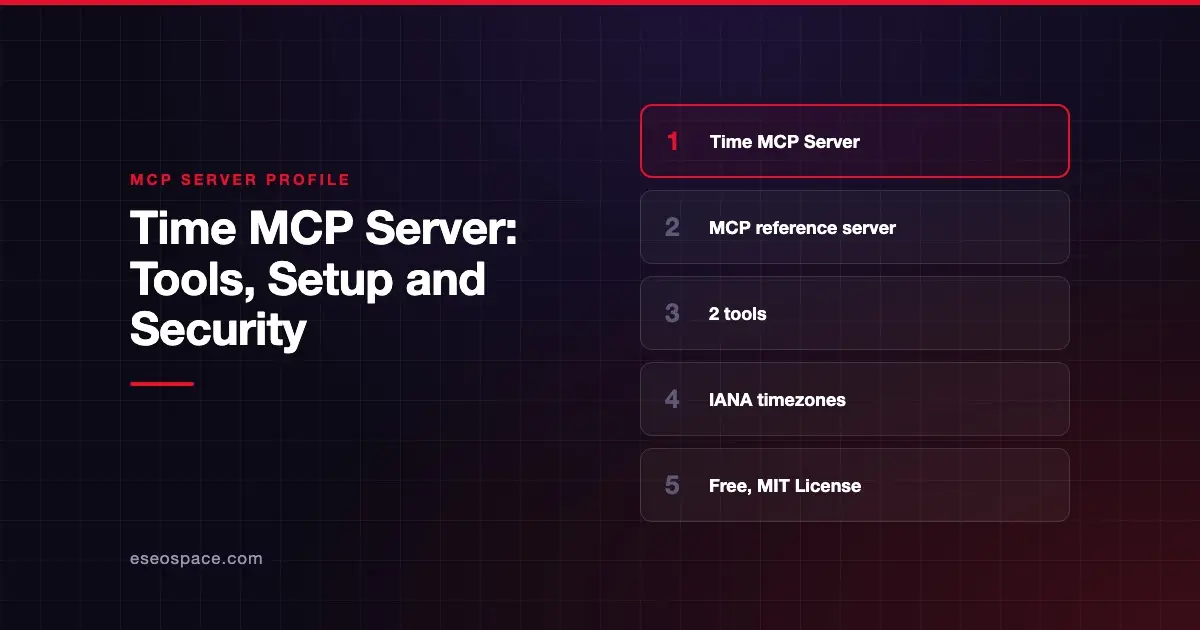
The Time MCP server tells an AI app what time it is in any timezone and converts times between zones. It is the smallest of the reference servers published by the Model Context Protocol project in the modelcontextprotocol/servers repository. It is a good first server for learning how MCP tools work.
Checked against: Time MCP Server README on 28 October 2026. eSEOspace did not install or test this server.
The repository says: "The servers in this repository are intended as reference implementations to demonstrate MCP features and SDK usage. They are meant to serve as educational examples for developers building their own MCP servers, not as production-ready solutions."
Key Takeaways
- Time is an MCP project reference implementation, not a production service.
- It has two tools:
get_current_timeandconvert_time. - Timezones must be exact IANA names, case included, such as
America/New_York. - The Docker image cannot see your system timezone, so it uses
LOCAL_TIMEZONEor falls back to UTC. - It runs locally over stdio and is free under the MIT License.
At a glance
| Field | Detail |
|---|---|
| Publisher | Model Context Protocol project (reference servers maintained by the MCP steering group) |
| Official? | Yes, an MCP project reference server |
| Hosting | Local package (mcp-server-time via uvx or pip), or Docker image mcp/time |
| Transport | stdio |
| Sign-in | None |
| Read or write | Read only |
| Price | Free and open source (MIT License) |
| Source code | github.com/modelcontextprotocol/servers/src/time |
| Status | Reference implementation, "not production-ready" per the repo |
What it can do
The README documents two tools:
get_current_time: returns the current time in a given timezone. It takestimezone, an IANA name such asEurope/London.convert_time: converts a time between zones. It takessource_timezone,timein 24-hourHH:MMform, andtarget_timezone.
Names must match IANA keys exactly. The README says Europe/Warsaw works and europe/warsaw is rejected on every platform.
Each tool declares an output schema. Results come back as structured content and as the same JSON in a text block, for clients that do not read structured output. The server registers no prompts or resources.
Errors such as an unknown timezone or a badly formatted time come back as tool errors the model can read and fix. Our page on MCP structured tool output explains why the two formats matter.
How to connect it
The README's Claude Desktop config with uvx:
{
  "mcpServers": {
    "time": {
      "command": "uvx",
      "args": ["mcp-server-time"]
    }
  }
}
The Docker version passes your timezone in:
{
  "mcpServers": {
    "time": {
      "command": "docker",
      "args": ["run", "-i", "--rm", "-e", "LOCAL_TIMEZONE", "mcp/time"]
    }
  }
}
You can also pip install mcp-server-time and run python -m mcp_server_time. The README includes configs for Zed and VS Code too.
By default the server detects your system timezone. To override it, add --local-timezone to args, for example --local-timezone=America/New_York. The Docker image cannot see the host timezone, so it reads LOCAL_TIMEZONE and uses UTC when it is unset.
Security notes
Time is low risk compared with most servers. Its tools only take timezone names and times, it has no write tools and it needs no account or key.
The general rules for local servers still apply:
- It runs as a program on your machine, so install it from the official package names in the README, not from look-alike forks. See MCP supply chain risks.
- Your MCP client launches it with a command. Check that command before approving it, as our page on command injection in local MCP servers explains.
- Even a harmless server adds tools to the model's list. Only connect what you need.
For the full set of checks, see the MCP security center.
Alternatives
Few servers do only this job. Common options are:
- Your AI app's own context, since many apps already pass the current date to the model.
- The "Everything" reference server in the same repository, if your goal is testing MCP features rather than telling time.
Other reference servers worth comparing for learning are Fetch and Memory. See more on our MCP server profiles hub.
Next step
Time is a clean model for your own first server: two tools, clear inputs and readable errors. If you want help turning that pattern into a server for your product, talk to our MCP development team.
Frequently asked questions
Why would an AI app need a time server?
A model does not know the current time on its own. A time tool gives it the real clock and reliable timezone math. That helps with scheduling, deadlines and "what time is it there" questions.
Why is my timezone rejected?
The server needs exact IANA names, case included. Use America/Chicago, not america/chicago or "CST." The README says lowercase names are rejected on every platform.
Why does the Docker version show UTC?
The container cannot see your computer's timezone. Pass LOCAL_TIMEZONE with -e, as in the README's config, or the server falls back to UTC.
Does it cost anything?
No. It is open source under the MIT License and runs locally with uvx, pip or Docker.