This profile is part of our MCP server directory, within The MCP Guide. Profiles are checked against each vendor's own documentation. Need a server built? See MCP development.
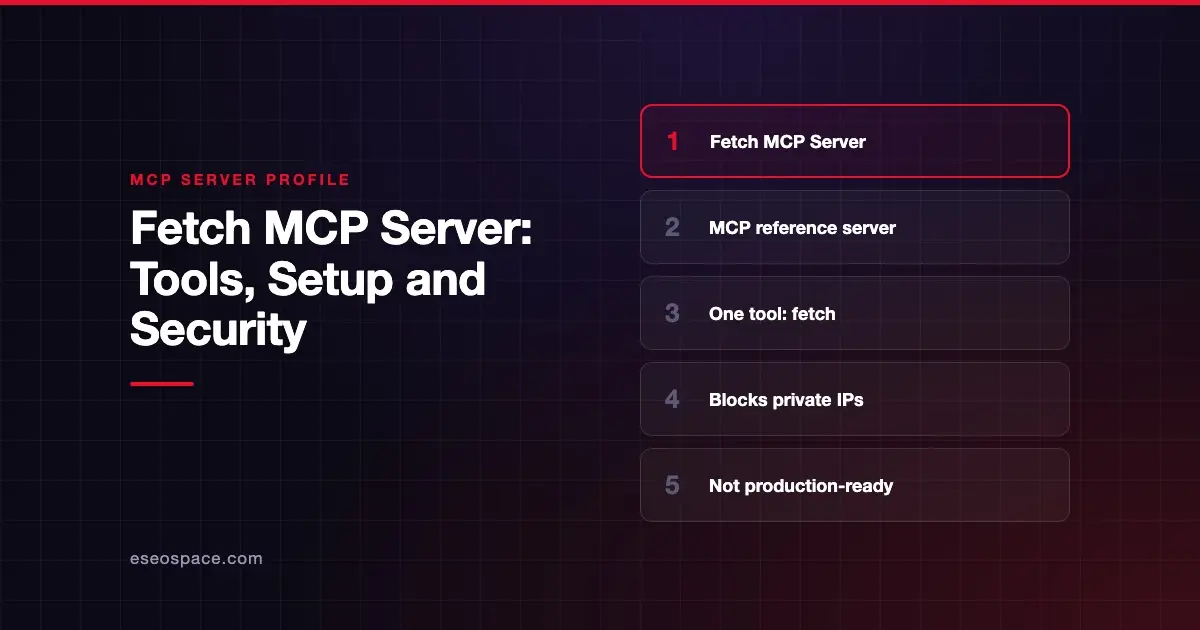
The Fetch MCP server lets an AI app download a web page and read it as markdown. It is one of the reference servers published by the Model Context Protocol project in the modelcontextprotocol/servers repository on GitHub. It is a teaching example, not a commercial product.
Checked against: Fetch MCP Server README on 28 October 2026. eSEOspace did not install or test this server.
The repository is clear about what these servers are. In its own words: "The servers in this repository are intended as reference implementations to demonstrate MCP features and SDK usage. They are meant to serve as educational examples for developers building their own MCP servers, not as production-ready solutions."
Key Takeaways
- Fetch is a reference implementation from the MCP project, meant for learning, not a production-ready web reader.
- It exposes one tool,
fetch, plus one prompt of the same name, and returns pages as markdown in chunks. - By default it refuses private, loopback and cloud metadata addresses, which guards against server-side request forgery (SSRF).
- The README warns the guard does not stop DNS rebinding, and
--allow-private-ipsturns it off. - It runs locally over stdio, needs no account, and is free under the MIT License.
At a glance
| Field | Detail |
|---|---|
| Publisher | Model Context Protocol project (reference servers maintained by the MCP steering group) |
| Official? | Yes, an MCP project reference server |
| Hosting | Local package (mcp-server-fetch via uvx or pip), or Docker image mcp/fetch |
| Transport | stdio |
| Sign-in | None |
| Read or write | Read only (tool annotated readOnlyHint: true) |
| Price | Free and open source (MIT License) |
| Source code | github.com/modelcontextprotocol/servers/src/fetch |
| Status | Reference implementation, "not production-ready" per the repo |
What it can do
The README documents a single tool:
fetch: fetches a URL and extracts its contents as markdown. Inputs areurl(required),max_length(default 5,000 characters),start_index(default 0) andraw(skip markdown conversion).
Because responses are cut at max_length, the model can call again with a higher start_index. That lets it read a long page in chunks until it finds what it needs.
The server also offers a fetch prompt. It takes a url and is meant for user-started fetches rather than model-started ones. That difference matters for robots.txt, covered below.
Failed fetches come back as tool errors the model can read. Examples include a robots.txt refusal, an HTTP error or a refused private address.
How to connect it
The README recommends running it with uvx, which needs no separate install. This is the Claude Desktop config it gives:
{
  "mcpServers": {
    "fetch": {
      "command": "uvx",
      "args": ["mcp-server-fetch"]
    }
  }
}
It also documents a Docker option:
{
  "mcpServers": {
    "fetch": {
      "command": "docker",
      "args": ["run", "-i", "--rm", "mcp/fetch"]
    }
  }
}
You can install with pip install mcp-server-fetch and run python -m mcp_server_fetch instead. The README also has VS Code configs and a Windows tip: set PYTHONIOENCODING to utf-8 if you see timeouts.
To debug, the README suggests the MCP Inspector:
npx @modelcontextprotocol/inspector uvx mcp-server-fetchSecurity notes
The README opens with a caution: "This server can access local/internal IP addresses and may represent a security risk."
It then describes the default guard. The server refuses addresses that are not publicly routable. That includes loopback, private ranges, link-local and cloud metadata endpoints such as 169.254.169.254. It checks every redirect hop the same way.
Three limits are worth knowing:
- DNS rebinding. The README says the guard checks addresses before each request, "so it does not protect against DNS rebinding between that check and the connection."
- The off switch. Adding
--allow-private-ipsdisables the guard. Only use it when you need to read a local dev server or intranet page. - Proxies. A hostname only a proxy can resolve is not checked by the server.
On robots.txt, the server obeys a site's rules when the model asks for a page through the tool. It does not apply them when a user starts the fetch through the prompt. You can disable the check with --ignore-robots-txt.
The bigger risk is not the fetch itself. Any page the model reads can contain hidden instructions. Treat fetched text as untrusted input, as our page on prompt injection through MCP tool results explains. For SSRF background, see SSRF in MCP, and for the full picture visit the MCP security center.
Alternatives
- Firecrawl MCP server: a commercial service with scrape, crawl, map and search tools.
- Exa MCP server: hosted search plus a
web_fetch_exatool for reading pages. - Bright Data MCP server: scraping through Bright Data's unblocking network, with a free monthly tier.
You can browse more options on our MCP server profiles hub.
Next step
Fetch is a good way to learn how a tool call works end to end. If you want a hardened version for your team, with logging and network rules, our MCP development team can scope it with you.
Frequently asked questions
Is the Fetch MCP server safe to use?
It has a sensible default guard against private and metadata addresses. The repository still calls it a reference implementation, not a production-ready solution. Use it for learning and low-risk tasks, and treat every fetched page as untrusted text.
Does the Fetch server render JavaScript?
The README does not describe a browser. It converts HTML to markdown with readabilipy, using Mozilla's Readability.js when Node.js is installed. For pages that need a real browser, look at a browser-based server instead.
Does it respect robots.txt?
Yes, for fetches the model starts through the fetch tool. Fetches a user starts through the fetch prompt skip the check. You can turn the check off with --ignore-robots-txt.
Does it cost anything?
No. It is open source under the MIT License and needs no account. You run it on your own machine with uvx, pip or Docker.