This profile is part of our MCP server directory, within The MCP Guide. Profiles are checked against each vendor's own documentation. Need a server built? See MCP development.
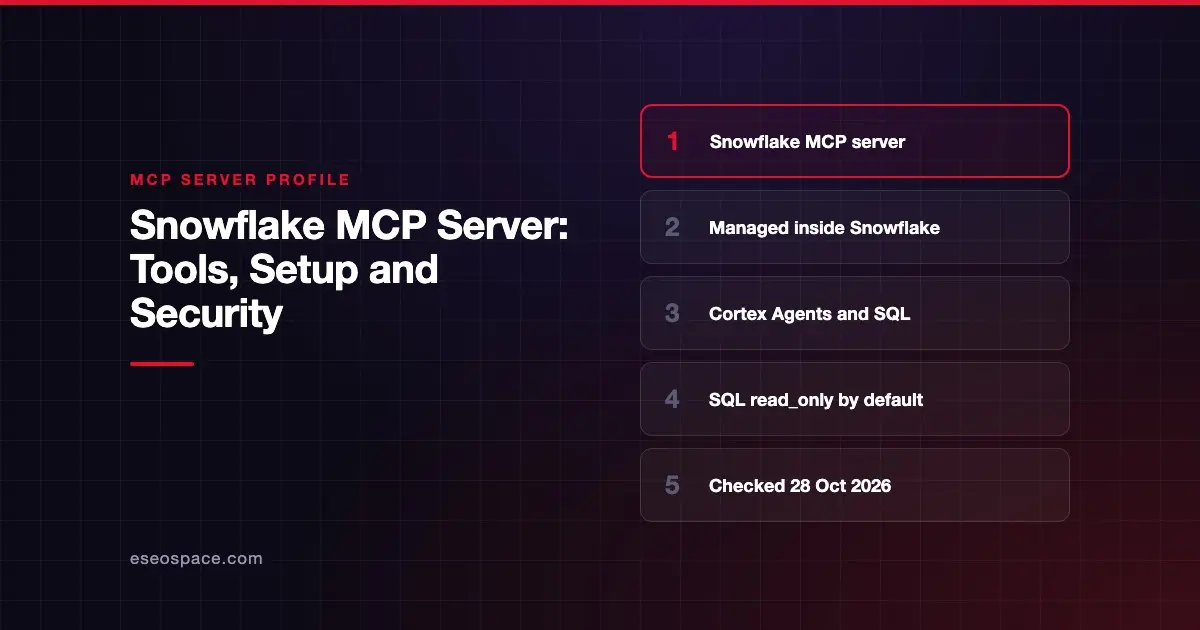
The Snowflake-managed MCP server lets AI apps use governed Snowflake data without you running extra infrastructure. You create an MCP server object in Snowflake with SQL, then choose which tools it exposes: Cortex Agents, Cortex Search, Cortex Analyst, SQL execution or your own functions. Snowflake runs it inside your account.
Checked against: Snowflake-managed MCP server docs on 28 October 2026. eSEOspace did not install or test this server.
Key Takeaways
- You define the server yourself with
CREATE MCP SERVER, so there is no fixed tool list; you pick the tools. - Snowflake recommends exposing a single Cortex Agent as the tool for governed business questions.
- The SQL execution tool has a
read_onlyoption that defaults totrue. - Snowflake OAuth is the default sign-in; programmatic access tokens are possible with a least-privileged role.
- Snowflake's older open-source Snowflake Labs MCP server is deprecated, and its repo points users to this managed server.
At a glance
| Item | Detail |
|---|---|
| Publisher | Snowflake |
| Official? | Yes |
| Hosting | Remote, inside your Snowflake account |
| Transport | JSON-RPC over HTTP POST; tool call results stream as Server-Sent Events |
| Sign-in | Snowflake OAuth (default), External OAuth, or programmatic access token |
| Read or write | Depends on the tools you add; SQL tool is read-only by default |
| Price | No MCP-specific price listed; the docs page has no billing section |
| Source code | Closed (managed service) |
| Status | Not stated on the docs page |
What it can do
A Snowflake MCP server is a database object. Its specification lists tools, and each tool has a type. The docs name these types:
| Tool type | What it exposes |
|---|---|
CORTEX_AGENT_RUN | A Cortex Agent |
CODING_AGENT | A coding agent with no stored agent object |
CORTEX_SEARCH_SERVICE_QUERY | A Cortex Search service |
CORTEX_ANALYST_MESSAGE | Cortex Analyst, on semantic views only |
SYSTEM_EXECUTE_SQL | SQL execution |
GENERIC | Your user-defined functions and stored procedures |
Only MCP tools are supported. Snowflake says resources, prompts, roots, notifications and sampling, all features of the MCP specification, are not. Each server can hold up to 50 tools. Results from generic and SQL tools are cut off at 250 KB.
How to connect it
First, create the server in Snowflake. The docs give this syntax:
CREATE [ OR REPLACE ] MCP SERVER [ IF NOT EXISTS ] <server_name>
  FROM SPECIFICATION $$ <specification_yaml> $$;
The specification is YAML that lists your tools. For the SQL tool you can set read_only, query_timeout and warehouse.
Your MCP client then connects to an endpoint in this format:
https://<account_url>/api/v2/databases/{database}/schemas/{schema}/mcp-servers/{name}Snowflake says the server supports MCP revision 2025-11-25. Clients must accept both application/json and text/event-stream. Snowflake also says to use hyphens, not underscores, in hostnames for MCP connections.
Security notes
Access is layered. A role needs USAGE on the MCP server to connect and list tools. That alone does not open the tools. Each tool also needs its own privilege, such as USAGE on a Cortex Agent or SELECT on a semantic view. This is a good fit for least privilege.
Snowflake's specific warnings:
- Keep SQL apart from governed agents. Do not put
SYSTEM_EXECUTE_SQLon the same server as a governed agent. Snowflake says it can bypass the agent's semantic views and verified queries. - Leave SQL read-only. The
read_onlyoption defaults totrue. Change it only for a clear reason. - Check third-party servers. Snowflake says to verify tools from other MCP servers, including ones from other Snowflake users, to reduce tool poisoning and tool shadowing.
- Avoid loops. Snowflake caps recursion at 10 invocations.
- Prefer OAuth. Snowflake recommends OAuth over hard-coded tokens. If you use a token, give it the least-privileged role that works.
Two operational notes. MCP server objects are not replicated in failover groups, so recreate them on secondary accounts. And the docs say the server has not completed a formal FedRAMP assessment. See the MCP security hub for more.
Alternatives
- Databricks MCP Server: managed MCP endpoints for Genie, SQL and Unity Catalog functions.
- Google BigQuery MCP Server: a remote server with separate read-only and full SQL tools.
- dbt MCP Server: metrics, lineage and models from dbt, which can sit on top of Snowflake.
More profiles are in the MCP server directory.
Next step
Start with one Cortex Agent and no raw SQL tool. Grant USAGE to a small test role and review what the agent answers. For help designing that rollout, talk to our MCP development team.
Frequently asked questions
What happened to the Snowflake Labs MCP server?
Its GitHub README now says the project "is deprecated and no longer maintained." It tells users to move to the official Snowflake-managed MCP server, which Snowflake supports.
Can the Snowflake MCP server run SQL that changes data?
Only if you allow it. The SYSTEM_EXECUTE_SQL tool has a read_only option that defaults to true, so it allows only reads unless you change it.
Do I need extra infrastructure?
No. Snowflake runs the server inside your account. You create it with SQL and connect your client to its endpoint URL.
Does Snowflake list a price for the MCP server?
The docs page does not include cost or billing details. The tools run existing Snowflake features such as Cortex and warehouses, so check with Snowflake on how those are billed.