This profile is part of our MCP server directory, within The MCP Guide. Profiles are checked against each vendor's own documentation. Need a server built? See MCP development.
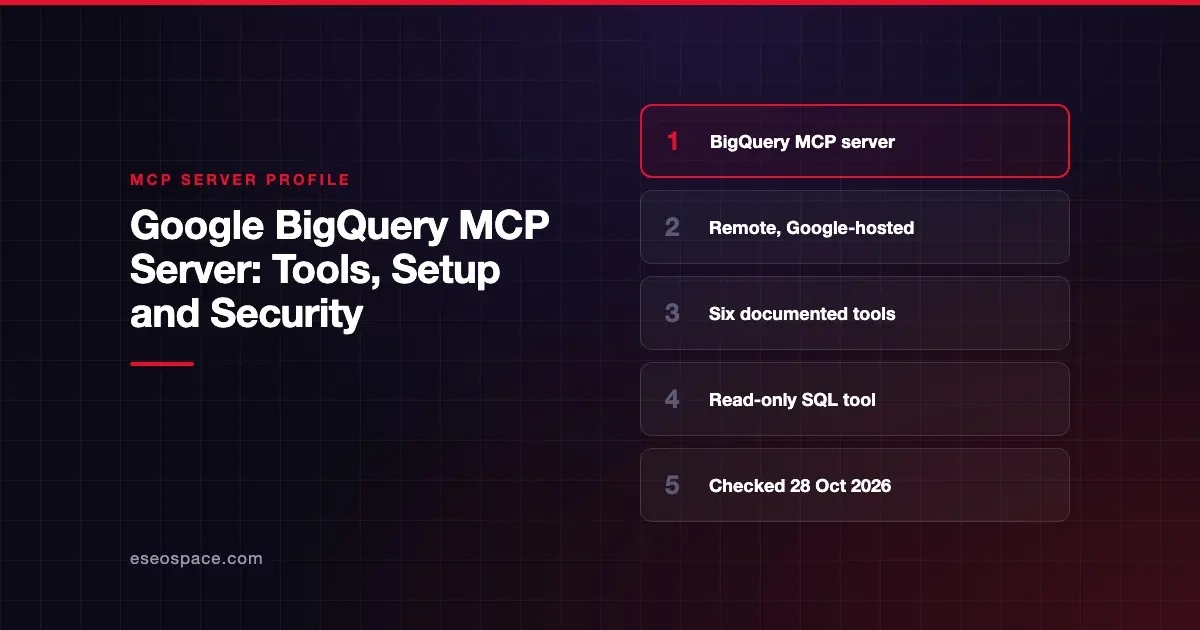
The BigQuery MCP server lets AI apps such as Claude, ChatGPT and Antigravity list BigQuery datasets and tables, read metadata and run SQL. Google hosts it, and Google says it is enabled when you enable the BigQuery API. Google also documents a local option through MCP Toolbox for Databases.
Checked against: Use the BigQuery MCP server on 28 October 2026. eSEOspace did not install or test this server.
Key Takeaways
- The remote endpoint is
https://bigquery.googleapis.com/mcp, over Streamable HTTP, the remote transport in the MCP specification. - Google documents six tools, including
execute_sqlandexecute_sql_readonly. - Google says
execute_sqlis the only tool that is not read-only, and you can block it with an IAM deny policy. - Sign-in uses OAuth 2.0 with IAM roles, and Google recommends a separate identity for agents.
- Queries time out after three minutes by default, and results are capped at 3,000 rows.
At a glance
| Item | Detail |
|---|---|
| Publisher | Google Cloud |
| Official? | Yes |
| Hosting | Both: remote URL, plus a local server through MCP Toolbox for Databases |
| Transport | Streamable HTTP (remote) |
| Sign-in | OAuth 2.0 with IAM |
| Read or write | Read by default; execute_sql can write |
| Price | No MCP-specific price; normal BigQuery quotas apply |
| Source code | Remote server closed; local option via MCP Toolbox for Databases (open source) |
| Status | Not stated on the docs page |
What it can do
Google lists six tools:
| Tool | What it does | Read-only? |
|---|---|---|
list_dataset_ids | Lists datasets | Yes |
list_table_ids | Lists tables | Yes |
get_dataset_info | Gets dataset metadata | Yes |
get_table_info | Gets table metadata | Yes |
execute_sql_readonly | Runs SQL; rejects DML, DDL and Python UDFs | Yes |
execute_sql | Runs SQL | No |
Google lists these limits. The SQL tools do not support Google Drive external tables. execute_sql_readonly does not support GQL. Queries are cancelled after three minutes by default. Results stop at 3,000 rows.
How to connect it
The remote server needs no install. Google says it is turned on when the BigQuery API is enabled, and new projects have that API on already. Point your MCP client at:
https://bigquery.googleapis.com/mcpSign-in uses OAuth 2.0 with the scope https://www.googleapis.com/auth/bigquery. The user or service account needs these IAM roles:
- MCP Tool User (
roles/mcp.toolUser) to make tool calls. - BigQuery Job User (
roles/bigquery.jobUser) to run jobs. - BigQuery Data Viewer (
roles/bigquery.dataViewer) to query data.
Google suggests the local server instead in two cases. One is when you need a custom tool over a parameterized SQL query. The other is when you lack permission to enable the remote server. The local route uses MCP Toolbox for Databases, which Google's README says supports BigQuery among many other databases.
Security notes
Block writes if you do not need them. Google states that "the only MCP tool that isn't read-only is execute_sql." Its docs suggest an IAM deny policy to block it. That leaves the AI with metadata tools and execute_sql_readonly. Read MCP tool annotations for how clients learn which tools are read-only.
Use a separate identity. Google recommends a distinct identity for agents rather than a person's own account. Give it only the three roles above, on only the datasets it needs. See least privilege for MCP.
Watch Model Armor logging. If you turn on Model Armor logging, Google says "Model Armor logs the entire payload." That may put sensitive data in logs. Google also says Model Armor may route traffic outside your data-residency area where it is not supported. And it advises against the prompt injection and jailbreak filter unless your MCP traffic contains natural language data.
Quotas still apply. The MCP server has no quota of its own. BigQuery's normal API and query job quotas apply to the SQL tools. A runaway agent can still run many queries, so set budgets. See MCP resource exhaustion and the MCP security hub.
Alternatives
- Snowflake MCP Server: a managed server you define with SQL, with a read-only SQL option on by default.
- Databricks MCP Server: Genie, SQL and Unity Catalog functions.
- ClickHouse MCP Server: an open-source server that is read-only by default.
More profiles are in the MCP server directory.
Next step
Create an agent service account with the three roles, deny execute_sql, and test with execute_sql_readonly first. If you want help with the IAM design, our MCP readiness audit covers it.
Frequently asked questions
Is the BigQuery MCP server read-only?
Five of its six tools are read-only. execute_sql is not. Google suggests an IAM deny policy if you want to block it.
Do I need to install anything to use the BigQuery MCP server?
No for the remote server. Google says it is enabled when the BigQuery API is enabled. You only install something if you choose the local server through MCP Toolbox for Databases.
Which IAM roles does it need?
Google lists MCP Tool User, BigQuery Job User and BigQuery Data Viewer. Give these to a separate agent identity, scoped to the data it needs.
Does the BigQuery MCP server cost extra?
Google lists no separate MCP price or quota. Underlying BigQuery API and query job quotas still apply. Google does not give MCP-specific pricing, so check your BigQuery pricing for the queries an agent runs.