This profile is part of our MCP server directory, within The MCP Guide. Profiles are checked against each vendor's own documentation. Need a server built? See MCP development.
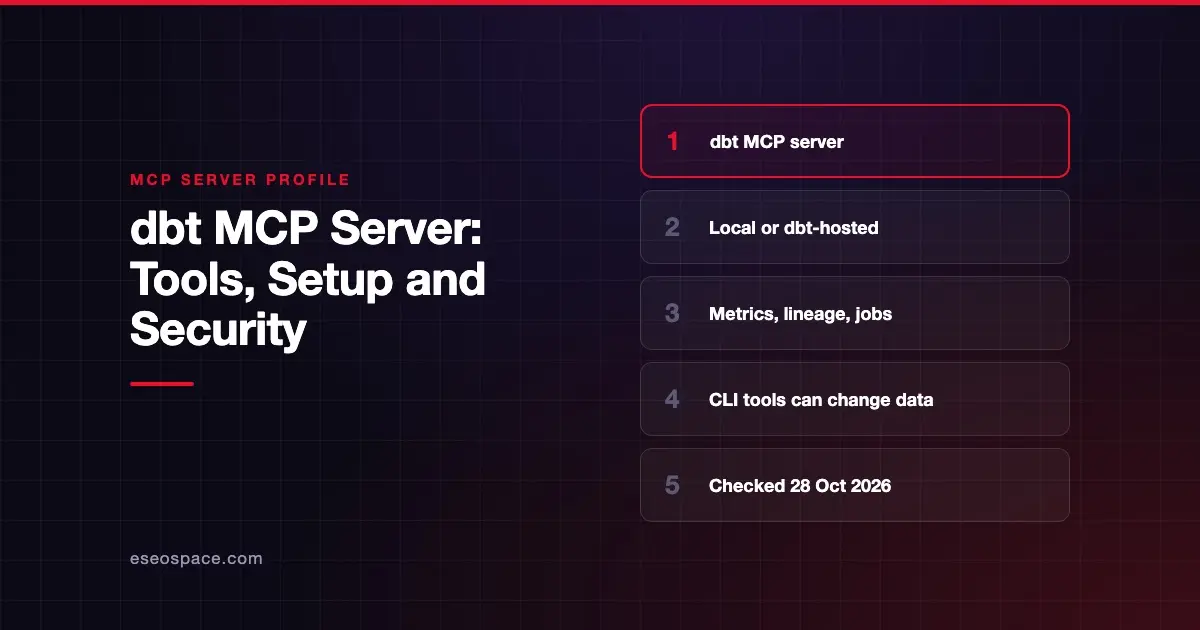
The dbt MCP server gives AI agents context from your dbt project. It can list metrics and query the Semantic Layer, trace lineage, read model health, run dbt commands and manage dbt platform jobs. dbt Labs publishes it as open source, and also runs a hosted remote version.
Checked against: dbt MCP docs on 28 October 2026. eSEOspace did not install or test this server.
Key Takeaways
- The local server starts with
uvx dbt-mcpand supports dbt CLI commands for development. - The remote server needs no install and is for "consumption" uses such as metrics, metadata and lineage.
- dbt Labs warns that the dbt CLI tools "could modify your data models, sources, and warehouse objects."
- Remote MCP is on all dbt platform plans, but which tools work depends on the APIs your plan includes.
text_to_sqlis the only tool that uses dbt Copilot actions.
At a glance
| Item | Detail |
|---|---|
| Publisher | dbt Labs |
| Official? | Yes |
| Hosting | Both: local (uvx dbt-mcp) and a dbt-hosted remote server |
| Transport | stdio locally; HTTP for the remote server |
| Sign-in | dbt platform tokens or OAuth, depending on client |
| Read or write | Mostly read; dbt CLI and job tools can run models and change warehouse objects |
| Price | Remote MCP on all dbt platform plans; text_to_sql uses Copilot actions |
| Source code | dbt-labs/dbt-mcp |
| Status | Not stated; an MCP bundle and the search tool are marked experimental or alpha |
What it can do
The README groups tools by area:
- SQL:
execute_sqlruns SQL on dbt platform infrastructure.text_to_sqlwrites SQL from plain language. - Semantic Layer:
list_metrics,get_dimensions,get_entities,get_dimension_values,query_metrics,get_metrics_compiled_sql,list_saved_queries. - Discovery:
get_all_models,get_mart_models,get_all_sources,get_lineage,get_node_details,get_model_health,get_model_performance,get_exposures,get_related_modelsand more. Several older detail tools are deprecated in favor ofget_node_details. - dbt CLI:
build,run,test,compile,parse,list,show,clone,docs. - Admin API:
list_jobs,get_job_details,trigger_job_run,cancel_job_run,retry_job_run,list_jobs_runs,get_job_run_errorand artifact tools. - Codegen:
generate_model_yaml,generate_source,generate_staging_model. - dbt LSP:
fusion.compile_sql,fusion.get_column_lineage,get_column_lineage. - Product docs:
search_product_docs,get_product_doc_pages.
How to connect it
Local. dbt's docs say to install uvx, then run:
uvx dbt-mcpYou do not need to clone the repo. The local server supports dbt CLI commands and suits development work on models, tests and docs. dbt Labs also publishes an experimental MCP bundle file (dbt-mcp.mcpb) with each release for clients that can import bundles.
Remote. The remote server connects over HTTP to dbt's hosted service, with nothing to install. It does not support local development or dbt platform CLI commands. The about page does not show the URL. It links to a remote quickstart and guides for Claude, Cursor, VS Code and Snowflake Cortex.
Security notes
CLI tools can change your warehouse. The README is direct: dbt CLI tools "could modify your data models, sources, and warehouse objects. Proceed only if you trust the client and understand the potential impact." run and build materialize models in your database. show runs SQL against it. Disable these tools if you only need answers. dbt documents environment variables for turning tool groups off; check its environment variables reference for exact names.
Job tools act on production schedules. trigger_job_run, cancel_job_run and retry_job_run act on real dbt platform jobs. Treat them as write tools. See MCP tool annotations for how clients flag such tools.
Data handling. dbt's docs say the server "is read-only and doesn't store production data or job results." It reads from the dbt platform when a tool is called, and retention follows your dbt platform policy. Read that as a statement about storage. The CLI and job tools can still change things.
Rate limits and AI settings. Remote MCP uses dbt's global API rate limit of 5,000 requests per minute per IP. If an admin turns off AI features, text_to_sql is hidden but other tools keep working. More in the MCP security hub and excessive permissions.
Alternatives
- Snowflake MCP Server: Cortex Agents and SQL on the warehouse itself.
- Databricks MCP Server: Genie and SQL governed by Unity Catalog.
- Google BigQuery MCP Server: a remote server with a read-only SQL tool.
More profiles are in the MCP server directory.
Next step
For business users who want governed metrics, the remote server with Semantic Layer tools is the safer starting point. Keep CLI tools for developers. Our MCP readiness audit can help you split those two audiences.
Frequently asked questions
What is the difference between the local and remote dbt MCP servers?
The local server runs on your machine with uvx dbt-mcp and supports dbt CLI commands. The remote server is hosted by dbt, needs no install, and is for metrics, metadata and lineage, without CLI commands.
Can the dbt MCP server change my data?
Yes, through some tools. dbt Labs warns that the dbt CLI tools could modify data models, sources and warehouse objects. Job tools can also trigger or cancel runs.
Which dbt plans can use the remote MCP server?
dbt says remote MCP is available on all dbt platform plans. The tools you get depend on your plan, because they rely on APIs such as Discovery and the Semantic Layer.
Does using the dbt MCP server cost credits?
dbt says text_to_sql is the only MCP tool that uses dbt Copilot actions. If you run out, that tool stops until the limit resets, and other tools keep working.