

This guide is part of our MCP connection guides, within The MCP Guide. Steps are copied from the vendor's own documentation. Need a custom connection? See MCP development.
Connecting ChatGPT to Figma lets you turn a chat into a FigJam diagram or a Figma Slides deck, preview it in the conversation, and open it in Figma to keep editing. Figma documents this as the Figma app in ChatGPT. It is a different product from Figma's design-to-code MCP server, which works with coding tools such as Codex, Cursor and Claude Code.
Checked against: Figma's guide to using ChatGPT with Figma and OpenAI's guide to connected apps in ChatGPT on 28 October 2026. eSEOspace did not run these steps; menus can change, so follow the vendor's page if it differs.
Key Takeaways
- Figma's ChatGPT app creates FigJam diagrams and Figma Slides presentations only; Figma says other Figma products aren't supported.
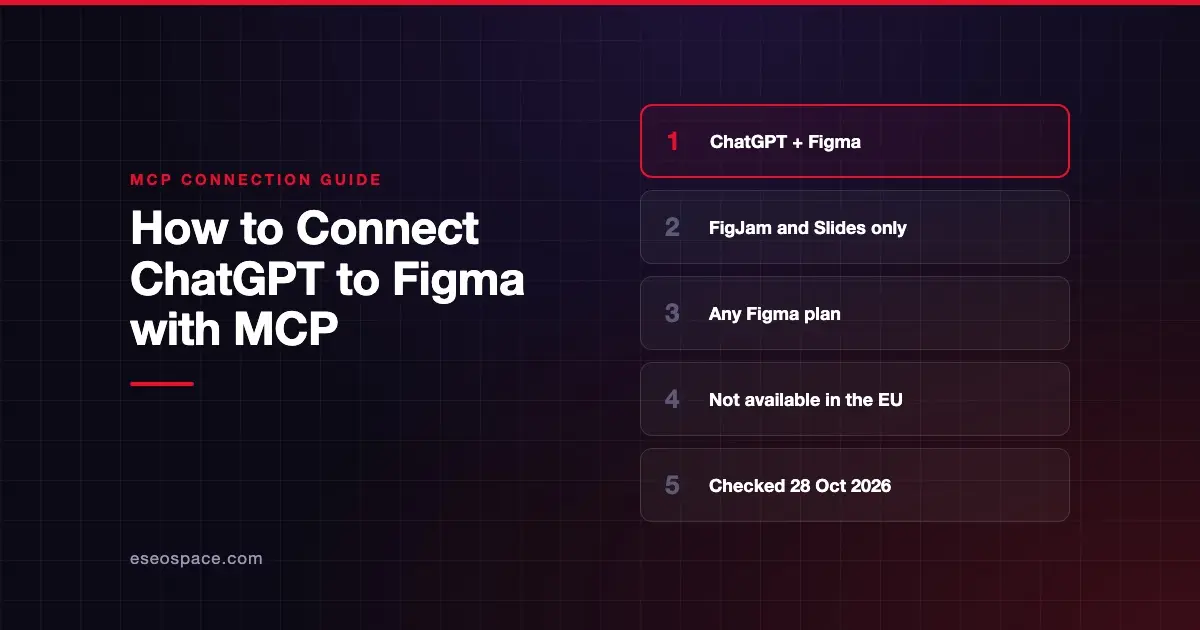
- Figma says the app is available on any Figma plan but is not available in the EU.
- The Figma Slides integration is in beta, with possible usage limits; Full seats on paid plans get the largest allowance.
- Files you haven't claimed are public to anyone with the link until you sign in and add them to your drafts.
- Figma's remote MCP server for design-to-code accepts only clients in its MCP catalog, and ChatGPT chat is not in Figma's client list.
Before you start
You need a ChatGPT account. A Figma account is needed to claim and keep the files, and Figma lets you sign in or sign up from the chat preview. Figma lists the feature as "Available on any Figma plan."
Check your region. Figma's page says, "This feature is currently not available in the EU."
On the ChatGPT side, OpenAI's plugins article says installing a given plugin depends on your plan, workspace, role and region. In a managed ChatGPT workspace, an admin may need to enable Figma. OpenAI's admin controls article says Enterprise and Edu workspaces have new apps disabled by default.
Where MCP fits
When OpenAI launched apps in ChatGPT, it named Figma as a pilot partner and said the Apps SDK builds on the Model Context Protocol. OpenAI's developer docs now cover that toolkit under Plugins; the old apps-sdk address redirects there. Figma's separate remote MCP server at https://mcp.figma.com/mcp is for design-to-code work. Figma's developer docs say only clients listed in the Figma MCP catalog can connect to it. ChatGPT chat isn't in the client table on Figma's MCP guide, so adding the server to ChatGPT as a custom MCP server is not a documented setup.
Steps
You may be prompted to connect Figma the first time you ask for a Figma file. To connect manually, Figma gives these steps:
- Open ChatGPT.
- Open the left side panel and click your profile or username.
- Select Apps & connectors.
- Scroll until you find Figma, then select Connect.
- Follow the on-screen prompts to allow ChatGPT to access Figma.
OpenAI's current connected apps article names this menu Settings > Plugins, with Install plugin and Connect buttons. If you don't see Apps & connectors, look under Plugins instead.
To use the app, Figma recommends starting your prompt with "Figma," or selecting the + icon next to the prompt and choosing the Figma app. ChatGPT then shows an embedded preview of the file.
To keep working, select Open in Figma on mobile or Edit in Figma on desktop. Sign in to claim the file and add it to your drafts.
Check that it works
These prompts come from Figma's own examples.
Example prompts:
- "Figma: create a FigJam flowchart of the 2FA flow in the attached product requirements document."
- "Figma: make a Figma Slides presentation about our Q4 roadmap."
- "Figma: generate a minimalist portfolio Figma Slides deck highlighting my experience, skills and selected projects."
Figma says ChatGPT may ask short follow-up questions about your goal or audience. For Slides, it turns your prompt into an objective, an outline and style notes.
Permissions and safety
- Unclaimed files are public. Figma says files created from ChatGPT that haven't been claimed are viewable by anyone with the link. Once you sign in and add the file to your drafts, it becomes private to you.
- Limited uploads. Figma says ChatGPT can use uploaded images or PDFs as context for Slides but can't always embed them in the file.
- ChatGPT approvals. OpenAI's app permissions article lists Always ask, Allow read actions, Allow low-risk actions and Allow all actions. Always ask shows each action before it runs.
- Workspace controls. OpenAI lists Figma among the apps an Enterprise organization can restrict to its verified email domain.
Treat attached documents as untrusted input. Read MCP prompt injection and the MCP Security Center before you mix design files with other apps.
If it doesn't work
Figma's page lists no ChatGPT-specific errors, so start with these general checks:
- Wrong file type. The app only makes FigJam and Figma Slides files.
- In the EU. Figma says the feature isn't available there.
- Usage limits on Slides. Figma says the beta may have usage limits.
- "Not available on your plan" or "Disabled by admin." OpenAI's troubleshooting article says to check plan requirements or ask your workspace administrator.
Next step
If you want an AI tool to read Figma designs and write code, read the Figma MCP server profile for the remote server and its supported clients. More setup guides are in the connection guides hub. For broader planning, see MCP for marketing teams.
Frequently asked questions
Can ChatGPT edit my existing Figma designs?
Figma's ChatGPT page covers creating new FigJam diagrams and Figma Slides decks. To edit visuals, add text or replace content, Figma says to open the file in Figma.
Do I need a paid Figma plan?
No. Figma says the ChatGPT app is available on any Figma plan. During the Slides beta, Full seats on paid plans get the largest usage allowance.
Can I add Figma's MCP server to ChatGPT as a custom server?
Figma says only clients in its MCP catalog can connect to its MCP server, and ChatGPT chat isn't in the client table on Figma's guide. OpenAI's Codex is, and Figma documents a Figma plugin for the Codex app.
Is the Figma app in ChatGPT available in Europe?
Not yet. Figma's help page says the feature is currently not available in the EU.









