This profile is part of our MCP server directory, within The MCP Guide. Profiles are checked against each vendor's own documentation. Need a server built? See MCP development.
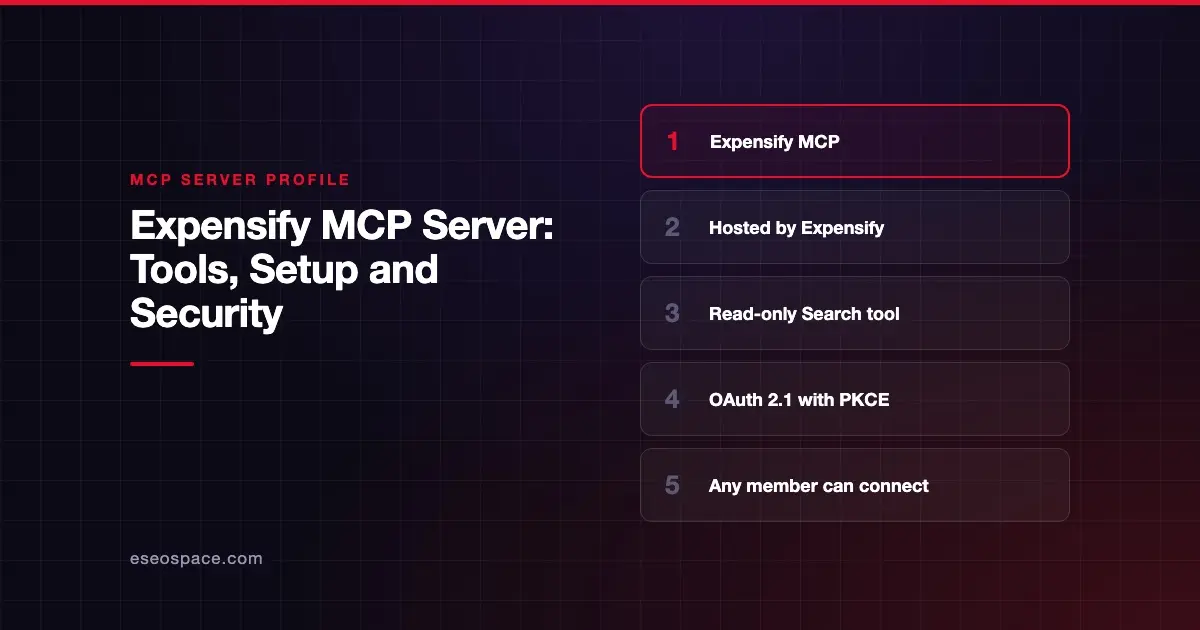
The Expensify MCP server lets an AI app search and analyze your Expensify data: expenses, reports, reimbursements, receipts, invoices, trips and approvals. Expensify publishes and hosts it. It is read-only, so the AI can answer questions but cannot change anything in Expensify.
Checked against: Expensify's MCP help article on 28 October 2026. eSEOspace did not install or test this server.
Key Takeaways
- The server URL is
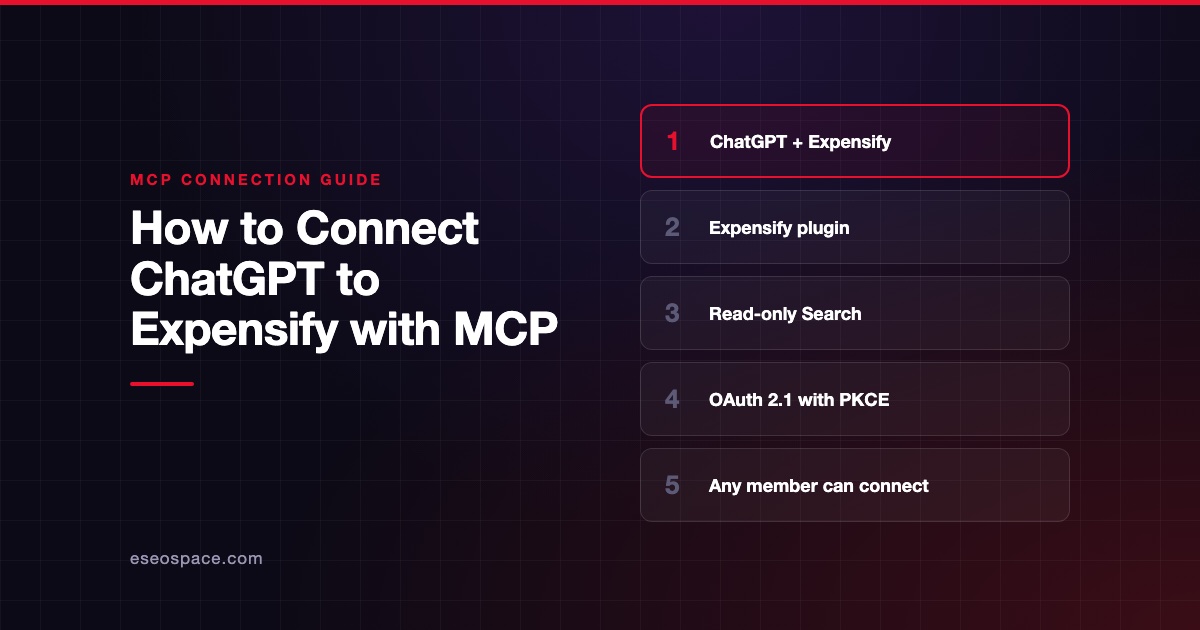
https://www.expensify.com/mcp. - It exposes Expensify's Search functionality, and Expensify says it "cannot create, edit, or delete anything."
- Sign-in uses OAuth 2.1 with PKCE, and you grant one scope,
mcp:tools. - The AI sees only data you can already access through your account and Workspace permissions.
- Any Expensify member with an MCP-compatible client can connect; Expensify has guides for Claude, ChatGPT and Cursor.
At a glance
| Item | Detail |
|---|---|
| Publisher | Expensify |
| Official? | Yes |
| Hosting | Remote URL (https://www.expensify.com/mcp) |
| Transport | Remote HTTP (exact transport not named in the article) |
| Sign-in | OAuth 2.1 with PKCE; scope mcp:tools |
| Read or write | Read-only |
| Price | No separate MCP price listed |
| Source code | Closed |
| Status | Not stated |
What it can do
Expensify says the server "exposes Search functionality to compatible AI assistants." It does not publish a list of tool names beyond the Search tool. The help article says it can help analyze:
- Expenses, reports and reimbursements
- Invoices, merchants and categories
- Approvals and receipts
- Workspace data and spend trends
- Trips, chats and tasks
Expensify's example prompts include:
- "Show me all expenses over $100 missing receipts."
- "Which reports are waiting for my approval?"
- "Summarize team spending by category for Q1."
- "Find unreimbursed expenses older than 30 days."
Expensify says the server supports read-only workflows: querying, filtering, summarizing, search and trend analysis. It "cannot approve reports, edit expenses, reimburse payments, or manage Workspace settings."
How to connect it
Expensify's general steps work across clients:
- Open your MCP-compatible AI client.
- Find its MCP or integrations settings.
- Add a new MCP server connection.
- Connect to
https://www.expensify.com/mcp. - Sign in to Expensify when prompted.
- Review the requested permissions.
- Approve the OAuth access request.
- Test the connection with a natural language question.
Expensify links separate setup guides for ChatGPT, Claude and Cursor. It says other MCP clients may also work.
Security notes
- Read-only by design. The AI can search, retrieve and analyze, but cannot create, edit or delete. That makes it a lower-risk starting point than servers with write tools.
- Your permissions apply. The
mcp:toolsscope gives "read access to the Expensify data you can already access." An admin's assistant sees more than an employee's. - Consent screen. You sign in with your normal Expensify methods and approve or deny on a consent screen.
- Revoking access. Remove the Expensify server in your AI client's settings. Expensify says you can also revoke through its OAuth revocation flow if your client supports it.
- Data still leaves Expensify. Receipts, merchants and amounts go into your AI chat. Check your AI provider's retention and training settings.
Read-only doesn't mean risk-free. Read our guides to data exfiltration and cross-server data leakage, and the MCP security center.
Alternatives
- Ramp, which can also approve and edit transactions.
- BILL, a read-only server that includes Spend & Expense card data.
More options are in the MCP server directory.
Next step
Planning AI-assisted expense reviews for your team? Start with our MCP readiness audit.
Frequently asked questions
Does Expensify have an official MCP server?
Yes. Expensify documents it in its own help center and hosts it at https://www.expensify.com/mcp.
Can the Expensify MCP server approve reports?
No. Expensify says it provides read-only access and cannot approve reports, edit expenses, reimburse payments or manage Workspace settings.
Which AI apps work with Expensify MCP?
Expensify has setup guides for Claude, ChatGPT and Cursor, and says other MCP-compatible clients may also work.
Who can connect Expensify to an AI assistant?
Expensify says any member with an Expensify account and an MCP-compatible AI client can connect.