This profile is part of our MCP server directory, within The MCP Guide. Profiles are checked against each vendor's own documentation. Need a server built? See MCP development.
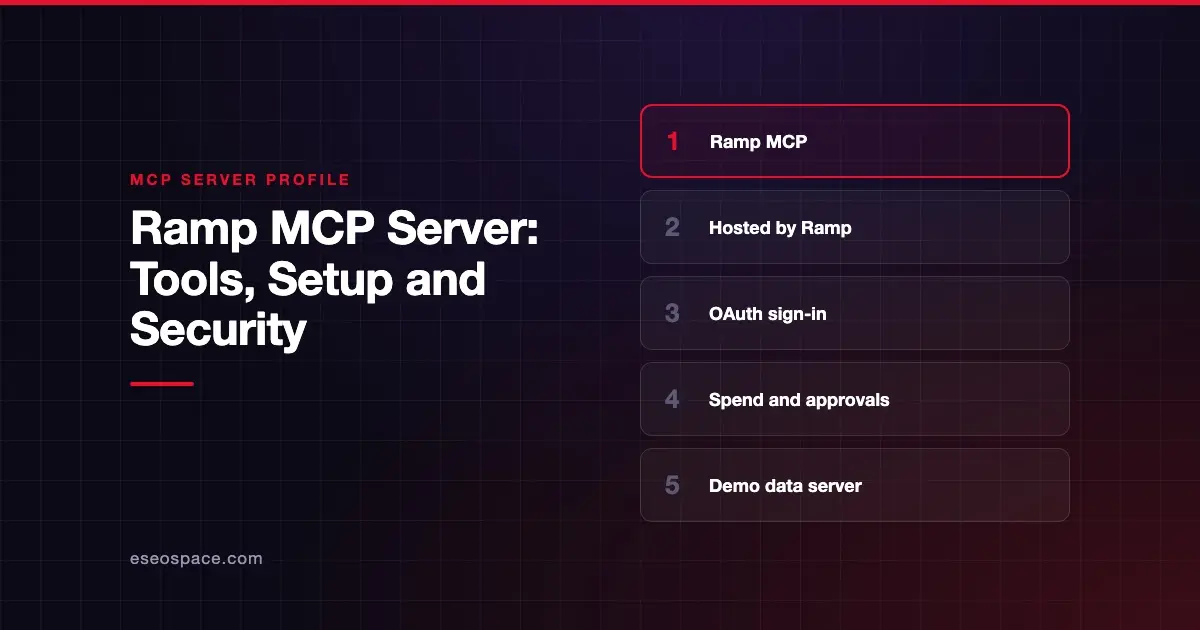
The Ramp MCP server lets an AI app search company spend, approve transactions and reimbursements, submit expenses, manage cards and apply GL (general ledger) coding. Ramp publishes and hosts it. Ramp says it connects Ramp to assistants like ChatGPT and Claude "so you can query Ramp data and take actions with natural language."
Checked against: Ramp's MCP developer guide on 28 October 2026. eSEOspace did not install or test this server.
Key Takeaways
- Ramp hosts the server at
https://mcp.ramp.com/mcp, and a demo server with sample data runs athttps://demo-mcp.ramp.com/mcp. - Employees see only their own data, while company-wide tools need admin or business-owner permissions.
- Admins can limit who uses Ramp MCP by role, department or user.
- Bill approvals are not yet available through MCP, and Ramp says the server "is subject to change."
- Ramp lists no separate MCP fee; its plans start at $0 per user per month.
At a glance
| Item | Detail |
|---|---|
| Publisher | Ramp |
| Official? | Yes |
| Hosting | Remote URL (https://mcp.ramp.com/mcp); demo at https://demo-mcp.ramp.com/mcp |
| Transport | Remote HTTP (exact transport not named in the guide) |
| Sign-in | OAuth |
| Read or write | Both |
| Price | No separate MCP price listed; Ramp Free $0/user/mo, Plus $15/user/mo plus a platform fee, Enterprise custom |
| Source code | Closed |
| Status | "Subject to change" |
What it can do
Ramp groups tools by task, not by name. It says "the underlying surface evolves continuously," so it does not publish a fixed tool list. The groups are:
- Read and analyze spend: search transactions, pull spend exports, query vendors and accounting categories, load departments and entities, get treasury balances and the org chart.
- Process approvals: approve or reject transactions, reimbursements and unified requests such as purchase orders and fund requests. "Bill approvals are not yet available via MCP."
- Submit and complete expenses: let employees submit expenses and reimbursements and move their own requests forward.
- Edit and act on workflows: edit transaction memos, coding and trips, post comments, lock, unlock or activate cards and apply GL coding.
- Answer questions: policy Q&A, Help Center search and decline explanations.
- Make purchases: generate Agent Card credentials.
- Manage trips: create and view trips and link flight and hotel bookings.
To pick up new tools, Ramp says to disconnect and reconnect your client.
Ramp's MCP overview says it ships three MCP servers for different audiences. This page covers Ramp MCP, the one that reaches account data. The separate Developer MCP only serves public API documentation and needs no Ramp account.
How to connect it
Ramp's guide says off-the-shelf clients, including Claude, ChatGPT, Cursor and Claude Code, "work out of the box." For any MCP client, use the server URL:
Production: https://mcp.ramp.com/mcp
Demo:       https://demo-mcp.ramp.com/mcp
In Claude Code, Ramp says to run /mcp to check that the Ramp server appears in your connected servers. Test with a prompt such as "What Ramp cards do I have?"
More than one Ramp business? Create one connection per business. Ramp treats any unused path like https://mcp.ramp.com/acme-corporate/mcp as an alias, so each connection keeps its own OAuth session. Don't use developer, employee, mcp, ramp-data or ramp-rate as identifiers, because those paths are reserved.
Custom clients and gateways need their redirect URI allowlisted by Ramp first. Ramp names Glean, MintMCP and GoSearch as examples of third-party gateways that need this. MintMCP has since renamed itself Mintive; see our Mintive profile.
Security notes
- Role-based data. "Employees see only their own data; admins see company-wide data." Most company-wide tools need admin or business-owner permissions.
- Admin controls. Admins go to Company, Integrations, Ramp MCP in the Ramp dashboard and select Manage Access. They can restrict access by role, department or specific user.
- Money-adjacent actions. The server can approve transactions and generate Agent Card credentials. Decide who should hold those powers before rollout.
- Test safely. Use the demo server with sample data before you point an assistant at live Ramp data.
- Fixing auth problems. Ramp's troubleshooting steps include clearing authentication in Claude Code with
/mcpand removing cached MCP auth.
An approval tool in the wrong hands is a real risk. Read our guides to excessive permissions and approval fatigue, and the MCP security center.
Alternatives
- Expensify, a read-only expense search server.
- BILL, for payables, receivables and card spend in BILL.
- Mercury, for business banking data with approval-gated payment requests.
Browse more in the MCP server directory.
Next step
Rolling out AI tools to a finance team? Our MCP readiness audit maps who should get which access before you switch anything on.
Frequently asked questions
Does Ramp have an official MCP server?
Yes. Ramp hosts it at https://mcp.ramp.com/mcp and documents it in its developer docs.
Can Ramp MCP approve expenses?
Yes, for users with the right permissions. Ramp says it can approve or reject transactions, reimbursements and unified requests. Bill approvals are not yet supported.
Is there a way to try Ramp MCP without real data?
Yes. Ramp offers a demo server at https://demo-mcp.ramp.com/mcp that uses sample data.
How much does Ramp MCP cost?
Ramp lists no separate MCP fee. Ramp's pricing page lists Free at $0 per user per month, Plus at $15 per user per month plus a platform fee, and custom Enterprise pricing.