This profile is part of our MCP server directory, within The MCP Guide. Profiles are checked against each vendor's own documentation. Need a server built? See MCP development.
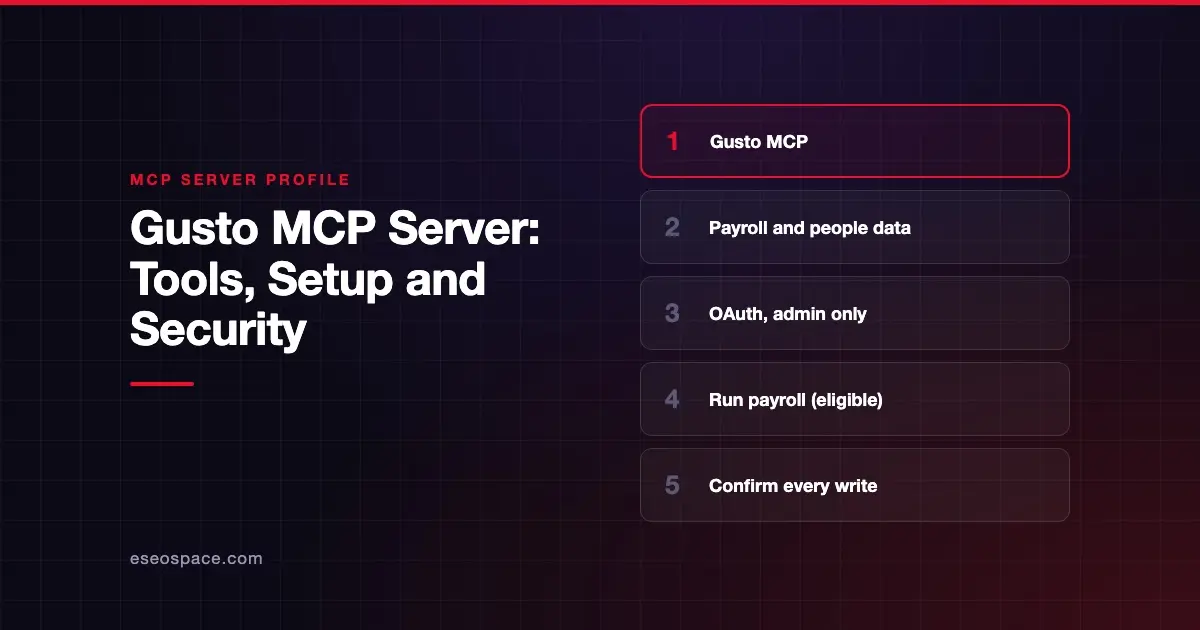
The Gusto MCP server lets an AI app answer questions from your live payroll and people data, and take actions such as logging time, onboarding staff and running payroll. Gusto publishes and hosts it. Gusto says, "Every write comes back to you for confirmation before anything moves."
Checked against: Gusto's MCP integration page and Claude's Gusto connector listing on 28 October 2026. eSEOspace did not install or test this server.
Key Takeaways
- Gusto gives
https://mcp.api.gusto.comas the MCP connection URL; Claude's directory listshttps://mcp.api.gusto.com/anthropic. - You need primary or global admin permissions in Gusto to connect.
- Claude's directory lists 62 tools, including
run_payroll,list_employeesandrecord_time. - Gusto asks you to use the server in isolation, with no other MCP servers in the same session.
- Gusto also asks you to require manual confirmation for every tool call and to opt out of model training.
At a glance
| Item | Detail |
|---|---|
| Publisher | Gusto |
| Official? | Yes |
| Hosting | Remote URL (https://mcp.api.gusto.com) |
| Transport | Remote HTTP (exact transport not named on Gusto's page) |
| Sign-in | OAuth 2.0; your client must support dynamic client registration |
| Read or write | Both |
| Price | No separate MCP price listed; a Gusto account is needed |
| Source code | Closed |
| Status | Not stated |
What it can do
Gusto's page says you can "log time, onboard an employee or contractor, prepare and run payroll." During the OAuth connection, Gusto lets you "select the categories of data" the AI can reach.
Claude's directory listing, marked "Made by Gusto," shows 62 tools. Named examples include:
- Company and onboarding:
get_company,create_company,get_company_onboarding_statusandget_company_onboarding_package. - Employees:
list_employees,get_employee,get_employee_earnings_summary,get_compensation,get_departmentsandget_employee_rehire. - Payroll and time:
list_payrolls,run_payroll,record_timeandlist_time_records. - Contractors:
list_contractors,get_contractor,list_contractor_paymentsand contractor payment groups. - Tax credits:
calculate_rd_tax_creditandcheck_rd_credit_qualification.
The listing says, "Eligible customers can also run payroll in Claude." Gusto's sample prompts include "When is my next payroll deadline?" and "What was my tax liability on my most recent payroll?"
How to connect it
Gusto's page lists these requirements:
- Platform: MCP server support and dynamic client registration support.
- Gusto access: primary or global admin permissions.
To connect, Gusto says to use https://mcp.api.gusto.com as the URL for the MCP connection, then connect and authenticate when prompted. Gusto also links dedicated connectors for Claude and ChatGPT, and a Slack app.
Slack has its own steps on Gusto's page. You start the install flow, pick a workspace, open the Gusto app with @Gusto, click Connect on the Home tab and complete the authorization flow.
Security notes
Gusto lists five "Important Security & Usage Guidelines":
- Use the server in isolation. "Do not connect other MCP servers to the same client session that is connected to Gusto." Gusto warns mixing servers could send your Gusto data to another service.
- Use trusted clients only. Gusto names Claude, Gemini and Cursor as examples of well-established clients.
- Require manual confirmation for all tool use. Gusto says not to enable any automatic tool execution features.
- Verify all outputs. Treat responses "as a starting point, not a final source of truth."
- Opt out of model training in your AI client's privacy settings.
Gusto's page also says it is not responsible for errors in AI responses or for actions taken based on them. Payroll is high-stakes, so keep a person approving every run. See our guides to cross-server data leakage and approval fatigue, and the MCP security center.
Alternatives
- Rippling, an HR and IT platform whose MCP is controlled through an admin gateway.
- Deel, for global hiring, contracts and time off.
More HR and finance servers are in the MCP server directory.
Next step
Before payroll data meets an AI, set the rules. Our MCP readiness audit reviews access, approvals and logging.
Frequently asked questions
Does Gusto have an official MCP server?
Yes. Gusto describes the Gusto MCP server on its own integrations page, and Claude's directory lists a Gusto connector marked "Made by Gusto."
Can Gusto MCP run payroll?
Claude's directory says eligible customers can run payroll in Claude, and lists a run_payroll tool. Gusto says every write comes back to you for confirmation.
Who can connect Gusto to an AI app?
Gusto's page says you need primary or global admin permissions in Gusto. Your AI client must support MCP and dynamic client registration.
Can I use Gusto MCP alongside other MCP servers?
Gusto advises against it. Its guidelines say not to connect other MCP servers to the same session, to avoid your Gusto data reaching another service.