This profile is part of our MCP server directory, within The MCP Guide. Profiles are checked against each vendor's own documentation. Need a server built? See MCP development.
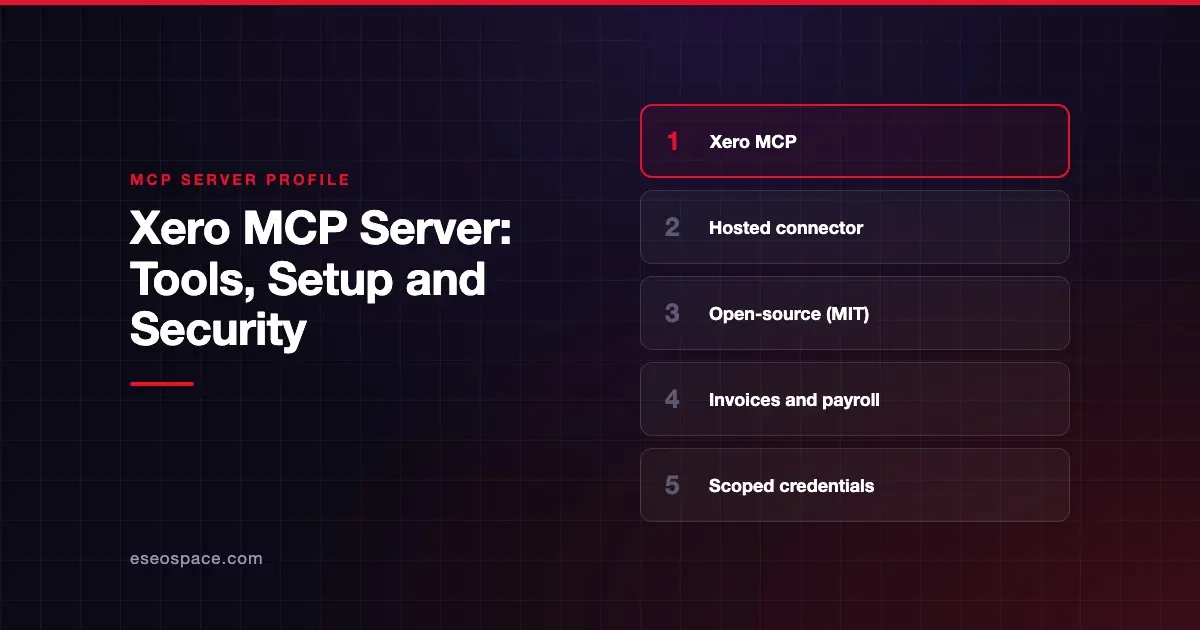
Xero offers two official MCP routes. A hosted Xero connector gives Claude read-only access to financial summaries such as profit and loss, cash position and unpaid invoices. The open-source Xero MCP server, published by Xero's GitHub organization, runs on your computer and can also create invoices, contacts, payments and payroll timesheets.
Checked against: Xero's GitHub repository, Claude's Xero connector listing and Xero Central's setup article on 28 October 2026. eSEOspace did not install or test this server.
Key Takeaways
- The hosted connector is at
https://mcp.xero.com/mcp, lists 20 tools and is described as read-only. - The local server is MIT-licensed, runs with
npxand supports list, create and update tools across accounting and payroll. - Local setup uses either a Xero custom connection (client ID and secret) or a bearer token.
- Custom connections created from 29 April 2026 need the newer granular scopes.
- Payroll queries in the local server need a New Zealand or UK organization, per the README.
At a glance
| Item | Detail |
|---|---|
| Publisher | Xero (Xero Limited; GitHub org XeroAPI) |
| Official? | Yes |
| Hosting | Both: hosted connector (https://mcp.xero.com/mcp) and a local npm package (@xeroapi/xero-mcp-server) |
| Transport | Hosted: remote HTTP; local: stdio |
| Sign-in | Hosted: Xero sign-in; local: custom connection credentials or bearer token |
| Read or write | Hosted: read-only; local: both |
| Price | No separate MCP price listed; a Xero subscription is needed |
| Source code | Local server: GitHub (MIT); hosted: closed |
| Status | Not stated |
What it can do
Hosted connector
Claude's directory lists 20 tools from Xero Limited, including get_financial_position, get_cash_position, get_profit_and_loss, get_top_customers_by_revenue, get_aged_receivables, get_aged_payables, get_invoices, get_bills, get_bank_account_transactions, get_chart_of_accounts and get_1099_report_summary. The listing says access is read-only and retrieved data is not stored between sessions.
Local open-source server
The README lists these command groups:
- List tools:
list-accounts,list-contacts,list-invoices,list-payments,list-bank-transactions,list-profit-and-loss,list-trial-balance,list-report-balance-sheet, aged receivables and payables by contact, and payroll employee and leave lists. - Create tools:
create-invoice,create-contact,create-payment,create-credit-note,create-quote,create-manual-journal,create-bank-transactionandcreate-payroll-timesheet. - Update tools:
update-invoice(draft invoices),update-contact,update-manual-journal,update-bank-transactionand others. - Payroll timesheets:
approve-payroll-timesheet,revert-payroll-timesheet,add-payroll-timesheet-lineanddelete-payroll-timesheet.
How to connect it
Hosted connector
Xero's Xero Central setup article gives these steps, as of October 2026:
- In your Claude account, open the Connector Directory.
- Find and open Xero, then click Connect.
- Enter your Xero email and password, if prompted.
- If you have more than one Xero organisation, select the one to connect.
- Click Allow.
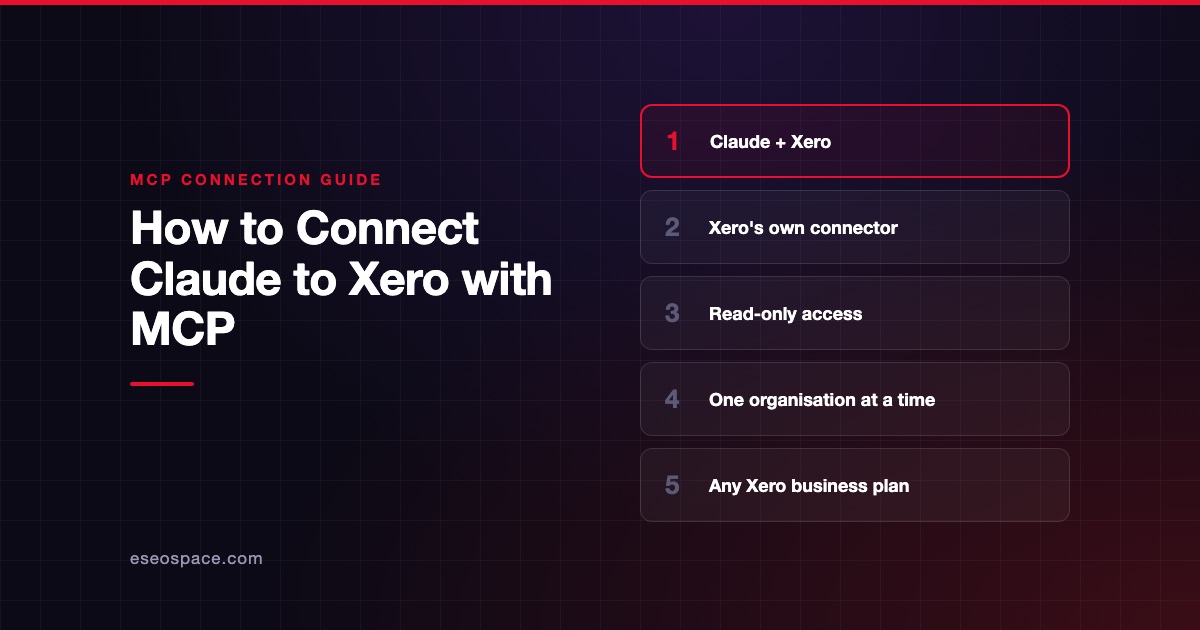
Xero says the connector works on any Xero business pricing plan and connects one organisation at a time. To switch organisations, you disconnect and reconnect. Our step-by-step guide covers the rest: connect Claude to Xero.
Local server with a custom connection
Xero's README says to set up a custom connection in your Xero developer account. Then add this to claude_desktop_config.json (Settings > Developer > Edit config):
{
  "mcpServers": {
    "xero": {
      "command": "npx",
      "args": ["-y", "@xeroapi/xero-mcp-server@latest"],
      "env": {
        "XERO_CLIENT_ID": "your_client_id_here",
        "XERO_CLIENT_SECRET": "your_client_secret_here",
        "XERO_SCOPES": "accounting.invoices accounting.contacts accounting.settings"
      }
    }
  }
}
Local server with a bearer token
For multiple Xero accounts, the README uses XERO_CLIENT_BEARER_TOKEN in the env block instead. It takes precedence over the client ID.
Security notes
- Start read-only. The hosted connector is read-only, which suits reporting questions. The local server can create invoices, payments and manual journals.
- Scopes. Custom connections created before 29 April 2026 use bundled scopes. Newer ones need granular scopes. You can narrow access with
XERO_SCOPES. - Deprecated scopes. The README flags some scopes, such as
accounting.transactions, as deprecated. Check Xero's scopes page for timelines. - Secrets. The README warns not to commit your
.envfile or credentials to version control. - Payroll data. Payroll tools expose employee and leave data. Limit who can use them.
See our guides to excessive permissions and secret leakage, and the MCP security center.
Alternatives
- QuickBooks Online, which has a hosted connector that can create invoices.
- Zoho Books, with a connector in Claude's directory.
- LedgerMCP, an MCP-native ledger (built by eSEOspace).
Find more in the MCP server directory.
Next step
Comparing accounting platforms for AI use? Read Best MCP Accounting and Bookkeeping Tools.
Frequently asked questions
Does Xero have an official MCP server?
Yes. Xero's GitHub organization publishes an open-source MCP server, and Xero Limited also offers a hosted connector listed in Claude's directory.
Can the Xero connector create invoices?
The hosted connector is described as read-only. The local open-source server has create-invoice and update-invoice tools.
Is the Xero MCP server free?
The local server is free and open source under the MIT license. Neither Xero page we checked lists a separate MCP fee, but you need a Xero subscription.
Does the Xero MCP server support payroll?
The local server includes payroll employee, leave and timesheet tools. The README says payroll queries need an organization in New Zealand or the UK.