This guide is part of our MCP connection guides, within The MCP Guide. Steps are copied from the vendor's own documentation. Need a custom connection? See MCP development.
Connecting Claude to Xero lets you ask questions about profit, cash, receivables and invoices and get answers from your live Xero data. Xero's connector is read-only, so Claude can look but cannot change your books. It is an MCP (Model Context Protocol) server that Xero lists in Claude's Connectors Directory.
Checked against: Xero Central's guide to the Xero connector in Claude and Claude's guide to adding connectors on 28 October 2026. eSEOspace did not run these steps; menus can change, so follow the vendor's page if it differs.
Key Takeaways
- Xero says the connector works for organisations on any Xero business pricing plan.
- Xero says Claude can only view or retrieve data and can't make changes to your Xero organisation.
- The connector links one Xero organisation at a time. To switch, you disconnect and reconnect.
- Xero says your Xero data accessed through the connector isn't used to train Claude's AI model.
- Stale answers usually mean Xero Analytics hasn't refreshed. Xero shows how to refresh it.
Before you start
You need:
- A Claude account, signed in at claude.ai or in the Claude desktop app, per Claude's docs.
- A Xero organisation on any Xero business pricing plan, per Xero.
- Your Xero email and password.
On Claude Team and Enterprise plans, Claude's docs say an Owner adds a connector for the organization first. Each member then connects their own account.
Xero also mentions an optional Small Business plugin for Claude. Xero says it is only available on the Pro, Max, Team or Enterprise Claude plan. You don't need it to use the connector.
Claude's directory listing shows the connector is made by Xero Limited, requires sign-in, and uses this URL:
https://mcp.xero.com/mcpYou don't need to type the URL. You add the connector from the directory.
Steps
Xero's steps, with Claude's labels where Claude documents them:
- From your Claude account, go to the Connectors Directory. Claude's docs put this at Customize > Connectors, then Discover.
- Find and open Xero.
- Click Connect. Claude's own docs label this button Connect to Claude.
- Enter your Xero email and password, if prompted.
- If you have more than one Xero organisation, select the organisation you want to connect to Claude.
- Click Allow.
- In a chat, select + in the message box, select Connectors, and make sure the Xero toggle is on.
Claude's docs say a successful connection shows under Your connectors with the status Connected.
Check that it works
Xero Central publishes a list of starter questions. These three come from it.
Example prompts:
- "What's my profit this month?"
- "How overdue is everything owed to me?"
- "What's my current cash balance?"
Xero says answers are better when your prompt includes a clear business question, a time period or a customer name. With no period, Xero says Claude uses the current calendar month to date for revenue and profit questions. For contacts and receivables, it uses the last 12 months.
Responses can include visual summaries and a link back to the matching information in Xero.
Permissions and safety
This is a read-only connection. Claude's directory lists 20 tools, all reads, such as get_profit_and_loss, get_aged_receivables, get_invoices and get_bank_account_transactions. The listing says retrieved data "is never stored between sessions."
Read-only still exposes sensitive figures. Anyone using the connected Claude account can ask about cash, debtors and suppliers. Claude's docs let you set Tool permissions per connector to Always allow, Needs approval or Blocked, under Customize > Connectors.
On Team and Enterprise plans, Owners decide which connectors the organization offers. Each member still signs in to Xero individually, per Claude's docs.
Even read tools can pass data back into a chat that also has other connectors on. Read about cross-server data leakage and the MCP Security Center before you mix finance data with tools that can send messages.
If you need an agent that can also record transactions, LedgerMCP (built by eSEOspace) is a hosted double-entry bookkeeping MCP server; see the LedgerMCP profile.
If it doesn't work
Xero Central lists these issues:
- Claude isn't using your Xero data, or it looks wrong. Check in Claude that your organisation is connected to the Xero connector. Then verify the information in Xero.
- Out-of-date answers. Visual summaries show a time stamp. If it's old, Xero Analytics hasn't refreshed yet. Click Explore Xero Analytics in the response, click Refresh now, then resend your prompt.
- Wrong organisation. Go to your Connectors settings, open Xero, click Disconnect and confirm. Then click Connect, sign in, select the organisation and click Allow.
Claude's docs add that if Claude loses access, the connector row shows Reconnect. Select it and sign in again.
To stop using it, open Xero in your Connectors settings and click Disconnect, then Disconnect again to confirm.
Next step
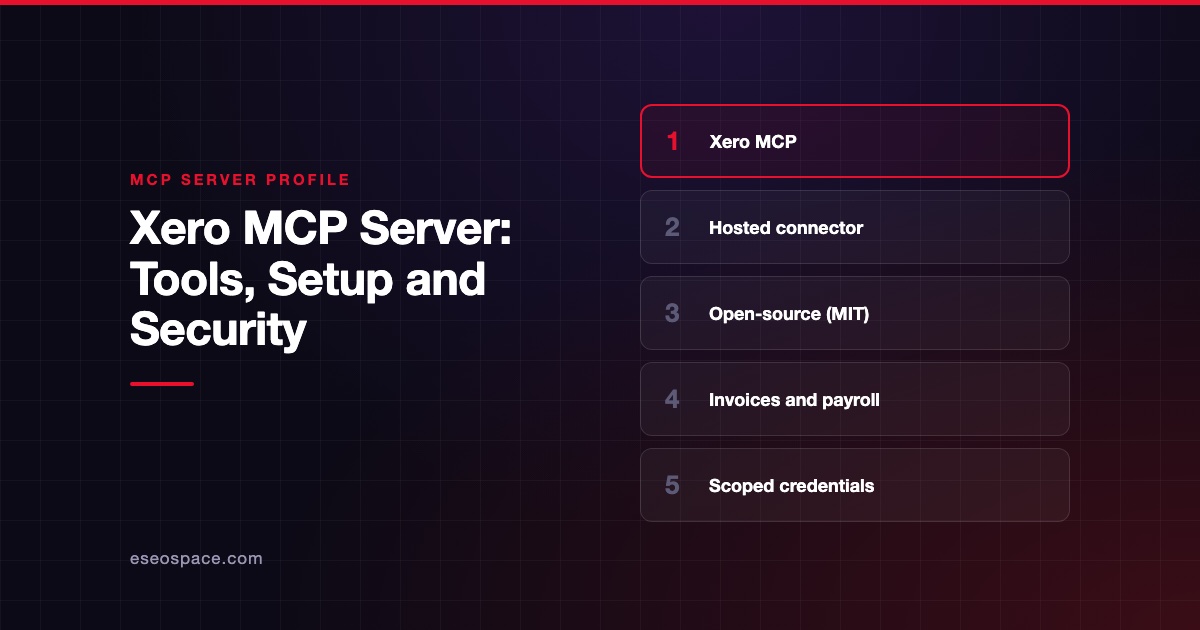
The Xero MCP server profile covers Xero's separate open-source local server, which can create invoices and payments. Compare options in best MCP accounting tools and MCP for accounting. For setups in other clients, see the connection guides hub.
Frequently asked questions
Can Claude create invoices in Xero through this connector?
No. Xero says Claude can only view or retrieve data and can't make changes to your Xero organisation. Xero's open-source local MCP server has create and update tools, but it is a separate install.
Can I connect more than one Xero organisation?
Not at the same time. Xero says the connector links one organisation at a time. To ask about another, disconnect the current connection and reconnect to the organisation you want.
Which Xero plan do I need?
Xero says the connector is available to organisations on any Xero business pricing plan. The optional Small Business plugin needs a Pro, Max, Team or Enterprise Claude plan.
Does Claude train on my Xero data?
Xero says your Xero data accessed through the connector isn't used to train Claude's AI model. It adds that you control how conversation data is used through your Claude plan and account settings.