This profile is part of our MCP server directory, within The MCP Guide. Profiles are checked against each vendor's own documentation. Need a server built? See MCP development.
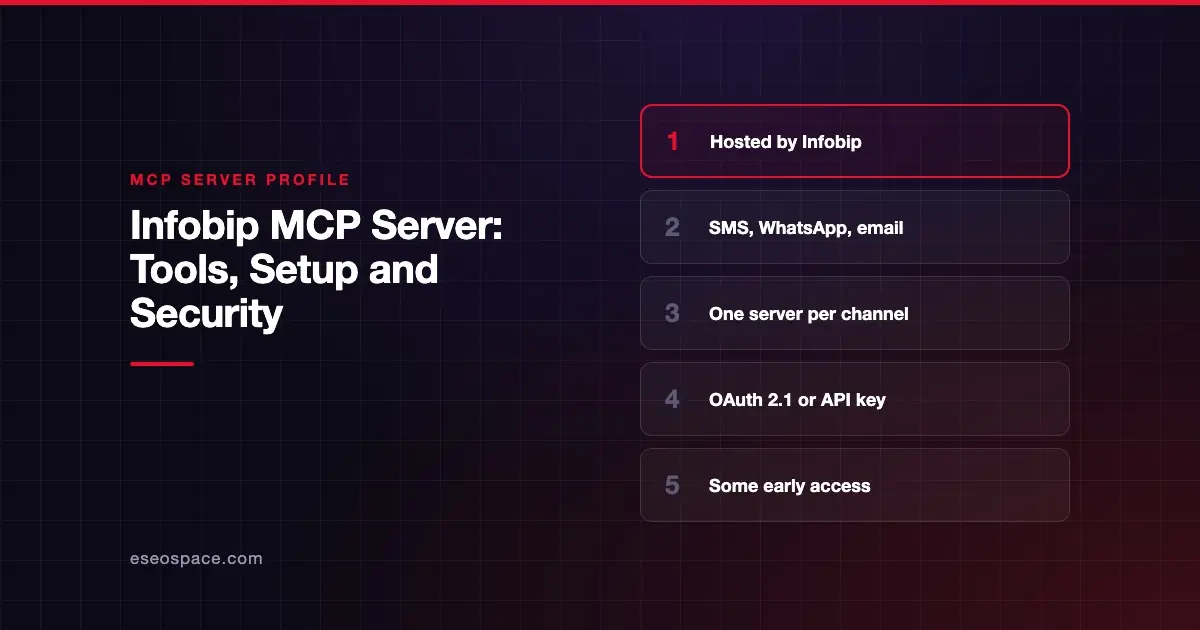
Infobip's MCP servers let an AI agent send messages over SMS, WhatsApp, Viber, RCS, email, voice and mobile push. They also run two-factor authentication flows, manage customer profiles and look up delivery logs. Infobip publishes and hosts them as a set of remote servers, one per channel or product.
Checked against: Infobip MCP Servers documentation on GitHub on 28 October 2026. eSEOspace did not install or test this server.
Key Takeaways
- Every server lives under
https://mcp.infobip.com, for examplehttps://mcp.infobip.com/smsandhttps://mcp.infobip.com/whatsapp. - Sign-in is OAuth 2.1 with automatic discovery, or an Infobip API key in the
Authorizationheader. - Most messaging servers send real messages from your account. The "Message," "Provision" and "Observe" servers are labeled early access.
- Provision can register senders and purchase numbers, which goes well beyond messaging.
- Infobip publishes tool counts per server. Its RCS server has 27 tools and rates "very high" for token use.
At a glance
| Item | Detail |
|---|---|
| Publisher | Infobip |
| Official? | Yes |
| Hosting | Remote URLs under https://mcp.infobip.com |
| Transport | Streamable HTTP (SSE by adding /sse) |
| Sign-in | OAuth 2.1 or Infobip API key |
| Read or write | Both |
| Price | No separate MCP price listed |
| Source code | Server code not published; the GitHub repo holds documentation and examples |
| Status | Most servers not labeled; Message, Provision and Observe are early access |
What it can do
Infobip's server list groups the endpoints like this. The repo describes features, not individual tool names.
Messaging channels:
- SMS (
/sms, 10 tools): send, preview, schedule, bulk send, delivery reports and logs. - WhatsApp (
/whatsapp, 18 tools): send template, text and media messages, manage templates, delivery reports and SMS failover. - WhatsApp Flow (
/whatsapp-flow, 13 tools): build and send interactive flows. - Viber (
/viber), RCS (/rcs), Email (/email), Voice (/voice) and Mobile App Messaging (/mobile-app-messaging). - Message (
/message, early access, 1 to 2 tools): one tool to send across SMS, RCS, MMS and Viber.
Setup and monitoring:
- Provision (
/provision, early access): register a sender, purchase a number and configure channel senders. - Observe (
/observe, early access): delivery metrics, billing usage, error codes and message logs.
Verification: 2FA (/2fa) sends and verifies PINs. CAMARA (/camara) checks number verification, device location, SIM swap and KYC match.
Customer data and accounts: People (/people), Account Management (/account-management) and CPaaSX Applications and Entities (/application-entity).
Docs: Infobip Documentation (/search) and Infobip Deep Research (/deep-research).
Infobip's comparison table is practical advice. It says the Message server is "the lowest-footprint option" for simple notifications, because every extra tool adds tokens to each agent call.
How to connect it
Point any MCP client that supports Streamable HTTP at the server you need. Infobip's example:
{
  "mcpServers": {
    "infobip-sms": {
      "type": "http",
      "url": "https://mcp.infobip.com/sms"
    }
  }
}
If your client supports OAuth 2.1 and authorization server discovery, the sign-in flow starts on first connection. Some clients do not discover scopes automatically. Infobip says you can find each server's scopes at {server-url}/.well-known/oauth-authorization-server.
With an API key instead, add a header in the format Infobip documents:
"headers": {
  "Authorization": "App ${INFOBIP_API_KEY}"
}
Security notes
Infobip's own guidance is short and direct. It says agent governance "requires implementing granular permission controls, especially for high-impact operations like message sending." It points to the MCP spec's implementation guidelines. Infobip's product documentation adds that access is secured with an API key or OAuth 2.1 with scope discovery. The MCP tools specification says clients should prompt for confirmation on sensitive operations.
What that means in practice:
- Connect one channel at a time. Adding only
/smskeeps WhatsApp, voice and account tools out of reach. - Treat sends as real traffic. Messages go out on your Infobip account, and bulk tools can send to many numbers at once. Keep approval on for sends. See approval fatigue for keeping prompts meaningful.
- Be careful with Provision. Buying numbers and registering senders are account-level changes.
- Prefer OAuth with narrow scopes over a full API key. Read our guide to MCP authentication with OAuth.
- Phone numbers are personal data. The People and CAMARA servers handle customer identity checks. Limit which agents can reach them.
Our MCP security center has more.
Alternatives
- WhatsApp Business Tools MCP server, Meta's own beta server for WhatsApp setup and sends.
- Mailgun MCP server, if you only need email.
- AgentMail MCP server, for agent-owned email inboxes.
Next step
If you want an agent to send customer notifications, start with the Message or SMS server and a test number. eSEOspace can help design that workflow through our MCP development service. See more servers in our MCP server directory.
Frequently asked questions
Are Infobip's MCP servers hosted?
Yes. Infobip runs them as remote servers under https://mcp.infobip.com, with a separate endpoint per product.
Can Infobip's MCP servers send WhatsApp messages?
Yes. The WhatsApp server sends template, text and media messages and manages templates. It has 18 tools, per Infobip's comparison table.
Do I need an API key?
Not if your client supports OAuth 2.1 with authorization server discovery. Otherwise you can pass an Infobip API key in the Authorization header.
Which server should I start with?
For simple notifications, Infobip suggests the Message server, which has one or two tools and the smallest token footprint. It is labeled early access.