This profile is part of our MCP server directory, within The MCP Guide. Profiles are checked against each vendor's own documentation. Need a server built? See MCP development.
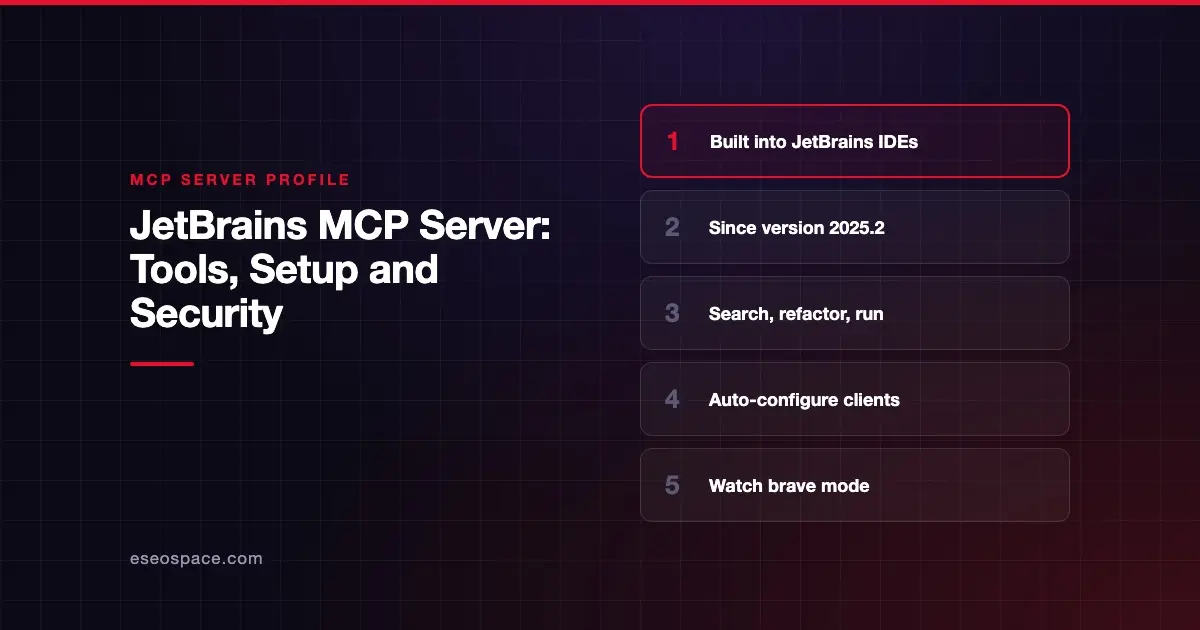
The JetBrains MCP server lets an outside AI agent, such as Claude Code or Codex, use your IDE's tools: search the project, read and edit files, check problems, run configurations, refactor and query databases. JetBrains builds it into IntelliJ IDEA and other IntelliJ-based IDEs, starting with version 2025.2.
Checked against: IntelliJ IDEA MCP Server docs on 28 October 2026. eSEOspace did not install or test this server.
Key Takeaways
- JetBrains says "Starting with version 2025.2, IntelliJ IDEA comes with an integrated MCP Server."
- You turn it on under Settings | Tools | MCP Server with the Enable MCP Server checkbox.
- It can auto-configure detected clients, including Junie, VS Code, Claude Code, Codex, Air and GitHub Copilot CLI.
execute_terminal_commandasks for confirmation by default, unless you turn on "brave mode."- The older standalone
@jetbrains/mcp-proxyrepository is deprecated in favor of the built-in server.
At a glance
| Item | Detail |
|---|---|
| Publisher | JetBrains |
| Official? | Yes |
| Hosting | Local, inside the running IDE |
| Transport | SSE, stdio or HTTP stream (copyable configs for each) |
| Sign-in | None documented; enabled from IDE settings |
| Read or write | Read and write (edits files, runs commands and configurations) |
| Price | No separate MCP price listed; plugin bundled with the IDE |
| Source code | Bundled IDE plugin, not linked from the docs; legacy proxy JetBrains/mcp-jetbrains is deprecated |
| Status | Not stated |
What it can do
JetBrains documents tools in groups:
- Analysis:
build_project,get_file_problems,lint_files,analyze_calls,get_project_dependencies,get_project_modules - Search and read:
search_text,search_regex,search_symbol,search_file,read_file,get_symbol_info - Files and edits:
create_new_file,list_directory_tree,open_file_in_editor,apply_patch,reformat_file,rename_refactoring - Execution:
get_run_configurations,execute_run_configuration,execute_terminal_command - VCS:
get_repositories,git_status - Database (needs the Database Tools and SQL plugin):
list_database_connections,introspect_schema,execute_sql_query,preview_table_dataand more - Debugger (needs the Debugger MCP toolset plugin):
xdebug_set_breakpoint,xdebug_get_stack,xdebug_evaluate_expressionand more
There is also a universal execute_tool router. JetBrains notes that router-only tools are hidden from the direct tool list.
How to connect it
From JetBrains' docs:
- Go to Settings | Tools | MCP Server.
- Select the Enable MCP Server checkbox.
- In the Enable MCP Server? dialog, review the access granted, then click Enable.
- Click Apply.
To connect a client, use Auto-Configure in the Clients Auto-Configuration section, then restart the client. A Project Clients Auto-Configuration section writes project-level config.
For manual setup, the page offers Copy SSE Config, Copy Stdio Config and Copy HTTP Stream Config buttons. Paste the result into your client's MCP config.
The MCP Server plugin is bundled and enabled by default. You can confirm it under Plugins on the Installed tab.
Security notes
This server works inside your real development environment, so the stakes are high.
- Review the enable dialog. JetBrains asks you to review what third-party applications can access in open projects before enabling.
- Keep brave mode off. The setting "Run shell commands or run configurations without confirmation (brave mode)" removes the confirmation step for
execute_terminal_commandand run configurations. - Database access. For read-only database work, JetBrains recommends connecting with a database user that has restricted, read-only privileges.
- Edits are real.
apply_patch,create_new_fileandrename_refactoringchange your code. Use version control so you can review and roll back.
The MCP project's security best practices also cover risks such as token passthrough, confused deputy attacks and scope minimization.
Read approval fatigue and command injection in local MCP servers, and see the MCP Security Center.
Alternatives
- Sourcegraph MCP server for code navigation across many repositories, not just open projects.
- SonarQube MCP server for code quality findings from your CI analysis.
- Chrome DevTools MCP server for front-end debugging in the browser.
Next step
Enable the server in one IDE, keep brave mode off, and connect a single agent such as Claude Code. Our Claude Code consulting team can help plan a safe rollout, and the MCP server directory lists other developer tools.
Frequently asked questions
Which JetBrains IDEs include the MCP server?
JetBrains says the core functionality is integrated into all IntelliJ-based IDEs since version 2025.2. The docs we checked are for IntelliJ IDEA.
Do I still need the @jetbrains/mcp-proxy package?
No. The old repository is marked deprecated, and JetBrains says the built-in server works with SSE and a JVM-based proxy for stdio, so the npm package is no longer required.
What is brave mode?
It is a setting that lets clients run shell commands or run configurations without asking you first. By default, execute_terminal_command requires your confirmation.
Can the AI query my databases?
Yes, if the Database Tools and SQL plugin is installed and you have database connections set up. JetBrains notes that list_recent_sql_queries is not available on free subscription plans.