This profile is part of our MCP server directory, within The MCP Guide. Profiles are checked against each vendor's own documentation. Need a server built? See MCP development.
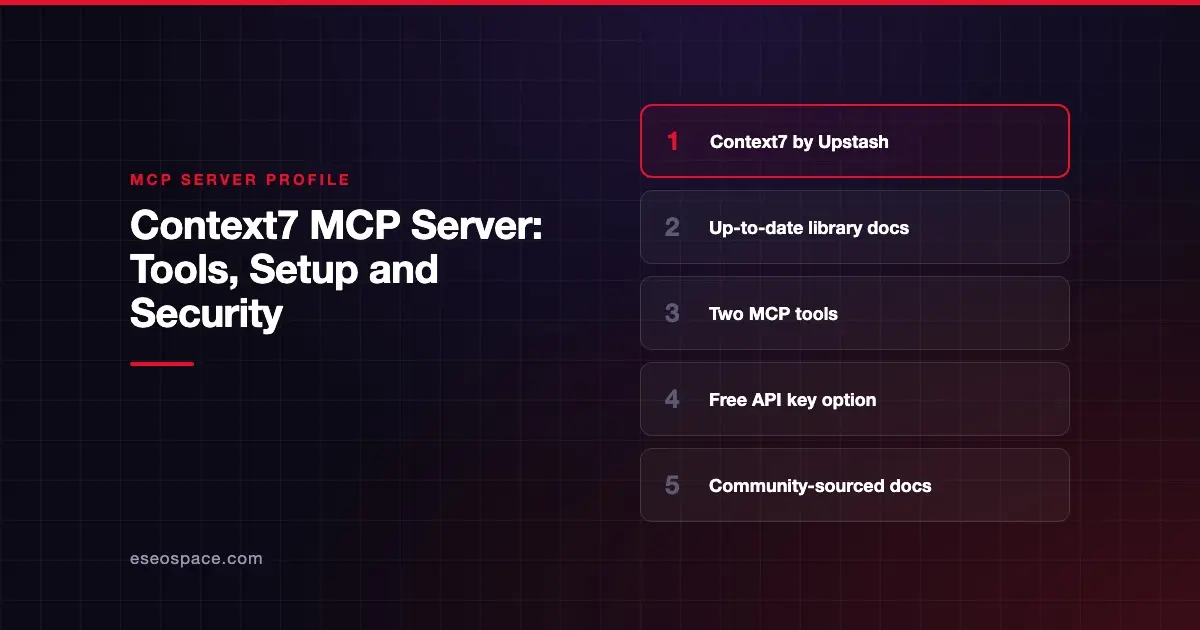
Context7 gives coding agents current, version-specific documentation and code examples for the libraries you use. Upstash publishes the Context7 MCP server, which adds two tools your agent can call instead of guessing from old training data.
Checked against: Context7 README on GitHub on 28 October 2026. eSEOspace did not install or test this server.
Key Takeaways
- The hosted server runs at
https://mcp.context7.com/mcp, with your API key in anAuthorization: Bearerheader. - It exposes two MCP tools:
resolve-library-idandquery-docs. - Context7 recommends a free API key from its dashboard for higher rate limits.
- Context7 can also run as "CLI + Skills" with no MCP at all.
- Its docs are community-contributed, and Context7 says it "cannot guarantee the accuracy, completeness, or security" of all of them.
At a glance
| Item | Detail |
|---|---|
| Publisher | Upstash |
| Official? | Yes |
| Hosting | Both: remote URL and npm package @upstash/context7-mcp |
| Transport | HTTP (remote); local package available |
| Sign-in | API key (Bearer header), or OAuth at https://mcp.context7.com/mcp/oauth; ctx7 setup uses OAuth to generate a key |
| Read or write | Read only (documentation lookup) |
| Price | Free API key available; no MCP price listed |
| Source code | upstash/context7 (MIT; backend is private) |
| Status | Not stated |
What it can do
The README lists two MCP tools:
resolve-library-idturns a library name into a Context7 ID. It takesqueryandlibraryName.query-docsfetches documentation for that ID. It takeslibraryIdandquery, plus an optionallanguageto rank code examples.
Library IDs look like /vercel/next.js or /mongodb/docs. If you already know the ID, you can name it in your prompt so Context7 skips the matching step. You can also mention a version, such as "Next.js 16," and Context7 matches it.
The README says the repo hosts the MCP server source only. The API backend, parsing engine and crawling engine are private.
How to connect it
The quickest path is the setup command, which needs Node.js 22.13 or newer:
npx ctx7 setupIt signs you in with OAuth, generates an API key and installs a skill. You choose between CLI + Skills mode and MCP mode. Flags --cursor, --claude and --opencode target a specific agent.
To configure manually, Context7 says to use the server URL https://mcp.context7.com/mcp and pass your key as Authorization: Bearer YOUR_API_KEY. Client-specific steps for 30+ clients are on Context7's all clients page.
For clients that support MCP OAuth, Context7's OAuth guide says to change the endpoint to https://mcp.context7.com/mcp/oauth and sign in through the browser. OAuth works only over remote HTTP; local stdio setups still use an API key.
Context7 also suggests adding a rule, for example in CLAUDE.md, telling your agent to use Context7 for library questions.
Security notes
Context7 is read-only in the sense that it only returns documentation. The bigger risk is what that documentation contains.
- Accuracy. Context7 says listed projects are "developed and maintained by their respective owners, not by Context7," and it cannot guarantee their accuracy or security.
- Injected text. Any third-party content your agent reads can carry instructions. Treat results as reference material, not commands.
- Reporting. Context7 asks users to report suspicious content with the "Report" button on the project page.
- Your key. Keep the API key out of shared config files and repositories.
The MCP project's security best practices also cover risks such as token passthrough, confused deputy attacks and scope minimization.
Read tool poisoning and supply chain risks for the wider picture, and browse the MCP Security Center.
Alternatives
- Sourcegraph MCP server for searching your own code rather than public library docs.
- GitHub MCP Server, whose
search_codeandget_file_contentstools can read a library's source directly. - JetBrains MCP server for symbol and project context inside your IDE.
Next step
Add Context7 to your coding agent, then check one or two answers against the official docs of a library you know well. Our best MCP servers for developers list covers other coding tools, and the MCP server directory has more profiles.
Frequently asked questions
Is Context7 free?
Context7 offers a free API key from its dashboard for higher rate limits. Context7's pricing page showed no plan prices when checked on 28 October 2026, so confirm limits before relying on high volumes.
What tools does Context7 MCP provide?
Two: resolve-library-id, which finds a library's Context7 ID, and query-docs, which returns documentation and code examples for that ID.
Do I need MCP to use Context7?
No. The ctx7 CLI with skills works without MCP. Setup lets you choose either mode.
Can I trust everything Context7 returns?
Not blindly. Context7 says its projects are community-contributed and it cannot guarantee their accuracy, completeness or security. Use results as a starting point and confirm important details.