This guide is part of our MCP connection guides, within The MCP Guide. Steps are copied from the vendor's own documentation. Need a custom connection? See MCP development.
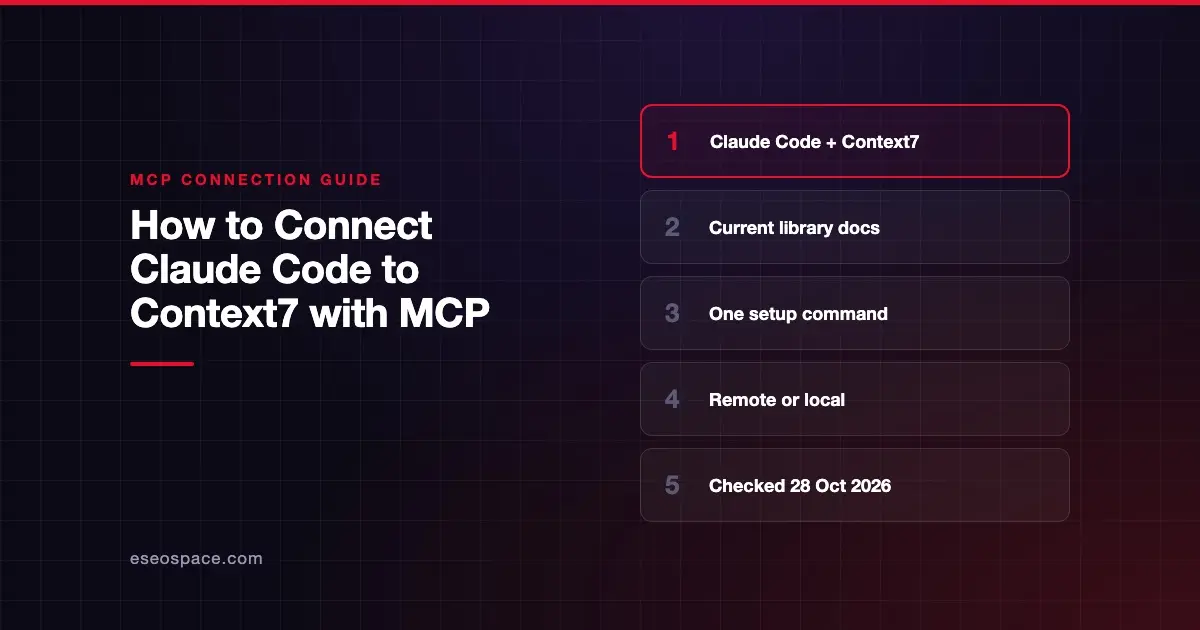
Connecting Claude Code to Context7 gives Claude up-to-date, version-specific documentation and code examples for the libraries you use, so it is less likely to suggest outdated or invented APIs. Context7, from Upstash, documents Claude Code setup on its clients page and in its setup tool.
Checked against: Context7's MCP clients page, the Context7 README and Claude Code's MCP documentation on 28 October 2026. eSEOspace did not run these steps; menus can change, so follow the vendor's page if it differs.
Key Takeaways
npx ctx7 setup --claudesigns you in with OAuth, creates an API key and installs a skill for Claude Code.- Context7 publishes two Claude Code commands: a remote server with a Bearer header and a local
npxserver. - The MCP server has two tools:
resolve-library-idandquery-docs. - Context7 can also run as "CLI + Skills" with no MCP at all; setup asks you to choose.
- Context7 says its docs are community-contributed and it "cannot guarantee the accuracy, completeness, or security" of all of them.
Before you start
You need Claude Code installed. Context7's ctx7 CLI requires Node.js 22.13 or newer.
Get an API key. Context7 says a free key from context7.com/dashboard gives higher rate limits, and its manual setup uses the key in a header. The setup command can create one for you.
Decide on a mode. The README describes two:
- CLI + Skills. A skill tells Claude to fetch docs with
ctx7commands. No MCP needed. - MCP. A Context7 MCP server so Claude calls documentation tools directly.
This guide covers the MCP mode.
Steps
Option A: Setup command
Context7's README gives:
npx ctx7 setupIt "authenticates via OAuth, generates an API key, and installs the appropriate skill." Choose MCP mode when asked. Context7 says --claude targets Claude Code specifically. To undo the setup later, run npx ctx7 remove.
Option B: Remote server by hand
From Context7's clients page:
claude mcp add --scope user --header "Authorization: Bearer YOUR_API_KEY" --transport http context7 https://mcp.context7.com/mcpThe --scope user flag makes Context7 available in all your projects. Claude Code's docs say user-scoped servers are stored in ~/.claude.json and stay private to you.
Option C: Local server
Context7 also documents a local connection:
claude mcp add --scope user context7 -- npx -y @upstash/context7-mcp --api-key YOUR_API_KEYOption D: OAuth instead of a key
Context7's clients page says the server supports OAuth for clients that follow the MCP authorization spec. Change the endpoint from /mcp to /mcp/oauth. Context7 doesn't print a Claude Code command for this, so here is Claude Code's generic form for a remote URL:
claude mcp add --scope user --transport http context7 https://mcp.context7.com/mcp/oauthThen sign in through /mcp. Context7 says OAuth works only for remote HTTP connections, not the local stdio server.
Add a rule
If you skipped ctx7 setup, Context7 suggests adding a rule to CLAUDE.md. Its example:
Always use Context7 when I need library/API documentation, code generation, setup or configuration steps without me having to explicitly ask.Check that it works
Run claude mcp list and look for ✔ Connected. In a session, /mcp should show resolve-library-id and query-docs.
Example prompts (from Context7's README):
- "Create a Next.js proxy that checks for a valid JWT in cookies and redirects unauthenticated users to
/login. use context7" - "Implement basic authentication with Supabase. use library /supabase/supabase for API and docs." (the library ID skips the
resolve-library-idstep) - "How do I set up a Next.js 16 proxy? use context7" (Context7 matches the version you mention)
Permissions and safety
Context7 only returns documentation. It doesn't change anything in your accounts. The risk is in what that documentation contains.
- Accuracy. Context7 says listed projects "are developed and maintained by their respective owners, not by Context7."
- Injected text. Any third-party text Claude reads can carry instructions. Treat results as reference, not commands. See tool poisoning and prompt injection in Claude Code.
- Report problems. Context7 asks you to use the "Report" button on a project page for suspicious content.
- Your key. The remote command stores the key in
~/.claude.json. Don't copy that file into a repo. See Claude Code secrets management. - Auto-approval. Because the tools only read docs, many teams allow them. Claude Code's permission rules can allow both with
mcp__context7__*.
Context7's README adds that its API backend, parsing engine and crawling engine are private. Only the MCP server code is open source. See the MCP Security Center.
If it doesn't work
Context7 keeps a troubleshooting page. From the pages checked here and Claude Code's docs:
ctx7fails to run. Checknode --versionis 22.13 or newer.- Rate limits. Add an API key; Context7 says it raises your limits.
- OAuth with the local server. Not supported. Use an API key for stdio.
- Header rejected. Claude Code reports a failed connection when a configured
Authorizationheader is rejected. Check the key. - Claude ignores Context7. Add "use context7" to your prompt, or add the
CLAUDE.mdrule.
Next step
Read the Context7 MCP server profile for how the tools work. More setups are in the connection guides hub. To see how Claude Code uses CLAUDE.md and skills, read Claude Code skills explained.
Frequently asked questions
Is Context7 free to use with Claude Code?
Context7 recommends a free API key from its dashboard for higher rate limits. Check Context7's pricing page for paid plans, since this guide doesn't cover pricing.
Should I use Context7's MCP mode or CLI + Skills mode?
Both are documented. MCP mode lets Claude call resolve-library-id and query-docs as tools. CLI + Skills mode uses ctx7 commands with no MCP server. npx ctx7 setup asks you to choose.
Can Context7 change my code or accounts?
No. Its MCP tools only fetch documentation and code examples. Claude still writes the code, so review it as usual.
How do I point Context7 at a specific library?
Include the library ID in your prompt, such as /supabase/supabase or /vercel/next.js. Context7 says this skips the library-matching step.