This guide is part of our MCP connection guides, within The MCP Guide. Steps are copied from the vendor's own documentation. Need a custom connection? See MCP development.
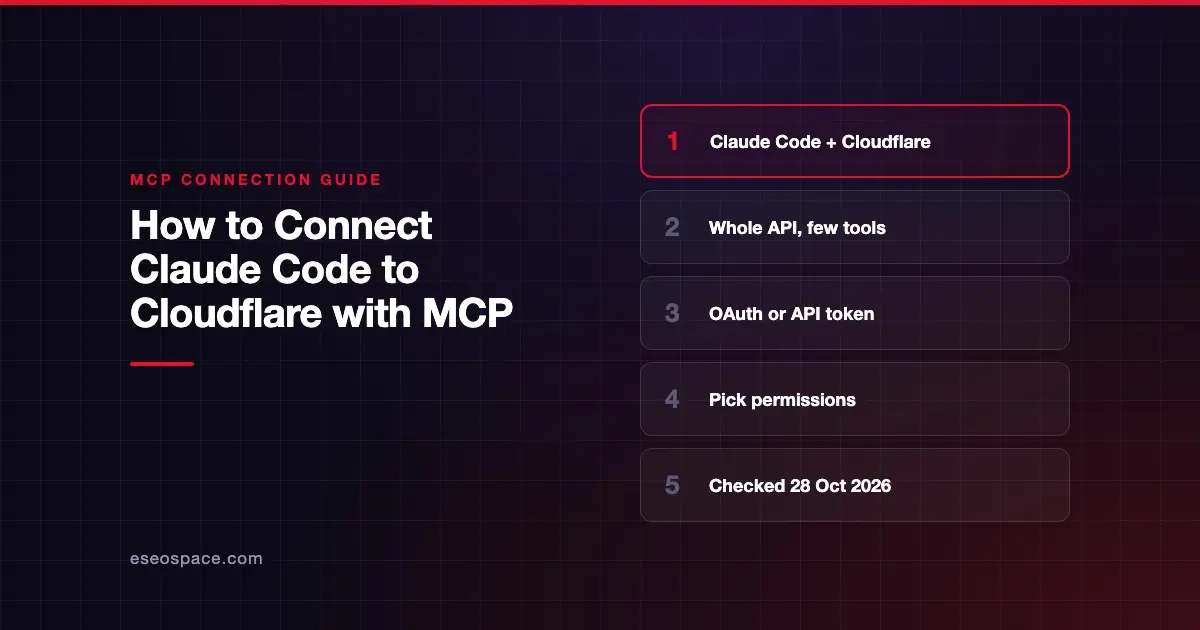
Connecting Claude Code to Cloudflare gives Claude access to the whole Cloudflare API, from DNS and Workers to R2 and Zero Trust, plus Cloudflare's developer docs. Cloudflare's API MCP server does this with a handful of tools: the agent writes small JavaScript programs that search the API spec and call endpoints.
Checked against: Cloudflare's MCP servers page, the cloudflare/mcp README and Claude Code's MCP documentation on 28 October 2026. eSEOspace did not run these steps; menus can change, so follow the vendor's page if it differs.
Key Takeaways
- Cloudflare calls its API MCP server at
https://mcp.cloudflare.com/mcp"the only MCP server you need to work with Cloudflare." - Cloudflare publishes a JSON config and a URL, not a
claude mcp addcommand, so this guide uses Claude Code's generic command for a remote URL. - With OAuth, Cloudflare redirects you to authorize and "select the permissions to grant to your agent."
- For CI or automation, Cloudflare supports an API token sent as a bearer token.
- Cloudflare also documents a Claude Code plugin marketplace,
cloudflare/skills, which bundles its MCP servers with skills.
Before you start
You need Claude Code installed and a Cloudflare account. Decide how you'll sign in:
- OAuth (Cloudflare calls it recommended). You approve permissions in the browser.
- API token. Create one in the Cloudflare dashboard with only the permissions you need. User tokens and account tokens both work. For account tokens, the README says to include Account Resources : Read so the server can find your account ID.
The README notes that tokens with Client IP Address Filtering "are not currently supported."
Steps
Option A: Add the API server with OAuth
Cloudflare's README gives this JSON config:
{
  "mcpServers": {
    "cloudflare-api": {
      "type": "http",
      "url": "https://mcp.cloudflare.com/mcp"
    }
  }
}
Claude Code's docs say a URL like this is a remote server and give a generic command for it. Built from that form with Cloudflare's URL and server name:
claude mcp add --transport http cloudflare-api https://mcp.cloudflare.com/mcp- Run the command in your terminal from your project folder.
- Start
claudeand type/mcp. - Select
cloudflare-apiand sign in. Cloudflare redirects you to authorize and pick the permissions to grant.
You can also paste the JSON block with claude mcp add-json, passing only the object inside mcpServers, as Claude Code's docs describe.
Option B: Use an API token
Cloudflare's README lists two settings: the MCP URL and a bearer token. Claude Code's generic form for a header is --header:
claude mcp add --transport http cloudflare-api https://mcp.cloudflare.com/mcp \
  --header "Authorization: Bearer YOUR_CLOUDFLARE_API_TOKEN"
Keep the token out of shared files. Our guide to Claude Code secrets management covers safer patterns.
Option C: Install Cloudflare's skills plugin
Cloudflare's docs say its Skills plugin "bundles the Cloudflare MCP servers alongside contextual skills and slash commands." For Claude Code, Cloudflare gives this command to add the plugin marketplace:
/plugin marketplace add cloudflare/skillsThen install the plugin from that marketplace in the /plugin menu. See Claude Code plugins and marketplaces for how that works.
Check that it works
Run claude mcp list and look for ✔ Connected. The README lists four tools: docs, search, execute and whoami. Ask Claude to run whoami first to confirm which user or account you're signed in as.
Example prompts:
- "Use the Cloudflare whoami tool and tell me which account this connection uses." (uses
whoami) - "List all my Workers." (an example request from Cloudflare's README; uses
searchandexecute) - "Search Cloudflare's docs for how to bind an R2 bucket to a Worker." (uses
docs)
Permissions and safety
- Choose permissions at sign-in. With OAuth you select what to grant. If a call needs a scope you skipped, Cloudflare says the server asks the client to re-authorize with that scope added. Claude gets a
403 insufficient_scopechallenge. - The agent writes code. In Code Mode, Claude writes JavaScript that calls
cloudflare.request(). Cloudflare runs it in an isolated sandbox, but the API calls act on your real account. A request like "Add an A record" really changes DNS. - Results are capped.
searchandexecuteresults stop at about 6,000 tokens, marked--- TRUNCATED ---. Cloudflare says to usetruncate: falseonly when the output goes to a file. - Approve
executecalls. In Claude Code, keepmcp__cloudflare-api__executeon ask. Claude Code's permission rules let you allowdocsandwhoamiwhileexecutestill prompts.
Use a scoped token, never a global key, for automation. Read secret leakage in MCP and the MCP Security Center.
If it doesn't work
Cloudflare's README covers these cases:
- Missing permission. The tool error names the missing scope. Re-authorize and add it.
- An empty list that should have data. Some endpoints, such as
GET /zones, return an empty list when a scope is missing. Cloudflare says the server now refuses those reads too, so check the error. - Account token can't find your account. Add the Account Resources : Read permission.
- Token rejected. Tokens with Client IP Address Filtering aren't supported yet. Also note that Claude Code reports a failed connection, not an OAuth prompt, when a configured header is rejected.
Next step
Read the Cloudflare MCP server profile for Code Mode and the product-specific servers. More setups are in the connection guides hub. If you deploy elsewhere, compare Claude Code with Vercel.
Frequently asked questions
Does Cloudflare document Claude Code setup?
Cloudflare documents a Claude Code plugin marketplace command and publishes the server URL and JSON config for any client. It doesn't print a claude mcp add line, so this guide builds one from Claude Code's documented form for remote URLs.
Why does the Cloudflare server have so few tools?
Cloudflare uses Code Mode: the agent writes code against the API spec instead of loading one tool per endpoint. Cloudflare says this covers over 2,500 endpoints in about 1,000 tokens.
Can I turn off Code Mode?
Yes. Add ?codemode=false to the URL and each endpoint becomes its own tool. Cloudflare warns this raises the cost to about 244,000 tokens, so only do it if you compose with another code-mode system.
Should I use OAuth or an API token with Claude Code?
Cloudflare recommends OAuth for interactive use, because you pick permissions in the browser. Use a scoped API token for CI/CD and automation, where no one is there to sign in.