This guide is part of our MCP connection guides, within The MCP Guide. Steps are copied from the vendor's own documentation. Need a custom connection? See MCP development.
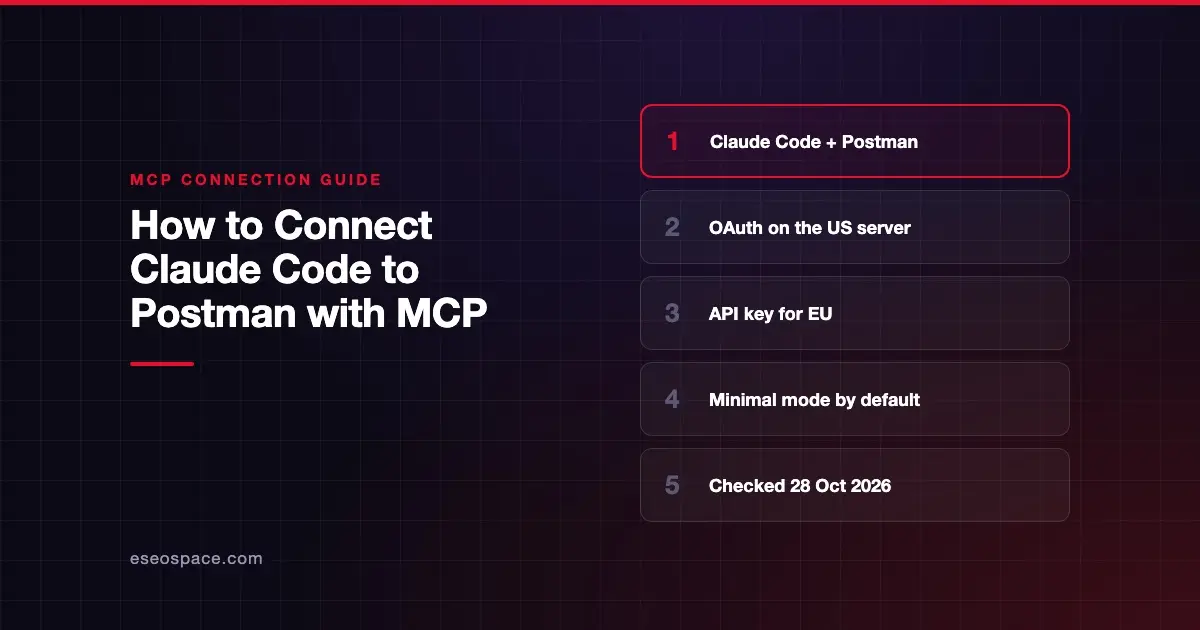
Connecting Claude Code to Postman lets Claude manage workspaces, collections, specifications, mocks and monitors, and keep your code in sync with your API definitions. Postman documents a Claude Code command for each of its remote server modes.
Checked against: Postman's remote MCP server guide and Claude Code's MCP documentation on 28 October 2026. eSEOspace did not run these steps; menus can change, so follow the vendor's page if it differs.
Key Takeaways
- Postman's Claude Code command for the default Minimal mode is
claude mcp add --transport http postman https://mcp.postman.com/minimal. - Postman says Claude Code "automatically uses OAuth" on the US server; add
--headerto use an API key instead. - The EU server at
mcp.eu.postman.comsupports only API key authentication. - Each mode has its own URL: Minimal, Code, Full (100+ tools), Learn and Context Graph.
- For coding agents working in a repository, Postman says its CLI and agent skills are the "primary, most capable way" to work with Postman.
Before you start
You need Claude Code installed and a Postman account. An API key is optional on the US remote server but required for the EU server and the local server.
Read Postman's note for coding agents first. Its MCP overview says MCP "suits chat-based agents and IDE integrations," while coding agents running shell commands should "prefer the Postman CLI and its installed agent skills." Claude Code is that kind of agent, so consider both.
Pick a mode. Postman says loading fewer tools "lowers token usage and helps your agent choose the right tool."
| Mode | US endpoint | What Postman says it's for |
|---|---|---|
| Minimal (default) | https://mcp.postman.com/minimal | Essential tools for basic operations |
| Code | https://mcp.postman.com/code | Generating client code from API definitions |
| Full | https://mcp.postman.com/mcp | All Postman API tools (100+) |
| Learn | https://mcp.postman.com/learn | Searching Postman Docs |
| Context Graph | https://mcp.postman.com/context-graph | Questions about your team's software estate; must be enabled for your team |
Steps
Option A: US server with OAuth
- In your terminal, run the command for your mode. Minimal:
claude mcp add --transport http postman https://mcp.postman.com/minimal- Start
claudeand open/mcp. - Select
postmanand complete the sign-in in your browser. Postman says its OAuth supports dynamic client registration and PKCE, so no key is needed.
For another mode, swap in that mode's URL from the table.
Option B: US server with an API key
Generate a Postman API key, then run:
claude mcp add --transport http postman https://mcp.postman.com/minimal --header "Authorization: Bearer <POSTMAN_API_KEY>"Option C: EU server
The EU server needs an API key. Postman's command:
claude mcp add --transport http postman https://mcp.eu.postman.com/minimal --header "Authorization: Bearer <POSTMAN_API_KEY>"Postman says to keep the key "as an environment variable or your host's secret store, not in shared files." See Claude Code secrets management.
Local server
Postman also offers a local server for testing APIs on your machine or private network. It runs over stdio and needs an API key. See Postman's local server guide for its commands.
Check that it works
Run claude mcp list and look for ✔ Connected. Inside a session, /mcp shows how many tools your mode loaded. The full tool list lives in Postman's public MCP server collection.
Example prompts, based on Postman's documented use cases:
- "Using Postman, list my workspaces." (workspace management)
- "Create a Postman collection from the OpenAPI spec in this repo." (automatic spec creation)
- "Update the documentation for the login request in my Auth collection to match the current code." (code synchronization; this writes)
If a tool you need is missing, you may be in Minimal mode. Switch to the Full URL.
Permissions and safety
- Smallest useful mode. Full mode exposes 100+ tools. Start with Minimal and move up only if you need to.
- Telemetry. Postman says product telemetry "is enabled by default for the remote Postman MCP server" and off by default for the local server.
- Secrets. Postman environments often hold tokens for other services. Anything Claude reads can enter the conversation. See secret leakage in MCP.
- Approvals. Keep write tools on ask. Claude Code's permission rules target this server as
mcp__postman__*. - Network reach. Postman's GitHub README says the remote server "won't have network access to your workstation," so local API testing needs the local server. That also means the local server can reach internal endpoints. See SSRF in MCP.
Read the MCP Security Center for more.
If it doesn't work
Postman's docs don't list Claude Code-specific errors. These checks come from Postman's setup notes and Claude Code's docs:
- EU account won't sign in. Postman says OAuth "isn't supported for the EU Postman MCP server." Use the EU command with an API key.
- Context Graph mode fails. It must be enabled for your team.
- Can't test a local API. The remote server has no network access to your machine. Use the local server.
- Header rejected. Claude Code reports a failed connection, not an OAuth prompt, when a configured
Authorizationheader is rejected. Check the key, or remove the header on the US server to use OAuth. - Server already exists. Run
claude mcp remove postmanbefore adding a different mode under the same name.
Next step
Read the Postman MCP server profile for the local server and Docker image. More setups are in the connection guides hub, including VS Code with Postman. For API-heavy work in a repo, compare Claude Code and GitHub.
Frequently asked questions
Which Postman MCP mode should I use with Claude Code?
Start with Minimal, which is Postman's default. Use Code to generate client code from API definitions, Full for all 100+ tools, and Learn to search Postman's docs.
Do I need a Postman API key?
Not on the US remote server, where OAuth works. You need a key for the EU remote server and for the local server.
Should Claude Code use Postman's MCP server or the Postman CLI?
Postman says coding agents working directly in a repository should prefer the Postman CLI and its agent skills. MCP suits chat-based agents and IDE integrations. You can set up both and compare.
Does the Postman MCP server collect telemetry?
Postman says remote servers gather anonymous telemetry, enabled by default. The local server has telemetry off by default and asks you to opt in.