This guide is part of our MCP connection guides, within The MCP Guide. Steps are copied from the vendor's own documentation. Need a custom connection? See MCP development.
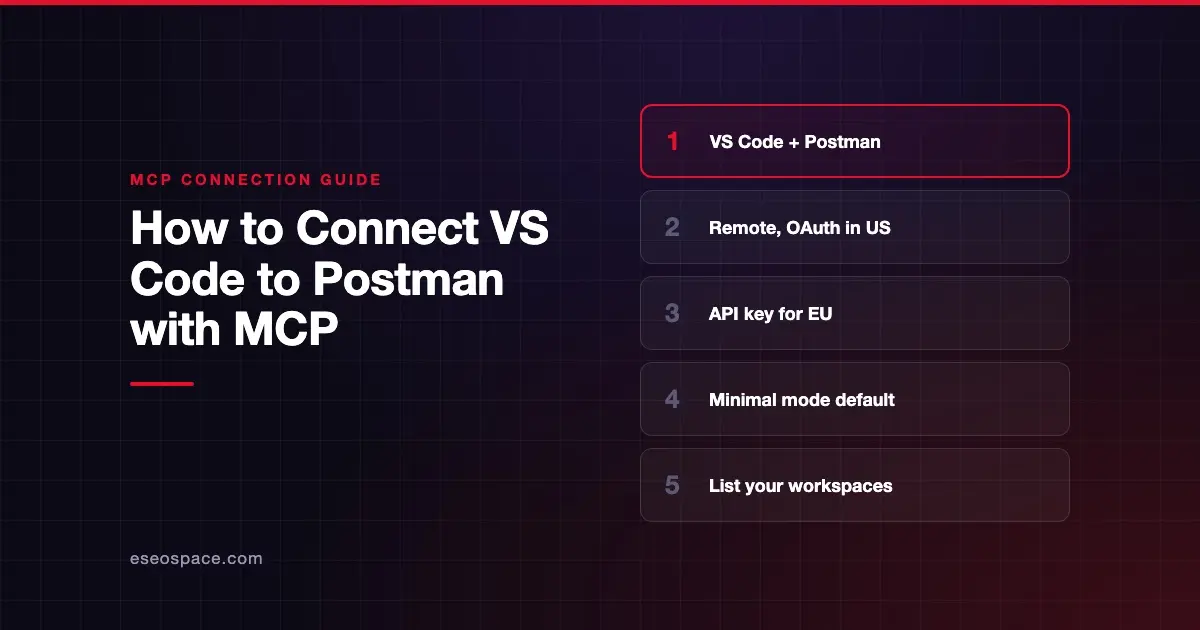
Connecting VS Code to Postman's MCP server lets Copilot's agent work with your Postman workspaces, collections and environments from the chat. Postman hosts the server, so there is nothing to install locally.
Checked against: Postman's remote server setup docs and VS Code's MCP server docs on 28 October 2026. eSEOspace did not run these steps; menus can change, so follow the vendor's page if it differs.
Key Takeaways
- Postman's remote server comes in modes. Minimal is the default; Full exposes 100+ tools.
- The US server supports OAuth and needs no API key. The EU server only accepts an API key.
- Postman's one-click VS Code button is set up for the US region.
- The config goes in
.vscode/mcp.json, using VS Code'sserversformat. - Postman suggests "List my Postman workspaces." as a first, read-only test.
Before you start
You need:
- VS Code with an MCP-compatible extension. Postman names GitHub Copilot and Claude for VS Code as examples.
- A Postman account.
- A Postman API key, only if you use the EU region or prefer key sign-in.
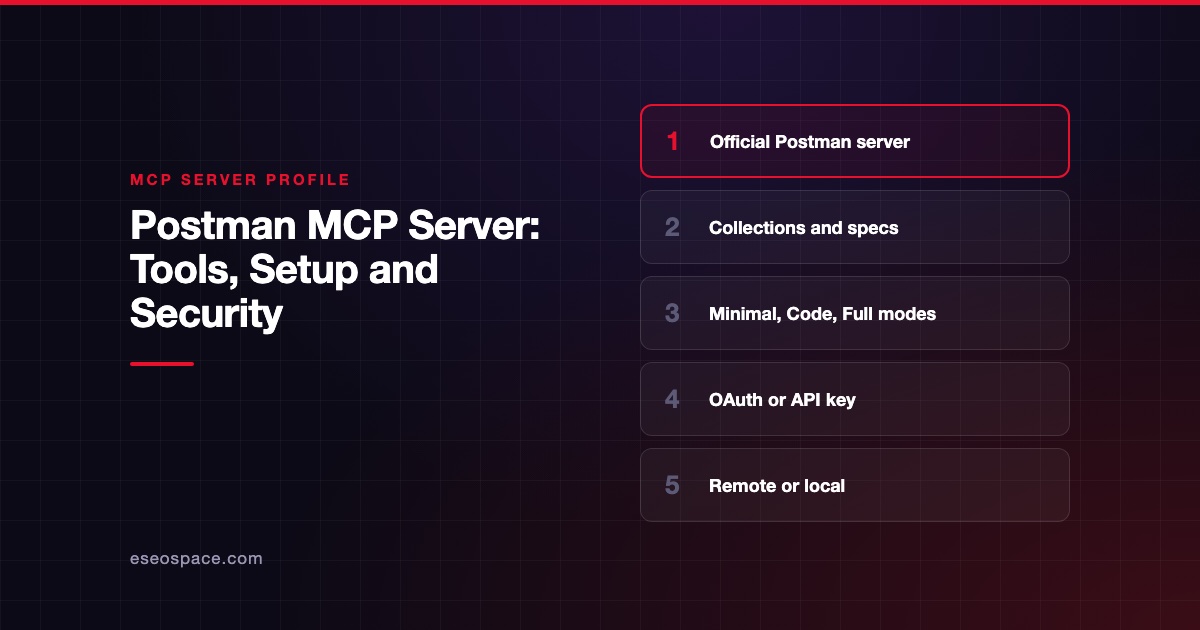
Then pick a mode. Postman's docs list these US endpoints:
| Mode | US endpoint |
|---|---|
| Minimal (default) | https://mcp.postman.com/minimal |
| Code | https://mcp.postman.com/code |
| Full | https://mcp.postman.com/mcp |
| Learn | https://mcp.postman.com/learn |
| Context Graph | https://mcp.postman.com/context-graph |
The EU endpoints use https://mcp.eu.postman.com/ with the same paths. The Postman MCP Server README says Minimal has only essential tools, Code helps generate client code from API definitions, and Full includes all 100+ Postman API tools.
Steps
Option 1: One-click install (US region)
Postman's docs say to click the install button or use the Postman VS Code extension. Postman notes the button is configured for the US region.
Option 2: OAuth, by hand (US region)
Add this block to .vscode/mcp.json:
{
  "servers": {
    "postman": {
      "type": "http",
      "url": "https://mcp.postman.com/minimal"
    }
  }
}
Start the server. When prompted, complete the OAuth sign-in flow. To use Full mode, change the URL to https://mcp.postman.com/mcp; for Code mode, use https://mcp.postman.com/code.
Option 3: API key (US or EU)
Postman gives this block for the US server with a key:
{
  "servers": {
    "postman": {
      "type": "http",
      "url": "https://mcp.postman.com/minimal",
      "headers": {
        "Authorization": "Bearer ${input:postman-api-key}"
      }
    }
  },
  "inputs": [
    {
      "id": "postman-api-key",
      "type": "promptString",
      "description": "Enter your Postman API key"
    }
  ]
}
For the EU region, Postman's block is the same except the URL is https://mcp.eu.postman.com/minimal. Start the server and enter your API key when prompted.
A note on VS Code's config formats
Postman's examples use the VS Code format (servers in .vscode/mcp.json). VS Code's current docs still support it for compatibility but label it deprecated in the guided flow. The newer portable format uses mcpServers in a workspace-root .mcp.json or ~/.copilot/mcp-config.json.
VS Code's configuration reference also says servers that need ${input:...} variables are not forwarded to Copilot harness sessions. If the API-key version doesn't appear there, use OAuth on the US server.
Check that it works
Postman's docs say to restart or reload your MCP host, check that it lists the Postman server and its tools, then ask for a simple read-only action.
Example prompts:
- "List my Postman workspaces." Postman says that if it returns your workspaces, you're connected.
- "List the collections in my team workspace."
- "Show the variables in my staging environment, without changing anything."
Expand the tool call in chat to confirm it came from the Postman server. In VS Code, open Chat: Open Customizations > Tools to see which tools are on.
Permissions and safety
- Pick the smallest mode. Minimal is the default for a reason. Full mode's 100+ tools widen what the AI can change.
- Keep keys out of files. The Postman MCP server profile notes Postman's advice to keep your API key "out of shared or committed files." VS Code's docs say the same about tokens and auth headers.
- Approve with care. VS Code asks you to review tool approval requests. See MCP permissions and approvals.
- Telemetry. Postman says product telemetry is on by default for the remote server.
Postman environments often hold secrets such as tokens for other services. Read secrets and credential leakage and see the MCP Security Center.
If it doesn't work
- The server doesn't appear. Restart or reload VS Code, as Postman suggests. Then run MCP: List Servers, select Postman and choose Show Output.
- EU sign-in fails. The EU server supports API keys only, not OAuth. Use the API-key block.
- The one-click install points to the wrong region. Postman says the button is US-only. Use the manual EU block.
- Missing in a Copilot session. Check whether your config uses
${input:...}variables. - Blocked by your company. VS Code's manage and troubleshoot page says local settings can't override an enterprise MCP allowlist.
Postman's docs list no other VS Code-specific issues, so these are general checks.
Next step
Start in Minimal mode and move to Code or Full only when a task needs it. For the local server and every mode, read the Postman MCP server profile. To use Postman from the terminal, see how to connect Claude Code to Postman, or browse all MCP connection guides.
Frequently asked questions
Do I need a Postman API key to use MCP in VS Code?
Not on the US server, which supports OAuth. The EU server only accepts an API key.
Which Postman MCP mode should I choose?
Minimal is the default and covers basic edits to collections, workspaces and environments. Code helps generate client code from API definitions, and Full exposes all 100+ Postman API tools.
Does the one-click install work for the EU region?
No. Postman says the VS Code button is configured for the US region. Use the manual block with https://mcp.eu.postman.com/minimal and your API key.
Can I run the Postman MCP server locally instead?
Yes. Postman also publishes a local server, npx @postman/postman-mcp-server, which needs a POSTMAN_API_KEY. Its telemetry is off by default.