This profile is part of our MCP server directory, within The MCP Guide. Profiles are checked against each vendor's own documentation. Need a server built? See MCP development.
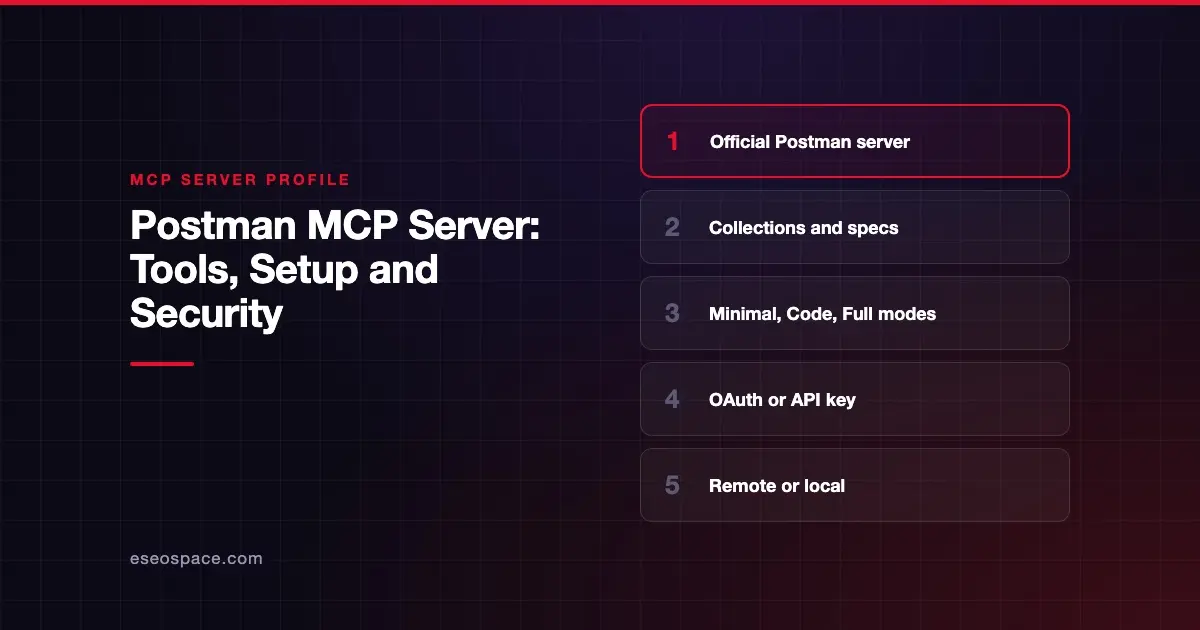
The Postman MCP Server connects AI agents and coding assistants to your Postman workspaces, collections, specifications and environments. Postman publishes it as a hosted remote server and as an npm package you run locally.
Checked against: Postman MCP Server README and Postman's remote server docs on 28 October 2026. eSEOspace did not install or test this server.
Key Takeaways
- The server has modes: Minimal (default), Code, Full (100+ tools), Learn and Context Graph, each at its own URL.
- The US remote server at
https://mcp.postman.comsupports OAuth, so you do not need to paste an API key. - The EU remote server and the local server support only Postman API key authentication.
- Postman says product telemetry is on by default for the remote server.
- Use the local server to test APIs on your own machine, because the remote server has no network access to your workstation.
At a glance
| Item | Detail |
|---|---|
| Publisher | Postman |
| Official? | Yes |
| Hosting | Both: remote URLs (US and EU) and npm package @postman/postman-mcp-server |
| Transport | Streamable HTTP (remote), stdio (local) |
| Sign-in | OAuth (US remote) or Postman API key |
| Read or write | Read and write |
| Price | No separate MCP price listed |
| Source code | postmanlabs/postman-mcp-server (Apache 2.0) |
| Status | Not stated |
What it can do
Postman organizes the server into tool configurations:
- Minimal (default): essential tools for changing a single element, such as a collection, workspace or environment.
- Code: tools that generate client code from public and internal API definitions.
- Full: all Postman API tools, "100+ tools," for advanced collaboration and Enterprise features.
- Learn: searches Postman's documentation.
- Context Graph: listed in the remote docs with its own endpoint.
Postman's listed use cases include testing APIs with your collections, keeping code in sync with collections and specs, managing workspaces and environment variables, creating specs from code and generating client code.
Postman does not print the tool names in the README. It points to a public Postman MCP Server collection that lists every tool across configurations.
How to connect it
Remote endpoints by mode, from Postman's docs:
| Mode | US | EU |
|---|---|---|
| Minimal | https://mcp.postman.com/minimal | https://mcp.eu.postman.com/minimal |
| Code | https://mcp.postman.com/code | https://mcp.eu.postman.com/code |
| Full | https://mcp.postman.com/mcp | https://mcp.eu.postman.com/mcp |
| Learn | https://mcp.postman.com/learn | https://mcp.eu.postman.com/learn |
For Claude Code with OAuth:
claude mcp add --transport http postman https://mcp.postman.com/minimalFor VS Code, in .vscode/mcp.json:
{
    "servers": {
        "postman": {
            "type": "http",
            "url": "https://mcp.postman.com/minimal"
        }
    }
}
VS Code's MCP server docs still support .vscode/mcp.json "for compatibility" but label it deprecated in the guided setup flow, as of October 2026. Servers that prompt for values with ${input:...} aren't forwarded to Copilot harness sessions.
For the local server, set POSTMAN_API_KEY and run:
npx @postman/postman-mcp-serverAdd --code or --full for those modes, or --region eu for the EU region. Postman also documents Cursor, Codex, GitHub Copilot CLI, Kiro and Docker.
Security notes
- Pick the smallest mode. Minimal is the default for a reason. Full mode exposes 100+ tools, which widens what the AI can change.
- Protect API keys. Postman's docs say to keep your API key "out of shared or committed files." The EU server and local server require one.
- Telemetry. Product telemetry is on by default for the remote server.
- Network reach. The local server can call APIs on your machine or private network. That is useful for testing but also means the AI can reach internal endpoints.
The MCP project's security best practices also cover risks such as token passthrough, confused deputy attacks and scope minimization.
Postman environments often hold secrets such as API tokens for other services. Read secrets and credential leakage and SSRF in MCP, and see the MCP Security Center.
Alternatives
- Playwright MCP server for end-to-end browser tests rather than API tests.
- GitHub MCP Server to keep specs and code changes in pull requests.
- Context7 MCP server for up-to-date library docs while writing client code.
Next step
Start with the Minimal mode and a test workspace, then expand once you see what the agent does. Our guide on how to choose MCP servers has a short checklist, and the MCP server directory lists more developer tools.
Frequently asked questions
Is the Postman MCP Server free?
Postman's README and remote docs do not list a separate MCP price. You need a Postman account, and Full mode targets Enterprise features.
What is the difference between Minimal and Full mode?
Minimal includes only essential tools for basic operations. Full includes all Postman API tools, which Postman puts at more than 100.
Can I use OAuth in the EU region?
No. Postman says the EU remote server supports only API key authentication, passed as Authorization: Bearer <POSTMAN_API_KEY>.
Can the remote server test my local API?
No. Postman notes the remote server has no network access to your workstation. Use the local server for local APIs.