This profile is part of our MCP server directory, within The MCP Guide. Profiles are checked against each vendor's own documentation. Need a server built? See MCP development.
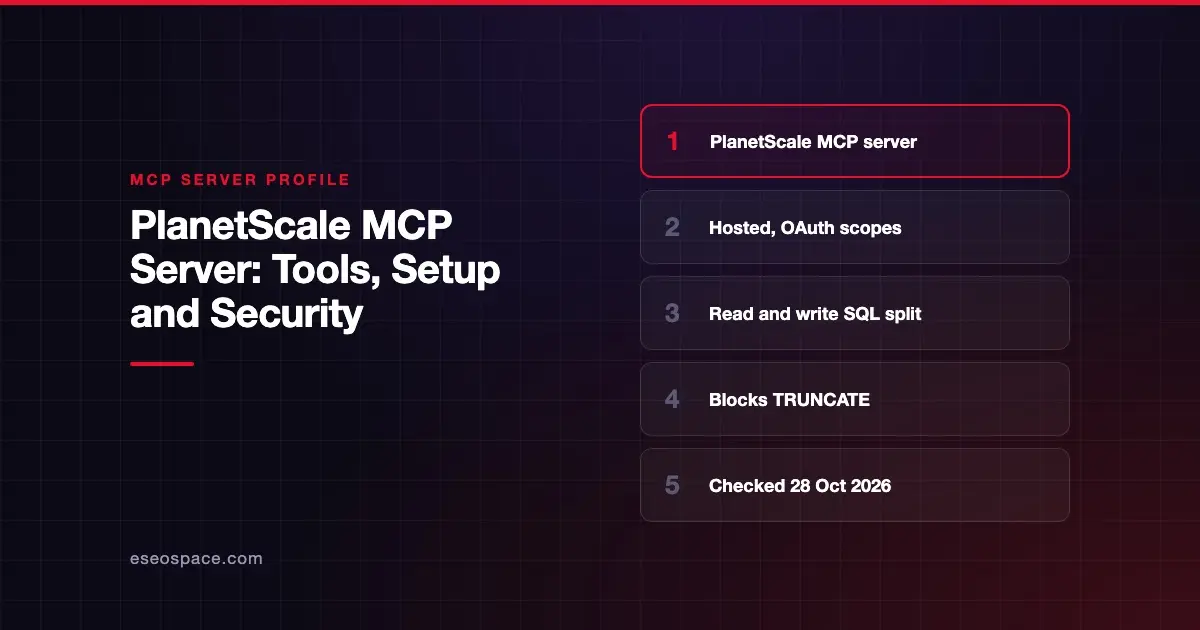
The PlanetScale MCP server lets an AI app explore your PlanetScale organizations, databases and branches, and run SQL against them. It works with both PlanetScale Postgres and Vitess. PlanetScale hosts it, and part of its tool code is open source. It speaks the open Model Context Protocol, so any MCP client with remote server support can connect.
Checked against: PlanetScale MCP docs on 28 October 2026. eSEOspace did not install or test this server.
Key Takeaways
- The hosted server lives at
https://mcp.pscale.dev/mcp/planetscaleand signs in with OAuth. - Reads and writes use separate tools:
planetscale_execute_read_queryandplanetscale_execute_write_query. - An "Insights-only" URL leaves out the query tools completely.
- PlanetScale blocks
TRUNCATEandUPDATEorDELETEwithout aWHEREclause, and asks for human confirmation on DDL. - Org admins can set MCP query access to none, read-only or read and write, which is the default.
At a glance
| Item | Detail |
|---|---|
| Publisher | PlanetScale |
| Official? | Yes |
| Hosting | Remote URL (https://mcp.pscale.dev/mcp/planetscale) |
| Transport | HTTP (remote) |
| Sign-in | OAuth; service tokens for CI and headless clients |
| Read or write | Read and write; read-only options at sign-in and org level |
| Price | No separate MCP price listed |
| Source code | Partly open: planetscale/mcp-server holds hand-written tools; others are generated from the API spec |
| Status | Not stated |
What it can do
PlanetScale's docs list 26 tools. They fall into a few groups:
- Browse:
planetscale_list_organizations,planetscale_list_databases,planetscale_list_branches,planetscale_get_organization,planetscale_get_database,planetscale_get_branch,planetscale_get_branch_schema. - Query:
planetscale_execute_read_queryforSELECT,SHOW,DESCRIBEandEXPLAIN.planetscale_execute_write_queryforINSERT,UPDATE,DELETEand DDL. - Performance:
planetscale_get_insights,planetscale_list_schema_recommendations,planetscale_list_query_error_patterns,planetscale_list_query_error_executions,planetscale_get_branch_metrics,planetscale_get_postgres_logs, plus query tag tools. - Billing:
planetscale_list_invoices,planetscale_get_invoice_line_items,planetscale_get_organization_billing_payment_method,planetscale_update_payment_method,planetscale_get_payment_method_setup. - Reference:
planetscale_search_documentation,planetscale_list_regions_for_organization,planetscale_list_cluster_size_skus.
Read queries go to a replica when your branch has one. Set use_replica to false to read from the primary instead.
How to connect it
PlanetScale documents commands for many clients. For Claude Code:
claude mcp add --transport http "planetscale" https://mcp.pscale.dev/mcp/planetscaleFor Codex CLI:
codex mcp add planetscale --url https://mcp.pscale.dev/mcp/planetscaleFor Cursor, add this to .cursor/mcp.json:
{
  "mcpServers": {
    "planetscale": {
      "url": "https://mcp.pscale.dev/mcp/planetscale"
    }
  }
}
The docs also cover Gemini CLI, Amp, OpenCode, VS Code, Notion Custom Agents and Claude Managed Agents. In Claude.ai and Claude Desktop it is in the Connectors Directory. PlanetScale notes that custom connectors using remote MCP are not available on every Claude plan.
If you only want performance data, use the Insights-only URL: https://mcp.pscale.dev/mcp/planetscale-insights-only. It excludes the query execution tools.
Security notes
PlanetScale says it advises "caution when giving LLMs write access to any production database." It backs that with several controls.
Scopes at sign-in. During OAuth you choose no access, read-only or full access to databases, per organization or per database. Payment method access is chosen separately.
Org-wide query policy. Admins can set "MCP query access" to no query access, read-only queries, or read and write queries. Read and write is the default, so change it if you want read-only.
Blocked statements. UPDATE or DELETE without a WHERE clause is blocked. TRUNCATE is blocked. DDL such as CREATE, DROP and ALTER prompts the AI to request human confirmation first.
Tracking. Every query carries a source=planetscale-mcp comment, so you can find AI queries in Insights. That helps with audit logging.
Note the billing tools. planetscale_update_payment_method can change a card if you grant full payment access. Most teams should leave payment access off. For the broader risk, see excessive permissions in MCP and the MCP security hub.
Alternatives
- Neon MCP Server: hosted Postgres with a pinned Postgres role option.
- Supabase MCP Server: Postgres plus Edge Functions, with
read_onlymode. - Prisma MCP Server: manages Prisma Postgres databases and Compute apps.
More profiles are in the MCP server directory.
Next step
Set the org-level MCP query policy before anyone connects. Then decide which databases each person may grant. Our MCP readiness audit can help you write that policy, and how to choose MCP servers has a checklist.
Frequently asked questions
Can the PlanetScale MCP server write to my database?
Yes, through planetscale_execute_write_query, unless you restrict it. You can choose read-only access at sign-in, and org admins can set MCP query access to read-only or none.
What does PlanetScale block automatically?
PlanetScale blocks TRUNCATE and any UPDATE or DELETE without a WHERE clause. DDL statements prompt the AI to ask a human for confirmation.
Does it work with PlanetScale Postgres?
Yes. PlanetScale says the server is available for both Vitess and Postgres. On Postgres, a zero-row result may include a warning that row-level security could be hiding rows.
Is there a version without query access?
Yes. The Insights-only URL, https://mcp.pscale.dev/mcp/planetscale-insights-only, excludes the query execution tools.