This profile is part of our MCP server directory, within The MCP Guide. Profiles are checked against each vendor's own documentation. Need a server built? See MCP development.
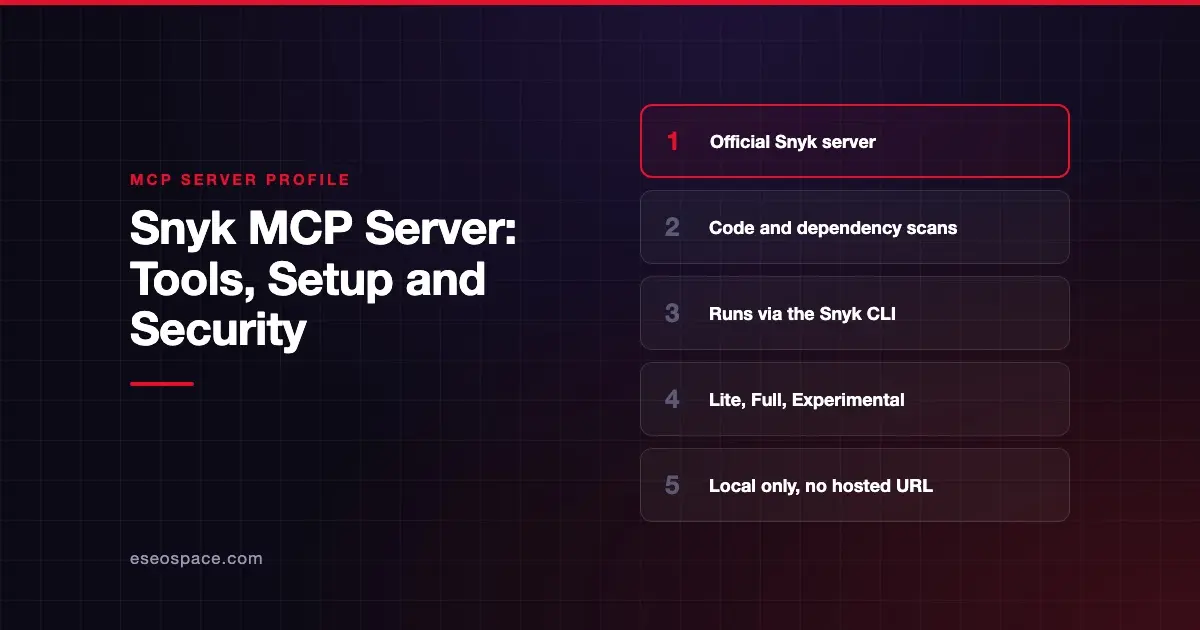
The Snyk MCP server lets an AI coding agent run Snyk security scans on your code, open-source dependencies, containers, infrastructure as code (IaC) and SBOMs. Snyk publishes it as part of the Snyk CLI and positions it as one layer of Snyk Studio, its toolkit for securing AI-written code.
Checked against: Getting started with Snyk Studio on 28 October 2026. eSEOspace did not install or test this server.
Key Takeaways
- Snyk says the MCP server "is designed as a local MCP server" and "Snyk does not offer a hosted remote MCP server."
- You start it with
npx -y snyk@latest mcp -t stdio. - Tools include
snyk_code_scan,snyk_sca_scan,snyk_container_scan,snyk_iac_scanandsnyk_sbom_scan. - Three tool profiles (Lite, Full and Experimental) control how many tools load. Full is the default.
- Snyk warns that
snyk_sca_scancan run third-party build tools, such as Gradle or Maven, on your machine.
At a glance
| Item | Detail |
|---|---|
| Publisher | Snyk |
| Official? | Yes |
| Hosting | Local only (runs through the Snyk CLI) |
| Transport | stdio |
| Sign-in | Snyk account; snyk_auth tool handles sign-in |
| Read or write | Scans locally; can execute build tools; no destructive tools listed |
| Price | Requires a Snyk account; no separate MCP price listed |
| Source code | Part of the Snyk CLI (not linked from the docs page) |
| Status | Not stated |
What it can do
Snyk's Snyk Studio overview lists these MCP tools:
snyk_sca_scan: Open Source dependency scansnyk_code_scan: code scansnyk_iac_scan: IaC scansnyk_container_scan: container scansnyk_sbom_scan: SBOM file scansnyk_aibom: create an AI-BOMsnyk_package_health_check: evaluate package health when picking a dependencysnyk_trust: trust a folder before scanningsnyk_auth,snyk_logout,snyk_versionandsnyk_send_feedback
Profiles decide which tools load:
| Profile | What it includes |
|---|---|
| Lite | Essential tools only: auth, code and SCA scans, version, logout, trust, feedback |
| Full (default) | All stable tools, adding container, IaC, SBOM, AI-BOM and package health |
| Experimental | Everything in Full plus tools under evaluation |
How to connect it
Snyk Studio has two install paths. For Claude Code, Cursor, Codex CLI, Gemini CLI and GitHub Copilot, Snyk recommends an installer script that uses hooks. For other agents, you add the MCP server to the client's config:
{
  "mcpServers": {
    "Snyk": {
      "command": "npx",
      "args": ["-y", "snyk@latest", "mcp", "-t", "stdio"],
      "env": {}
    }
  }
}
To choose a profile, use the flag or the SNYK_MCP_PROFILE environment variable:
npx -y snyk@latest mcp -t stdio --profile=liteSnyk suggests a test prompt such as "scan my directory for security issues." It also publishes quickstart guides for clients including Cline, Continue, Devin, Kiro, Qodo, Goose and JetBrains AI Assistant.
Security notes
- Local execution. The server runs on your machine with access to local files. That is the point, but it also means the agent works with your file permissions.
- Build tools run. Snyk notes that
snyk_sca_scan"can execute third-party ecosystem tools (for example, Gradle or Maven)" to build the dependency tree. Keep that in mind before scanning projects you do not trust. - Folder trust.
snyk_trustexists so a folder is trusted before scanning. Do not let an agent trust folders you have not reviewed. - Installer scripts. The hooks installer pulls a script from GitHub and can install
uv, Python, Node.js, npm and the Snyk CLI. Snyk says it prompts before each step, and offers a build-from-source option for audits.
The MCP project's security best practices also cover risks such as token passthrough, confused deputy attacks and scope minimization.
Pair scanning with a review of the servers themselves. See command injection in local MCP servers and how to security-review an MCP server, plus the MCP Security Center.
Alternatives
- SonarQube MCP server for code quality, issues and quality gates alongside security.
- GitHub MCP Server, whose
code_securityanddependabottoolsets read GitHub's own alerts. - GitLab MCP server, which offers vulnerability tools on Ultimate.
Next step
Start with the Lite profile so the agent scans each change without loading every tool. Our MCP security checklist covers what else to check, and the MCP server directory lists other developer tools.
Frequently asked questions
Does Snyk offer a hosted MCP server?
No. Snyk's docs say the Snyk MCP server runs locally through the Snyk CLI, and "Snyk does not offer a hosted remote MCP server."
What do I need to run it?
A Snyk account, plus npx and Node.js as Snyk recommends. The hooks-based installer can bootstrap the Snyk CLI and other tools for you.
What is the difference between Lite and Full profiles?
Lite loads the essential tools, such as code and dependency scans, to keep token use low. Full, the default, adds container, IaC, SBOM, AI-BOM and package health tools.
Is Snyk Studio the same as the Snyk MCP server?
Not exactly. Snyk Studio is the wider package of hooks, rules and directives, and the MCP server is one part of it that gives agents Snyk's scanning tools.