This spotlight is part of our MCP company spotlights, within The MCP Guide. Building an MCP company? See SEO and GEO for MCP companies.
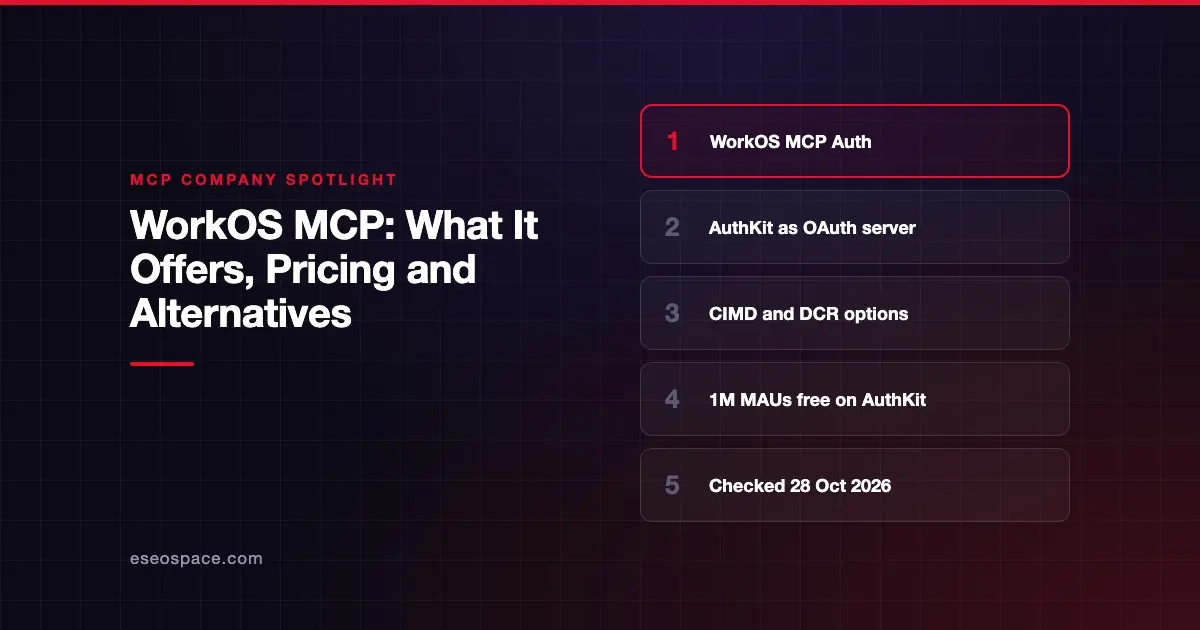
WorkOS sells identity tools for business software, and its MCP offer is called MCP Auth. It lets AuthKit, the WorkOS login product, act as the OAuth authorization server for a remote MCP server you build. Your server checks the tokens; WorkOS handles sign-in, consent and token issuing.
Checked against: WorkOS's MCP page on 28 October 2026. eSEOspace did not test WorkOS's products.
Key Takeaways
- WorkOS describes AuthKit as "a spec-compatible OAuth authorization server" for MCP servers.
- AuthKit supports Client ID Metadata Documents (CIMD) and Dynamic Client Registration (DCR), both switched on in the WorkOS Dashboard.
- Teams with their own login can use Standalone Connect, which WorkOS announced on 22 August 2025.
- AuthKit is free for the first 1 million monthly active users, according to WorkOS's pricing page.
- WorkOS says it is SOC 2 Type 2 certified and GDPR and CCPA compliant.
At a glance
| Company | WorkOS |
|---|---|
| What it offers for MCP | MCP Auth: AuthKit as the OAuth server for your MCP server; Standalone Connect for existing login systems |
| Who it's for | Developers adding OAuth sign-in to a remote MCP server |
| Open source? | The platform is a hosted service; WorkOS publishes an MCP demo repo (mcp.shop) |
| Pricing | AuthKit free to 1M MAUs, then $2,500/mo per extra 1M |
What WorkOS offers for MCP
The MCP specification splits sign-in into roles. Your MCP server is the resource server, which checks access tokens. An authorization server signs users in and issues those tokens. WorkOS fills the second role.
According to the AuthKit MCP docs, the setup has five parts:
- Turn on client registration. In the WorkOS Dashboard, you enable CIMD. WorkOS says CIMD "is off by default, but you should enable it." DCR can be switched on too, as a fallback for older clients.
- Register your server URL. You add your MCP server's URL as a resource indicator. The client sends this as the
resourcevalue, and it becomes the token's audience. - Verify tokens. Your server checks each token's issuer and audience. The docs show this with the
joselibrary. - Return a proper 401. On failure, your server sends a
WWW-Authenticateheader pointing to its metadata. - Publish metadata. Your server serves
/.well-known/oauth-protected-resource, listing AuthKit as its authorization server.
This lines up with the current spec, where CIMD is the recommended registration method and DCR is kept for older clients.
Standalone Connect
Some teams already have a login system and do not want to move users. WorkOS's changelog entry of 22 August 2025 introduced WorkOS Connect as "an OAuth bridge" for this case. It runs only the MCP OAuth flows, while your app keeps its own sign-in.
Other pieces
The MCP page also mentions:
- An
AuthKitProviderin FastMCP, the Python framework, that finds WorkOS endpoints and sets up token checks. - Cross App Access, listed in the docs as early access. WorkOS notes it is not supported with Standalone MCP Auth.
- Fine-grained authorization (FGA), a separate product. The MCP page does not tie it directly to MCP.
Who it's for
WorkOS MCP Auth fits a software company that is building a remote MCP server and wants users to sign in with OAuth. It also fits teams that already use WorkOS for enterprise single sign-on (SSO) and want the same login for their MCP server.
It is not a gateway or a scanner. It will not inspect tool calls or block risky tools. If you need that, look at a gateway such as Pomerium.
Pricing
WorkOS's pricing page lists usage-based plans. As of October 2026:
- AuthKit: first 1 million monthly active users (MAUs) free, then $2,500 per month for each extra million.
- SSO and Directory Sync: $125 per connection per month for 1 to 15 connections, with lower per-connection rates above that.
- Audit Logs: $125 per month per SIEM stream, and $99 per month per million retained events.
- Custom domain: $99 per month.
The pricing page does not list a separate price for MCP Auth or Connect. Ask WorkOS how MCP sign-ins are counted before you budget.
Security and trust
WorkOS's security page says the company is "SOC 2 Type 2 certified" and compliant with GDPR and CCPA. It says it can sign HIPAA business associate agreements for enterprise-plan customers. WorkOS also says it runs annual third-party penetration tests and external code audits.
The docs put one key job on you: your server must check each token's audience. Skipping that check leads to token passthrough, which the spec forbids.
Alternatives
- Stytch offers Connected Apps, which turns your app into an OAuth provider for MCP clients.
- Descope offers an Agentic Identity Hub with MCP server auth, credential storage and an early-access gateway.
- Scalekit offers MCP Auth with a bring-your-own-auth option.
Next step
If you are choosing an auth provider for a new MCP server, read our MCP authentication and OAuth guide first. Then compare the other vendors in our MCP companies hub. If you want help building the server, see our MCP development service.
Frequently asked questions
Does WorkOS host my MCP server?
No. According to the AuthKit MCP docs, you run the MCP server. WorkOS acts as the authorization server that signs users in and issues tokens. Your server verifies those tokens.
Does WorkOS support Client ID Metadata Documents?
Yes. The docs say CIMD is off by default and should be enabled in the WorkOS Dashboard. DCR can also be enabled for older MCP clients.
Can I use WorkOS if I already have my own login system?
WorkOS says yes, through Standalone Connect. It runs the MCP OAuth flows and hands sign-in back to your app. Note that Cross App Access is not supported in that mode.
How much does WorkOS MCP Auth cost?
WorkOS does not list a separate MCP price. AuthKit is free for the first 1 million monthly active users, per the pricing page. Confirm with WorkOS how MCP clients and users are counted.