This guide is part of our WordPress resource hub: costs and hosting, the block editor, plugins, SEO and speed, security, maintenance, WooCommerce, development, comparisons and migrations.
0 entries
Customer experience in eCommerce is shaped by dozens of small interactions. From the moment a visitor lands on your store to the confirmation email they receive after purchase, every touchpoint influences how they feel about your brand. Speed, clarity, trust, personalization, and convenience all play a role in turning casual browsers into repeat buyers.
WooCommerce gives you a solid foundation, but the real refinement happens through the right plugins. Some tools build trust through transparency and compliance. Others simplify checkout, personalize product discovery, automate communication, or make post-purchase interactions smoother. When thoughtfully selected, these plugins work quietly in the background while your customers enjoy a store that feels intuitive and reliable.
In this guide, we’ll explore WooCommerce plugins that contribute to a better shopping experience. Each one brings practical improvements that make it easier for customers to browse, decide, purchase, and return with confidence.
1: GDPR Cookie Consent Plugin
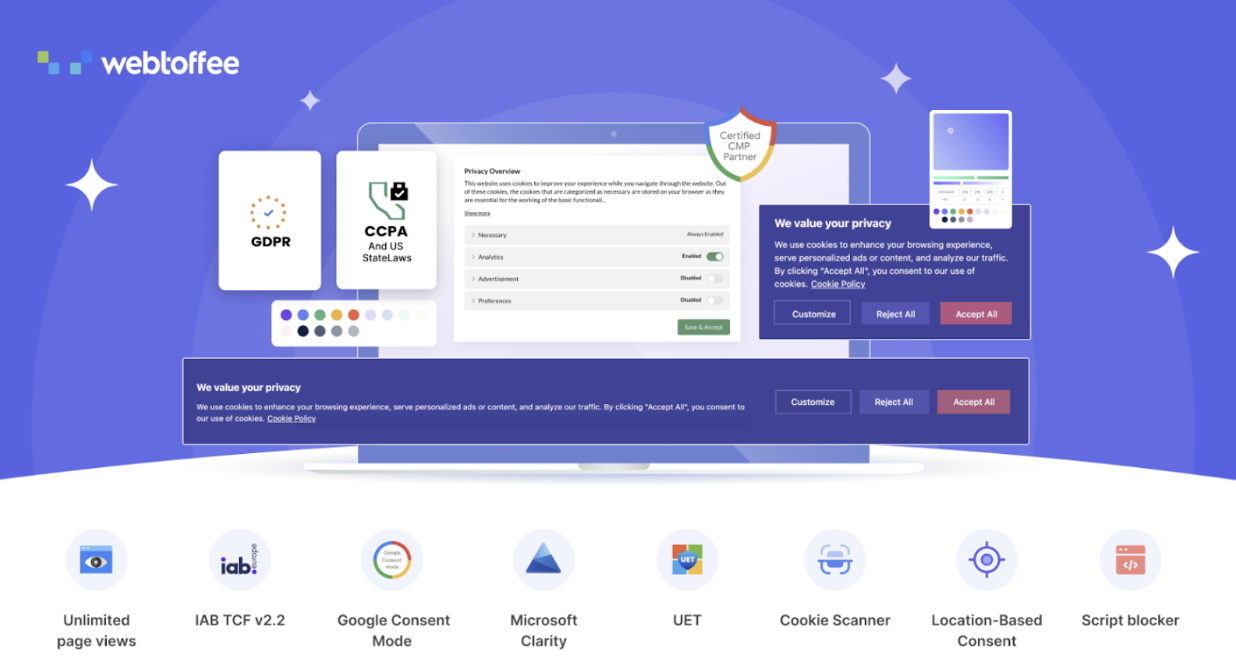
The GDPR Cookie Consent Plugin helps you handle cookie permissions in a clear and transparent way. It displays a customizable banner that informs visitors about your use of cookies and gives them control over their preferences from the very first interaction.
What makes this plugin particularly valuable is how it manages consent behind-the-scenes. It blocks third-party scripts until a visitor provides approval, helping you stay aligned with privacy regulations without disrupting the browsing experience. Visitors can accept or reject cookies, or choose specific categories based on their comfort level. You can also configure the banner to appear only for users in the EU based on IP detection, which keeps the experience relevant for different audiences.
With support for Google Consent Mode and Microsoft Clarity Consent V2, along with compatibility with the latest IAB TCF framework, it integrates smoothly with modern analytics and advertising tools.
For WooCommerce stores that rely on long-term customer relationships, ensuring data privacy and maintaining transparency can positively influence how visitors perceive your brand from the start.
2: Site Reviews

Site Reviews gives you full control over how customer feedback appears on your WooCommerce store. Reviews influence buying decisions, and this plugin helps you present them in a structured and credible way.
You can collect and display reviews using blocks, shortcodes, and widgets, making it easy to place testimonials exactly where they matter most. The plugin allows you to pin your strongest reviews so they stay visible at the top, reinforcing trust for new visitors. To maintain quality, you can require approval before publishing, request verification for submitted reviews, and even limit submissions to logged-in users. These controls help prevent spam while keeping the feedback section reliable and authentic. You can also respond directly to reviews, which shows customers that their opinions are acknowledged and valued.
With the ability to manage visibility and interaction in one place, Site Reviews supports a transparent feedback system that strengthens buyer confidence and encourages informed purchasing decisions.
3: Smart Coupons for WooCommerce
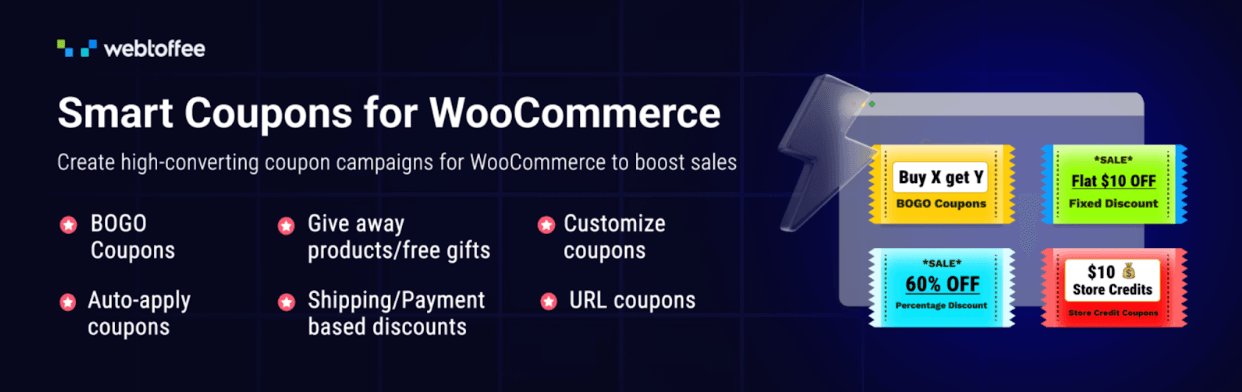
Smart Coupons for WooCommerce expands the default coupon system and turns it into a practical revenue tool. If you want to run targeted promotions that feel smooth for customers, this plugin gives you far more control over how discounts are created and applied.
One of its strongest advantages is the ability to auto-apply coupons at checkout, removing the need for customers to search for codes. That small improvement alone can reduce friction and improve conversions. The plugin also makes it easy to create BOGO offers with specific conditions, so you can structure deals that make sense for your catalog without confusing shoppers. You can define advanced usage restrictions, generate unique coupon codes in bulk for campaigns, and even create URL-based coupons that apply discounts instantly when customers click a link. These features allow you to run focused promotions that feel effortless on the customer’s end.
Beyond standard discounts, Smart Coupons also supports free gifts with purchase, store credits, and gift cards, which add flexibility to your promotional strategy. Altogether, it gives you the tools to run meaningful offers that improve engagement while keeping the shopping experience clear and convenient.
4: SureForms
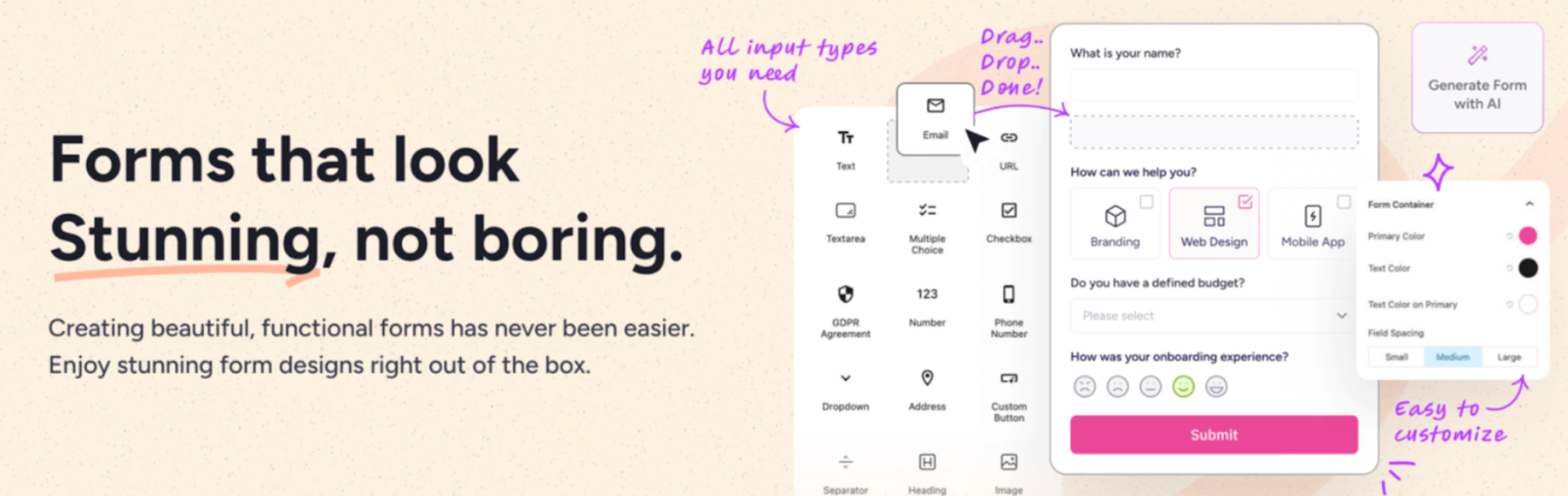
SureForms makes it easy to create forms that feel smooth and intuitive for your visitors. From simple contact forms to more advanced lead capture and payment forms, it gives you the flexibility to design experiences that guide users without overwhelming them.
The plugin supports multi-step and conversational forms, which help break longer forms into manageable sections and improve completion rates. Built with a mobile-first approach, forms look clean and function properly across devices, which is critical for stores that see a large share of traffic from smartphones. You can arrange input fields into multiple columns to create an organized layout that feels easy-to-scan and complete. Conditional logic and calculation features allow forms to adapt based on user input, making the interaction feel relevant and purposeful.
After a form is submitted, you can display customized confirmation messages or redirect visitors to specific pages, allowing you to guide them to the next step in their journey. Together, these features help you collect information efficiently while keeping the experience clear and user-friendly.
5: PDF Invoices and Packing Slips for WooCommerce
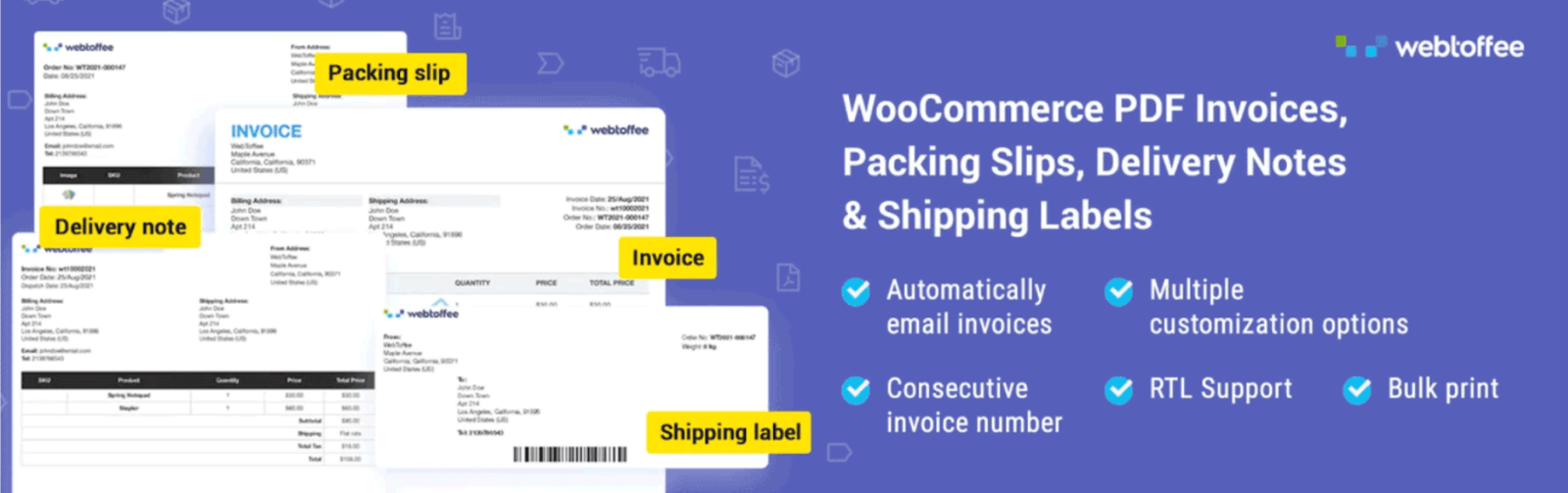
PDF Invoices and Packing Slips for WooCommerce helps you deliver clear and professional order documents to your customers. Well-structured invoices and packing slips reduce confusion after purchase and make your store look organized and trustworthy.
The plugin automatically generates and sends PDF invoices and packing slips with every order, so customers receive the documents they need. You can choose from multiple layouts and customize templates with your logo, payment information, tax details, and tracking fields. It supports tax-compliant invoicing with VAT, GST, ABN, and other regional requirements, which is essential for stores selling across different markets. Customers can also access their invoices anytime from their account page, giving them convenient access to important records.
An added advantage is the ability to include a Pay Now link inside the invoice PDF, allowing customers to complete pending payments directly from the document. The plugin also supports multilingual invoices, making it suitable for stores serving international audiences. Altogether, it strengthens the post-purchase experience by keeping documentation clear, accessible, and aligned with your brand.
6: Advanced Custom Fields
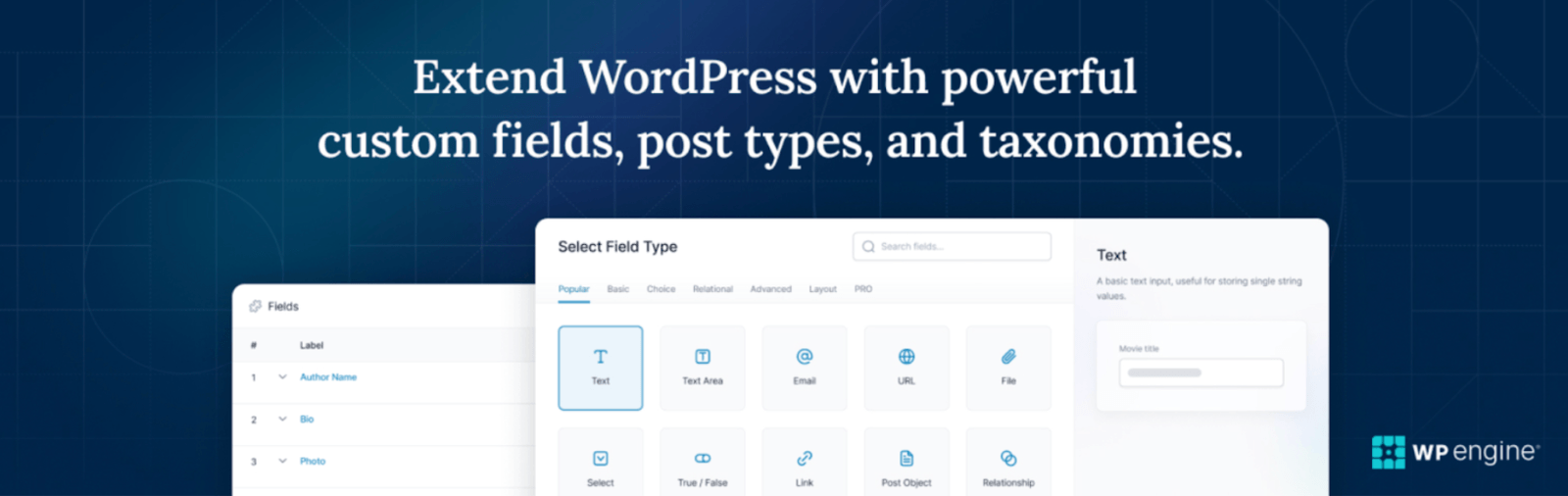
Advanced Custom Fields gives you deeper control over the way content is structured inside WordPress. For WooCommerce stores that need more than standard product fields, this plugin helps you organize information in a way that feels clear and purposeful for shoppers.
With its visual field builder, you can add custom fields to posts, pages, products, users, taxonomy terms, media, and even custom options pages without complex code. This makes it easy to extend product pages with additional specifications, guides, FAQs, or structured details that help customers make informed decisions. Instead of cramming important information into generic text areas, you can present it in clearly defined sections that improve readability and consistency across your store.
By bringing order to how information is created and displayed, Advanced Custom Fields helps deliver product pages that are more informative, easier to scan, and ultimately more helpful for your customers.
7: WooCommerce Marketing Automation
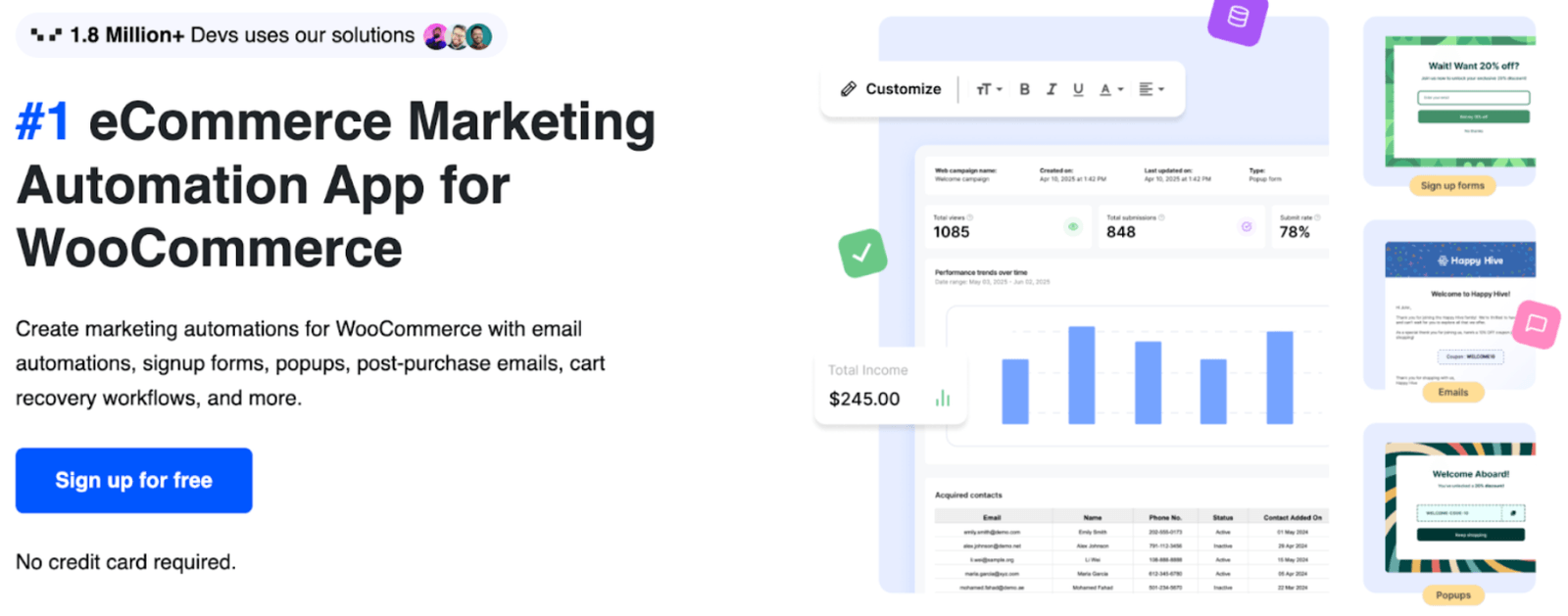
WooCommerce Marketing Automation helps you stay connected at every stage of their journey. From the first visit to repeat purchases, it allows you to automate communication in a way that feels timely and relevant.
The tool brings together email automations, signup forms, popups, follow-up emails, and cart recovery workflows in one system. You can greet new visitors with well-placed popups that encourage first-time actions such as subscribing or claiming an offer. Cart recovery sequences gently remind customers about items they left behind, helping you recover potential lost sales. Email campaigns can be triggered based on customer behavior, which makes your messaging more personal and better aligned.
To keep engagement high, you can run interactive campaigns like spin-to-win offers that make promotions feel rewarding instead of repetitive. By automating these touchpoints, the app supports consistent communication while giving customers a more responsive shopping experience.
8: YayCurrency
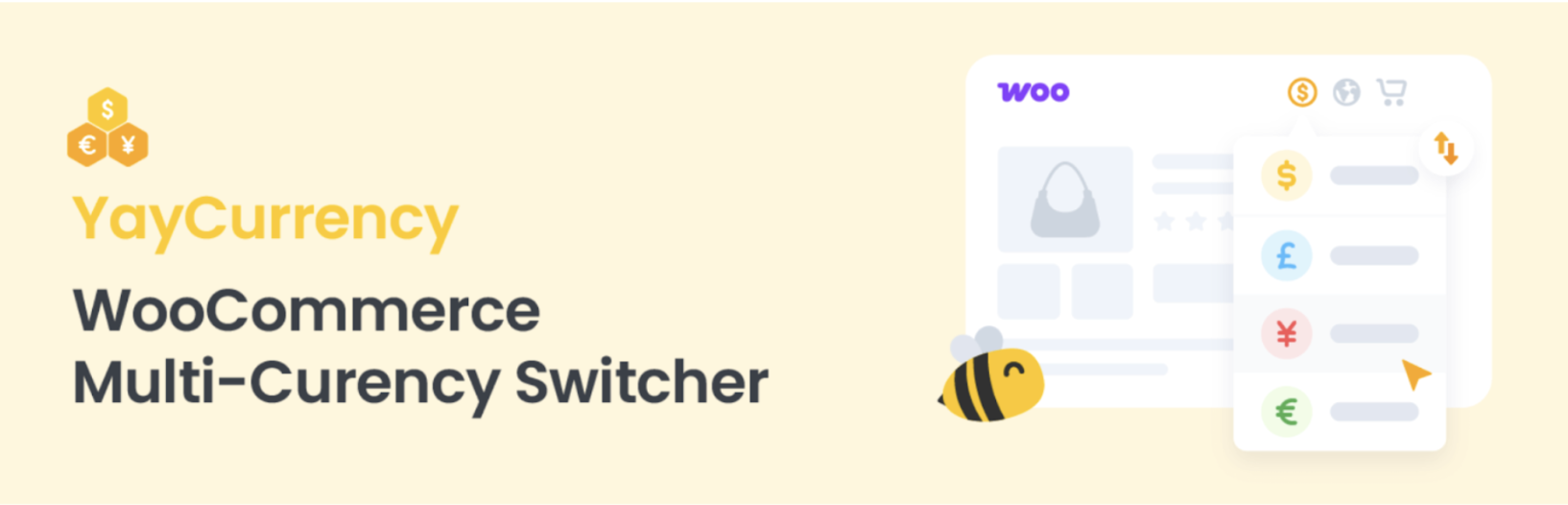
YayCurrency makes it easy for international customers to shop in their own currency. When prices feel familiar and transparent, shoppers are more comfortable moving forward with a purchase.
The plugin displays real-time converted prices across your store, including product pages, cart, and checkout. Customers can switch currencies using a dropdown placed directly on product pages, even in quick view popups and filtered product displays. This visibility keeps the experience consistent from browsing to payment. Order confirmation emails are also sent in the customer’s selected currency, which removes confusion after checkout and builds trust in your pricing.
These adjustments help you protect your margins while presenting prices in a way that feels natural to buyers. For stores serving global audiences, YayCurrency reduces friction and makes cross-border shopping feel straightforward.
9: Product Feed for WooCommerce
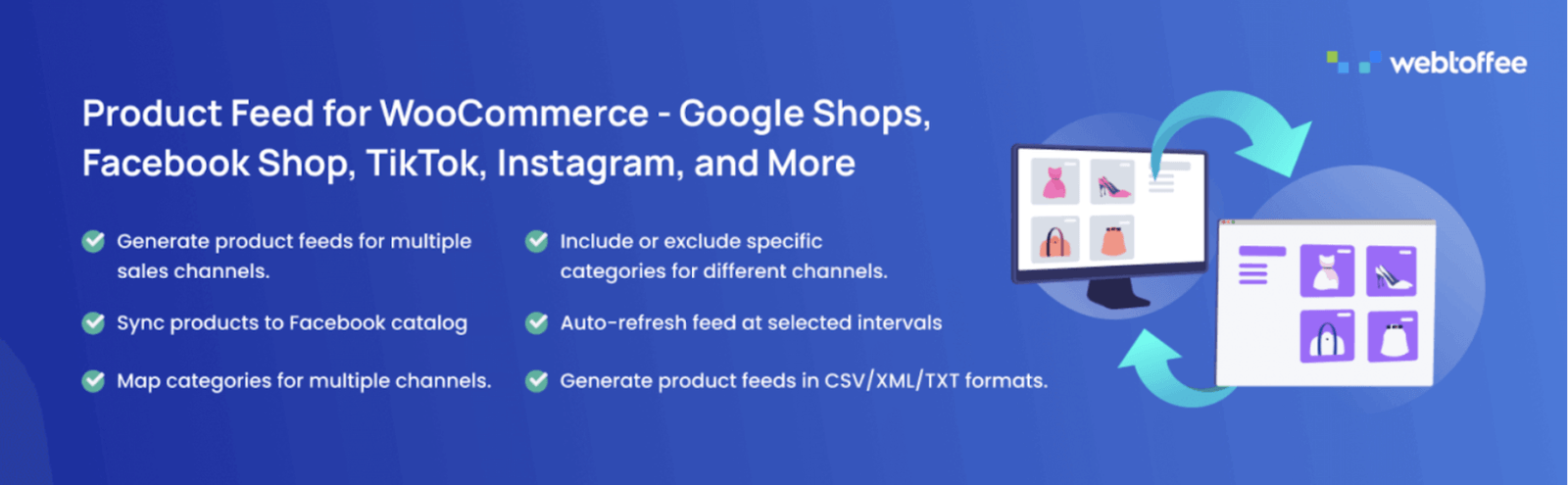
Product Feed for WooCommerce helps you showcase your products on the platforms where customers already spend their time. By connecting your store to channels like Google, Facebook, and more, you make it easier for shoppers to discover your products and return to your site to complete their purchase.
The plugin allows you to create optimized product feeds that automatically sync with major marketplaces and sales channels. This means your pricing, stock levels, and product details stay updated. Accurate and consistent product information improves how your listings appear in search results and ads, which can attract more qualified traffic to your store. When shoppers see clear pricing and relevant details before they click, it sets better expectations and leads to smoother buying decisions.
In addition to broad marketplace support, the plugin gives you flexibility to customize feed attributes based on channel requirements. This helps you meet platform guidelines while keeping your product data organized. By extending your store’s visibility across multiple channels, Product Feed for WooCommerce strengthens product discovery and drives more confident shoppers back to your store.
10: WooCommerce PayPal Payments

WooCommerce PayPal Payments gives your customers flexible and familiar ways to pay. Offering trusted payment methods can make the final step of checkout feel faster and more secure, which directly impacts conversion rates.
The plugin supports PayPal, credit and debit cards, and regional options like Venmo in the United States, along with Pay Later features that allow customers to split payments over time. Express PayPal buttons can be displayed on product pages and in the cart, reducing the number of steps required to complete a purchase. This shorter checkout flow is especially helpful for returning customers who prefer quick transactions. At the same time, built-in fraud detection and compliance with global standards help protect both your business and your buyers.
By combining convenience, security, and flexible payment options, WooCommerce PayPal Payments helps create a checkout experience that feels reliable and straightforward for customers across different markets.
11: Request a Quote for WooCommerce
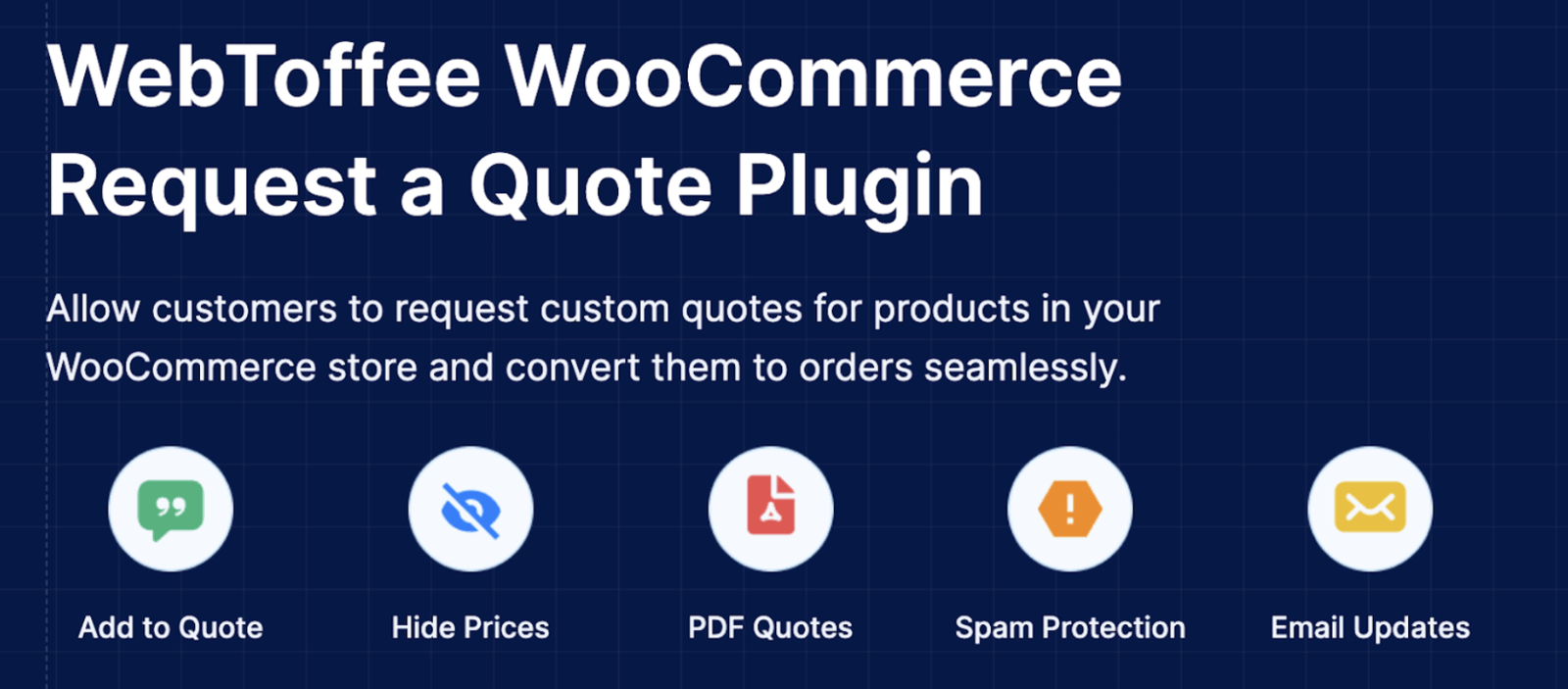
Request a Quote for WooCommerce gives you the flexibility to sell beyond fixed pricing. It allows customers to request custom quotes, which is especially useful for bulk orders, B2B transactions, or products that require discussion before purchase.
The plugin lets you hide prices and replace the Add to Cart button with a quote request option, guiding customers into a more personalized buying process. Shoppers can add products to a quote list and review them in a mini-cart style layout, making it easy to manage their requests before submission. They can also suggest preferred prices, opening the door for negotiation and tailored offers. Once a quote is approved, you can convert it into an order, keeping the transition from discussion to purchase smooth.
To maintain clarity, the plugin allows you to send professional quote PDFs by email, which customers can view or download at any time. By offering a structured way to handle pricing discussions, the Request a Quote plugin creates a more flexible and B2B-friendly shopping experience.
12: Translate WordPress with GTranslate

Translate WordPress with GTranslate helps you make your WooCommerce store accessible to a global audience. Using Google’s automatic translation technology, it allows visitors to view your site in their preferred language without requiring you to translate every page.
The plugin supports over 100 languages, which means your store can reach the vast majority of internet users worldwide. When customers can browse product descriptions, policies, and checkout pages in a language they understand, they are more confident in their purchasing decisions. The translation process happens quickly, and visitors can switch languages with ease, keeping their shopping flow uninterrupted.
By removing language barriers, this GTranslate integration helps create a more inclusive shopping experience for international customers.
14: WooCommerce Product Recommendations
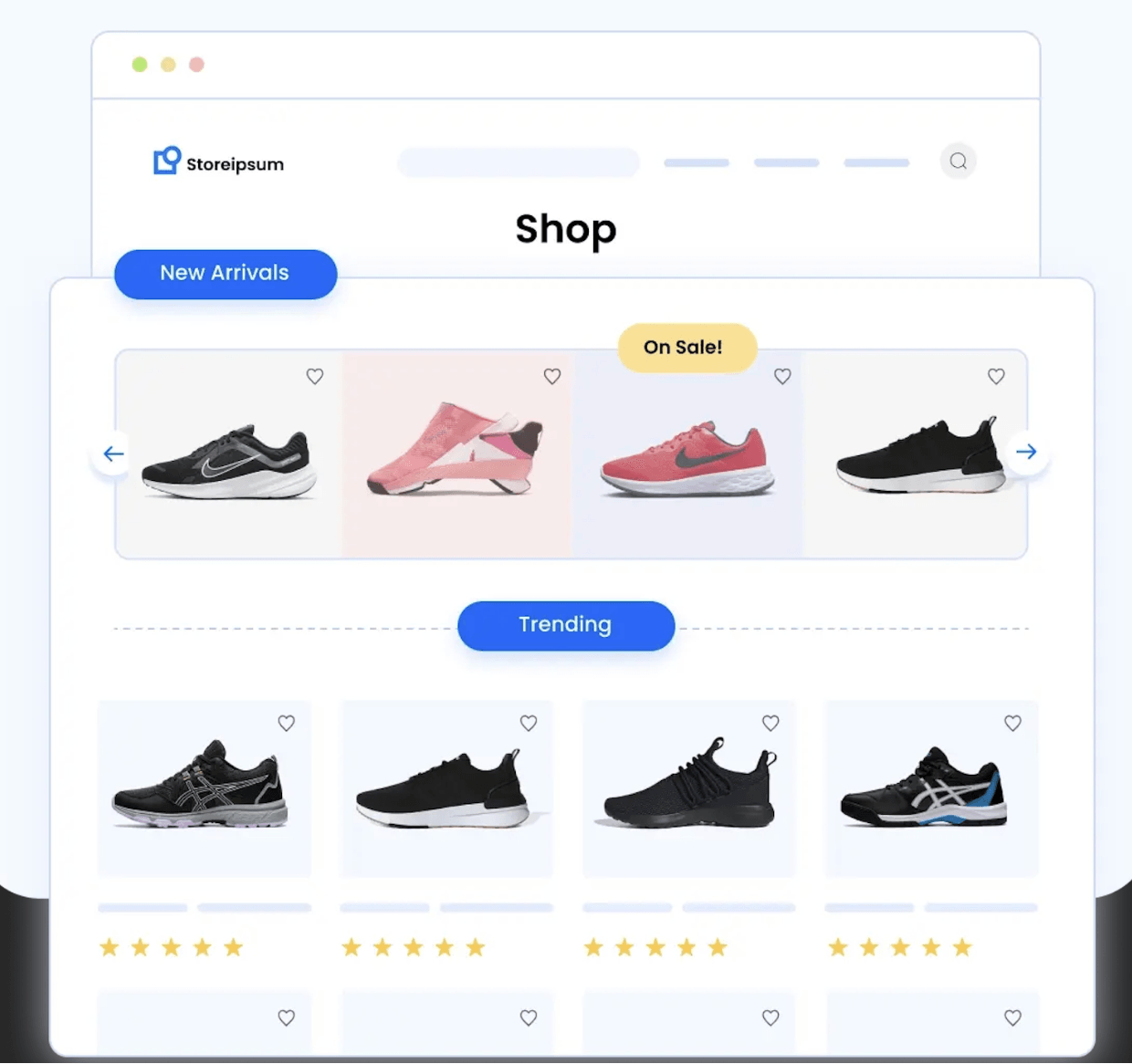
WooCommerce Product Recommendations help you guide shoppers to products they are more likely to purchase. Thoughtful suggestions can increase order value while also making product discovery easier for customers.
The plugin allows you to display upsells, cross-sells, best sellers, frequently bought together items, and other relevant suggestions across your store. You can personalize recommendations based on customer behavior and product relationships, which makes the suggestions feel useful. By placing the right products in front of shoppers at the right time, you help them find complementary or higher-value options without interrupting their browsing flow.
Another feature is the ability to automatically hide out-of-stock products from recommendation displays. This prevents frustration and keeps suggested items relevant and available. With smarter recommendations and cleaner displays, this product recommendations plugin improves product visibility while supporting a smoother shopping experience.
15: Checkout Field Editor for WooCommerce
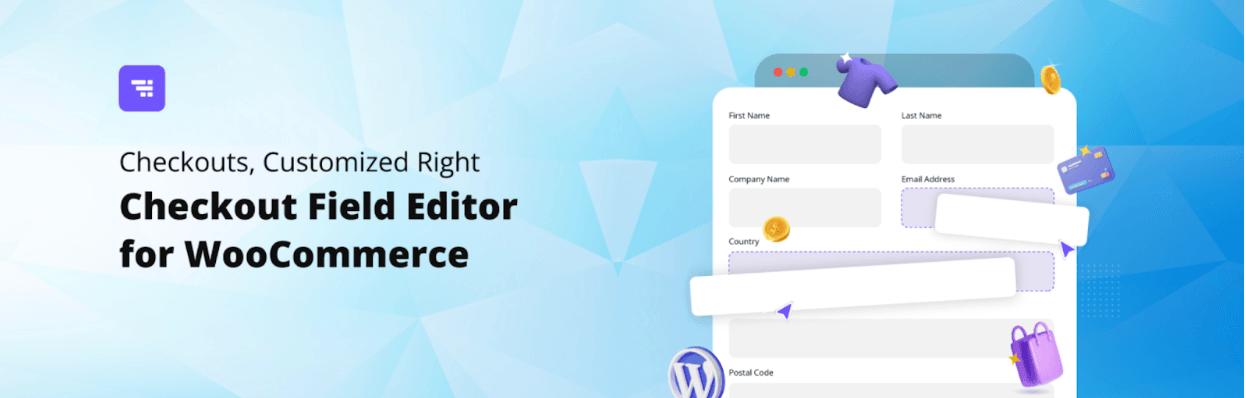
Checkout Field Editor for WooCommerce gives you full control over the information you collect during checkout. A well-structured checkout page can reduce friction and help customers complete their purchases without confusion.
The plugin allows you to add, edit, rearrange, or remove default checkout fields directly from your dashboard. You can change field labels, adjust their order, and apply validation rules so that the information submitted is accurate and complete. By removing unnecessary fields and keeping only what truly matters for your business, you create a cleaner checkout flow that feels faster and more straightforward.
With a simplified and more relevant checkout layout, this checkout field editor helps reduce cart abandonment and supports a smoother path to purchase.
16: Gift Cards for WooCommerce
Gift Cards for WooCommerce allows you to sell both digital and physical gift cards from your store. Gift cards make it easier for customers to share your products with friends and family, while also bringing new shoppers to your site.
The plugin lets customers purchase gift cards and send them by email with personalized messages. They can schedule delivery for special dates, which makes the experience feel thoughtful and convenient. You can offer predefined amounts or allow customers to enter a custom value, giving them flexibility based on their budget.
Whether you are running seasonal promotions or offering year-round gifting options, WooCommerce Gift Cards adds a practical revenue stream while enhancing the overall shopping experience for both buyers and recipients.
Wrapping Up
Improving customer experience is rarely about one big change. It is usually the result of many small improvements working together across your store. From clearer checkout forms and flexible payments to personalized recommendations and transparent communication, each plugin in this list contributes to a smoother journey.
When customers can browse comfortably, understand pricing, trust your processes, and complete purchases without friction, they are far more likely to return. Choosing the right WooCommerce plugins is not just about adding features. It is about building a store that feels easy, reliable, and worth coming back to.