This article is part of our AI Ads hub. Want help applying it? Talk to eSEOspace.
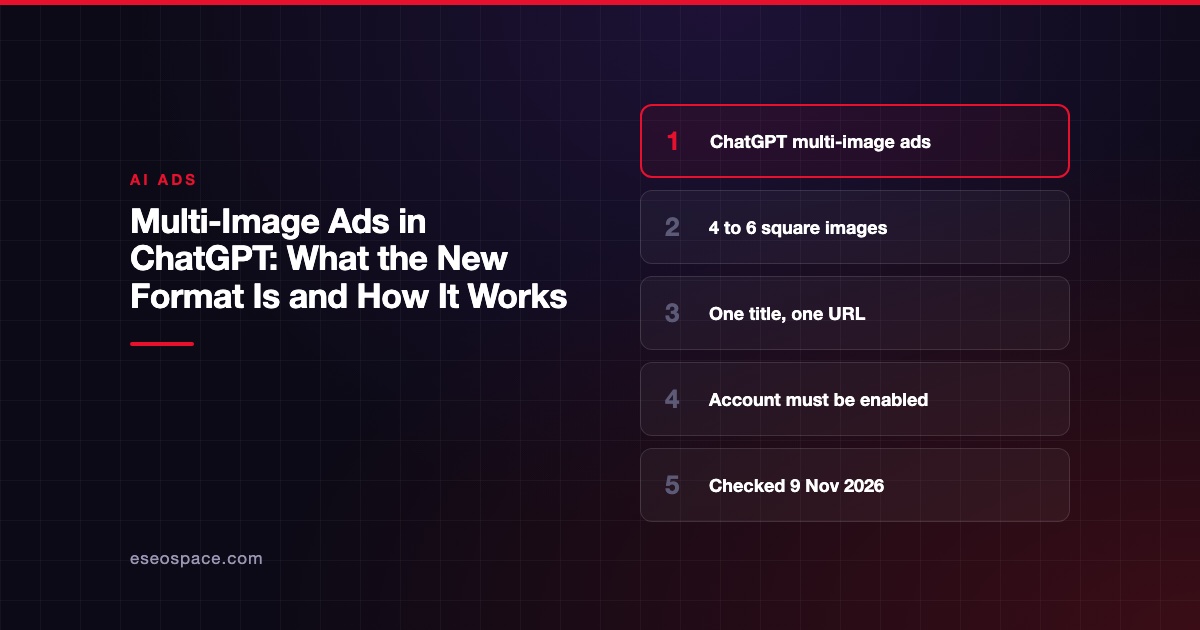
Multi-image ads in ChatGPT are ads that show 4 to 6 square images under one title, one body and one destination URL. OpenAI added the format to its Ads API documentation on 26 October 2026, for accounts that are enabled for it.
The details below come from OpenAI's developer documentation for the Ads API, which we opened on 9 November 2026. OpenAI's help center, which covers Ads Manager, blocked our access that day. Ads Manager details here are marked as reported. This guide is part of our AI ads hub and our ChatGPT ads hub.
Key Takeaways
- OpenAI's Ads API changelog for 26 October 2026 says "Enabled accounts can create ads with 4–6 square images."
- All images share "one title, body, and destination URL."
- OpenAI's docs say to use a standard Reach, Clicks or Conversions campaign, with fixed bidding unless your account is enabled for automatic bidding with multiple images.
- Multi-image ads don't accept image cropping, a price field or a business agent.
- Trade press reports the format is in open beta for all advertisers in Ads Manager. We could not confirm that at OpenAI.
What the format is
OpenAI's Ads API overview has a changelog entry dated 26 October 2026. It says "Enabled accounts can create ads with 4–6 square images by uploading each image and passing the returned file IDs in creative.file_ids."
It continues: "The images share one title, body, and destination URL." So this is one ad with several pictures, not several ads.
OpenAI's campaign management docs describe the standard ad as a chat_card that "uses your title, body, one or more images, and landing-page URL." A multi-image ad uses that same creative type.
The rules, from OpenAI's docs
| Rule | What OpenAI's docs say |
|---|---|
| Number of images | 4 to 6 distinct images |
| Image shape | Square (1:1) |
| Image files | JPEG, PNG or WebP, at least 640 × 640 pixels |
| Title | 3 to 50 characters |
| Body | Up to 100 characters |
| Destination | One URL for every image |
| Campaign type | A standard Reach, Clicks or Conversions campaign |
| Bidding | Fixed bidding, unless the account is enabled for multiple images with automatic bidding |
| Not allowed | image_crop, price or business_agent_id |
| Account | Must be enabled for ads with multiple images |
The Ads API reference adds two practical notes. To switch an existing single-image ad to multiple images, you "Create a new ad." And "an explicit value applies to every image" when you change the destination URL.
What is reported but not confirmed
Search Engine Roundtable reported on 30 October 2026 that "Multi-image ads are now available in open beta to all advertisers." It attributes this to OpenAI's weekly advertiser email.
OpenAI's developer docs say "Enabled accounts" and "Your account must be enabled for ads with multiple images." These may describe the API and Ads Manager differently. Check whether the option appears in your own Ads Manager before you plan creative.
Other Ads Manager details, such as call-to-action options, come from OpenAI's help center. We could not open it, so we have left them out.
When multiple images make sense
OpenAI's docs say all images share one destination URL. That shapes what the format is good for.
- One product, several angles. A pair of shoes from the side, sole, on foot and in the box.
- One service, several outcomes. A kitchen remodel shown as before, during and after.
- One collection page. Several items that all live on the same landing page.
It is a weaker fit for several unrelated products. A visitor who clicks the third image lands on the same page as one who clicks the first. If that page does not show what they clicked, expect a quick exit.
For product catalogs, OpenAI documents product feeds and product-ad templates separately. Its reporting docs mention carousel product card metrics for "product-feed campaign ads with multiple product cards." That is a different setup from a multi-image chat_card.
How to prepare your images
- Make them square before upload. OpenAI says to "Prepare square images before uploading them," and multi-image ads don't accept
image_crop. - Use at least 640 × 640 pixels. That is the minimum in OpenAI's upload instructions.
- Make each one distinct. The API reference asks for "distinct square-image file IDs."
- Put them in order. OpenAI says to list the file IDs "in the order you want the images to appear."
- Check the landing page matches all of them. Every image sends people to the same URL.
Review and serving
Creating the ad does not mean it will run. OpenAI's docs say "Creation doesn't mean the ad has passed review or is ready to serve."
Editing creative later also matters. OpenAI's troubleshooting page says "Editing ad creative creates a new submitted version and triggers another creative review." Plan your images before launch to avoid repeated reviews.
Measuring a multi-image ad
The OpenAI reporting and insights docs we read do not describe per-image click reporting for a multi-image chat_card. The carousel card metrics in its reporting docs apply to product-feed ads, and OpenAI says "A card impression is not a billable ad impression."
So treat the multi-image ad as one ad. Compare it with a single-image ad in the same ad group, over the same period, on the same objective. Our post on tracking ChatGPT ad performance covers conversion setup.
Next step
Check whether multi-image appears in your Ads Manager, then build one test ad with four square images of a single offer. If you want help planning ChatGPT creative and tests, see our ChatGPT ads management.
Frequently asked questions
How many images can a ChatGPT multi-image ad have?
OpenAI's Ads API docs say 4 to 6 square images. Each image must be distinct.
Can each image link to a different page?
No. OpenAI's docs say the images share one title, body and destination URL.
Is the multi-image format open to all advertisers?
Trade press reported an open beta for all advertisers on 30 October 2026. OpenAI's developer docs say your account must be enabled for ads with multiple images. Check your own account.
Can I add a price to a multi-image ad?
Not through the API. OpenAI's docs say multi-image ads don't accept image_crop, price or business_agent_id.
Can I convert a single-image ad to multi-image?
Not by editing it. OpenAI's API reference says to create a new ad to switch an existing single-image ad to multiple images.