

This guide is part of our MCP connection guides, within The MCP Guide. Steps are copied from the vendor's own documentation. Need a custom connection? See MCP development.
Connecting ChatGPT to Atlassian lets you search and summarize Jira work items and Confluence pages, and create or update them from a chat. Atlassian's MCP server also covers Jira Service Management, Bitbucket, Compass and Loom. You can add the Atlassian Rovo app in ChatGPT or add the server URL as a custom MCP server.
Checked against: Atlassian's getting started guide and OpenAI's custom MCP server guide on 28 October 2026. eSEOspace did not run these steps; menus can change, so follow the vendor's page if it differs.
Key Takeaways
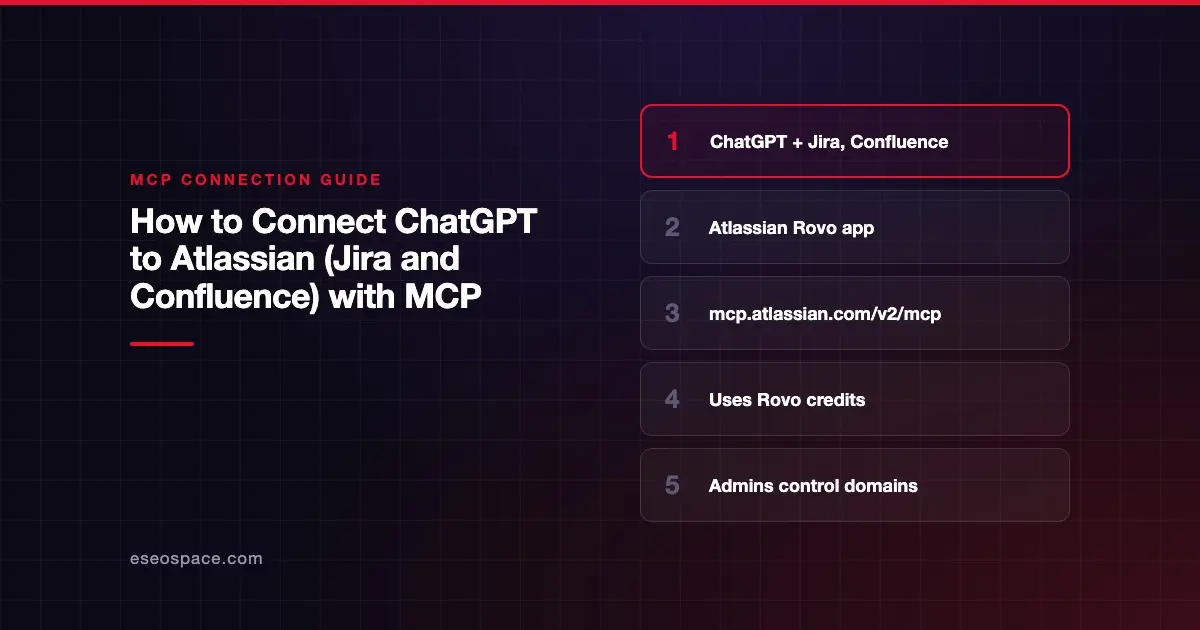
- Atlassian lists ChatGPT as a supported client and links an "Add to ChatGPT" button for its Atlassian Rovo app.
- For other clients, Atlassian gives one server URL:
https://mcp.atlassian.com/v2/mcp. - MCP calls use Rovo credits from your organization's shared pool, according to Atlassian.
chatgpt.comis on Atlassian's list of supported domains, which admins can block.- OpenAI says custom MCP servers are for ChatGPT Business and Enterprise/Edu on the web, with read and fetch only for Pro.
Before you start
Atlassian's MCP server README lists what you need for supported clients:
- An Atlassian Cloud site with one or more of Jira, Confluence, Jira Service Management, Bitbucket or Compass.
- Access to your client, in this case ChatGPT.
- A modern browser to complete the OAuth 2.1 sign-in, or API token credentials for headless setups.
Atlassian's getting started guide says MCP use consumes Rovo credits. These come from the same pool as Rovo Chat, Studio, Agents and the Teamwork Graph. Check your allowance on Atlassian's Rovo usage limits page first.
On the ChatGPT side, OpenAI's connected apps page says app availability depends on your plan, region, workspace, role, model and interface. For the custom server route, OpenAI says connections are "available for ChatGPT Business and Enterprise/Edu customers on ChatGPT web." The workspace permission is Create plugins with MCPs.
Steps
Option 1: Add the Atlassian Rovo app
Atlassian's README links an Add to ChatGPT button that opens the Atlassian Rovo app in ChatGPT. OpenAI's connected apps page gives the general flow:
- Open Settings > Plugins in ChatGPT and select Atlassian Rovo.
- Select Install plugin if shown.
- If prompted, select Connect.
- Sign in with your Atlassian account.
- Review the requested permissions and complete Atlassian's authorization.
Option 2: Add the server as a custom MCP server
For "other MCP-compatible clients," Atlassian's guide says to use this URL:
https://mcp.atlassian.com/v2/mcpThen follow OpenAI's steps. OpenAI says you don't need to turn on Developer Mode first.
- Go to Plugins in ChatGPT.
- Select the plus button, then Add custom MCP server.
- Enter a name, such as Atlassian, and an optional description.
- Under Connection, paste the URL above.
- Configure authentication. Atlassian's default is OAuth 2.1.
- Review the risk warning and select the I understand and want to continue checkbox.
- Select Create as a plugin, then review the discovered tools.
- Sign in to Atlassian when prompted.
On Business and Enterprise/Edu, only admins and owners can publish the result for the workspace.
Atlassian's server exposes a small set of tools first and discovers the rest on demand. Its guide offers https://mcp.atlassian.com/v2/mcp?tools=all for MCP gateways that need a flat list.
Check that it works
Start a new conversation, type @ and pick the Atlassian app or plugin. These prompts come from Atlassian's own examples.
Example prompts:
- "What's the status of PROJ-1234?"
- "Summarize the Q2 planning page."
- "Create five Jira work items from these meeting notes." ChatGPT may ask you to confirm before it creates anything.
Permissions and safety
- Existing permissions apply. Atlassian's README says access covers only data the user can already see, and project and space roles still apply.
- Delete is off by default. Atlassian says the
delete_jiraandmanage_jirapermission groups are disabled until an admin enables them. - Domain control. Atlassian's domain list includes
chatgpt.com, allowed by default. In Atlassian Administration, admins go to Connectors, then Atlassian MCP server, and can deselect Allow Atlassian supported domains. These rules apply only to OAuth 2.1 connections. - IP allowlists. Atlassian's settings page says your IP allowlists still apply to MCP tool calls.
- ChatGPT approvals. OpenAI's app permissions page offers Always ask, Allow read actions, Allow low-risk actions and Allow all actions. OpenAI says the last one "carries elevated risk."
Atlassian's own disclaimer advises least privilege, reviewing high-impact changes before confirming and watching audit logs. Its monitoring page says every tool call is recorded in your organization's audit log, with the tool name, action and user. Pages and tickets can also carry hidden instructions. See excessive permissions, MCP prompt injection and the MCP Security Center.
If it doesn't work
- Tool calls fail with an IP message. Atlassian says users outside the IP allowlist see an error like "You don't have permission to connect from this IP address." The consent screen may still appear.
- Sign-in is refused. An admin may have blocked Atlassian-supported domains. Ask them to check Connectors in Atlassian Administration.
- No Jira Service Management tools. Atlassian says JSM tools only work with API token sign-in, which an admin must enable.
- No Bitbucket tools. Atlassian says the workspace must be linked to an organization.
- Authentication breaks after the v2 move. Atlassian's upgrade guide says v1 setups switch to v2 tools automatically on 1 March 2027, and some clients may need to clear cached client IDs. Tool names change too: v2 Confluence tools include
searchConfluenceandgetConfluenceContent. - "Disabled by admin" or "Admin approval required." OpenAI's troubleshooting page says to ask your ChatGPT workspace admin.
Next step
Read the Atlassian MCP server profile for the full permission groups. If your team plans in Linear, see connecting ChatGPT to Linear. Find more setups in the connect guides, or book an MCP readiness audit before you let ChatGPT write to Jira.
Frequently asked questions
Does connecting ChatGPT to Jira cost extra?
Atlassian says MCP calls consume Rovo credits from your organization's shared pool. Usage is per call and grows with data volume and query complexity. Your ChatGPT plan is separate.
Which Atlassian URL should I use in ChatGPT?
Use https://mcp.atlassian.com/v2/mcp. Atlassian says the legacy /v1/sse endpoint is no longer supported after 30 June 2026.
Can ChatGPT delete Jira issues?
Only if an admin enables the delete_jira permission group. Atlassian disables it by default, along with manage_jira.
Can my admin stop people connecting ChatGPT?
Yes, on both sides. Atlassian admins can block supported domains such as chatgpt.com for OAuth connections. ChatGPT workspace admins can disable apps, and Enterprise organizations can ask OpenAI to limit Atlassian Rovo connections to their verified email domain.









