

This guide is part of our MCP connection guides, within The MCP Guide. Steps are copied from the vendor's own documentation. Need a custom connection? See MCP development.
Connecting Grok to LedgerMCP gives Grok a real double-entry ledger to work in. Grok can then import bank statements, categorize transactions, reconcile accounts and run reports such as a profit and loss statement, all from a chat.
Checked against: LedgerMCP's docs on 28 October 2026. eSEOspace built LedgerMCP.
We also checked xAI's connector docs for the Grok side. Because we built LedgerMCP, this guide sticks to what LedgerMCP and xAI publish.
Key Takeaways
- LedgerMCP is a hosted MCP server at
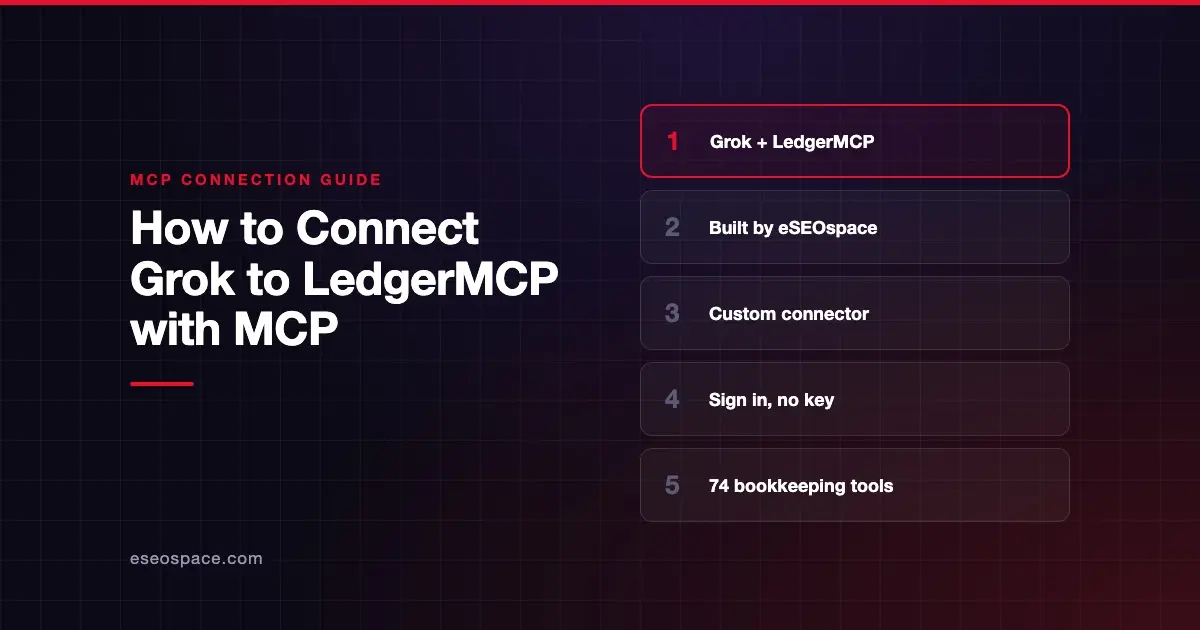
https://ledgermcp.com/mcp, so there is nothing to install or run. - In Grok, go to grok.com/connectors, choose New Connector, then Custom, and paste the URL.
- You sign in with your email and a 6-digit code. LedgerMCP says no developer mode is needed.
- Grok gets 74 tools: 26 read-only and 48 that can write. Every write is logged and reversible by the owner.
- The software and MCP access are free. Paid plans from $9 a month add live bank feeds.
Before you start
You need:
- A Grok account. xAI says connectors "are available to all Grok users."
- An email address for LedgerMCP sign-in. LedgerMCP's Grok page says new accounts are created on the spot, with no card required.
- Admin help on Grok Business or Enterprise. xAI's connector management docs say a team admin must add a connector in the cloud console before members can use it.
You don't need a LedgerMCP plan to start. LedgerMCP's pricing page says the Free plan includes unlimited books, all reports, CSV and manual imports, and "your own AI over MCP."
Steps
These steps combine LedgerMCP's docs and xAI's custom connector steps, which match:
- Go to grok.com/connectors.
- Click New Connector, then select Custom.
- Paste this as the server URL:
https://ledgermcp.com/mcp- Grok opens a LedgerMCP sign-in. Enter your email, then the 6-digit code LedgerMCP sends you.
- xAI says Grok then discovers the tools the server exposes and makes them available in conversations.
LedgerMCP describes it this way: "No developer mode to enable." The connection uses OAuth (a standard sign-in flow), so there is no key to paste.
For Grok Business and Enterprise admins
xAI's docs give the admin steps:
- Log in to console.x.ai, select your team and go to Grok Business → Connectors.
- Click + Add Connector.
- Select Other and enter
https://ledgermcp.com/mcp. - Complete any required authentication.
xAI says adding and removing connectors needs Team Read-Write permissions. After that, each team member connects their own account at grok.com/connectors.
Check that it works
LedgerMCP's docs ask the connected AI to start with list_businesses, then read list_conventions and list_questions. Those hold the rules and open questions past sessions left in the books.
Example prompts, taken from LedgerMCP's Grok page:
- "Set up books for my online store." Grok uses
create_business, which seeds a standard chart of accounts. - "Here's my June statement. Import it and categorize everything." Grok uses
import_transactionsandbulk_categorize. - "Close out June: import the attached statement, reconcile checking to $11,976.00, and lock the month." This uses
reconcile_accountandset_lock_date.
To confirm the books are sound, ask Grok to run verify_books. LedgerMCP says it re-checks that every entry balances, the trial balance ties and the accounting equation holds.
Permissions and safety
Giving an AI write access to your books is a real decision. LedgerMCP enforces these rules in its database, per its security page:
- Every entry balances. "Debits equal credits to the cent. Otherwise the write is rejected at commit."
- No edits, no deletes. Postings are immutable. A correction is a new, linked reversal.
- Retries are safe. Posting writes take an idempotency key, so a repeated request returns the original entry.
- Audit log with undo. "Every write is audit-logged and one-click reversible by the account owner."
- Lock dates. Nothing posts into a locked month. The docs say a lock is the owner's decision, and the AI should never move or clear one to get a post through.
- Human-only actions. Deleting transactions, merging tags, deleting accounts and disconnecting a bank are reserved for the owner in the web app.
- Previews.
dry_run:trueon categorize, split and post previews the exact lines without writing.
The docs mark 4 tools as destructive because they retract earlier writes or merge two bank accounts: reverse_entry, undo_import, resolve_duplicate and update_bank_account. Watch for those in Grok's tool calls.
Your sign-in reaches every book in your account. LedgerMCP also offers read-only API keys that "can run every list and report but never write," but its Grok steps use sign-in, not a key.
On data use, LedgerMCP says it "never trains on your books." What Grok does with conversation data is governed by your xAI plan and settings. For wider risks, such as prompt injection and excessive permissions, see the MCP Security Center.
If it doesn't work
LedgerMCP's docs don't list Grok-specific errors, so start with these general checks:
- Check the URL. It must be exactly
https://ledgermcp.com/mcp. - On a team plan? If you can't add the connector, your admin may need to provision it first in the xAI console.
- No code arrived. Check that you typed the right email address, and look in your spam folder.
- A post was refused. If the period is locked, the docs say the AI should say so and stop. Only you can change a lock date.
- Still stuck? Email support@ledgermcp.com, the support address in LedgerMCP's llms.txt file.
Next step
Start with one month of one account, then review the result in the LedgerMCP web app. The LedgerMCP MCP server profile lists all 74 tools and plan prices, and our LedgerMCP client spotlight tells the project story. To connect other assistants to the same books, see the MCP connection guides, including Claude.
Frequently asked questions
Does Grok support MCP servers like LedgerMCP?
Yes. xAI's docs say you can bring your own MCP server as a custom connector at grok.com/connectors. The server must be reachable over the public internet, which LedgerMCP's hosted server is.
How much does LedgerMCP cost with Grok?
The software, reports and MCP access are free. LedgerMCP's pricing page lists Starter at $9 a month for live bank feeds on up to 10 accounts, Growth at $39 and Scale at $249, billed monthly. On Free, bank feeds run as a 14-day trial for up to 5 accounts.
Can Grok break my books?
LedgerMCP is built so it can't corrupt them. Unbalanced entries are rejected, postings can't be edited or deleted, and every Grok write sits in the audit log with a one-click reverse. Grok can still post a valid but wrong entry, so review its work.
Can I use Grok and Claude on the same books?
Yes. LedgerMCP says the books live on LedgerMCP, not inside any one assistant. Connect Grok, Claude and ChatGPT to the same account and they all see the same ledger.









