

This article is part of our AI Ads hub. Want help applying it? Talk to eSEOspace.
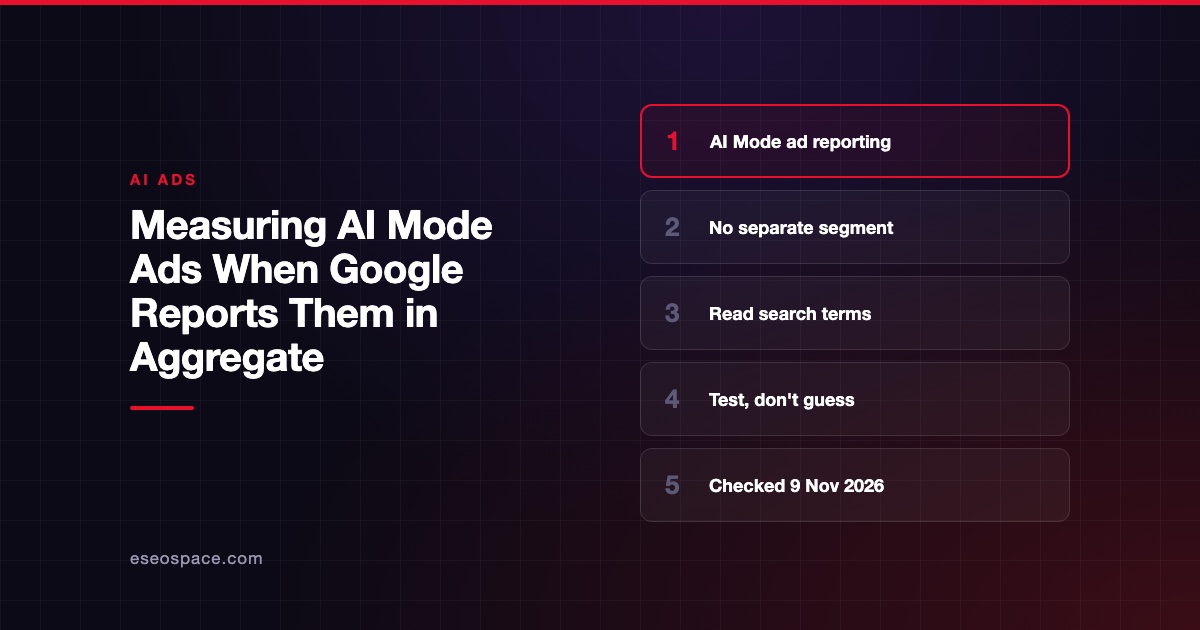
You cannot isolate what Google AI Mode ads delivered, because Google reports them in aggregate with the rest of Search. You can still measure whole campaigns well, read the search terms that do appear and test the settings you change.
That is less than many marketers want. It is still enough to make sound decisions if you report it honestly. This guide is part of our AI ads hub and was checked against Google's documentation on 9 November 2026.
Key Takeaways
- Google says AI Overviews and AI Mode ad metrics are "included in aggregate in your standard Google Ads campaign reports."
- Queries from AI Overviews and AI Mode are also included in aggregate in the search terms report.
- There is no AI Mode segment, and you cannot opt out of AI Mode separately from Search.
- Strong conversion tracking matters more, because whole-campaign results are what you can measure.
- Anyone who gives you an exact "AI Mode share" of your spend is estimating.
What Google says about reporting
Google's page About ads in AI-powered experiences in Google Search covers reporting in two lines. For campaign reports, it says queries that trigger your ads in AI Overviews and AI Mode "are included in metrics such as impressions, clicks, conversions, and cost in all existing campaign reporting for eligible campaign types."
For the search terms report, it says: "Queries that trigger your ads in AI Overviews and AI Mode are included in aggregate in your search terms report."
The same page says "you can't target ads exclusively to AI Overviews or AI Mode, or opt out of showing ads in them separately from Search." So you cannot build an AI Mode-only campaign to measure it either.
What you can measure
| Question | Can you answer it? | Where |
|---|---|---|
| Did this campaign drive conversions? | Yes | Campaign reports, with good conversion tracking |
| Which search terms triggered my ads? | Partly | Search terms report, minus low-volume terms |
| Did a setting like AI Max help? | Yes, with a test | Experiments page |
| How much spend went to AI Mode? | No | Not reported |
| Which clicks came from AI Overviews? | No | Not reported |
Google's search terms report page adds a limit that applies to every campaign. It says some search terms "that don't have enough query activity are omitted from the search terms report in order to keep with our standards on data privacy."
Five ways to measure what you can
1. Fix conversion tracking first
If you can only measure whole campaigns, the conversion data under them must be right. Google's best practices on the AI surfaces page call for "accurate first-party conversion measurement (via Google tag or offline conversion imports)."
For lead businesses, offline conversion imports let you count qualified leads or sales, not just form fills. Our guide to Google Ads conversion tracking without a developer covers the basics.
2. Read search terms for patterns, not proof
Longer, question-style search terms may appear in your report. Google's October 2026 AI Mode ads announcement says AI Mode queries are, on average, "three times longer than traditional searches."
A long query in your report is not proof it came from AI Mode. People type long queries on standard Search too. Use these terms to find new negatives and new landing page needs, not to size AI Mode.
3. Test the settings you control
You cannot test AI Mode on or off. You can test the settings that decide whether you reach exploratory AI Mode questions, such as AI Max or broad match.
Google's AI Max experiments page describes a test that "diverts traffic and budget within an existing campaign." Our AI Max experiment guide walks through it. The result tells you whether the setting helped overall, including any AI Mode traffic it brought.
4. Mark your timeline
Write down the dates of changes that could shift results. These include your own setting changes and Google's announced rollouts.
For example, Google's 28 October 2026 post said it is scaling ads in AI Mode in 10 more countries and launching multi-turn ads in the US. Google's June 2026 DSA update says campaigns using automatically created assets and campaign-level broad match "will continue to be auto-upgraded starting in September 2026." A before-and-after chart that ignores these dates can mislead you.
5. Look at the organic side separately
Organic AI features have their own reporting rule. Google's AI features guide for site owners says sites appearing in AI Overviews and AI Mode are reported in Search Console's Performance report, "within the "Web" search type."
That is also aggregate. It helps you watch total organic search traffic next to paid results, but it does not separate AI Mode either.
How to report it to a boss or client
Say what the data shows and what it does not. Here is wording you can adapt.
- "These results include any ads Google showed in AI Overviews and AI Mode. Google does not report them separately."
- "Our test of [setting] changed conversions by [your measured result] compared with the control. That includes all placements."
- "We cannot say how much of the spend went to AI Mode. No one can from Google Ads reports alone."
Avoid any slide that shows "AI Mode conversions" as its own number. Under Google's current reporting, that number would be an estimate, and it should be labeled as one if you show it at all.
Common mistakes
- Treating long search terms as AI Mode traffic. They might be, but the report does not say so.
- Reading a trend across a rollout date. Country launches and auto-upgrades change traffic for reasons that are not your ads.
- Changing several things at once. If you turn on AI Max and change bids in the same week, you cannot tell which change moved results.
- Measuring with form fills only. Spam and unqualified leads can inflate results on any placement.
Our post on reading a Google Ads report covers the basic columns. For how ads appear in AI Mode in the first place, see how ads work in Google AI Mode.
Next step
Check your conversion tracking, then pick one setting to test. If you want help setting up measurement you can defend, see our paid search management.
Frequently asked questions
Does Google Ads have an AI Mode segment?
No. Google says AI Overviews and AI Mode metrics are included in aggregate in your standard campaign reports. Its help page does not describe a separate segment.
Are AI Mode search queries in my search terms report?
Yes, in aggregate. Google says queries that trigger your ads in AI Overviews and AI Mode are included in the search terms report. They are not labeled by placement, and low-volume terms may be omitted for privacy.
Can I run a campaign only in AI Mode to measure it?
No. Google says you can't target ads exclusively to AI Overviews or AI Mode. You also cannot opt out of them separately from Search.
Am I charged differently for AI Mode clicks?
Google says ads in AI Overviews and AI Mode use the same auction and the same CPC or conversion-based bidding as standard Search ads. It says you aren't charged extra to participate.
How do I prove AI Mode ads worked?
You can't prove it for AI Mode alone with Google Ads reports. You can prove whether a campaign or a tested setting worked overall, and say plainly that AI Mode is included.









