This profile is part of our MCP server directory, within The MCP Guide. Profiles are checked against each vendor's own documentation. Need a server built? See MCP development.
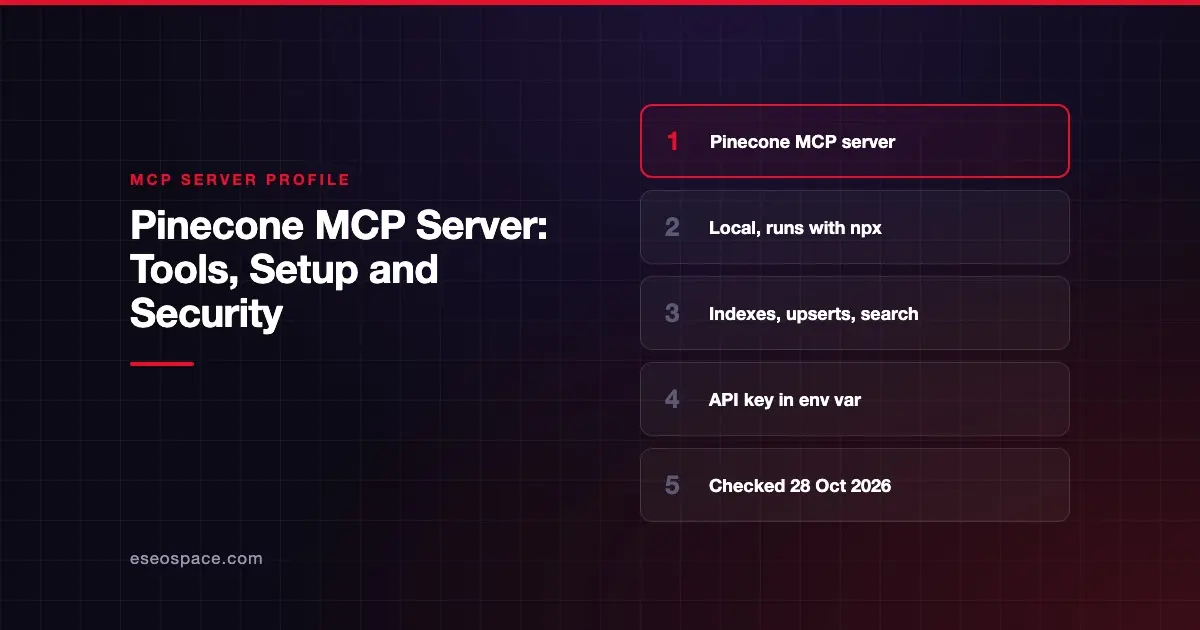
The Pinecone Developer MCP server connects coding assistants such as Cursor and Claude to your Pinecone projects and documentation. An AI can search Pinecone's docs, create indexes, upsert records and run test searches from your editor. Pinecone publishes it as an open-source npm package, and documents it in its MCP server guide.
Checked against: Pinecone Developer MCP Server README on 28 October 2026. eSEOspace did not install or test this server.
Key Takeaways
- Pinecone says this server is "intended for use with coding assistants," not for end-user apps.
- It runs locally with
npxand needs Node.js 22 or later plus aPINECONE_API_KEY. - Without an API key, it can still search Pinecone's documentation, but it cannot touch your indexes.
- It can create indexes and upsert data, so it is a write-capable server.
- Pinecone's separate Assistant MCP gives agents context from one Pinecone Assistant's files, as a remote endpoint or Docker container.
At a glance
| Item | Detail |
|---|---|
| Publisher | Pinecone |
| Official? | Yes |
| Hosting | Local package (@pinecone-database/mcp) |
| Transport | stdio |
| Sign-in | Pinecone API key in an environment variable |
| Read or write | Read and write (create indexes, upsert records) |
| Price | No separate MCP price listed (Apache 2.0 code) |
| Source code | pinecone-io/pinecone-mcp |
| Status | Not stated |
What it can do
The README lists these tools:
| Tool | What it does |
|---|---|
search-docs | Searches Pinecone's documentation |
list-indexes | Lists your indexes |
describe-index | Describes an index's configuration |
describe-index-stats | Shows record counts and namespaces |
create-document-index | Creates a document index with full-text and/or hosted embedding fields |
upsert-documents | Inserts or updates documents in a document index |
search-document-index | Searches a document index by meaning or keywords, with filters |
create-index-for-model | Creates a legacy integrated index that embeds text with a hosted model |
upsert-records | Inserts or updates records in an integrated index |
search-records | Searches records by text, with metadata filtering and reranking |
cascading-search | Searches several indexes, then dedupes and reranks |
rerank-documents | Reranks records or text with a reranking model |
The README notes limits. The server supports document indexes and legacy integrated indexes. It does not support Assistants, standalone embeddings, or search with your own vectors. Pinecone's docs page lists a shorter set of tools than the README, so check the README for the current list.
How to connect it
Create an API key in the Pinecone console first. For Cursor, Pinecone says to add this to .cursor/mcp.json:
{
  "mcpServers": {
    "pinecone": {
      "command": "npx",
      "args": [
        "-y", "@pinecone-database/mcp"
      ],
      "env": {
        "PINECONE_API_KEY": "<your pinecone api key>"
      }
    }
  }
}
The same block works in Claude Desktop's claude_desktop_config.json. Pinecone also offers a Gemini CLI extension:
gemini extensions install https://github.com/pinecone-io/pinecone-mcpPinecone suggests adding rules in Cursor that tell the AI how to use the server. Its MCP guide has examples.
Assistant MCP
Pinecone offers a second server, Assistant MCP, for each Pinecone Assistant. Its docs say it gives agents "direct access to context from that assistant's uploaded files." It comes as a managed remote endpoint or a self-hosted Docker container. Pinecone documents it in a separate guide.
Security notes
Pinecone's README says you "may be prompted for permission before a tool can be used." Keep those prompts on. The server can create indexes and write records, which changes your project and may affect cost.
Points to plan for:
- One key, full project. The API key decides what the server can reach. Use a key for a development project, not production. Read excessive permissions in MCP.
- Keep the key out of chat. Set it in the config's
envblock or your shell, never in a prompt. See secrets and credential leakage. - Docs-only mode. With no API key, the server can only search Pinecone's documentation. That is a safe way to try it.
- Upserted text is data. Records you upsert may later return in search results to other agents. Treat them as untrusted, as covered in prompt injection through tool results.
More in the MCP security hub.
Alternatives
- Redis MCP Server: vector indexes and search alongside other Redis data types.
- Elastic MCP Server: search and analytics through Elastic Agent Builder.
- Supabase MCP Server: Postgres, where you may store embeddings alongside app data.
More profiles are in the MCP server directory.
Next step
Start in docs-only mode, then add a key for a development project. If you are building a retrieval feature on Pinecone and want it reachable over MCP, our MCP development team can help.
Frequently asked questions
Is the Pinecone MCP server hosted?
The Developer MCP server runs locally with npx. Pinecone's separate Assistant MCP is offered as a managed remote endpoint or a self-hosted Docker container.
Can I use it without an API key?
Yes, for documentation only. Pinecone says that without a key the AI can search the docs but cannot manage or query your indexes.
Does it support my own embedding vectors?
No. Pinecone's README says search with your own vectors is not supported. The server works with document indexes and legacy integrated indexes.
Who is the Pinecone Developer MCP server for?
Pinecone says it is focused on developers and is "intended for use with coding assistants." For giving an agent knowledge from your files, Pinecone points to Assistant MCP.