

This article is part of our Therapy Practice Marketing Guide: how clients find a therapist, how to market ethically and privately, and how to choose the right help. Want to know where your practice's site stands? Get a free 20–30 page website audit within 24 hours.
A therapy website redesign should do three things: keep the search visibility you've earned, bring your content up to date, and clean up anything that sends client data where it shouldn't go. A new look is the easy part. Losing your best-ranking pages or carrying an old tracking pixel into the new site is the risk.
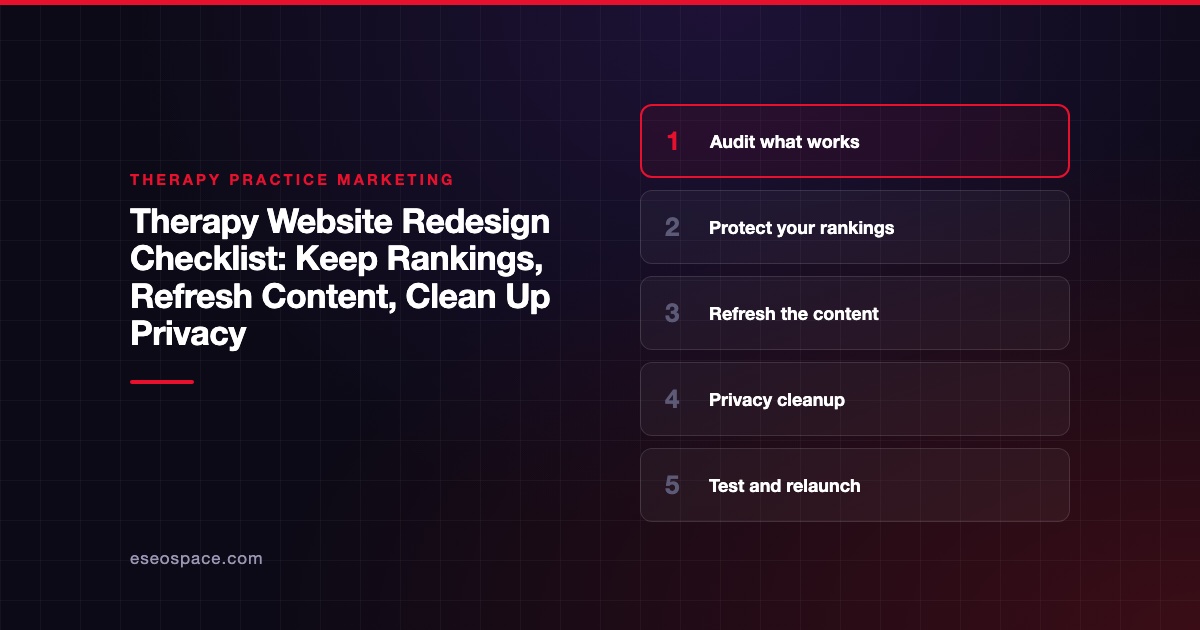
This checklist walks you through the redesign from audit to relaunch. It's part of our Therapy Practice Marketing Guide. For the final pre-launch QA, pair it with our therapy website launch checklist.
This is marketing guidance, not legal or compliance advice. Confirm privacy decisions with your compliance counsel.
Key Takeaways
- Start with an audit of which pages bring visitors and inquiries, so you don't remove them by accident.
- Keep URLs the same where you can, and permanently redirect every one that changes.
- Update credentials, clinicians, fees, insurance and telehealth states on every page, not just the homepage.
- Treat the redesign as a privacy reset: remove trackers you don't need and keep client data on tools with a BAA.
- Expect some short-term ranking movement after relaunch, and watch Search Console closely for the first weeks.
Phase 1: audit what works
Before anyone opens a design tool, find out what the current site does well.
- [ ] Export a list of every URL on the site, including blog posts and old landing pages.
- [ ] In Google Search Console, note the pages with the most clicks and impressions over the last 12 months.
- [ ] Note which pages your inquiries come from, if you track form or call events.
- [ ] List the searches that bring people to each top page.
- [ ] Note external sites that link to you, such as directories, universities or local organizations.
- [ ] Save a copy of each top page's text and title, so nothing valuable is lost in a rewrite.
The pages that already bring inquiries are the ones to protect. Change their design freely, but be careful with their URL, title and main content.
Phase 2: protect your rankings
Keep or map every URL
Google's site move guidance says to map old URLs to new ones and keep redirects in place for "at least 1 year." It also says to "expect temporary fluctuation in site ranking during the move."
- [ ] Keep URLs unchanged wherever the page still exists.
- [ ] For each changed URL, choose the closest new page. Don't send everything to the homepage.
- [ ] Use permanent server-side redirects. Google's redirects documentation recommends a "permanent server-side redirect whenever possible," and warns that Google "might never see" a JavaScript redirect.
- [ ] Avoid redirect chains. Each old URL should go straight to its final page.
- [ ] If you're also changing platforms, read moving your therapy website off Squarespace or Wix.
Keep what search engines read
- [ ] Carry over page titles and meta descriptions that work, then improve them.
- [ ] Keep useful headings and FAQs on specialty pages.
- [ ] Keep internal links between related pages, like a specialty page and its matching articles.
Phase 3: refresh the content
A redesign is the right time to check every claim on the site.
Clinicians and credentials
- [ ] Every clinician listed still works at the practice. Remove anyone who has left.
- [ ] Credentials match each license exactly. A psychiatric nurse practitioner is not a psychiatrist; a counselor is not a psychologist.
- [ ] Telehealth states are current for each clinician.
- [ ] Photos and bios are current.
For psychologists, APA Ethics Code Standard 5.01 bars false or deceptive statements about credentials, services and fees. Other license types have similar rules.
Services, fees and policies
- [ ] Specialty pages match what you actually offer now.
- [ ] Fees, insurance plans and superbill information are current.
- [ ] Information for self-pay clients reflects the Good Faith Estimate. CMS's consumer guide explains when an estimate is due.
- [ ] Cancellation and no-show policies match your intake paperwork.
Crisis information and reviews
- [ ] A crisis notice says the practice isn't an emergency service and lists the 988 Lifeline, which says it's available 24/7/365.
- [ ] Testimonials meet your ethics code. For psychologists, APA Standard 5.05 says psychologists do not solicit testimonials from current therapy clients.
Content gaps
- [ ] Add pages for specialties you now offer but don't describe.
- [ ] Merge thin or duplicate pages, and redirect the old URLs.
- [ ] Update or remove old blog posts with outdated information.
Our guide to specialty pages for therapists has an outline for new pages.
Phase 4: privacy cleanup
Old sites collect old tags. A redesign is your chance to start clean.
- [ ] List every script and tag on the current site: analytics, ad pixels, chat, heatmaps and session recording.
- [ ] Remove anything you don't actively use.
- [ ] Keep Google Analytics off booking, intake and login pages. Google's help page says Google doesn't offer a BAA for Analytics and that authenticated pages "are likely to be HIPAA-covered."
- [ ] Check HHS's tracking technologies guidance. A federal court vacated part of it on 20 June 2024, covering public pages without a login. The parts on booking tools and login pages still apply.
- [ ] Shorten contact forms to what you need to reply, and add a note asking people not to share clinical details.
- [ ] Route intake, booking and messaging to tools that offer a BAA. For example, Squarespace's Acuity HIPAA page says Squarespace's form block can't be part of a HIPAA-compliant solution.
- [ ] Update your privacy policy to match the new site.
Our HIPAA checklist for marketing vendors helps you sort which tools need a BAA.
Phase 5: test and relaunch
- [ ] Test every redirect from your Phase 1 URL list.
- [ ] Test the site on a phone and with a keyboard only.
- [ ] Send a test form and a test booking.
- [ ] Remove any "noindex" setting left over from the build.
- [ ] Submit the new sitemap in Search Console.
- [ ] Update your Google Business Profile and directory profiles with any new URLs.
The first 60 days
- Weeks 1 to 2: check Search Console for crawl errors and 404s. Add missing redirects.
- Weeks 3 to 4: compare clicks on your top pages with the old site.
- Weeks 5 to 8: compare inquiries by source with your baseline.
Next step
A redesign is a good time to get help with redirects and privacy, the two parts that are hardest to fix later. eSEOspace offers therapy practice website redesigns. Book a discovery call to talk through your current site.
Frequently asked questions
Will a redesign hurt my rankings?
It can if URLs change without redirects, or if top pages lose their content. Google says to expect some temporary fluctuation during a move. Mapping every URL and keeping strong pages' content gives you the best chance of holding steady.
Should I change my URLs during a redesign?
Only when there's a good reason, like a confusing structure or duplicate pages. Every changed URL needs a permanent redirect. If a URL is working, it's usually best to leave it alone.
How often should a therapy practice redesign its website?
There's no fixed rule. Redesign when the site no longer reflects your practice, works poorly on phones, is hard to update, or carries privacy problems. Content should be checked more often than the design, ideally a few times a year.
Can I redesign without changing platforms?
Yes. Many redesigns keep the same platform and change the design, structure and content. That's usually simpler, because the URLs and hosting stay the same.
What's the biggest privacy risk in a redesign?
Carrying over old tracking tags without checking them. A pixel installed years ago may still send data from booking or contact pages. Treat the redesign as a chance to remove every tag you don't actively need.
Who should be involved in a redesign?
At minimum, the practice owner and whoever builds the site. In a group practice, each clinician should review their own page. If you have a compliance adviser, ask them to check the privacy cleanup and the new privacy policy before launch.









