This article is part of our Website Stack Guides: CMS, website builders, hosting and forms compared, with prices checked on vendor pages. Want to know where your site stands? Get a free 20–30 page website audit within 24 hours.
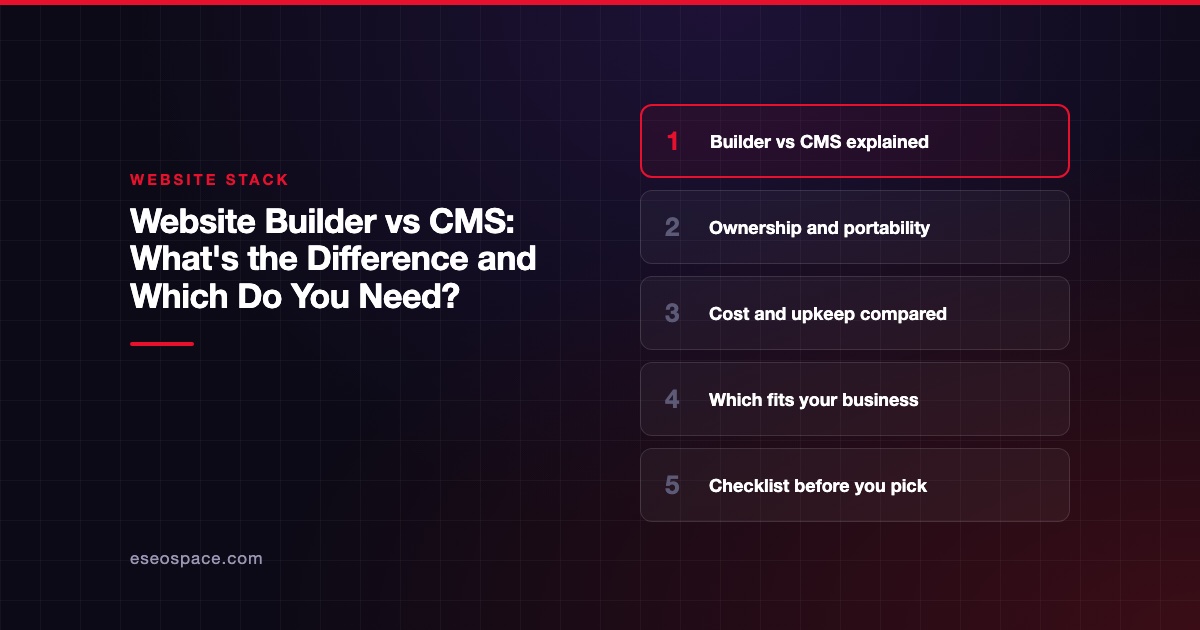
A website builder is a hosted subscription that bundles design tools, hosting and content in one product, while a content management system (CMS) is software for managing content that you, or a host, run on a server you choose. Wix and Squarespace are builders. WordPress (the self-hosted version) and Drupal are CMSs.
The line has blurred, since most builders now include CMS features. The difference that still matters is ownership: with a builder you rent the whole stack, with an open-source CMS you own the software and can move it.
Key Takeaways
- Builders trade control for convenience. One bill, no server, no updates, but you stay on the vendor's platform.
- A CMS trades convenience for control. You pick hosting, design and plugins, and you are responsible for upkeep.
- Builders have CMS features now. Wix has CMS collections and Webflow has a CMS on its higher site plans, so "builder vs CMS" is really "hosted platform vs software you control."
- Portability is the deciding factor for most businesses. Ask how you would leave before you sign up.
- Neither is better in general. Small, stable sites fit builders well; content-heavy or fast-growing sites usually fit a CMS.
What is a website builder?
A website builder is an all-in-one service. You sign up, pick a template, edit pages in a visual editor, and the vendor hosts the site. Wix, Squarespace and GoDaddy's builder work this way.
You pay a monthly or yearly fee. For example, Squarespace's pricing page lists plans from $19/mo billed annually,, while Wix's plans page shows prices by region.
The tradeoff is lock-in. Wix says its sites must be hosted on Wix's servers because its SaaS architecture does not support external hosting. Squarespace offers a partial export to WordPress format, but store pages, portfolio pages, custom CSS and several other content types do not come along.
What is a CMS?
A content management system is software that stores your content in a database and renders it into pages. You install it on hosting you choose, or pay a managed host to run it.
The best-known example is WordPress. It is open source software licensed under the GPLv2 or later, which gives you the freedom to run, study, change and redistribute it. Drupal is another open-source CMS, and its project page says there are "no licensing fees, ever."
Because the software is yours, you can move it between hosts, hire any developer and extend it with plugins. The cost is responsibility. As WordPress.com's FAQ puts it, on a self-hosted WordPress.org site "you are responsible for your own hosting, security, and maintenance."
There is also a newer type, the headless CMS, which manages content but leaves the front end to a separate app. Our guide to headless vs traditional CMS covers that split.
Builders now have CMS features
The old rule was "builders for brochure sites, CMS for content." That is less true today.
- Wix has CMS collections and dynamic pages. Collections are databases for text, images and video, and one dynamic page template can generate a URL for every item. Wix sites still have a total quota of 298 pages, including up to 100 static pages.
- Webflow sells its CMS by plan. Its pricing page describes the Basic plan ($15/mo billed yearly) as "for simple sites that don't need a CMS," while the next plan up ($25/mo billed yearly) adds the Webflow CMS.
- WordPress.com is the reverse case: a CMS sold like a builder. It hosts WordPress for you, and paid plans include plugin installation starting with Personal at $4/mo billed yearly.
So the real question is not "does it have a CMS?" It is "who controls the software, and can I take my site with me?"
Website builder vs CMS: side by side
| Factor | Website builder (Wix, Squarespace) | Open-source CMS (self-hosted WordPress, Drupal) |
|---|---|---|
| Setup | Sign up and start editing | Choose hosting, install, pick a theme |
| Hosting | Included, vendor only | Any host you choose |
| Software cost | Included in subscription | Free license |
| Ongoing cost | One predictable subscription | Hosting, premium themes and plugins, developer time |
| Updates and security | Vendor handles the platform | You or your developer |
| Design freedom | Within the editor's limits | Full, with code access |
| Extending features | Vendor app market | Thousands of plugins and custom code |
| Leaving the platform | Rebuild or partial export | Move files and database to a new host |
| Best fit | Small, stable sites run by the owner | Growing, content-heavy or custom sites |
When a website builder is the right call
- You need a site live in days, not weeks.
- You will run it yourself and do not want to think about servers.
- The site will stay small: a few service pages, a gallery and a contact form.
- Built-in tools (booking, payments, email) cover what you need.
For a deeper look at the tipping point, see custom website vs website builder. Contractors weighing these options can jump to our best website builders for contractors list.
When a CMS is the right call
- You publish often (blog posts, guides, case studies) or need many location pages.
- You want to own the software and switch hosts or agencies freely.
- You need integrations or custom features a builder's app store does not offer.
- You have a developer, agency or in-house person to handle updates.
If you are leaning toward WordPress, start with our guides on WordPress.org vs WordPress.com and whether WordPress is free. For a head-to-head on the two most common choices, see WordPress vs Wix or, for trades, Wix vs WordPress for contractors.
Checklist before you pick
- How many pages will you have in two years? Count services times locations, plus blog posts.
- Who will update the site each month? Name the person.
- What must the site do besides show pages? Booking, payments, member logins, integrations.
- How would you leave? Read the vendor's export help page before you sign up.
- What is the three-year cost? Add subscriptions, plugins, renewals and help you will pay for.
- Who owns the domain? Register it in your own account, whatever platform you use.
If the answers point to something neither a builder nor an off-the-shelf CMS handles well, a custom build may be the better fit. Our custom design and development page explains how that works.
Frequently asked questions
Is WordPress a website builder or a CMS?
Self-hosted WordPress is a CMS. WordPress.com packages the same software as a hosted service, so it behaves more like a builder while still letting paid plans install plugins. Our WordPress page builders guide covers the visual editing side.
Is Wix a CMS?
Wix is a website builder that includes CMS features. Its CMS collections store content and feed dynamic pages, but the site must stay on Wix's servers. That is the main difference from an open-source CMS.
Which is better for SEO, a builder or a CMS?
Both can rank well. The platform matters less than your content, site speed and technical setup. A CMS gives you more control over technical details, while builders limit some settings but handle the basics for you.
Can I switch from a website builder to a CMS later?
Yes, but plan for a rebuild. Squarespace can export some content in WordPress format, and Wix sites cannot be moved to another host. Map old URLs to new ones with 301 redirects so you keep your search traffic.