Disclosure: this is a guest article.
The world is becoming increasingly data-driven, and businesses rely on data for day-to-day operations, customer service and decision-making. Many kinds of databases keep a business running, holding financial records, customer data, internal applications and transactions. That critical information can be put at risk by unexpected system failures, cyberattacks, hardware problems or human error. Good database management and a disaster recovery plan help organizations safeguard their data, reduce downtime and keep the business running.
Understanding the Importance of Reliable Database Management
Database management is the practice of organizing, storing, maintaining and securing business information. A well-managed database gives staff and applications accurate data whenever they need it. It also makes operations more efficient by reducing duplicated and inconsistent data and speeding up access to information.
As organizations grow, their databases tend to become more complicated. They may support many users in different locations, handle large volumes of transactions and run several applications. If they are not managed well, performance problems and failures can disrupt key business processes. Our guide to handling large databases covers some of the scaling issues involved.
Regular monitoring, performance tuning, security updates and maintenance keep a database consistently available. Businesses should also review database configurations and storage capacity to catch potential issues before they become operational problems.
Implementing Effective Database Backup Strategies
Database backups are one of the most important parts of protecting business data. They provide a secure way to recover data when primary files are lost or corrupted, whether through accidental deletion, hardware failure, software problems or a cyberattack.
Organizations need a backup plan that fits how they work and how important their data is.
Some of the most common backup strategies are:
- Full backups: a complete copy of the database, which makes restoring the system after a disaster simpler.
- Incremental backups: these record only the changes made since the last backup of any kind, which keeps storage needs and backup time down.
- Differential backups: these record all changes made since the last full backup, a compromise between fast backups and simple recovery.
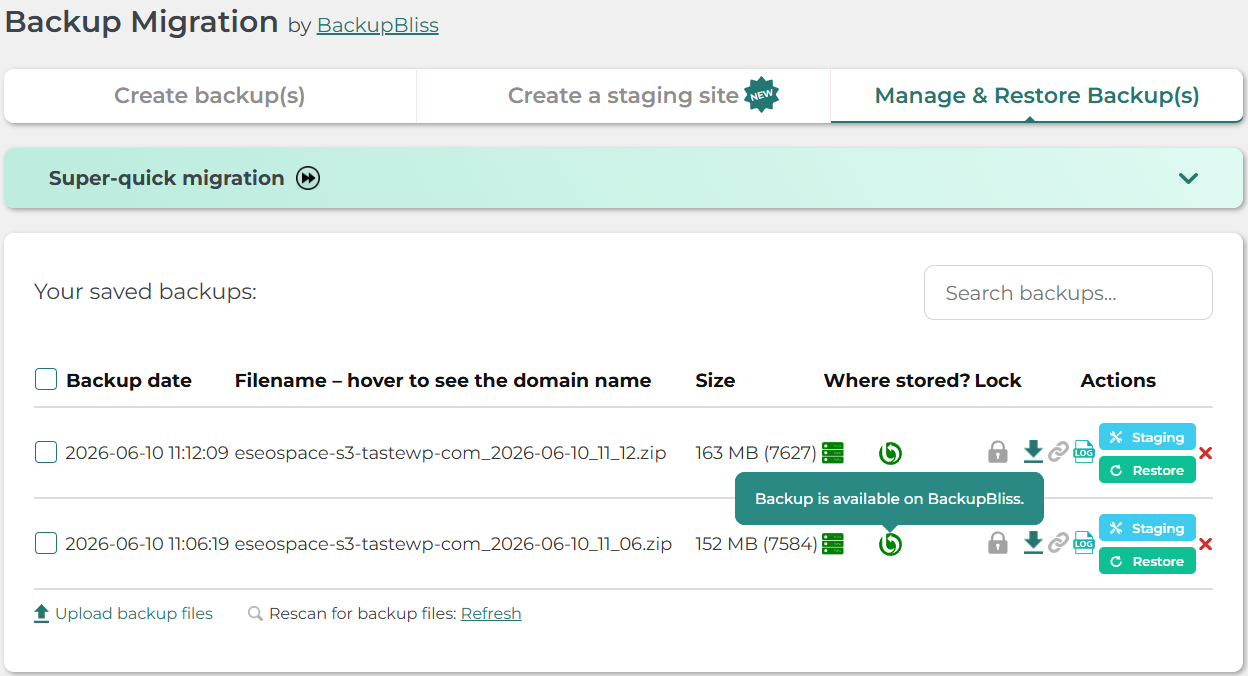
- Automated backups: scheduled backup jobs reduce reliance on manual effort and keep protection regular. See how to automate backups in a maintenance plan.
- Off-site backup copies: businesses should also keep copies in a different physical location or in secure cloud storage, so one major event cannot destroy both the original data and the backups.
Most importantly, backups should be tested regularly. A backup that is out of date or cannot be restored will not help in a disaster.
Developing a Strong Disaster Recovery Plan
Disaster recovery (DR) is the approach an organization uses to restore IT systems and business data after an unplanned event, such as a natural disaster, a cyberattack, a power outage, or a hardware or application failure.
A disaster recovery plan sets out how the organization will respond. It identifies critical systems, recovery requirements, technical needs and communication procedures.
Two key metrics are used to set realistic recovery targets:
- Recovery Time Objective (RTO): the maximum time a system can stay down before the outage seriously harms business operations.
- Recovery Point Objective (RPO): the maximum amount of data, measured in time, that the business can afford to lose.
For example, if the RPO is one hour, the business must be able to restore its data to a point no more than one hour before the disruption.
Organizations should document their recovery procedures, assign recovery responsibilities to IT teams and run disaster recovery drills regularly. Drills expose gaps in the plan and teach employees what to do when systems are lost.
Maintaining High Availability for Critical Applications
High availability keeps databases and applications running with minimal interruption. It matters most for businesses that depend on always-on customer systems, transaction systems, enterprise platforms and internal services.
Several technologies can increase database availability:
- Database replication: keeping copies of the data on different servers makes it possible to switch to another system if the primary server fails.
- Failover clustering: in a clustered environment, workloads can move to a standby server when a failure occurs.
- Load balancing: spreading database workloads keeps any one system from becoming overloaded.
- Continuous monitoring: tracking database performance, storage and system health helps IT teams spot potential failures early. Our guide to monitoring uptime and handling downtime covers the same idea for websites.
Combined with regular maintenance, these technologies make a database environment more resilient. High availability does not protect against every kind of data loss, though, so backup and recovery procedures still need to be in place.
Strengthening Database Security and Preventing Data Loss
Security is a critical part of business continuity. Unauthorized access, malware, ransomware or configuration errors can expose sensitive data and disrupt critical services.
Organizations benefit from strong authentication, role-based access controls, encryption and regular security updates. Access rights should be reviewed regularly so employees can reach only the information their roles require.
Database administrators should also watch for suspicious activity, keep audit trails and run vulnerability assessments. These practices surface security weaknesses before they become serious incidents. The same layered approach applies to the public side of the business, which is where website security comes in.
Combining preventive security measures with dependable recovery processes gives organizations far more confidence when an unexpected incident does happen.
The Importance of Professional Database Support
Managing complex database environments takes technical skill, constant monitoring and regular maintenance. Businesses running legacy database applications may face extra challenges with compatibility, performance tuning, upgrades and reliability.
A professional database support team can help an organization find what is slowing its databases down, fix technical problems, strengthen its backup strategy and keep everything running smoothly. Sybase DBA Support provides specialized expertise for companies using SAP Sybase environments, covering database administration, troubleshooting and reliability.
Working with experienced database professionals also takes pressure off internal IT teams, keeping vital business systems running without the stress of handling all of that complexity in-house.
Conclusion
In an increasingly digital world, reliable databases and disaster recovery planning are essential to business continuity. Regular backups, tested recovery strategies, high availability technologies and strong security measures are the key ways organizations protect critical information and minimize disruption.
Database protection should be an ongoing responsibility, not just a technical task. Proactive maintenance, the right recovery strategies and expert database support are what make an organization resilient, supporting long-term growth and continuous operations. For a deeper look at ASE recovery planning and migration options, ralantech.com offers guidance that can help shape the next steps. Pick the most important system on your list, move it up one level this quarter, and book its first timed test restore today.