

This fix is part of MCP troubleshooting, within The MCP Guide. Still stuck? Request a free MCP readiness review.
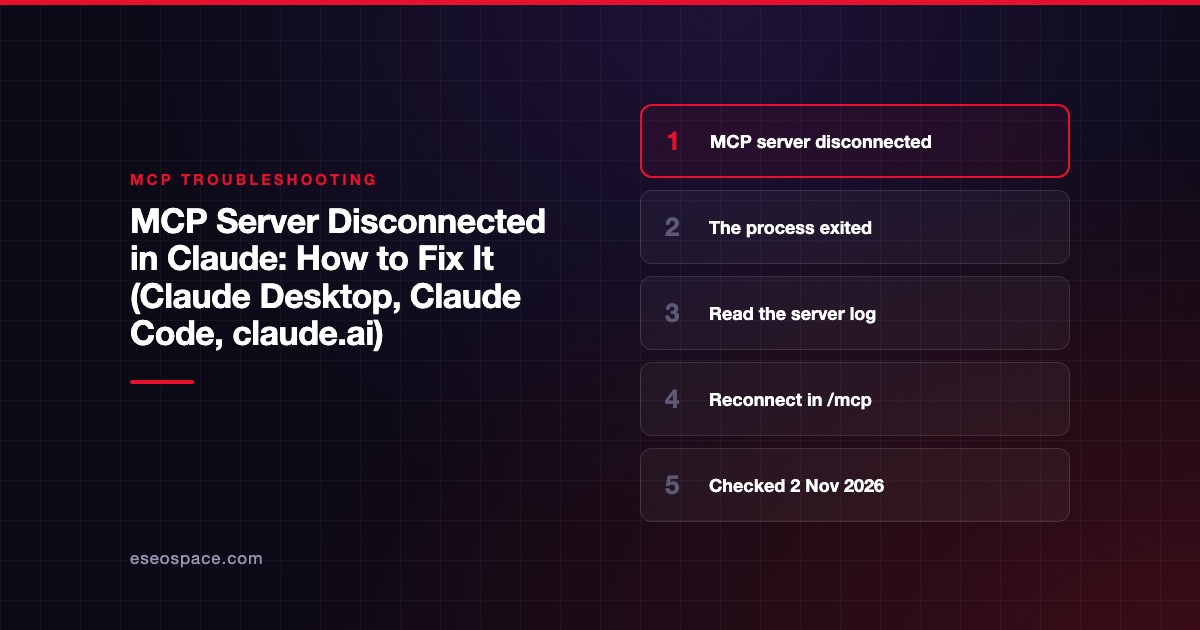
"Server disconnected" in Claude means the connection to an MCP server ended. For a local server, the process exited, usually because it crashed, ran out of memory, or was started with the wrong runtime. For a remote connector, the network call or sign-in failed. The fastest fix for local servers is to open the server's own log and read the last lines before the disconnect. In Claude Code, run /mcp and choose Reconnect after you fix it.
Checked against: the MCP debugging guide, the MCP 2026-07-28 stdio transport, the Claude Code MCP docs and Claude's connector troubleshooting page on 2 November 2026. eSEOspace did not reproduce disconnects in each Claude app.
Key Takeaways
- Claude Desktop has shown messages like "Server disconnected. For troubleshooting guidance, please visit our debugging documentation," according to public bug reports.
- A common log line is "Server transport closed unexpectedly, this is likely due to the process exiting early."
- The stdio spec says that if a server exits unexpectedly, the client "SHOULD restart it," and in-flight requests are lost.
- Claude Code retries dropped servers and, after five failed attempts, shows
MCP server "<name>" disconnected · open /mcp to reconnect. - For claude.ai connectors, the error is usually "Couldn't reach the MCP server" or an authorization failure instead.
What this error means
A local MCP server talks to Claude over its standard input and output. If the process ends, the pipe closes and Claude reports the server as disconnected.
Public bug reports show the wording. An n8n-mcp issue quotes "MCP n8n-mcp: Server disconnected. For troubleshooting guidance, please visit our debugging documentation." A Desktop Commander issue is titled "Server transport closed unexpectedly, this is likely due to the process exiting early." Its log shows the server receiving initialize, then a timeout cancellation 60 seconds later, then "Server transport closed." So a disconnect can follow a timeout, not just a crash.
The stdio transport spec says servers "SHOULD exit promptly when their standard input is closed." It also says that on unexpected exit, the client "SHOULD restart it" and can retry lost requests, because the 2026-07-28 protocol is stateless.
Quick fix
- Find the moment. Note the time of the disconnect.
- Read the server log for that time. In Claude Desktop that is
mcp-server-SERVERNAME.log. - Look for a stack trace, "out of memory," or an exit code. Fix that first.
- Check startup. If it disconnects right after start, run the command by hand and see could not attach.
- Check stdout. Stray
print()orconsole.log()output can break the session. See stdout logging. - Reconnect. Quit and reopen Claude Desktop, or use Reconnect in Claude Code's
/mcp.
Fix by client / OS
Claude Desktop
Logs are in ~/Library/Logs/Claude (macOS), %APPDATA%\Claude\logs (Windows) and ~/.config/Claude/logs (Linux), per the MCP debugging guide. The guide says server code changes need a full quit and reopen; "closing the window is not enough."
If the server was installed as a desktop extension, it may run on the Node runtime built into Claude Desktop. A bug report on SAP's Fiori MCP extension logged "Server transport closed unexpectedly" under that runtime and worked when its command pointed at a system Node. That is one user's report, but it is worth testing if your server only fails as an extension.
Claude Code
The Claude Code MCP docs describe the behavior:
- Remote servers that drop are retried. After five failed attempts, Claude Code marks the server failed, or as needing authentication if it needs a new sign-in.
- A stdio server whose first connection fails is not retried automatically. Use Reconnect in
/mcp. /mcp reconnect allretries every failed server. It needs Claude Code v2.1.284 or later.claude mcp get <name>shows the server's error on anIssue:line.
claude.ai and remote connectors
Remote connectors run from Anthropic's servers. Claude's troubleshooting page lists the messages you will see instead: "Couldn't reach the MCP server," "Authorization with the MCP server failed," and "Unexpected error while invoking tool." Causes include a hostname that resolves to a private IP, a firewall blocking Anthropic, and a URL that redirects to another host. For sign-in problems, read MCP 401 Unauthorized.
Where to find the logs
| Surface | Where |
|---|---|
| Claude Desktop | mcp.log and mcp-server-SERVERNAME.log |
| Claude Desktop extensions | Settings > Desktop app > Extensions > Manage |
| Claude Code | /mcp, claude mcp list, claude mcp get <name> |
| claude.ai connectors | Your server's own logs, plus the ofid_ reference ID in the error URL |
Claude's help article on local servers says the extensions page shows logs for local MCP servers. For connector failures on claude.ai, the troubleshooting page says to report the ofid_ ID on the anthropics/claude-ai-mcp issue tracker.
If it still fails
- Disconnects after about a minute. That is likely a timeout. See MCP request timed out.
- Disconnects on big results. Return smaller results. The official TypeScript SDK 1.32.2 closes its stdio reader when one message passes 10 MB.
- Works in the Inspector. Read works in Inspector but not in Claude.
- Error codes in the log. Look them up in the MCP error code lookup.
If a server your team depends on disconnects often, it may need a rebuild with better error handling. Our MCP development service covers that.
More in the MCP Guide
Free tools: MCP Error Code Lookup · MCP Config Generator
Latest research: State of MCP: October 2026
Frequently asked questions
Will Claude restart my server automatically?
The stdio spec says clients "SHOULD" restart a server that exits unexpectedly. Claude Code documents retries for dropped servers, but not for a stdio server's first failed start. In Claude Desktop, quitting and reopening the app restarts servers.
Do I lose my chat when a server disconnects?
The chat stays. Any tool call that was running when the server dropped is lost and may need to run again.
Why does it disconnect only in Claude Desktop, not in my terminal?
Claude Desktop starts the server with a different environment and, for extensions, possibly a different Node runtime. Compare with an absolute-path config.
What is the ofid_ reference ID?
It is an ID in the claude.ai error URL for failed connector connections. Claude's troubleshooting page says to include it when you report the problem, soon after the failure, because it is time-limited.









