
This article is part of our Real Estate & Property Management Marketing Guide: how buyers, sellers, owners and tenants find you online, what the housing ad rules allow, and how to choose the right help. Want to know where your site stands? Get a free 20–30 page website audit within 24 hours.
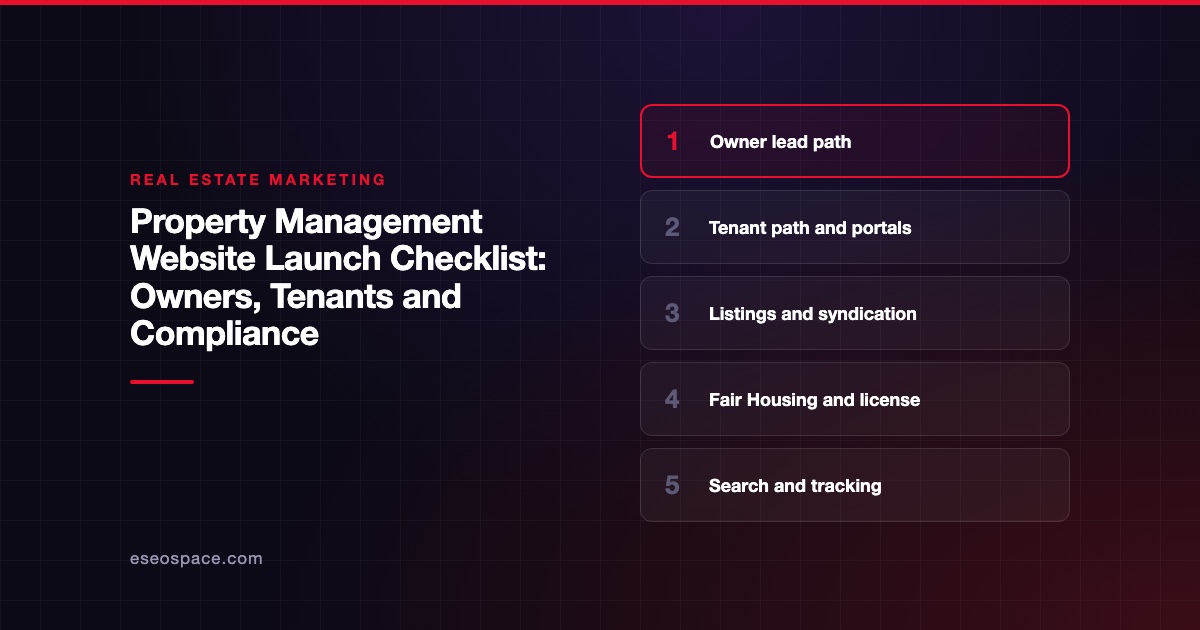
Before you launch a property management website, test two separate journeys: the property owner looking for a manager and the renter looking for a home. Then check compliance, listings, portals and search setup. Most launch problems come from mixing those two audiences or from a broken listings feed.
This checklist is part of our Real Estate and Property Management Marketing Guide. If you are still planning the site, read property management website must-haves first.
Licensing and housing rules vary by state and city. Confirm final wording with your designated broker or counsel.
Key Takeaways
- Give owners and tenants separate, clearly labeled paths from the home page.
- Test the listings feed from your property management software so vacancies appear, update and disappear correctly.
- Check every listing, screening page and pet policy page for Fair Housing wording.
- Show license and brokerage details your state requires, and confirm them with your designated broker.
- Track owner inquiries apart from tenant calls so you can see which marketing brings new doors.
1. The owner path (your new business)
Owners are the buyers of your service. Their path should be the easiest one on the site.
- [ ] The home page has a clear "For Owners" or "Get a Rental Analysis" button above the fold.
- [ ] Services are listed in plain language, from leasing to move-out.
- [ ] Your fees, or how you price, are explained. Our article on publishing property management fees online covers the trade-offs.
- [ ] The service area is clear, by city or county.
- [ ] The owner inquiry form asks for property address, type and number of units.
- [ ] Owner leads go to the person who sells management, not the maintenance inbox.
- [ ] Owner reviews or testimonials are real and used with permission.
2. The tenant path
Renters arrive looking for listings, applications or the portal. Make each one one tap away.
- [ ] "Available Rentals" is in the main menu.
- [ ] "Apply Now" and "Tenant Login" are easy to find on mobile.
- [ ] Maintenance requests go through the portal, with an emergency phone number shown.
- [ ] Rental criteria are written down and the same for every applicant.
- [ ] Application fees and deposits are explained as your state and city allow.
Our guide to tenant portals and online rent payments covers how portals connect to your site.
3. Listings feed and syndication
Your property management software usually feeds vacancies to your site and to listing sites. Test both.
Each platform describes this differently in its own docs (checked 29 October 2026):
- AppFolio says you can share "vacancies on your website and internet listing services with a single click." It names Zillow, Apartments.com and Zumper among the platforms it syndicates to.
- Buildium says you can "Post to your website and syndicate rental listings." Its FAQ names Zillow, Apartments.com, Apartment List, Dwellsy, RentPath, Zumper and Rental Beast.
- Rent Manager says its websites "make it easy to post, update and remove vacancies." It also says they can "accept online payments, applications, and work orders."
Checks for launch day:
- [ ] A new test vacancy appears on your site.
- [ ] Editing rent or photos updates the site listing.
- [ ] Leased units come off the site.
- [ ] Each listing page has a unique title with address or neighborhood.
- [ ] Listing inquiries land in your software or CRM.
For a deeper comparison, see AppFolio vs Buildium vs Rent Manager website integration.
4. Fair Housing review
Listings, screening criteria and pet policies carry the most risk. The federal rule at 24 CFR § 100.75 bars rental notices and ads that indicate a preference based on a protected class. The listed classes are race, color, religion, sex, handicap, familial status and national origin. It applies to applications, flyers, signs "or any documents used with respect to the sale or rental of a dwelling."
- [ ] Listings describe the unit, not the ideal tenant.
- [ ] No "perfect for singles," "no kids" or similar phrases.
- [ ] Screening criteria are objective and applied to everyone.
- [ ] Pet policy pages note how assistance animal requests are handled. Have fair housing counsel review this wording.
- [ ] Your state and city protected classes are covered. Many go beyond the federal list on HUD's Fair Housing Act overview.
- [ ] Photos with people, if any, don't suggest who is welcome.
See Fair Housing advertising rules for real estate and rental websites for wording examples.
5. License and business details
Property management is a licensed activity in many states. Show what your state requires.
For example, California's DRE reference book chapter on property management describes it as "a specialty in which real estate brokers manage" homes and larger properties. It also places responsibility for trust fund records on the property management broker. California's 10 CCR § 2773 lists websites and "for rent" signs among materials that must show the license number and responsible broker's name.
- [ ] Company legal name and any trade name appear in the footer.
- [ ] License numbers your state requires are shown.
- [ ] Office address and hours match your Google Business Profile.
- [ ] Your designated broker has approved the site.
6. Google Business Profile
- [ ] The profile's website link points to the new site.
- [ ] You have not created profiles for individual rentals. Google's eligibility rules list "vacant apartments" and other rental properties as ineligible. They say leasing offices are eligible.
- [ ] Hours, phone and categories are current.
7. Speed, mobile and accessibility
- [ ] Listing pages load quickly on a phone with cellular data.
- [ ] Photo galleries are compressed.
- [ ] The application and portal links work on mobile.
- [ ] Forms have labels and readable error messages.
- [ ] The site works with a keyboard only.
- [ ] Color contrast meets WCAG 2.2 AA.
- [ ] Images have alt text.
Renters with disabilities use your site to find housing. Accessibility is part of serving them well.
8. Security
Your site links to portals where people pay rent and share personal data. Treat it with care.
- [ ] HTTPS works everywhere.
- [ ] Admin accounts use two-factor sign-in.
- [ ] Plugins and themes are updated.
- [ ] Forms don't ask for Social Security numbers or bank details. Those belong in the secure application or portal.
- [ ] Backups are scheduled.
9. Redirects and search setup
- [ ] Old URLs are mapped to new ones with permanent redirects, per Google's site move guidance.
- [ ] Old listing URLs redirect to the rentals page, not to the home page.
- [ ] The site is verified in Search Console and a sitemap is submitted.
- [ ] The staging "noindex" setting is removed.
- [ ] Analytics records owner inquiries and tenant actions as separate events.
Launch day order
- Back up the old site.
- Publish the new site or switch DNS.
- Test the top 20 old URLs for redirects.
- Post and remove a test vacancy.
- Submit one owner lead and one tenant inquiry.
- Confirm portal and application links.
- Update the Business Profile link.
- Submit the sitemap.
Next step
After launch, the next job is filling your owner pipeline. Our 90-day marketing plan for a property management company shows what to do week by week. If you want help building or launching the site, see our property management website design and SEO services or schedule a discovery call.
Frequently asked questions
Should owners and tenants share one website?
Most companies use one site with two clear paths. Owners need services, pricing and trust signals. Tenants need listings, applications and the portal. Label both clearly in the main menu.
Can my property management software host my website?
Several can. AppFolio, Buildium and Rent Manager each describe website options in their own docs. Compare design control, SEO control and who owns the content before you choose.
What should not go on a property management contact form?
Don't collect Social Security numbers, bank details or full application data on a basic contact form. Send applicants to your secure application system. Keep the contact form short.
Do I need a license number on my property management website?
It depends on your state. For example, California's 10 CCR § 2773 lists websites among materials that must show it. Ask your designated broker what your state requires.
How do I know if the site brings new owner clients?
Track owner inquiry forms and owner calls as their own goal in analytics. Ask every new owner how they found you. Compare that against tenant traffic, which is useful but is not new business.









