This spotlight is part of our MCP company spotlights, within The MCP Guide. Building an MCP company? See SEO and GEO for MCP companies.
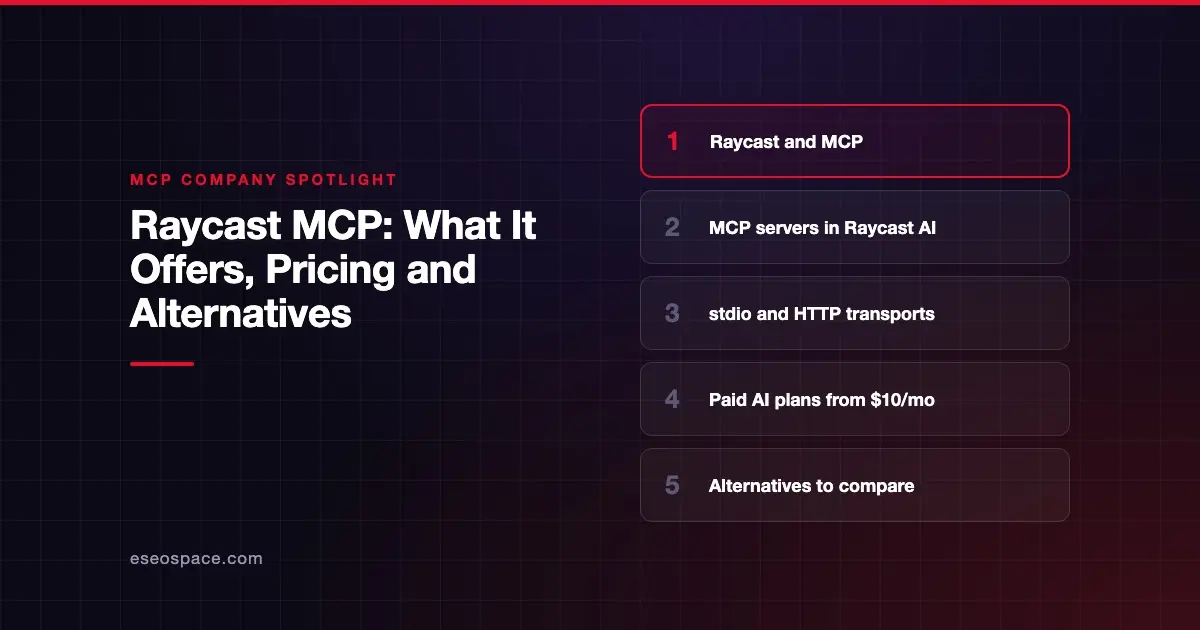
Raycast is a keyboard launcher for Mac, Windows and iOS with a built-in AI assistant, Raycast AI. It works as an MCP client: you connect Model Context Protocol (MCP) servers, and their tools become available inside Raycast's AI Chat, Quick AI and AI Commands.
Checked against: Raycast's MCP manual page on 28 October 2026. eSEOspace did not test Raycast's products.
Key Takeaways
- Raycast's manual describes MCP as "how you plug external tools and data sources into Raycast AI."
- You add servers with an Install MCP Server command, from suggested servers in Settings, or through Store extensions that bundle their own server.
- Raycast supports local stdio servers and remote HTTP servers (including Streamable HTTP); the iOS app supports HTTP only.
- The MCP manual page is marked "Pro Exclusive," and the Free plan does not include Raycast AI.
- Paid individual plans start at $10 a month, according to Raycast's pricing page.
At a glance
| Item | Details |
|---|---|
| Company | Raycast |
| What it offers for MCP | An MCP client built into Raycast AI (chat, Quick AI, AI Commands) |
| Who it's for | Individuals and teams who already use Raycast as a launcher and want AI tools in it |
| Open source? | The app is not described as open source; Raycast says its Store extensions are open source |
| Pricing | Free plan without AI; Pro $10/month; Plus $20/month; Max $50/month; Teams and Enterprise plans |
What Raycast offers for MCP
Raycast is an MCP host, not a server vendor. Our MCP server explainer covers the server side.
Installing servers. According to the MCP manual page, you run the Install MCP Server command or use Install New Server inside Manage MCP Servers. The form takes a name, transport, command, arguments, environment variables, URL, HTTP headers and OAuth type. Saving it "starts the connection, and pulls in the tool list automatically."
The MCP Servers tab in Settings also suggests popular servers, including GitHub, Linear, PostHog and Shape. Raycast adds that "some Store extensions include their own MCP server" and install it for you. The manual does not describe a link to the official MCP Registry.
Transports. Raycast lists two transports. Standard input/output (stdio) is a local process that Raycast launches. HTTP is a remote endpoint, including the Streamable HTTP variant. The manual does not mention the older SSE transport. On iOS, servers are always HTTP. Our guide to MCP transports explains the difference.
Sign-in. Raycast supports dynamic OAuth, using Dynamic Client Registration with PKCE, and static OAuth with a client ID you provide. The manual says tokens "are stored encrypted, per server." A Logout Server action clears them.
Using servers. Type @ and a server name in AI Chat or Quick AI to point a question at that server. Root Search also gets an Ask command for each installed server. You can add custom instructions that tell the AI how to use a server's tools.
Managing servers. Manage MCP Servers shows each server as Running, Stopped or Error, with start, stop, restart and uninstall actions. Raycast's changelog shows ongoing MCP fixes, such as connection error details and a Reset Sign In action.
On iOS, the AI Extensions page says you cannot install community AI Extensions, but you can connect MCP servers instead.
Who it's for
Raycast's MCP support suits people who already live in Raycast and want one shortcut to ask an AI about their tools.
For MCP inside an editor or terminal, compare coding clients in our MCP clients roundup.
Pricing
All figures come from Raycast's pricing page, checked on 28 October 2026. The page does not mention MCP by name. It lists Raycast AI, which includes AI Chat, Quick AI and AI Extensions, as a paid feature.
| Plan | Monthly | Annual | AI credits per month |
|---|---|---|---|
| Free | $0 | $0 | None (no Raycast AI) |
| Pro | $10 | $96 | 500 |
| Plus | $20 | $192 | 3,000 |
| Max | $50 | $480 | 7,500 |
| Teams Pro | $15 per user | $144 per user | 500 per user |
| Teams Plus | $25 per user | $240 per user | 3,000 per user |
| Teams Max | $65 per user | $624 per user | 7,500 per user |
| Enterprise | Custom | Custom | Custom |
Raycast says eligible new accounts can start a free Pro trial. Verified students get 50% off Pro. Bring Your Own Key is listed on Pro and higher.
Security and trust
Raycast's Enterprise page says the company is SOC 2 compliant, has a SOC 2 Type II report and runs annual third-party penetration tests. It lists "Organization-managed MCP servers" among Enterprise AI controls, alongside SSO via SAML and SCIM provisioning.
The Raycast AI privacy page says Raycast does not log or retain prompts and that "your data is not used to train AI models."
For tool approvals, the MCP manual says Raycast "approves read-only tools on its own and asks you about the rest" by default. Before connecting a server, review our MCP security best practices.
Alternatives
- Warp and MCP: an MCP client inside a terminal and coding agent.
- Anthropic and MCP: Claude's desktop and web apps connect to MCP servers.
- Which AI apps support MCP: a wider list of MCP hosts.
Next step
If you want your own product to show up as a server people can add to Raycast or other AI apps, see our MCP development services. To compare more companies, browse the MCP Guide company directory.
Frequently asked questions
Does Raycast support MCP?
Yes. Raycast's manual documents MCP support in Raycast AI. Server tools work in AI Chat, Quick AI and AI Commands.
Do I need Raycast Pro to use MCP servers?
Raycast's MCP manual page is marked "Pro Exclusive," and the pricing page shows no Raycast AI on the Free plan. Plan to use Pro or a higher paid plan.
Which MCP transports does Raycast support?
Stdio for local servers and HTTP, including Streamable HTTP, for remote ones. iOS uses HTTP only. The manual does not mention SSE.
Can Raycast sign in to MCP servers with OAuth?
Yes. Raycast supports dynamic OAuth with Dynamic Client Registration and PKCE, and static OAuth with your own client ID. It says tokens are stored encrypted for each server.