This profile is part of our MCP server directory, within The MCP Guide. Profiles are checked against each vendor's own documentation. Need a server built? See MCP development.
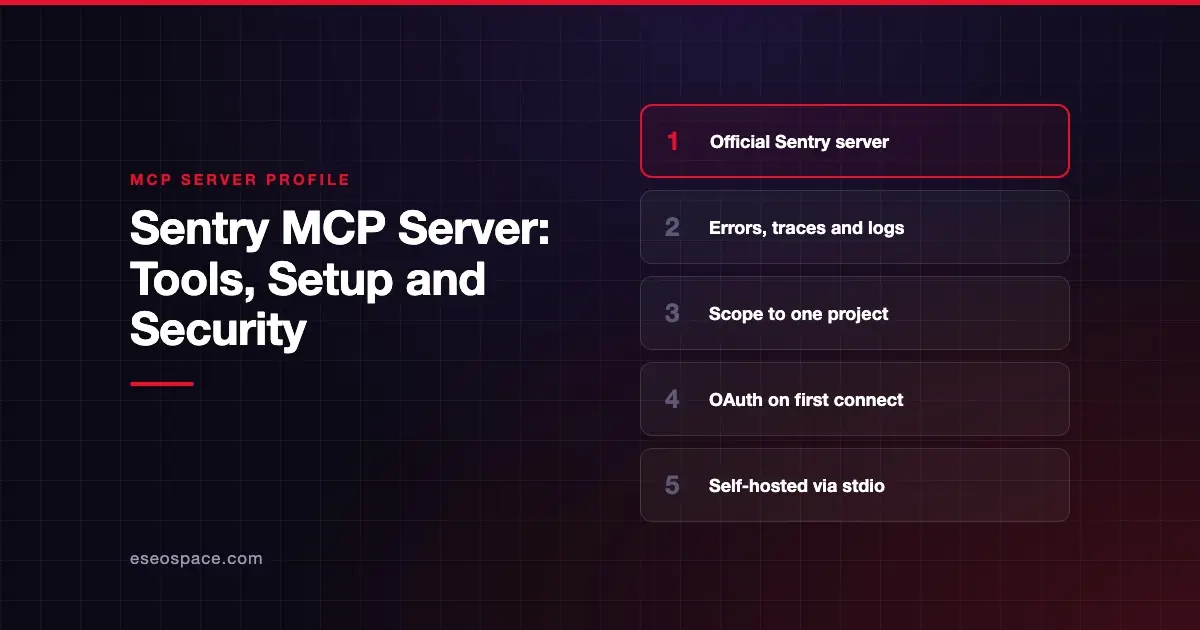
The Sentry MCP server lets a coding agent look up errors, traces, logs and issues in Sentry, so you can debug without copying stack traces into a chat. Sentry publishes it as a hosted remote service, with a local stdio option for self-hosted Sentry.
Checked against: Sentry MCP on 28 October 2026. eSEOspace did not install or test this server.
Key Takeaways
- The hosted server runs at
https://mcp.sentry.dev/mcpand uses OAuth: the first connection starts a Sentry sign-in. - You can scope the URL to one organization or one project, and Sentry recommends project scoping when possible.
- Sentry says the service is "primarily designed for human-in-the-loop coding agents," not as a general-purpose server for all of Sentry.
- The AI-powered search tools need your own LLM provider key when you run it locally.
- A
stdiomode for self-hosted Sentry exists, but Sentry calls it "still a work in progress."
At a glance
| Item | Detail |
|---|---|
| Publisher | Sentry |
| Official? | Yes |
| Hosting | Both: remote URL and local npm package @sentry/mcp-server |
| Transport | HTTP (remote), stdio (local) |
| Sign-in | OAuth (remote); user auth token (local or direct header) |
| Read or write | Read and write (token scopes include write) |
| Price | No separate MCP price listed |
| Source code | getsentry/sentry-mcp |
| Status | Not stated |
What it can do
Sentry's GitHub README says the server acts as "middleware to the upstream Sentry API," tuned for tools like Cursor and Claude Code. The focus is developer workflows and debugging.
The README names these AI-powered search tools: search_errors, search_traces, search_logs and search_issues. They turn plain-English questions into Sentry's query syntax. Without an LLM provider configured, those tools are unavailable but the rest still work.
Tools are grouped into "skills" you can grant or disable. The README names inspect, triage, seer and project-management. Seer is Sentry's AI debugging feature, and it is dropped by default on self-hosted Sentry because Seer is not part of it.
Neither the hosted page nor the README publishes a complete tool list, so check your client's tool list after connecting.
How to connect it
For Claude Code, Sentry's page gives this command. Replace the slugs with your own:
claude mcp add --transport http sentry https://mcp.sentry.dev/mcp/{organizationSlug}/{projectSlug}For Cursor, add this to your MCP settings:
{
  "mcpServers": {
    "sentry": {
      "url": "https://mcp.sentry.dev/mcp/{organizationSlug}/{projectSlug}"
    }
  }
}
In VS Code, Sentry says to use MCP: Add Server, choose HTTP and paste the endpoint. Any client that supports the HTTP transport can use the same URL.
For self-hosted Sentry, run the stdio version with a user auth token and your host:
npx @sentry/mcp-server@latest --access-token=TOKEN --host=sentry.example.comSentry also ships a Claude Code plugin that adds a sentry-mcp subagent.
Security notes
- Scope it down. Use
https://mcp.sentry.dev/mcp/{org}/{project}so tools default to one project and discovery tools are hidden. - Know the token scopes. For stdio, the README lists
org:read,project:read,project:write,team:read,team:writeandevent:write. That is write access, so treat the token as sensitive. - Narrow the skills. Use
?skills=inspect,triageor?disable-skills=seeron direct connections, or--disable-skillslocally. - Watch the LLM key. AI search tools send queries to the provider you configure, such as OpenAI or Anthropic.
- Rate limits. Calls count against Sentry API rate limits. Sentry advises running calls one at a time if you see a Rate Limited message.
The MCP project's security best practices also cover risks such as token passthrough, confused deputy attacks and scope minimization.
Error data often includes user details and request payloads. Read data exfiltration through MCP and secrets and credential leakage, and see the MCP Security Center.
Alternatives
- Chrome DevTools MCP server for debugging in a live browser.
- Linear MCP server to turn errors into tracked issues.
- GitHub MCP Server to jump from an error to the code and pull request.
Next step
Connect Sentry scoped to a single project first, and widen it only if you need to. Our best MCP servers for developers list shows where Sentry fits, and the MCP server directory covers other tools.
Frequently asked questions
Does the Sentry MCP server cost extra?
Sentry's MCP page lists no separate price. You need a Sentry account, and calls count against Sentry API rate limits.
Can I use it with self-hosted Sentry?
Yes, through the local stdio mode with --host. Sentry calls stdio a work in progress, and the Seer skill is left out by default because Seer is not part of self-hosted Sentry.
Why are the search tools missing?
The AI-powered search tools need an LLM provider such as OpenAI, Azure OpenAI, Anthropic or OpenRouter when you run locally. Without one, those tools are unavailable but the others still work.
How do I limit what the AI can see?
Scope the URL to one organization or project. Sentry recommends project scoping when possible, and you can also disable skills you do not need.