This guide is part of our MCP connection guides, within The MCP Guide. Steps are copied from the vendor's own documentation. Need a custom connection? See MCP development.
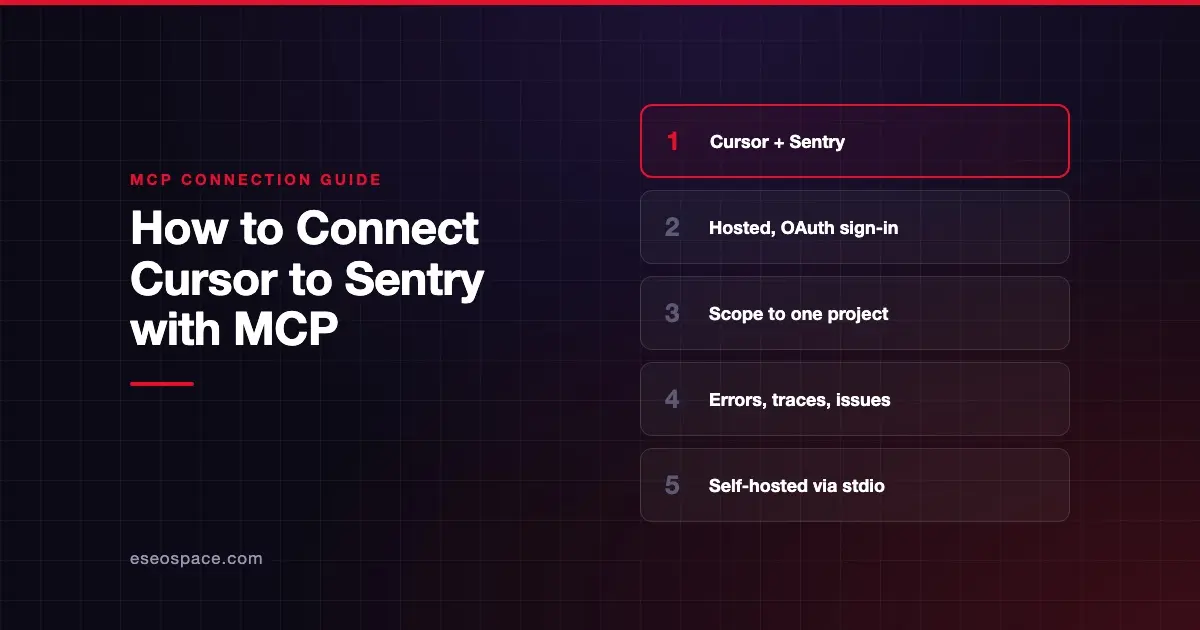
Connecting Cursor to Sentry's MCP server lets Cursor's agent look up errors, read stack traces, search issues and check performance data while you fix the code. Sentry says the service is "primarily designed for human-in-the-loop coding agents."
Checked against: Sentry's MCP setup page and Cursor's MCP docs on 28 October 2026. eSEOspace did not run these steps; menus can change, so follow the vendor's page if it differs.
Key Takeaways
- Sentry hosts the server at
https://mcp.sentry.dev/mcp, and all connections use OAuth. - Add your organization and project slugs to the URL. Sentry says scoping to a project "is recommended when possible."
- Sentry offers an Install MCP Server button for Cursor, or a short
mcp.jsonentry. - The first connection opens a Sentry sign-in in your browser.
- Self-hosted Sentry needs the local
stdioversion, which Sentry calls "still a work in progress."
Before you start
You need:
- Cursor installed.
- A Sentry account on sentry.io with access to the organization and project you want.
- Your organization slug and project slug. These are the short names in your Sentry URLs.
The hosted server works with sentry.io. If you run Sentry on your own servers, skip to the self-hosted note under "If it doesn't work."
Steps
- On Sentry's MCP page, use the Install MCP Server button for Cursor. Or add the server to your MCP settings by hand.
- For a manual setup, Sentry gives this entry. Replace the two placeholders with your own slugs:
{
  "mcpServers": {
    "sentry": {
      "url": "https://mcp.sentry.dev/mcp/{organizationSlug}/{projectSlug}"
    }
  }
}- Save it in
.cursor/mcp.jsonin your project, or~/.cursor/mcp.jsonfor every project. Those are the two locations in Cursor's docs. - Sentry says the first connection triggers an authentication flow. Complete the Sentry sign-in in your browser.
- Make sure the server is on. Cursor's docs say you can toggle servers from Customize in the sidebar.
Sentry offers three URL shapes:
| URL | Scope |
|---|---|
https://mcp.sentry.dev/mcp | Everything your account can reach |
https://mcp.sentry.dev/mcp/{organizationSlug} | One organization |
https://mcp.sentry.dev/mcp/{organizationSlug}/{projectSlug} | One project |
When scoped, Sentry says tools default to that organization or project and unneeded discovery tools are hidden. You can add ?experimental=1 for experimental tool variants.
Check that it works
Sentry's README names search tools such as search_issues, search_errors, search_traces and search_logs. They turn plain-English questions into Sentry's query syntax.
Example prompts:
- "What are the most frequent unresolved issues in this project this week?" This uses
search_issues. - "Find errors from the checkout page in the last 24 hours and show the stack trace for the top one." This uses
search_errors. - "Are there slow traces on the /api/orders endpoint today?" This uses
search_traces.
Sentry doesn't publish a complete tool list, so check which tools Cursor received. Cursor's chat shows each call with its arguments and response.
Permissions and safety
Error data often includes user details and request payloads. Treat what the agent reads as sensitive.
- Scope it down. A project-scoped URL is the simplest way to limit what the agent can see.
- Know it can write. For the local version, Sentry's README lists token scopes that include
project:write,team:writeandevent:write. Keep Cursor's tool approval on. - Narrow the skills. Sentry groups tools into skills such as
inspect,triage,seerandproject-management. On direct connections you can use?skills=inspect,triageor?disable-skills=seer. - Admin controls in Cursor. Enterprise admins can allowlist the Sentry URL and choose which tools run automatically.
Read data exfiltration through MCP and secrets and credential leakage, and see the MCP Security Center.
If it doesn't work
Sentry's page doesn't list Cursor-specific errors. Start with these checks:
- Wrong data or nothing found. Check the slugs in your URL match your organization and project exactly.
- Rate limited. Calls count against Sentry API limits. Sentry advises running calls one at a time if you see a Rate Limited message.
- Self-hosted Sentry. Use the local version with a user auth token and your hostname, as Sentry's README shows:
npx @sentry/mcp-server@latest --access-token=TOKEN --host=sentry.example.com- Other errors. Cursor's docs say to open the Output panel (Cmd+Shift+U) and select "MCP Logs."
Next step
Connect one project first and see how well Cursor triages its top issues. The Sentry MCP server profile covers skills, scopes and the self-hosted setup. For other pairings, browse the MCP connection guides, or see how Claude Code connects to Sentry.
Frequently asked questions
Do I need a Sentry auth token to use MCP in Cursor?
No, not for the hosted server. Sentry says all connections use OAuth, so the first connection opens a sign-in. You only need a user auth token for the local version.
Should I scope the Sentry MCP server to one project?
Sentry recommends it when possible. A project-scoped URL makes tools default to that project and hides discovery tools you don't need.
Does the Sentry MCP server work with self-hosted Sentry?
Yes, through the local stdio version with your own token and --host. Sentry calls it a work in progress, and the seer skill is left out by default on self-hosted hosts.
Can Cursor change things in Sentry?
It can. Sentry's skills include triage and project management, and the local version's token scopes include write access. Keep Cursor's default approval prompt on and review each tool call before it runs.