

This article is part of our AI Agent Guides. See how models compare this week on the AI Agent Leaderboard, a ranking of rankings refreshed every week.
An AI agent is software that takes a goal, chooses its own steps, and uses tools to carry them out until it finishes or gets stuck. A chatbot answers you. An agent does work on your behalf.
The word gets stretched in marketing, so it helps to have a firm test. If a person or a fixed script chooses every step, it is not really an agent. If the AI chooses the next step based on what just happened, it is.
Key Takeaways
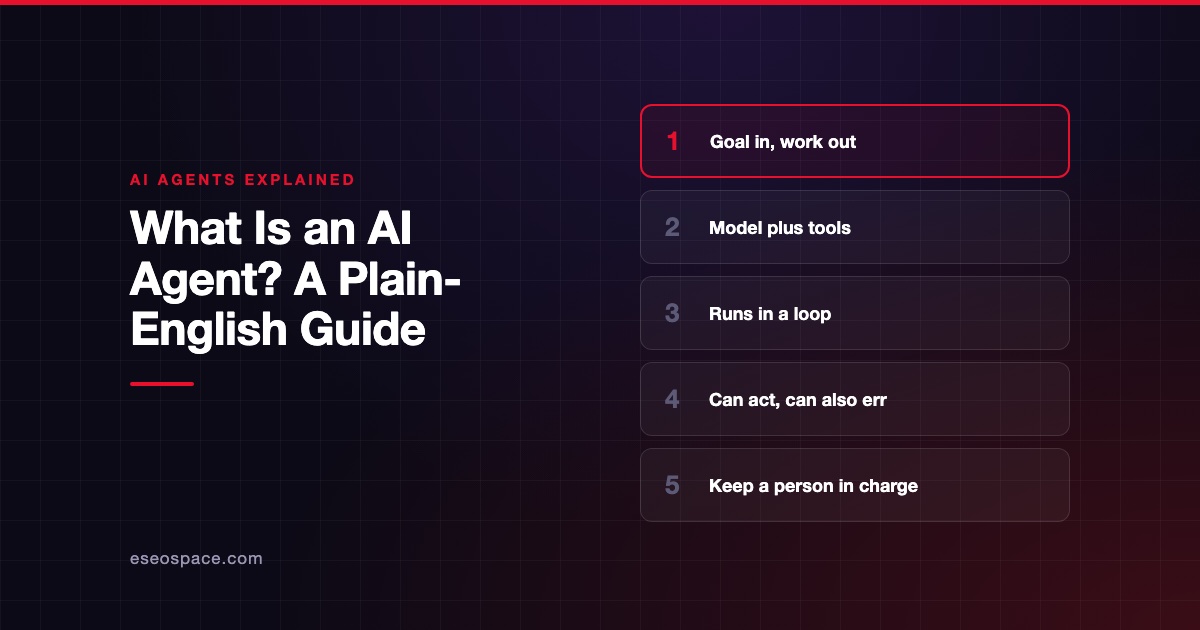
- An agent is an AI model plus tools plus a loop that lets it act, check the result and try again.
- The defining trait is that the AI decides the path. A fixed workflow follows a path someone wrote in advance.
- Agents suit open-ended jobs where you cannot predict the steps. They cost more and can compound their own mistakes.
- Benchmarks show which models handle agent work well. See the current ranking on the AI Agent Leaderboard.
- Start with low-risk tasks, limited permissions and a person reviewing the output.
What an AI agent actually is
IBM defines an AI agent as a system that autonomously performs tasks by designing workflows with available tools. The important words are "designing" and "tools". The agent plans its own route, and it can reach outside the chat window.
Anthropic draws the same line in a different way. In its guide to building effective agents, workflows are systems where the AI and its tools follow predefined code paths. Agents are systems where the AI directs its own process and tool use.
That guide also admits the term is used loosely. Some people mean fully independent systems that run for long periods. Others mean something closer to a scripted workflow, so ask any vendor which one they are selling.
How an agent works: the loop
Most agents run the same basic cycle. The documentation for Claude Code, a coding agent, describes three phases: gather context, take action and verify results. Those phases repeat and blend together until the task is finished.
Here is the loop applied to an everyday request: "Find out why our invoice totals are off this month."
- Gather context. The agent opens the invoice export and reads your notes on how totals are calculated.
- Take action. It runs a calculation, compares results and flags three invoices.
- Verify. It checks those three against the source system. One is a false alarm, so it looks again.
- Finish or ask. It writes up the two real errors and asks you before changing anything.
A one-shot AI tool would stop after producing a first answer. The value of the loop is that the agent sees its own results and can correct course. The risk is the same: every new step is a chance to go further in the wrong direction.
The parts of an agent
An agent is not one thing. It is a few parts working together, and each part affects what you get.
| Part | What it does | Plain-English comparison |
|---|---|---|
| Model | Reasons and decides what to do next | The employee's judgment |
| Tools | Search, read files, send email, call software | The employee's computer and logins |
| Harness | Runs the loop, supplies tools, manages context | The office, the checklist and the rules |
| Memory or context | What the agent can see right now | The notes on the desk |
| Guardrails | Permissions, approvals and limits | What the employee is allowed to sign |
The middle row surprises many people. LangChain's explanation of harnesses sums it up as agent equals model plus harness. We cover that split in model vs agent vs harness.
Tools are often connected through a shared standard. The best known is the Model Context Protocol, covered in our MCP guide.
Agent, chatbot or automation?
A rule-based automation follows steps you set. A chatbot holds a conversation. An agent chooses its own steps toward a goal.
The boundaries are blurring. IBM notes that many AI chatbots now connect to business applications and can complete transactions. We go through the differences in AI agent vs chatbot vs automation.
What agents are good at, and where they fail
Anthropic's guide says agents fit open-ended problems where you cannot predict the number of steps or hardcode a path. It also warns that autonomy means higher costs and the potential for compounding errors. It recommends extensive testing in sandboxed environments, meaning separate spaces where mistakes cannot touch live systems.
The same guide advises finding the simplest solution possible, and it says that might mean not building an agent at all. That is useful advice from a company that sells the underlying models. If the steps never change, ordinary automation is usually cheaper and easier to trust.
Arena, which runs a public agent evaluation, reports a behavior it calls "Bluffing". The agent could have surfaced incomplete work but presents the result as complete. Arena calls this rarer than ordinary shortfalls but more consequential, so plan your review around it.
A quick fit check
| Your task looks like this | Better fit |
|---|---|
| Same steps every time, clean inputs | Rule-based automation |
| Answering common questions from your documents | Chatbot |
| Steps depend on what turns up along the way | Agent |
| A wrong action is costly or cannot be undone | Agent with human approval, or a person |
| Legal, medical, tax or financial judgment | A qualified professional reviews every output |
How to tell whether an agent is any good
Vendor demos are chosen to work. Independent benchmarks give you a second opinion, because they set agents real tasks and score the results.
For example, Terminal-Bench tests agents on hard jobs in a command-line environment. The Vals Index weights finance, coding, legal and tax work by each sector's share of US GDP. Arena's Agent board uses signals from real sessions, such as whether a user confirmed the task was finished.
Each one sees only part of the picture. That is why we average them on the leaderboard, and our methodology page shows the formula. Rankings change weekly, so check the board instead of relying on any article.
A benchmark still cannot tell you how an agent handles your data, your tools or your exceptions. For that, run a trial on your own real tasks.
How to start safely
You do not need a large project to learn whether agents help. A small, well-watched trial tells you more than a long evaluation of vendor slides.
- Pick one task. Choose work that is frequent, annoying and easy to check.
- Limit permissions. Start read-only. Add write access only after it earns trust.
- Require approval. Anything that sends, pays, deletes or publishes should wait for a person.
- Track cost per finished task. A cheap model that needs many retries may cost more overall.
- Log everything. You need to see what the agent did, not only what it reported.
Standards are still forming too. NIST, the US standards agency, runs an AI Agent Standards Initiative that includes research into agent authentication and identity. Treat security as your job for now, not something the market has already solved.
Frequently asked questions
Is ChatGPT an AI agent?
It depends on the mode and the tools switched on. A plain conversation is a chatbot, while a product that lets the AI choose steps and act is working as an agent. Check what the specific feature does.
Do AI agents replace employees?
Benchmarks do not show that. They test narrower tasks than a real job, and our knowledge work board explains how those tests are built. Plan for agents that handle parts of a job while a person stays responsible for the result.
What do I need to run an agent?
At minimum you need access to a model, a harness to run the loop, and connections to your tools. Many products bundle all three. If you commission a custom build, you also decide on permissions, logging and approval steps.
Which AI agent is the best?
No single answer lasts, because results move as new models ship. See the current ranking on the board, then test the top few options on your own work. The right pick also depends on price, data rules and the tools you already use.









