Accessibility Audit. Findings you can act on.
We test your existing site against WCAG 2.2 AA and hand you the findings — what fails, where, how serious it is, and what fixing it involves. You can give the report to us, to your current developer, or to nobody at all. It is yours either way.
We grow your business with
- CROturn traffic into leads
- SEOrank & get found
- GEOwin generative search
- AEOget cited by AI answers
- AIbuild a website that learns
Why audit first
Most organizations need evidence before they can fund the fix

Accessibility work rarely gets approved on principle. It gets approved when someone can show a board, a funder or a legal team what specifically fails and what the exposure is. An audit turns "we should probably look at accessibility" into a scoped, costed piece of work.
It is also the honest entry point. Committing to a full rebuild before anyone has tested the current site means guessing at the scope. We would rather tell you that eleven templates need work and the rest is fine than sell you a redesign you may not need. For public agencies the audit is usually driven by a date: April 26, 2027 or April 26, 2028, depending on the entity.
Method
What the audit actually covers
Automated tooling catches a meaningful share of issues. The rest only surface when a person drives the interface the way an assistive-technology user would — so we do both.
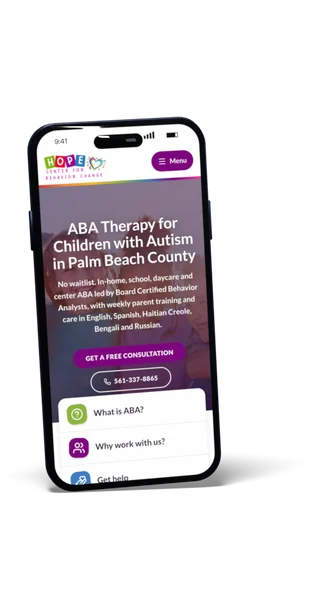
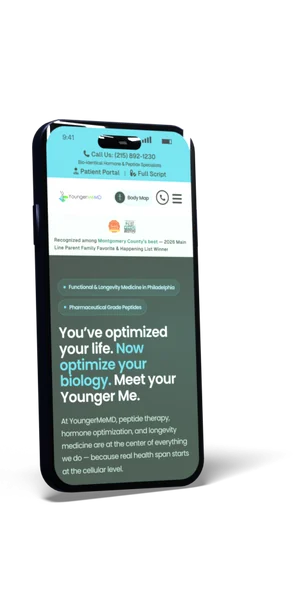
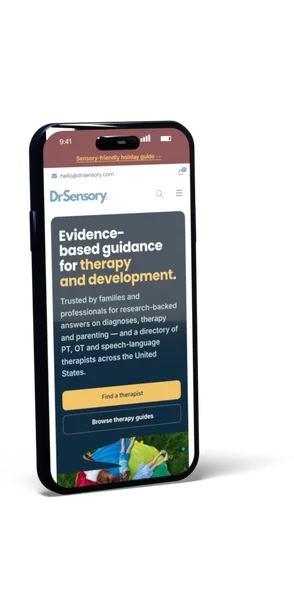
- Automated testing across the site to catch systematic failures at scale
- Manual keyboard passes on the journeys that matter — apply, donate, pay, register, contact
- Screen-reader testing on those same journeys, not just the homepage
- Heading order, landmark structure and reading order as assistive technology encounters them
- Form labelling, error handling and required-field announcements
- Colour contrast at the sizes and states you actually ship, including hover and focus
- Zoom and reflow behaviour at 200% and on a phone
- Third-party embeds and key PDFs, flagged separately because you may not control them
Deliverable
What you get

A written report listing each issue, where it occurs, which WCAG success criterion it maps to, how severe it is, and what remediation involves. Grouped by template rather than by page, so a single fix covering two hundred pages is described once.
We separate what is fixable in the build, what is inherited from a third-party embed, and what needs a content decision from your team — captions, alt text, plain-language rewrites. Those last ones are usually the cheapest wins and the ones vendors forget to mention.
If a solicitation asks for a VPAT or an Accessibility Conformance Report, tell us up front and we will scope that as a deliverable. If you want us to do the remediation afterwards, we can, but the audit stands on its own and is not priced as a lead-in.
Project Managers who will work with you on your project!
 Irina S.hello@eseospace.com
 Benjamin G.ben@eseospace.com
 David G.david@eseospace.com
Work with us
Talk to the team behind your project
Tell us what you need and we’ll match you with the right people.
Book a Discovery Call




Questions
Audit questions
Do we have to use you for the remediation?
Can an overlay widget fix what you find?
How long does it take?
Is a free automated scan enough?
Wondering what this costs? Every service has published pricing — no discovery call required to see it.
View pricingWant to know where your site actually stands?
Tell us the URL and roughly how large the site is, and we will scope the audit. If the answer is that you do not need one, we will say so.
Book a Strategy Call →