




6 Best Site Search Software Platforms for Government Websites in 2026
6 Best Site Search Software Platforms for Government Websites in 2026
A government website can contain the right information and still fail the person looking for it.
How is this possible?
The permit form could be filed under a department name residents don't use. Council minutes sit inside a 180-page PDF. A benefits page calls the same program three different things. Search for "trash pickup after a holiday" and the site returns a procurement notice from 2019.
Poor site search creates more than frustration because it pushes people toward phone calls, office visits and unofficial sources. It can also make public information harder to access for people using assistive technology, speaking another language or navigating a government process for the first time.
The best site search software for government websites needs to handle that mess without giving up control over the answers. We ranked six platforms against the needs of public-sector web teams, not against a generic enterprise feature list.
Key Takeaways
- AddSearch is the best choice for government websites that prioritise security, compliance and robust AI capability. GDPR, SOC 2 compliance, and implementation simplicity put it a cut above the rest.
- SearchStax is a strong shortlist for content-heavy public bodies that want hands-on control over results across several sources.
- Squiz Funnelback and Elastic make more sense when search has to span complex repositories or applications.
- Accessibility, source control and the ability to suppress stale information matter more than adding an AI answer box.
The Shortlist
| Rank | Platform | Best for | Implementation model | Published pricing |
|---|---|---|---|---|
| 1 | AddSearch | Most public-sector websites | Managed crawler or API | From $119 per month annually |
| 2 | SearchStax | Role-based access and audit logs | Managed site search or Solr | Custom |
| 3 | Squiz Funnelback | Complex content estates | Enterprise search plus services | Custom |
| 4 | Elastic | High-security builds | Cloud or self-managed | Usage based |
| 5 | Yext | Structured service answers | Knowledge graph plus search | Custom |
| 6 | Google Programmable Search Engine | Simple, low-budget sites | Embedded search box | Eligible sites may qualify for free ad-free use |
How We Evaluated Government Site Search Platforms
We reviewed a broader pool that also included Algolia, Coveo, CivicPlus and Siteimprove. The final six all have a defensible government use case, but they solve different versions of the problem.
The ranking gives the most weight to six factors:
- Public-sector fit. We looked for government customers, government-specific product pages, procurement routes, or a service designed expressly for public agencies.
- Content coverage. A useful platform should search more than ordinary web pages. PDFs, office documents, separate domains, portals and structured data all matter.
- Editorial control. Government teams need to pin urgent information, manage synonyms, remove stale results and inspect failed searches without waiting for a developer.
- Accessibility and language support. Search is part of the public service, so the interface and results need to work for a broad range of residents.
- Implementation burden. We considered who has to build, maintain and tune the search experience after procurement.
- Evidence and buying clarity. Public examples, documented capabilities and visible pricing counted for more than broad claims about AI.
The order reflects the best fit for a typical government website. A federal department with strict hosting requirements and a five-person search engineering team will reach a different answer from a small municipality replacing a weak CMS search box.
1. AddSearch - Best Site Search Software for Most Government Websites
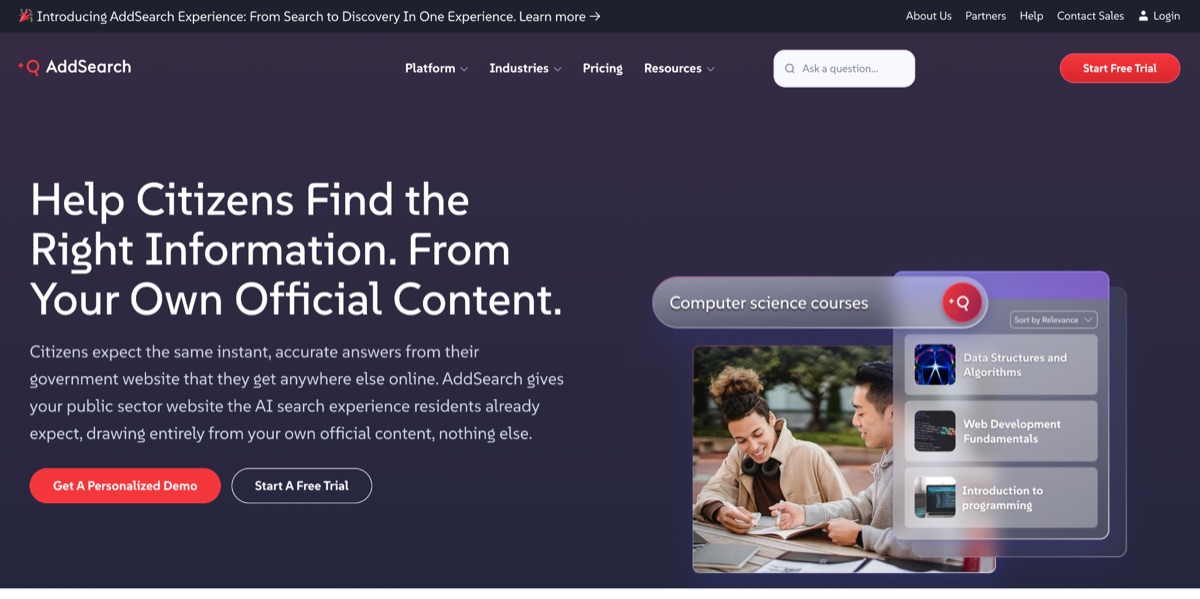
AddSearch is an AI search and conversational content discovery platform designed to give website visitors several ways to find information. Its AddSearch Experience brings together traditional Keyword Search, AI Answers and AI Conversations within one platform.
Visitors can use a familiar search-results page, ask a specific question and receive a direct answer, or explore a subject through context-aware follow-up questions. AI-generated responses are grounded in the organization's indexed content and include links to the underlying sources, helping users verify important public information.
Behind these AI experiences is a managed indexing system that can crawl web pages and files including PDFs, DOC, DOCX, PPT and PPTX documents. AddSearch also supports JavaScript and AJAX crawling for websites built with frameworks like React, Angular and Vue.
These controls are particularly useful when information is distributed across departmental pages, document libraries and older content systems. They allow public-sector teams to decide which sources can inform search results and AI responses without replacing their CMS or rebuilding the wider website.
Best fit: Local and regional government, public authorities, libraries, schools and other public bodies that want capable managed search with room to scale.
Watch for: Pricing varies according to whether the organization needs Keyword Search, AI Answers, AI Conversations or the combined AddSearch Experience. So buyers should compare based on the visitor experience they want to provide.
2. SearchStax - Best for Unifying Multiple Government Content Sources
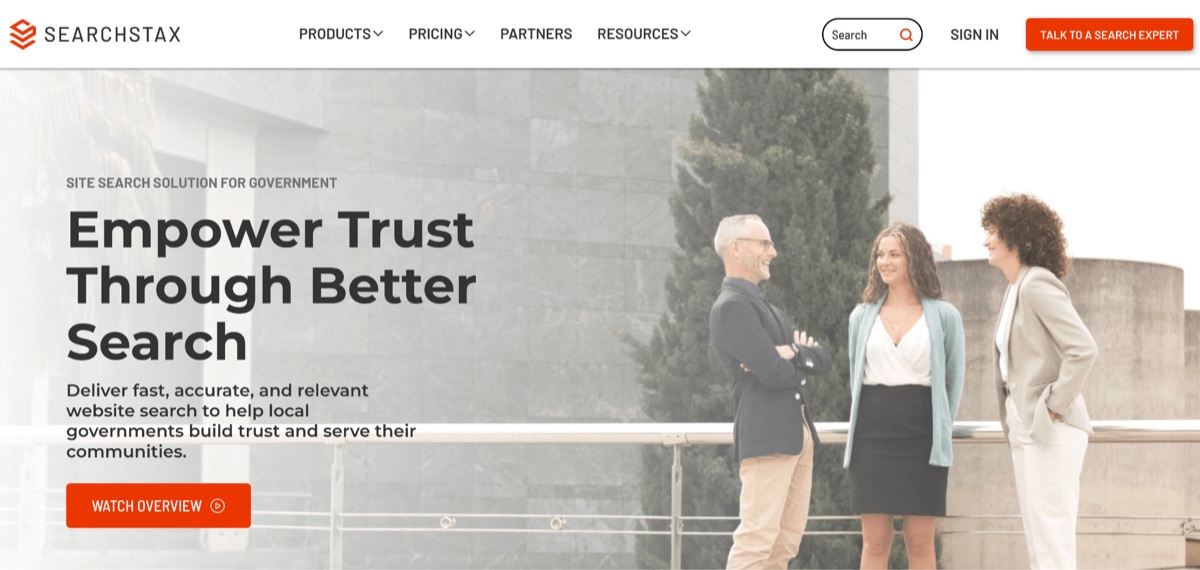
SearchStax is a strong choice when a government website needs to search across several sites, repositories, or platforms. Its Site Search product combines a crawler, APIs, configurable user-interface components, analytics and relevance controls. It supports more than 40 languages and lets teams use AI-assisted ranking while retaining human oversight.
SearchStax has two related products that shouldn't be confused during procurement. Site Search is the user-facing website search service. Managed Search is hosted Apache Solr infrastructure for organizations building more customized search applications. The second option provides greater technical flexibility, but it carries a much larger engineering and budget commitment.
The marketer-facing controls are the main reason SearchStax ranks above more developer-led tools. Communications and web teams can review popular searches, abandoned searches, content gaps and click behavior, then adjust promoted results without turning every change into an IT ticket.
Best fit: Larger agencies, authorities and public institutions with multiple websites or content sources and a dedicated digital team.
Watch for: Site Search pricing is not published. Confirm whether the proposal covers crawler setup, each data source, languages, AI features, interface work, support and expected query volume.
3. Squiz Funnelback - Best for Complex Public-Sector Content Estates
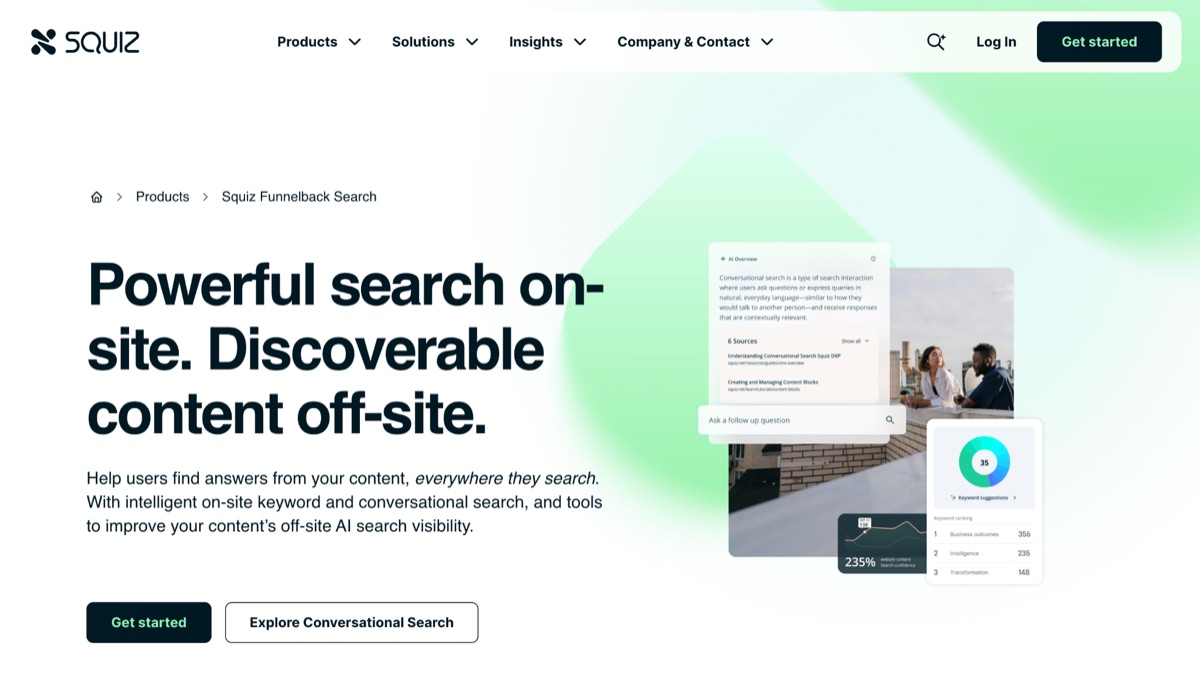
Squiz Funnelback Search has deep roots in government and higher education. It can index structured and unstructured content across websites, databases, documents and other repositories, then serve keyword results and conversational answers from the same controlled sources.
Funnelback is particularly credible where the search project is part of a wider digital service program. Squiz offers a local-government search template, content intelligence tools and professional services. Its public-sector record includes work supporting a hub used across 29 UK government departments.
The platform's conversational search includes source controls and an additional answer-validation step. That doesn't remove the need for human testing, but it’s a more serious model than attaching a generic chatbot to a government site and hoping it stays inside policy.
Best fit: Large departments, universities, shared-service organizations and public bodies with many repositories and complex governance.
Watch for: Funnelback can be bought as standalone search, but the wider Squiz ecosystem and professional-services model may be heavier than a small web team needs. Pricing depends on indexed documents, conversations and implementation work.
4. Elastic - Best for Engineering-Led and High-Security Search
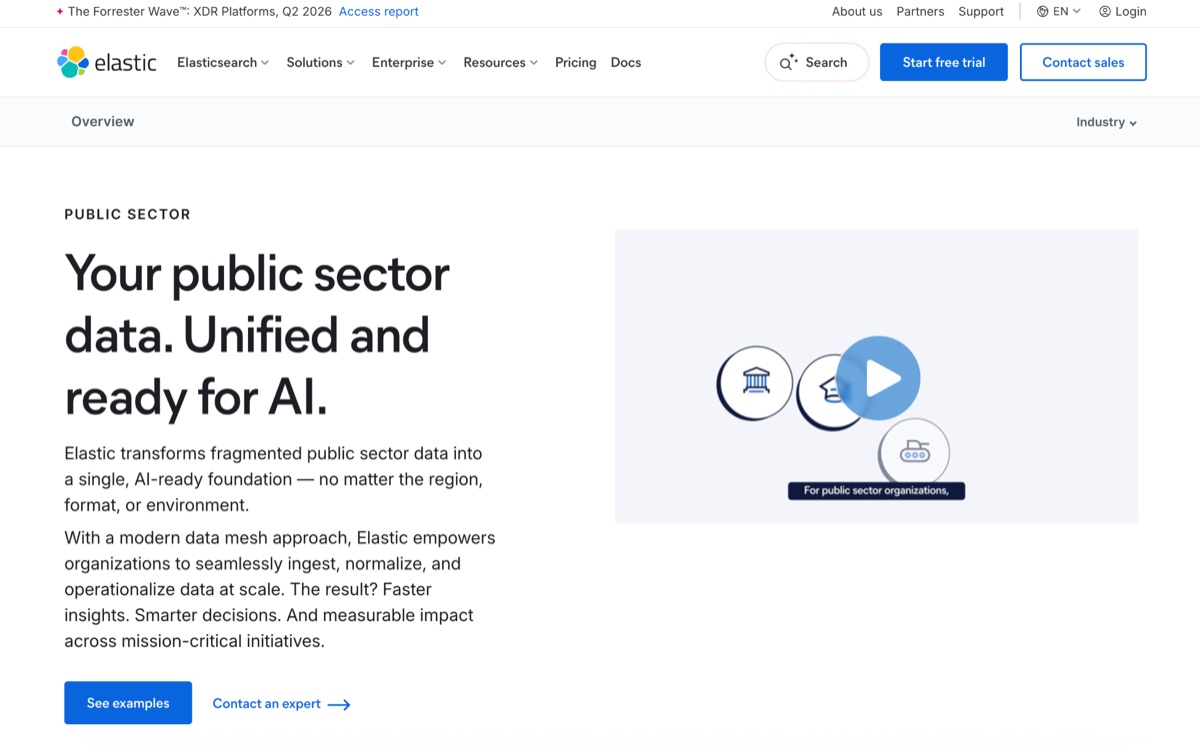
Elastic offers the greatest deployment control in this group. Government teams can use Elastic Cloud, a serverless service or a self-managed installation, including private-cloud, on-premises and air-gapped environments. Elastic Cloud Hosted is FedRAMP Moderate and High Authorized on AWS GovCloud.
Elasticsearch can unify large volumes of structured and unstructured data and support custom search, retrieval and generative AI applications. That makes it a serious option for agencies whose "website search" requirement reaches into internal knowledge, case data or other mission systems.
But Elastic is a platform for building search experiences, not a drop-in replacement for a weak CMS search box. Relevance models, ingestion pipelines, result interfaces, analytics and ongoing tuning all need owners. The flexibility is valuable only when the team can support it.
Best fit: Technically mature agencies with strict deployment requirements, complex data and in-house engineering or an experienced implementation partner.
Watch for: Smaller government web teams can spend more time operating the search stack than improving public content. Price the people and implementation work alongside the software.
5. Yext - Best for Structured Service and Location Answers
Yext approaches search through a knowledge graph that connects entities such as services, offices, locations, hours and frequently asked questions. That structure suits agencies where residents repeatedly ask direct questions: where to apply, which office handles a service, whether a location is open, or what documents they need.
Yext has launched public-sector search solutions and worked with organizations including the State of New Jersey and the World Health Organization. It also has US public-sector procurement routes through Carahsoft.
The case is strongest when the agency wants consistent answers across its website and other discovery channels, rather than a conventional index of pages and PDFs. A well-maintained knowledge graph can surface direct answers that ordinary keyword search misses.
Best fit: Agencies with structured service, location and program data that must stay consistent across several channels.
Watch for: Yext is now positioned as a broad enterprise marketing and discovery platform, and pricing is custom. Teams primarily trying to improve search across documents may find a dedicated site search product easier to buy and operate.
6. Google Programmable Search Engine - Best for a Simple, Low-Budget Search Box
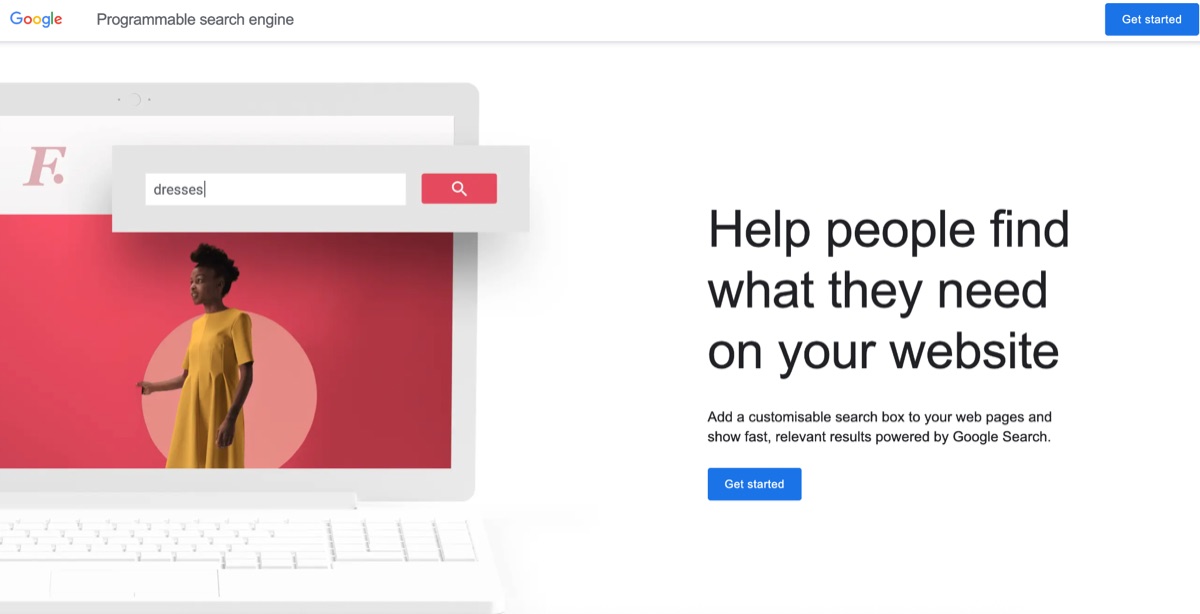
Google Programmable Search Engine lets a website embed a customizable search box backed by Google's search technology. Eligible nonprofits, government agencies and schools can apply to use it without advertising.
For a small government site with little budget and no need for conversational answers, advanced analytics or intensive relevance tuning, that may be enough. Setup is quick and the search experience will feel familiar to residents.
The low cost comes with trade-offs. A public web team has less control over indexing behavior, result presentation, source-specific tuning and support than it would with a dedicated platform. It’s also a weak fit for large document estates, many disconnected repositories or services where staff need to govern exact answers.
Best fit: Small, straightforward public websites that need a functional search box at minimal cost.
Watch for: Confirm current eligibility, domain limits and ad-free status before committing. If search failures create call-center demand or block access to essential services, the cheapest tool can become the expensive choice.
Two Checks That Belong in the RFP
Product demos usually start with a clean query and a polished result. Government content is rarely that cooperative though. Put the following tests into the procurement rather than accepting a generic demonstration.
1. Test the Sources the Public Actually Uses
Give each vendor the same sample: a HTML service page, a scanned PDF, an accessible PDF, a council-minutes archive, a second department domain and a structured data source. Then use real resident queries, including abbreviations, misspellings and everyday language that doesn't match the agency's terminology.
Map adjacent systems too. If a public body publishes classes through a public course-booking portal, decide whether search should crawl public course pages, query the system through an API or exclude authenticated learner records. The same question applies to permitting, payments, agendas, job listings and emergency alerts.
2. Separate Internal Site Search From External Discoverability
A new search box won't make a page discoverable in Google, Bing or AI assistants. Those systems still need to crawl and render the public website.
This distinction matters on JavaScript-heavy portals. Test what an unauthenticated crawler receives before launch. If important text and links only appear after client-side JavaScript runs, a service such as Prerender can serve rendered HTML to search and AI crawlers. That solves a different problem from internal site search, and both layers need to work.
Which Government Site Search Platform Should You Choose?
For most local, regional and public-service websites, AddSearch is the strongest place to start. It covers the practical requirements that tend to break government search projects, like documents, multiple content types, JavaScript pages, synonyms, filters, pinned results, analytics and staff-friendly controls. It can also start at a far lower price than a large enterprise search implementation.
SearchStax and Squiz Funnelback are better suited to complex multi-source estates, while Elastic is the right conversation for agencies that need to control the infrastructure and have the engineering capacity to do so. Yext is most compelling when services, offices and locations are already managed as structured data. Google Programmable Search Engine remains a practical option for a small, straightforward site with very limited budget.
Shortlist three products, then make each one search the same difficult content. Include a misspelled service, an outdated PDF, an urgent notice, a query in plain language and a page rendered with JavaScript. The best platform is the one your team can govern after launch and residents can use without learning how the agency is organized.
Put this into action with eSEOspace
We help businesses grow with website development that actually performs. Explore the services behind this guide:
Get a FREE Audit
We'll perform a comprehensive SEO, AEO, GEO & CRO audit of your website — completely free — and show you exactly how to outrank your competitors.
Don't have a site yet? Get in touch →
Get a FREE GEO/AEO/SEO Audit
We'll analyze your site's SEO, GEO, AEO & CRO — completely free — and show you exactly how to get found across Google and AI answers.
Don't have a site yet? Get in touch →
Great — your audit is on the way!
We'll send your free SEO/GEO/AEO/CRO audit within the next few hours. Where should we send it?
You're all set! ✓
Your free audit is being prepared — check your inbox in the next few hours. Talk soon!


On this page
- Key Takeaways
- The Shortlist
- How We Evaluated Government Site Search Platforms
- 1. AddSearch - Best Site Search Software for Most Government Websites
- 2. SearchStax - Best for Unifying Multiple Government Content Sources
- 3. Squiz Funnelback - Best for Complex Public-Sector Content Estates
- 4. Elastic - Best for Engineering-Led and High-Security Search
- 5. Yext - Best for Structured Service and Location Answers
- 6. Google Programmable Search Engine - Best for a Simple, Low-Budget Search Box
- Two Checks That Belong in the RFP
- Which Government Site Search Platform Should You Choose?






