This profile is part of our MCP server directory, within The MCP Guide. Profiles are checked against each vendor's own documentation. Need a server built? See MCP development.

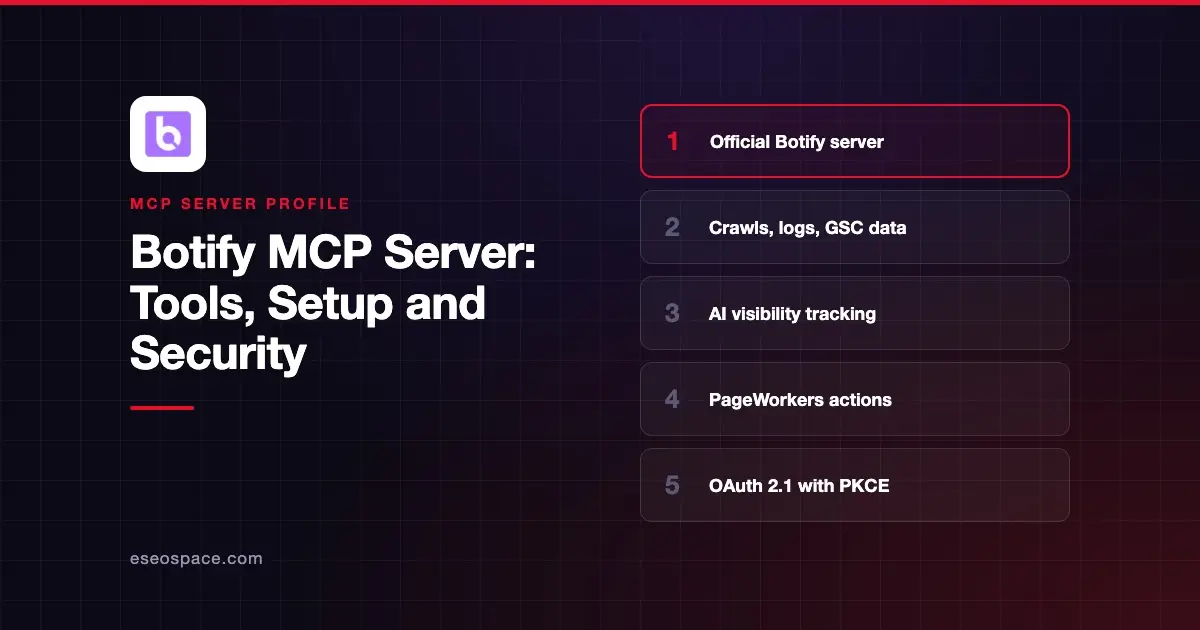
The Botify MCP server connects an AI app to Botify's SEO and AI search platform. It can answer questions from your site crawls, log files, Search Console history and AI visibility tracking, and it can push optimizations through PageWorkers. Botify hosts it at https://mcp.botify.com.
Checked against: Claude's Botify listing, Botify's MCP setup guide and Botify's agent catalog on 2 November 2026. eSEOspace did not install or test this server.
Key Takeaways
- Botify's guide says "52 tools are published to MCP." Claude's listing shows 44.
- Sign-in is OAuth 2.1 with dynamic client registration and PKCE, handled by your client.
- Tools blend your Botify data with live Google SERPs, AI Mode, People Also Ask, Trends and Perplexity results.
- PageWorkers tools can create optimizations and push items to them, which can change what your live site serves.
- Usage draws on a project credit allowance, which
get_credit_usagereports.
At a glance
| Item | Detail |
|---|---|
| Publisher | Botify |
| Official? | Yes |
| Hosting | Remote URL |
| Transport | Streamable HTTP |
| Sign-in | OAuth 2.1 (RFC 9728 metadata, RFC 7591 registration, PKCE) |
| Read or write | Mostly read; PageWorkers and table tools write |
| Price | Botify customers; usage draws on agent credits |
| Source code | Not published |
| Status | In Claude's directory since September 2026 |
What it can do
Claude's listing says you can ask "how often AI answers mention your brand, which pages AI bots crawl or skip, and where traffic is slipping," then draft optimizations and deploy them from Botify.
The tools fall into a few groups:
- Your site data.
site_crawler_url_detail,url_keywords,list_projects,project_metadataandlist_annotations. - SQL over your tables.
tables_list,tables_schema,tables_query,tables_query_export,tables_create,tables_insertandtables_load. - Search and AI results.
google_serp,google_ai_mode,google_people_also_ask,google_trends,google_url_inspection,perplexityandsearchgpt. - Page checks.
html_fetch,html_grep,html_structured_dataandhtml_code_executor, which runs JavaScript on HTML from crawls. - Actions.
action_board,pageworkers_get_or_create_optimization,pageworkers_push_items_to_optimizationandhtml_pageworkers_preview. - Batch jobs.
batch_runruns any tool over many records from a list, query, table or CSV.
Each tool takes an organization, a project, an item and an optional config, according to the setup guide. The same tools are also available as a REST API.
How to connect it
Botify documents these routes:
- Claude Desktop and claude.ai. Add a custom connector with
https://mcp.botify.com, or add Botify from Customize > Connectors. - Claude Code. Run the command below, then
/mcpto sign in.
claude mcp add --transport http botify-agents https://mcp.botify.com- Cursor. Add this to
~/.cursor/mcp.json, reload, and approve in the browser:
{
  "mcpServers": {
    "botify-agents": {
      "url": "https://mcp.botify.com"
    }
  }
}
Botify also suggests testing with the MCP Inspector (npx @modelcontextprotocol/inspector) using the Streamable HTTP transport.
Security notes
- PageWorkers changes reach your site. Pushing items to an optimization can change what visitors and crawlers see. Use
html_pageworkers_previewand keep approvals on. - Code execution.
html_code_executorruns JavaScript functions on HTML from SiteCrawler crawls. Review the code an agent writes before you approve the call. - Credits. Batch runs can use a lot of credits fast. Check
get_credit_usagebefore large jobs. - Fetched pages are untrusted.
html_fetch, SERP and AI-answer tools pull text from the open web, which can carry hidden instructions.
Read prompt injection through tool results, the MCP project's security best practices and our MCP Security Center.
Alternatives
- Conductor MCP server for AI brand visibility and content briefs.
- Semrush MCP server and Ahrefs MCP server for keyword and backlink research.
- Profound MCP server for AI answer engine visibility.
Next step
Start with read-only questions about AI bot crawls and lost traffic, then preview any PageWorkers change before you push it. See best MCP servers for SEO for more options.
More in the MCP Guide
Free tools: MCP Server Risk Checklist · Tool Permission Planner
Latest research: State of MCP: October 2026
Frequently asked questions
Does Botify have an official MCP server?
Yes. Botify hosts it at https://mcp.botify.com and lists it in Claude's connector directory. It exposes the same agents as Botify's REST API.
Can the Botify MCP server change my website?
It can push items to PageWorkers optimizations, which Botify uses to deploy changes. Preview changes first and keep tool approvals on.
How do I sign in?
Your client handles OAuth 2.1. It registers itself with Botify, opens a browser sign-in, and refreshes its own token after you approve once.
How many tools does it have?
Botify's guide says 52 tools are published to MCP. Claude's directory listing shows 44, so the exact set depends on where you connect.