This profile is part of our MCP server directory, within The MCP Guide. Profiles are checked against each vendor's own documentation. Need a server built? See MCP development.

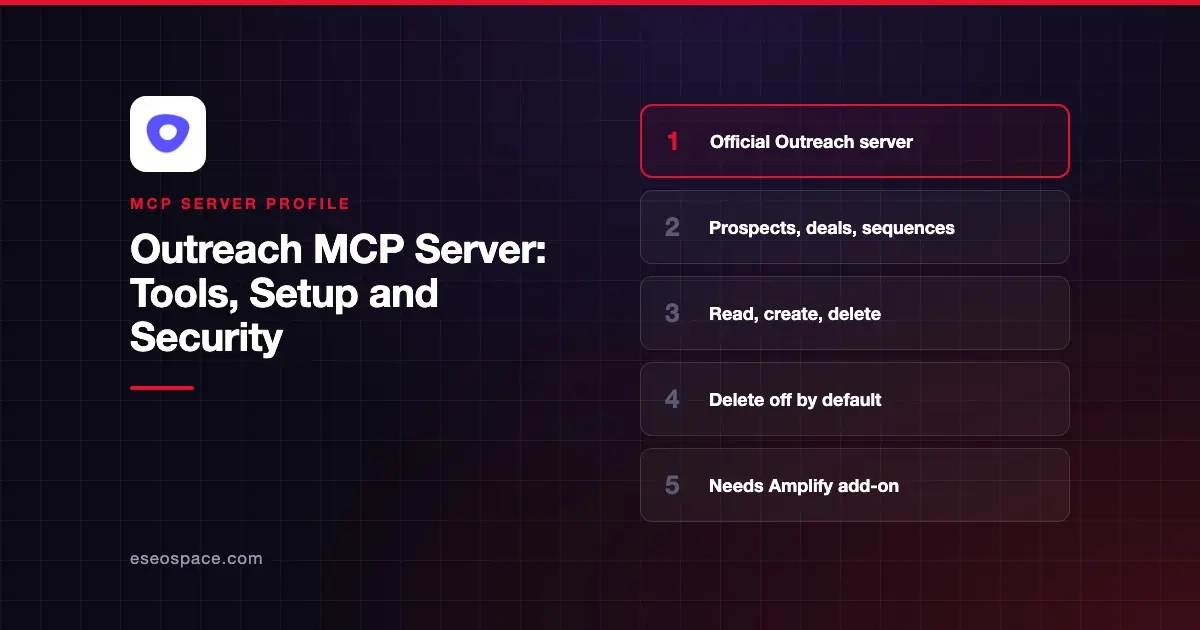
The Outreach MCP server lets an AI app search and read Outreach prospects, accounts, opportunities, sequences, emails and Kaia meeting data, and create or delete some records. Outreach hosts it at https://api.outreach.io/mcp/, and an admin must switch it on for the organization.
Checked against: Outreach's MCP support article, the Outreach MCP tool catalog, Outreach MCP authentication docs and the Outreach connector page on Claude on 2 November 2026. eSEOspace did not install or test this server.
Key Takeaways
- Your organization needs the Amplify add-on with active credits, and each user needs an active Outreach seat.
- An admin turns the server on under Administration > Organization > Org Info.
- Outreach offers read, create and delete tools, but no update tools. Delete is off by default.
- Sign-in is OAuth 2.1 with PKCE and Dynamic Client Registration; client-credential-only auth is not supported.
- Each MCP tool call counts as one Outreach API call, so API throttle limits apply.
At a glance
| Item | Detail |
|---|---|
| Publisher | Outreach |
| Official? | Yes |
| Hosting | Remote URL (hosted by Outreach) |
| Transport | Streamable HTTP |
| Sign-in | OAuth 2.1 with PKCE and DCR, through Outreach SSO |
| Read or write | Read and create by default; delete optional; no update |
| Price | Not published; ask your Outreach account executive |
| Source code | Closed (hosted service) |
| Status | Listed as "Anthropic verified" in Claude's directory, added February 2026 |
What it can do
Outreach's developer tool catalog lists 42 tools as of November 2026. Note that the catalog's own overview page still says 32, and Claude's directory listing shows 15, so counts vary by page. Your client shows the live list.
| Type | Count | Examples |
|---|---|---|
| Read and discovery | 27 | prospect_search, account_get_by_id, opportunity_search, sequence_search, emails_search, kaia_meeting_search, task_search |
| Schema | 2 | filter_schema_fetch, input_fields_fetch |
| Create | 8 | prospect_create, account_create, opportunity_create, task_create, sequence_create, sequence_add_prospects |
| Delete | 5 | prospect_delete, account_delete, opportunity_delete, sequence_delete, sequence_states_destroy |
The support article explains why there is no update tool: Outreach chose read, create and delete "because LLM updates to existing records can behave unpredictably."
Tools carry MCP annotations such as readOnlyHint and destructiveHint, so clients can flag risky calls. Outreach says no resources or prompts are exposed yet. Useful jobs include sales meeting prep and pulling Kaia meeting notes into follow-up tasks.
How to connect it
- An Outreach admin goes to Administration > Organization > Org Info and toggles MCP Server on. If the toggle is greyed out, Amplify is probably not enabled.
- The admin can also decide on create (on by default) and delete (off by default) actions.
- Each user connects from their MCP client and signs in with Outreach credentials, plus any MFA.
In Claude, add Outreach from the Connectors page (now Customize > Connectors). Outreach also lists ChatGPT, Codex, Microsoft Copilot, Gemini CLI, Amazon Bedrock and VS Code. For other clients, use the URL https://api.outreach.io/mcp/; the client must support user-level OAuth and DCR. Outreach's developer pages give no CLI commands, so check your client's docs or use our MCP config generator.
Outreach says most clients sign in through your default browser. Make sure that browser is logged in to the right Outreach account.
Security notes
Access follows each user's existing Outreach roles and profile permissions, including Kaia meeting access. Users see only data they are allowed to see.
Delete is the main risk. It is off by default and, Outreach says it requires explicit user confirmation when on. Keep it off until you have a clear need. Create is on by default, so an agent can add real prospects to your live sequences.
If you use a third-party identity provider, revoke access there, not in Outreach. Outreach also recommends one Outreach instance per LLM session. Plan approvals with the MCP tool permission planner and read approval fatigue.
Alternatives
- Salesforce MCP server for CRM records behind your sequences.
- Gong MCP server for call recordings and revenue intelligence.
- Apollo.io MCP server for prospecting plus sequences in one tool.
Next step
Turn the server on with delete off, let a few reps use read tools for meeting prep, then review create actions. Compare tools in best MCP servers for sales.
More in the MCP Guide
Free tools: MCP Server Risk Checklist · Tool Permission Planner
Latest research: State of MCP: October 2026
Frequently asked questions
What plan do I need for the Outreach MCP server?
Outreach's support article says the organization needs the Amplify add-on with active credits, and users must be active, licensed seats. Pricing is not published; ask your account executive or partner.
Can the AI update existing Outreach records?
No. Outreach offers read, create and delete tools but no update tools, because it found LLM updates to existing records can behave unpredictably.
Can I connect with a service account or API key?
No. Outreach says client-credential-only auth is not supported. A licensed user credential is required, including for agent identities.
Does the MCP server count against API limits?
Yes. Each MCP call counts as one Outreach API call, and throttle limits apply. The number of calls per question depends on how the model reasons.