This profile is part of our MCP server directory, within The MCP Guide. Profiles are checked against each vendor's own documentation. Need a server built? See MCP development.

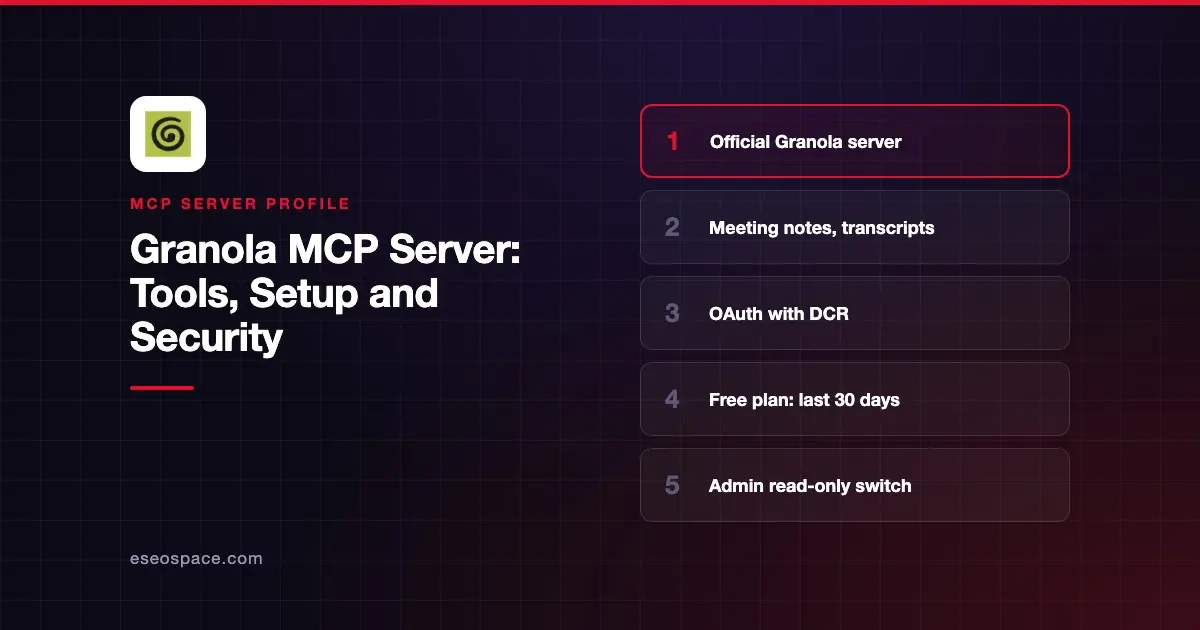
The Granola MCP server lets an AI app search and read your Granola meeting notes, AI summaries, transcripts and shared-screen snapshots. Granola hosts it at https://mcp.granola.ai/mcp, and each connection acts as one Granola user.
Checked against: Granola's MCP docs, the Granola connector page on Claude and Granola's pricing page on 2 November 2026. eSEOspace did not install or test this server.
Key Takeaways
- Granola hosts one endpoint,
https://mcp.granola.ai/mcp, over Streamable HTTP with OAuth sign-in. - MCP sees only notes you can access in your active Granola workspace, never across workspaces.
- The free Basic plan covers notes from the last 30 days; some folder, search and transcript tools need a paid plan.
- There is no API key or service account option for MCP; Granola points scripts to its separate API.
- Enterprise admins can limit note scopes, block transcripts and make MCP read-only.
At a glance
| Item | Detail |
|---|---|
| Publisher | Granola |
| Official? | Yes |
| Hosting | Remote URL (hosted by Granola) |
| Transport | Streamable HTTP |
| Sign-in | OAuth 2.0 with Dynamic Client Registration; Enterprise-Managed Authorization for Enterprise |
| Read or write | Mostly read; can add or remove notes from folders unless an admin turns that off |
| Price | Included on all plans: Basic $0, Business $14, Enterprise $35 per user per month |
| Source code | Closed (hosted service) |
| Status | Listed as "Anthropic verified" in Claude's directory, added January 2026 |
What it can do
Granola's docs list these tools as of November 2026:
| Tool | What it does |
|---|---|
query_granola_meetings | Chat with your Granola notes |
list_meetings | List notes with ID, title, date and attendees |
get_meetings | Read notes, including private and summarized notes |
get_meeting_transcript | Raw transcript (paid plans only) |
get_meeting_attachment | Screenshots of slides, charts or code shared in a meeting |
list_meeting_folders | Folders you can access (paid plans only) |
get_account_info | Which account and workspace are connected |
switch_workspace | Change your active workspace |
sign_out | Sign the AI tool out of Granola |
Claude's directory listing also shows search_meetings and search_transcripts, which are not in the docs table. Your client shows the current list once connected.
Good uses include turning meeting notes into tasks, pulling exact customer quotes and preparing for a follow-up call.
How to connect it
In Claude, open Settings, go to Connectors (now Customize > Connectors), search for Granola, connect and sign in. In ChatGPT, open Settings, search for Granola and connect.
For Claude Code, Granola gives this command. Open a new session, run /mcp, select granola and choose Authenticate:
claude mcp add granola --transport http https://mcp.granola.ai/mcpOther clients can add https://mcp.granola.ai/mcp as a custom connection. Granola says the client must support Streamable HTTP plus OAuth 2.0 with metadata discovery and a browser sign-in. You do not need a client ID or secret, because Granola uses Dynamic Client Registration.
Sign in to the Granola account you want the AI to read, even if it uses a different email from your AI tool. Granola says rate limits average around 100 requests per minute across all tools and may change.
Security notes
Meeting transcripts often hold sensitive details. Granola's Enterprise admin controls, under Settings > Workspace > General > MCP access, let admins:
- Enable personal notes, public notes, both or neither for members.
- Turn off Meeting transcripts over MCP for everyone, including admins.
- Turn off Make changes over MCP to make the server read-only. It is on by default.
Note that switch_workspace also changes your workspace in the Granola app and in other connected AI tools. Enterprises can use Enterprise-Managed Authorization to approve Granola once through their identity provider. Transcripts can contain text that reads like instructions, so see prompt injection through tool results and the MCP Security Center.
Alternatives
- Zoom MCP server if your meetings and notes live in Zoom.
- Gong MCP server for recorded sales calls.
- Notion MCP server if meeting notes end up in Notion.
Next step
Connect Granola for one team, ask for action items from last week's meetings, and decide whether transcripts should stay on. See more in best MCP servers for productivity.
More in the MCP Guide
Free tools: MCP Server Risk Checklist · Tool Permission Planner
Latest research: State of MCP: October 2026
Frequently asked questions
Is the Granola MCP server free?
MCP is included on every Granola plan, including Basic at $0. On Basic it covers personal and public notes from the last 30 days, and some tools are paid only.
Can Claude read my meeting transcripts through Granola?
Yes on paid plans, through get_meeting_transcript. Enterprise admins can switch transcripts off over MCP for the whole workspace.
Why can't the AI find one of my meetings?
Ask "Which Granola account am I signed in with?" Granola says the usual causes are the wrong account, the wrong active workspace or a note outside your access scope.
Can I use an API key instead of OAuth?
No. Granola says MCP has no API key or service account method. For scripts and automations, it points to the separate Granola API.