This profile is part of our MCP server directory, within The MCP Guide. Profiles are checked against each vendor's own documentation. Need a server built? See MCP development.
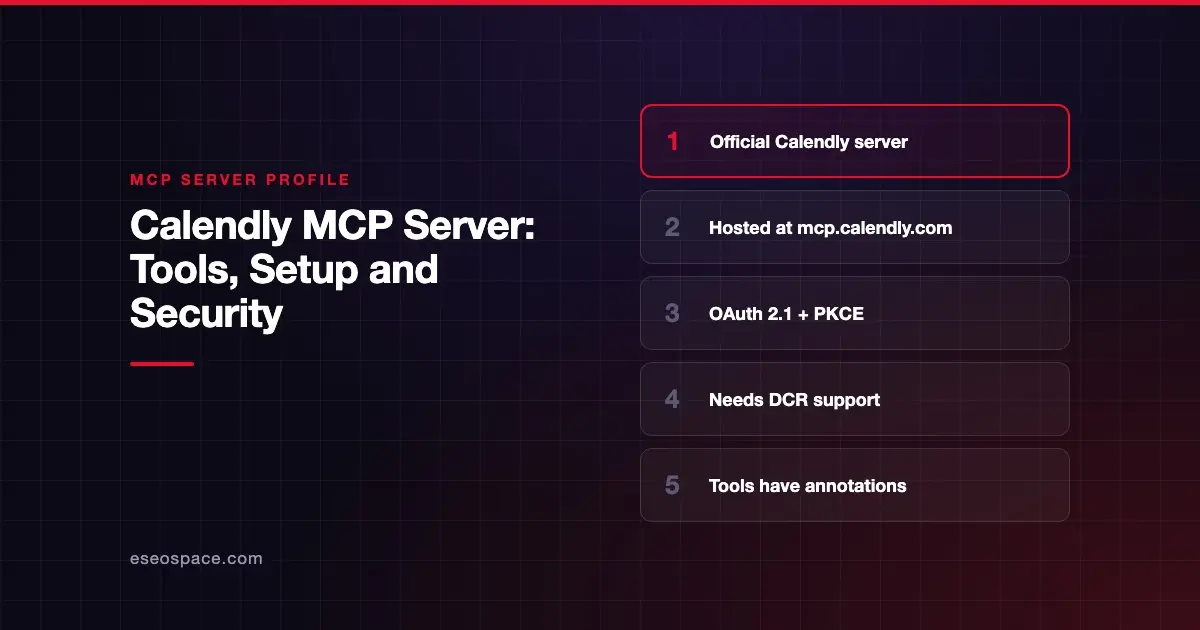
Calendly's MCP server lets AI apps list event types, find open times, book and cancel meetings, create one-time scheduling links and manage organization members. Calendly hosts it at https://mcp.calendly.com, and it maps tools to Calendly's public API v2.
Checked against: Calendly MCP server documentation and supported tools list on 28 October 2026. eSEOspace did not install or test this server.
Key Takeaways
- Calendly hosts the server at
https://mcp.calendly.com; self-hosting and local deployment are not supported. - Sign-in is OAuth 2.1 with PKCE, and your client must support Dynamic Client Registration (DCR).
- Clients that need a pasted client ID and secret, and personal access tokens, do not work today.
- Two scopes exist:
mcp:scheduling:readandmcp:scheduling:write. - Some tools need a paid plan: booking needs a paid Calendly plan, and routing forms need Teams or higher.
At a glance
| Item | Detail |
|---|---|
| Publisher | Calendly |
| Official? | Yes |
| Hosting | Remote URL (https://mcp.calendly.com), hosted only |
| Transport | Streamable HTTP (clients need MCP 2025-03-26 or later) |
| Sign-in | OAuth 2.1 with PKCE via Dynamic Client Registration |
| Read or write | Read and write |
| Price | No separate MCP price listed; some tools need paid or Teams plans |
| Source code | Closed |
| Status | Not stated |
What it can do
Calendly's supported tools page lists every tool with its matching REST endpoint. Tool names are prefixed by group.
Scheduling
- Event types:
event_types-list_event_types,event_types-get_event_type,event_types-create_event_type,event_types-update_event_type,event_types-list_event_type_available_times, plus availability schedule tools. - Meetings:
meetings-list_events,meetings-get_event,meetings-cancel_event,meetings-create_invitee(books a meeting; needs a paid plan),meetings-list_event_invitees,meetings-get_event_invitee, and no-show tools. - Links:
scheduling_links-create_single_use_scheduling_linkandshares-create_share. - Availability:
availability-list_user_availability_schedules,availability-get_user_availability_schedule,availability-list_user_busy_times, andlocations-list_user_meeting_locations. - Routing forms (Teams plan or higher):
routing_forms-list_routing_forms,routing_forms-get_routing_formand two submission tools.
User and organization management
users-get_current_user,users-get_user,organizations-get_organization, membership tools, andorganizations-create_organization_invitationandorganizations-revoke_organization_invitation.
Skills
list_calendly_skillsandload_calendly_skill.
Calendly says each tool carries annotation metadata: a readable title plus readOnlyHint, destructiveHint and idempotentHint. Clients can use these hints to decide when to ask you before a call. See MCP tool annotations.
How to connect it
Calendly's server docs describe the flow:
- Set the server URL in your client:
https://mcp.calendly.com- The client registers itself through Calendly's DCR endpoint and starts the OAuth flow.
- A browser window opens. Press Connect to Calendly on the consent screen.
- Scheduling tools become available.
Calendly's launch announcement from 11 March 2026 says clients need Streamable HTTP and MCP version 2025-03-26 or later. Calendly does not name specific clients. It says the server works with any MCP-compliant client that supports DCR. Clients that only accept a client ID and secret copied from a developer console "will not work with Calendly MCP today."
For developers building their own client, Calendly documents public-client registration (no client secret), mandatory PKCE with S256, and strict HTTPS redirect URI rules.
Security notes
- Same permissions as the API. Calendly says the server has the same scopes and permissions as its public API.
- Two scopes.
mcp:scheduling:readandmcp:scheduling:writeare attached automatically. The docs do not describe a way to grant read only. - Customer-facing writes.
meetings-cancel_eventcancels real meetings, andmeetings-create_inviteebooks them. Both affect people outside your team. - Admin actions. Invitation tools can add or revoke organization members. Keep approval prompts on.
- No personal access tokens. Calendly says non-OAuth bearer tokens are not supported, which avoids long-lived keys in config files.
- Strict redirects. Wildcards and mixed schemes in redirect URIs are rejected.
A meeting description or form answer can carry instructions to the AI. Read MCP prompt injection and the MCP Security Center.
Alternatives
- HubSpot MCP server: includes CRM appointments and meetings activity.
- Attio MCP server: searches meetings and call recordings linked to CRM records.
- Gong MCP server: read-only insights from recorded calls.
Next step
Calendly MCP is handy for "find a time and send a link" tasks. Test it on your own calendar before giving it to a team. For other sales tools, browse the MCP server directory or read MCP for small business.
Frequently asked questions
Can I run the Calendly MCP server locally?
No. Calendly says the server is fully hosted at https://mcp.calendly.com, and self-hosting or local deployment is not supported.
Why won't my AI app connect to Calendly MCP?
Calendly requires Dynamic Client Registration. Clients that only accept a pasted client ID and secret, or personal access tokens, will not work today.
Can the AI book meetings for me?
Yes, with meetings-create_invitee. Calendly's tools list says that tool requires a paid Calendly plan.
Do routing forms work over MCP?
Yes. Calendly lists four routing form tools, and each requires a Calendly Teams plan or higher.