This profile is part of our MCP server directory, within The MCP Guide. Profiles are checked against each vendor's own documentation. Need a server built? See MCP development.

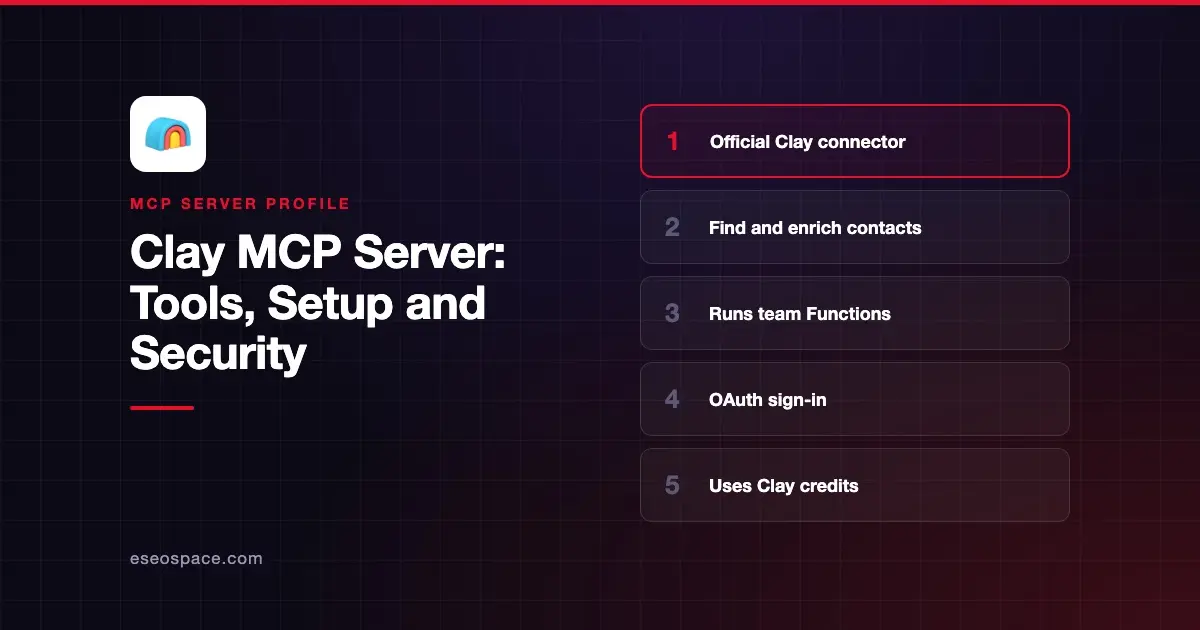
The Clay MCP server lets an AI app find and enrich contacts and companies, and run the Clay Functions your ops team built, without opening Clay. Clay hosts it at https://api.clay.com/v3/mcp and lists it in the Claude and ChatGPT app directories.
Checked against: the Clay connector page on Claude, Clay's MCP guide and Clay's custom functions docs on 2 November 2026. eSEOspace did not install or test this server.
Key Takeaways
- Clay's hosted connector lives at
https://api.clay.com/v3/mcp; Claude's directory lists seven tools. - Clay says the connector draws on 150+ data providers, AI research agents and your team's prebuilt workflows.
- Calls spend Clay credits. Clay's guide says new accounts get 500 free credits on first connect.
- Admins can set credit limits per rep and choose which Functions are exposed to MCP.
- Clay recommends MCP for roughly 1 to 20 contacts; bigger jobs and CRM syncs belong in the Clay platform.
At a glance
| Item | Detail |
|---|---|
| Publisher | Clay |
| Official? | Yes |
| Hosting | Remote URL (hosted by Clay) |
| Transport | Remote HTTP endpoint |
| Sign-in | Sign-in with your Clay account (method not detailed on the listing) |
| Read or write | Mostly research and enrichment; Functions can do whatever your team built |
| Price | Uses Clay credits; Clay staff say MCP is on all paid modern plans |
| Source code | Closed (hosted service) |
| Status | Listed as "Anthropic verified" in Claude's directory, added January 2026 |
What it can do
Clay's guide says reps can "find and verify contacts, research accounts, draft outreach, prepare meeting briefs, and run Functions" from chat. Claude's directory listing shows these seven tools as of November 2026:
find-and-enrich-contacts-at-companyfind-and-enrich-list-of-contactsfind-and-enrich-companyadd-contact-data-pointsadd-company-data-pointsget-credits-availableget-existing-search
Clay's developer docs also describe a list_subroutines call that returns the custom Functions available to the connected MCP client. You then run a Function by passing its id as subroutine_id. That tool is not in the Claude listing, so the exact list you see may depend on your workspace. Your client shows the real list once connected.
A typical prompt from the listing: "Find VP-level finance leaders at Okta who joined in the last 6 months." This fits lead research and sales meeting prep.
How to connect it
Clay's guide gives these routes:
- Claude: add the Clay connector from the Connectors page (now Customize > Connectors). On Claude Enterprise, an admin must enable it first.
- ChatGPT: type
@Clayin the browser or/Clayin the desktop app, then sign in. - Codex: connect Clay's MCP server.
For coding agents, Clay's developer docs point to a separate route: the Clay agent plugin, which installs the clay CLI and Clay's skills in Claude Code, Codex or Cursor. Clay says the plugin needs a host with a shell and does not work in chat apps like claude.ai or ChatGPT.
To let reps call a team workflow, open the Function in Clay, go to Details and enable MCP. Clay's docs say publishing a Function does not enable MCP access, and API access alone is not enough.
Security notes
Clay's docs say each access setting (API, MCP, Claygent) is separate, and "Workspace and role permissions still apply." Expose only the Functions reps need.
Credits are the main risk. Clay's guide says admins can set credit limits per rep and watch usage and spend from the MCP section of the Clay side nav. Set those limits before rollout.
Enriched contact data is personal data. Agree where it may be pasted or stored, and remember that web research results can carry hidden instructions. See prompt injection through tool results and run the MCP server risk checklist first.
Alternatives
- ZoomInfo MCP server for a single B2B database with intent signals.
- Apollo.io MCP server for prospecting and sequences in Apollo.
- HubSpot MCP server to work on records already in your CRM.
Next step
Pick two or three Functions your reps already trust, enable MCP on them, and cap credits per rep. For a wider view, see best MCP servers for sales.
More in the MCP Guide
Free tools: MCP Server Risk Checklist · Tool Permission Planner
Latest research: State of MCP: October 2026
Frequently asked questions
Does the Clay MCP server cost money?
It spends Clay credits. Clay's guide says new accounts get 500 free credits on first connect, and a Clay staff post says MCP is available on all paid modern plans.
Can reps run our custom Clay workflows from Claude?
Yes, if the workflow is packaged as a Function with MCP access turned on. Clay's docs say both listing and running a Function by id need that setting.
Is the Clay MCP server good for building big lists?
Clay suggests MCP for about 1 to 20 contacts and ad hoc work. For 20+ contacts, complex automation and CRM syncs, it recommends the Clay platform itself.
Is this the same as the Clay CLI plugin?
No. The hosted connector works in chat apps. The agent plugin installs the clay CLI for coding agents that can run shell commands.