This profile is part of our MCP server directory, within The MCP Guide. Profiles are checked against each vendor's own documentation. Need a server built? See MCP development.

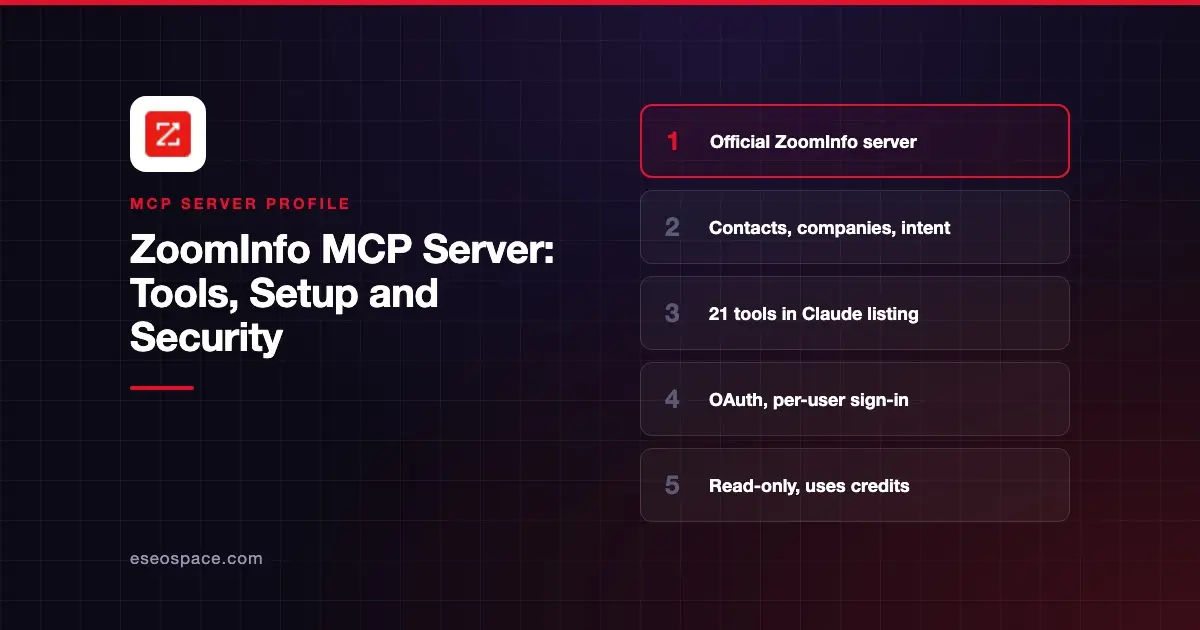
The ZoomInfo MCP server lets an AI app search and enrich ZoomInfo's B2B contact and company data, research accounts and pull intent signals inside a chat. ZoomInfo hosts it at https://mcp.zoominfo.com/mcp, and each user signs in with their own ZoomInfo account.
Checked against: ZoomInfo's MCP setup docs, the ZoomInfo connector page on Claude and ZoomInfo's MCP overview post on 2 November 2026. eSEOspace did not install or test this server.
Key Takeaways
- ZoomInfo hosts one remote endpoint,
https://mcp.zoominfo.com/mcp, over Streamable HTTP. - Sign-in is OAuth 2.0 in your browser, with ZoomInfo credentials or your company's SSO.
- ZoomInfo says the MCP tools are read-only and cannot write back to ZoomInfo.
- There is no separate MCP fee, but enrichment uses your existing bulk data credits.
- Admins can switch MCP access on or off per user and set per-user credit limits.
At a glance
| Item | Detail |
|---|---|
| Publisher | ZoomInfo Technologies Inc. |
| Official? | Yes |
| Hosting | Remote URL (hosted by ZoomInfo) |
| Transport | Streamable HTTP |
| Sign-in | OAuth 2.0, ZoomInfo login or SSO |
| Read or write | Read-only, per ZoomInfo |
| Price | Included with a ZoomInfo license; uses data and AI credits |
| Source code | Closed (hosted service) |
| Status | Listed as "Anthropic verified" in Claude's directory, added November 2025 |
What it can do
The Claude directory listing describes ZoomInfo as a way to "Find prospects. Research accounts. Enrich buyers with verified B2B data. Act on intent signals." As of November 2026 that listing shows 21 tools:
| Group | Tools |
|---|---|
| Search and enrich | search_contacts, enrich_contact, search_companies, enrich_company, enrich_company_signals, lookup |
| Research | account_research, contact_research, conversation_intelligence |
| Recommendations | get_recommended_contacts, find_similar_contacts, find_similar_companies |
| Audiences and activity | browse_audiences, get_audience, browse_engagements |
| Signals and news | search_scoops, search_news, search_intent_signals |
| Context and feedback | get_gtm_context, update_gtm_context, submit_feedback |
The grouping is ours; the names come from the listing. ZoomInfo's overview post says search, lookup, similar-contact and GTM context tools are free. Enrichment costs one bulk data credit per new record, up to 25 records per call. Research briefings use AI action credits.
ZoomInfo also says records enriched anywhere in ZoomInfo stay "under management" for 12 months at the organization level. Re-enriching one of those records through MCP in that window does not cost another credit.
How to connect it
ZoomInfo asks you to turn off model training in your AI account first. Its docs state that data accessed through MCP may not be used for AI model training.
In Claude, open the Connectors page (now under Customize > Connectors), search for ZoomInfo, connect and sign in. ChatGPT and Perplexity users connect from their own apps or connectors panels.
For Claude Code, ZoomInfo documents two routes. The plugin:
claude plugin install zoominfo@claude-plugins-officialOr the server directly, then run /mcp to sign in:
claude mcp add --transport http zoominfo https://mcp.zoominfo.com/mcpFor Cursor, ZoomInfo gives this ~/.cursor/mcp.json entry:
{
  "mcpServers": {
    "zoominfo": {
      "url": "https://mcp.zoominfo.com/mcp"
    }
  }
}
Codex users can run codex mcp add zoominfo --url https://mcp.zoominfo.com/mcp and then codex mcp login zoominfo. Any other client needs OAuth 2.0 support. Our MCP config generator can format the entry for other clients.
You need a ZoomInfo license (GTM.ai self-serve or Enterprise). ZoomInfo's overview says MCP needs bulk data credits and does not work with recurring monthly credits, so an admin may need to enable bulk credits first.
Security notes
Requests pass through what ZoomInfo calls its MCP Gateway, which checks each user's sign-in and entitlements before returning data. Agents can only do what that user's ZoomInfo account allows.
The read-only design limits damage inside ZoomInfo. The bigger risk is cost: an agent that enriches long lists can burn credits quickly. Set per-user credit limits in the Admin Portal before a wide rollout.
Contact data is personal data. Decide where enriched records may be pasted or stored, and keep the model-training opt-out on. Plan scopes with the MCP tool permission planner, and see the MCP Security Center for broader risks.
Alternatives
- Apollo.io MCP server for prospecting with Apollo's contact database.
- Clay MCP server for enrichment through many data providers.
- HubSpot MCP server or Salesforce MCP server when you want to work on CRM records, not buy new data.
Next step
Start with free search and lookup prompts, set credit caps, then allow enrichment for a few reps. Compare other options in best MCP servers for sales.
More in the MCP Guide
Free tools: MCP Server Risk Checklist · Tool Permission Planner
Latest research: State of MCP: October 2026
Frequently asked questions
Does the ZoomInfo MCP server cost extra?
ZoomInfo says there is no separate MCP fee. Enrichment draws on the same bulk data credits as the web app and API, and research briefings use AI action credits.
Can the ZoomInfo MCP server update my CRM?
No. ZoomInfo says the MCP tools are read-only and cannot write back to ZoomInfo. For CRM write-back it points to a separate CRM enrichment server or the ZoomInfo API.
Which AI apps work with it?
ZoomInfo lists Claude, ChatGPT, Microsoft Copilot, Perplexity, Claude Code, Codex, Cursor, VS Code and others. Any client that supports OAuth 2.0 and remote MCP can use the URL.
Can admins control who uses it?
Yes. ZoomInfo's overview says admins can enable or disable MCP access per user in the Admin Portal and set per-user credit limits that also apply to MCP.