This profile is part of our MCP server directory, within The MCP Guide. Profiles are checked against each vendor's own documentation. Need a server built? See MCP development.

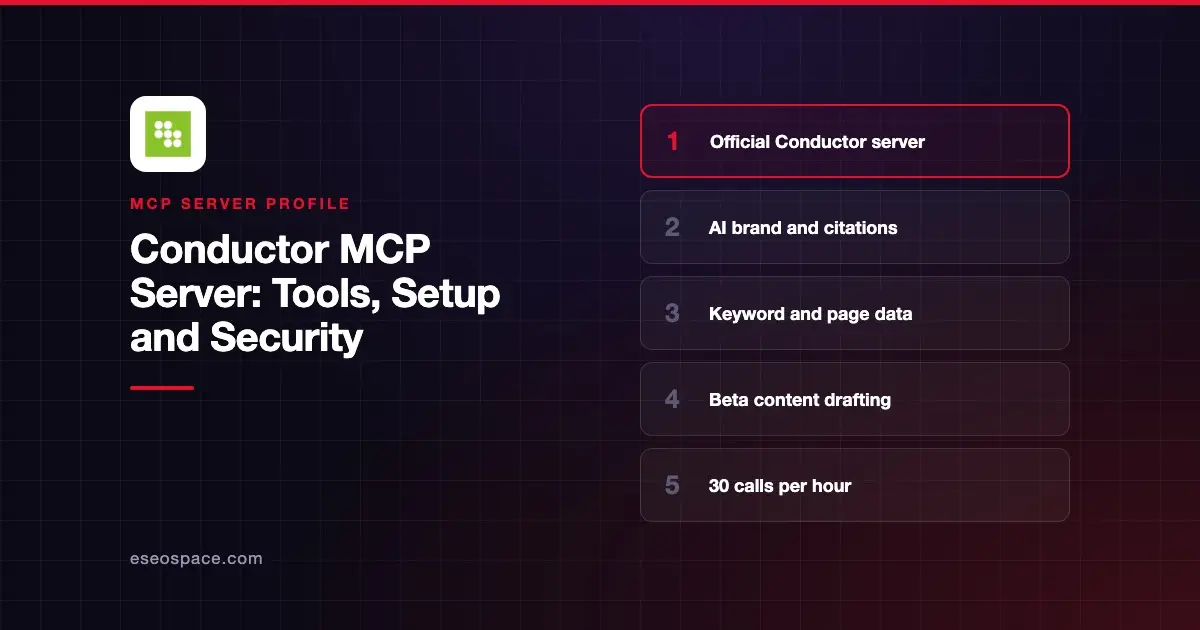
The Conductor MCP server connects an AI app to Conductor's search and AI visibility data. It reports how your brand shows up in AI answers and traditional search, and its beta content tools can create briefs and drafts. Conductor hosts it, and it is listed in Claude's connector directory.
Checked against: Claude's Conductor listing, Conductor's Claude setup page, Conductor's MCP FAQs and Conductor's custom connector guide on 2 November 2026. eSEOspace did not install or test this server.
Key Takeaways
- Conductor's MCP is "now available to all customers," with included tool calls that refresh each contract year.
- Rate limits are "30 requests per hour per user and 120 requests per minute across the system." Conductor says you are never charged for overages.
- Most tools are read-only. The beta content tools write briefs, drafts, Content Profiles and Knowledge Sources, and "no tool can delete anything."
- Content tools need Conductor Creator. Pages tools need Conductor Intelligence with Pages data.
- Custom connectors can use the newest server version (
/mcp/v4). The Claude directory connector gained the Content and Pages tools on 29 October 2026.
At a glance
| Item | Detail |
|---|---|
| Publisher | Conductor |
| Official? | Yes |
| Hosting | Remote URL (versioned paths v2, v3, v4) |
| Transport | Remote MCP (HTTP) |
| Sign-in | OAuth with Conductor-issued client credentials, or API key for custom connectors |
| Read or write | Read-only except beta content tools; no deletes |
| Price | Included tool-call allocation per Conductor plan |
| Source code | Not published |
| Status | In Claude's directory since August 2026; Content and Pages tools in beta |
What it can do
Claude's listing says the server returns "a brand's visibility, sentiment, and rankings on both traditional and AI search engines." It shows 28 tools in four groups:
- AI search.
ai_brand_insights,ai_citation_insightsandai_query_fan_out_insights. - Traditional search.
keyword_insightscovers rankings, seasonality, SERP result types and competitive rankings. - Pages.
pages_discovery,pages_detailandpages_trends. - Content creation.
create_content_brief,generate_draft_content,update_draft_content,get_content_score,suggest_title_and_meta_descriptionsandsuggest_internal_links.
Conductor's FAQs say the content tools "stop for your approval at each meaningful step," and tell you when an action uses one of your allotted drafts.
How to connect it
Conductor documents three Claude routes on its Claude page:
- Directory connector. On Pro and Max, open Customize > Connectors, click Browse, find Conductor MCP, connect and sign in. On Team and Enterprise, an Owner or Primary Owner must add Conductor to the organization first.
- Custom connector. Point Claude at the newest server URL,
https://mcp-universal.conductor.com/mcp/v4. Conductor says new tools reach this path before the directory connector. - Claude Code CLI. This installs the server only for Claude Code.
Conductor says one setup in the Claude apps covers Claude, Claude Cowork and Claude Code. It also supports ChatGPT and Codex (Pro, Business and Enterprise), Microsoft Copilot and Perplexity. Conductor issues OAuth client credentials for custom connectors on request, and an API key works for clients without OAuth.
Security notes
- Read-only by default. Only the beta content tools write, and nothing deletes.
- Approvals built in. Content tools pause for approval at each step.
- Admin control. On Claude Team and Enterprise, owners decide whether members can connect.
- Training. Conductor says "The Conductor connector is not used to train their models."
- Security review. The quick start guide includes a sample email for your security team.
Competitor pages and AI answers can carry hidden instructions. Read prompt injection through tool results, the MCP project's security best practices and our MCP Security Center.
Alternatives
- Botify MCP server for crawl, log and PageWorkers data.
- Profound MCP server for AI answer engine visibility.
- Semrush MCP server for keyword and competitor research.
Next step
Ask for AI citation and brand visibility trends first, then try a content brief. Our SEO content brief playbook shows the workflow, and best MCP servers for SEO compares options.
More in the MCP Guide
Free tools: MCP Server Risk Checklist · Tool Permission Planner
Latest research: State of MCP: October 2026
Frequently asked questions
Does Conductor have an official MCP server?
Yes. Conductor hosts a versioned MCP server and lists a connector in Claude's directory, added in August 2026.
Does the Conductor MCP server cost extra?
Every Conductor subscription includes an allocation of MCP tool calls that refreshes each contract year. When you run out, requests pause. Conductor says you are never charged for overages.
Can the Conductor MCP server change my data?
Only the beta content tools write. They create and change briefs, drafts, Content Profiles and Knowledge Sources. No tool can delete anything.
Why don't I see the newest tools in Claude?
The directory connector waits on Claude's review cycle. Conductor says a custom connector on its latest version gets new tools first.