This profile is part of our MCP server directory, within The MCP Guide. Profiles are checked against each vendor's own documentation. Need a server built? See MCP development.

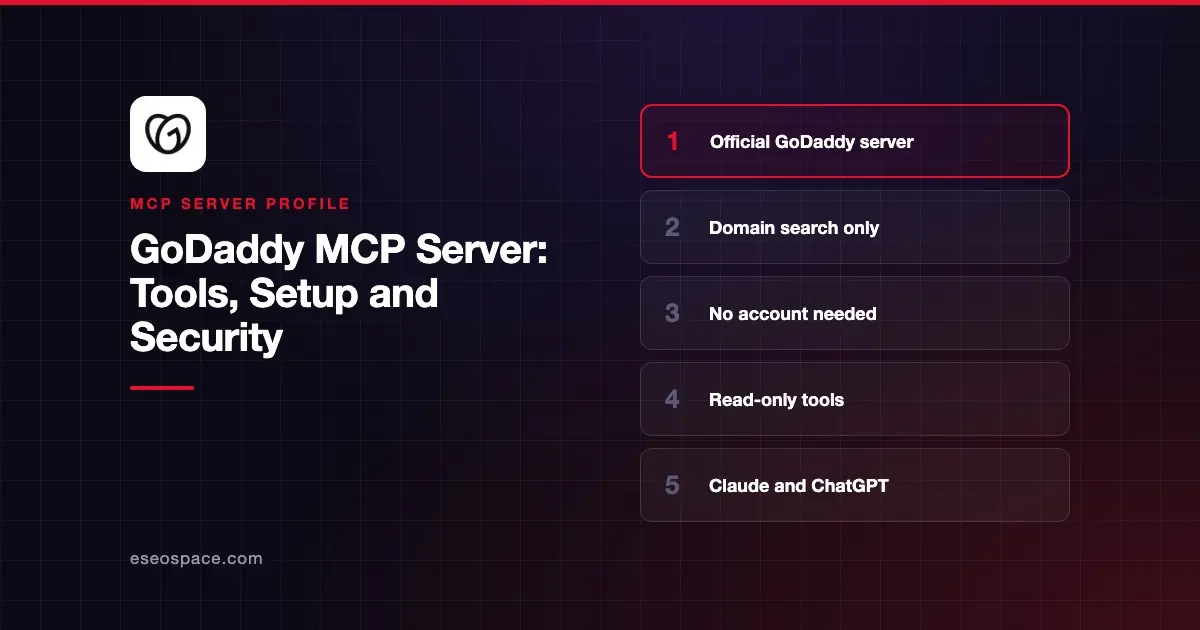
The GoDaddy MCP server lets an AI app search for domain names and check if they are available. It is read-only and uses public data, so you do not need a GoDaddy account or sign-in. GoDaddy hosts it at https://mcp.godaddy.com.
Checked against: GoDaddy's MCP server docs, GoDaddy's connection guide and Claude's GoDaddy listing on 2 November 2026. eSEOspace did not install or test this server.
Key Takeaways
- GoDaddy's docs list two tools:
check_domain_availabilityandsuggest_domains. Both are read-only. - No account, API key or OAuth sign-in is needed. Claude's listing marks sign-in "Not required."
- The tools "can't register domains, change DNS records, transfer domains, or make purchases."
- Use the URL exactly as
https://mcp.godaddy.com. GoDaddy says adding/mcpreturns a 404. - Claude's listing shows a different URL and older tool names, so the directory connector may lag the docs.
At a glance
| Item | Detail |
|---|---|
| Publisher | GoDaddy |
| Official? | Yes |
| Hosting | Remote URL |
| Transport | Streamable HTTP |
| Sign-in | None |
| Read or write | Read-only |
| Price | No price listed; no account needed; usage limits apply |
| Source code | Not published |
| Status | In Claude's directory since January 2026 |
What it can do
GoDaddy's docs describe the two tools:
| Tool | What it does |
|---|---|
check_domain_availability | Checks whether exact domain names can be registered, with pricing |
suggest_domains | Suggests names from keywords, a seed domain or a business description |
Every result includes a GoDaddy registration link. Clients that support MCP Apps show the results as an interactive list, and others get formatted text. GoDaddy's sample prompts include checking a name and asking for alternatives priced in euros.
Claude's listing shows the tools as check_domain and suggest_domains, with the URL https://api.godaddy.com/v1/domains/mcp. GoDaddy's docs still recommend the directory connector for Claude. If you add a custom connector instead, use the URL from GoDaddy's docs.
How to connect it
GoDaddy's connection guide recommends the official listings in Claude and ChatGPT. For clients that connect by URL, the settings are the server URL https://mcp.godaddy.com, Streamable HTTP and no authentication.
Claude Code:
claude mcp add --transport http godaddy https://mcp.godaddy.comCodex and the ChatGPT desktop app share ~/.codex/config.toml:
[mcp_servers.godaddy]
url = "https://mcp.godaddy.com"
GoDaddy also covers Cursor and VS Code. In ChatGPT on the web, add a custom MCP server with "No authentication." Our MCP config generator can format other clients.
Security notes
The server cannot change anything, so the risks are small. GoDaddy's own advice:
- Check the URL. When you install from a marketplace or one-click link, confirm it matches
https://mcp.godaddy.com. - Use trusted clients. Only connect MCP clients from sources you trust.
- Watch for prompt injection. Content from other tools or sites in the same chat can carry instructions.
- Keep a human in the loop. Leave tool-call confirmation on.
Prices and availability "can change quickly," so recheck before you buy. Registration happens on godaddy.com after you follow a result link. To buy domains or manage DNS from an agent, GoDaddy points to its gddy CLI agent skill with your own credentials.
See prompt injection through tool results, the MCP project's security best practices and our MCP Security Center.
Alternatives
- Cloudflare MCP server for DNS and site settings on Cloudflare.
- Vercel MCP server for domains and deployments on Vercel.
- Wix MCP server if you want to build the site once you pick a name.
Next step
Use GoDaddy's server while naming a business or campaign, then register the winner on godaddy.com. Our MCP server directory lists more servers for website teams.
More in the MCP Guide
Free tools: MCP Server Risk Checklist · Tool Permission Planner
Latest research: State of MCP: October 2026
Frequently asked questions
Do I need a GoDaddy account to use the MCP server?
No. GoDaddy says the tools read public domain data only, so you need no account, PAT or OAuth sign-in.
Can the GoDaddy MCP server buy a domain?
No. It cannot register, transfer or purchase domains or change DNS. Each result includes a link to register on godaddy.com.
Why does my client get a 404?
GoDaddy says to use https://mcp.godaddy.com with no path. Adding /mcp to the URL returns a 404.
Is the GoDaddy MCP server free?
GoDaddy does not list a price and needs no account. Its docs say usage limits apply.