This profile is part of our MCP server directory, within The MCP Guide. Profiles are checked against each vendor's own documentation. Need a server built? See MCP development.

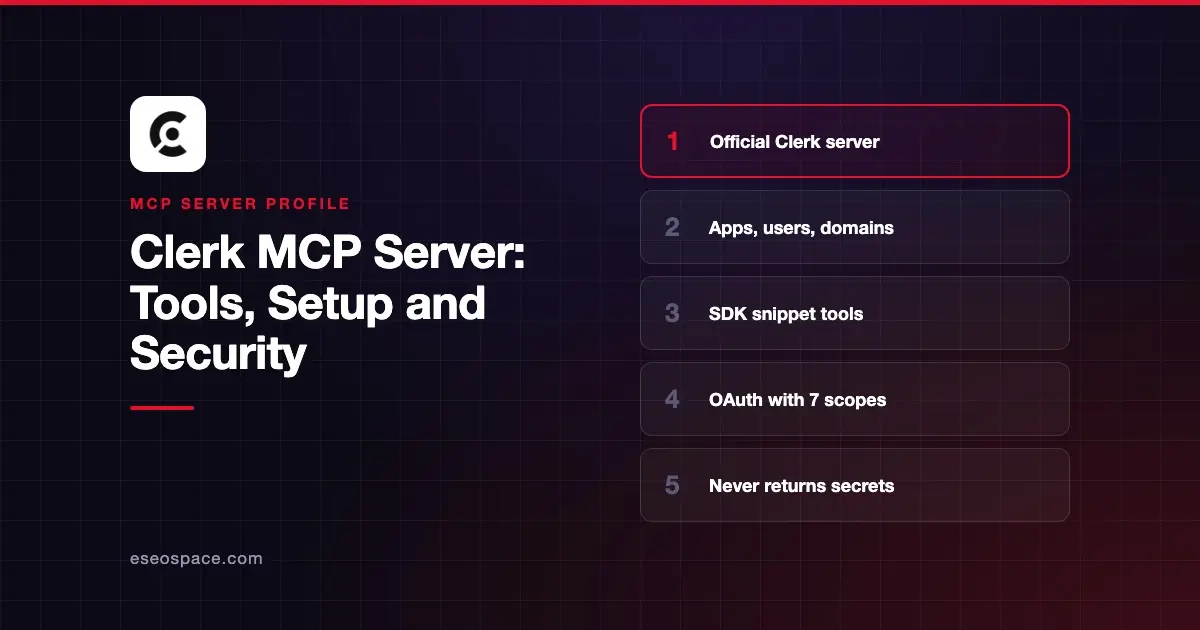
The Clerk MCP server lets coding agents work with your Clerk account. It can create and configure applications, list and create users, check domain DNS and set up production instances. It also serves ready-made Clerk SDK snippets. Clerk hosts it at https://mcp.clerk.com/mcp.
Checked against: Clerk's MCP server docs and Claude's Clerk listing on 2 November 2026. eSEOspace did not install or test this server.
Key Takeaways
- Every tool requires OAuth sign-in with your Clerk Dashboard account and a chosen workspace.
- Clerk lists seven OAuth scopes, from
applications:readtousers:manage. - Write tools are marked so your client can ask before running them. Creating a production instance needs
confirm: true. - Clerk says the server "never returns your instances' secret keys" and redacts sensitive config values.
- It supports Streamable HTTP only, not SSE.
At a glance
| Item | Detail |
|---|---|
| Publisher | Clerk |
| Official? | Yes |
| Hosting | Remote URL (hosted by Clerk) |
| Transport | Streamable HTTP only |
| Sign-in | OAuth with workspace selection |
| Read or write | Read-write (apps, config, users, production setup) |
| Price | No separate MCP price listed |
| Source code | Not published |
| Status | Live; added to Claude's directory March 2026 |
What it can do
Clerk's docs split the tools into two groups.
Account tools:
whoamishows the connected user, workspace and granted permissions.list_applications,get_applicationandcreate_applicationmanage applications.get_instance_config,get_instance_config_schema,patch_instance_configandput_instance_configread or change instance settings, with a dry-run preview.list_usersandcreate_userfind and create users.list_domains,get_domain_statusandcheck_domain_dnshandle DNS records and verification.get_deploy_oauth_providers,create_production_instanceandset_oauth_provider_credentialsmove an app to production.list_application_feedback,submit_feedbackandget_more_toolshandle feedback.
SDK snippet tools: clerk_sdk_snippet and list_clerk_sdk_snippets return code patterns and bundles such as b2b-saas or organizations.
Claude's listing showed only the two snippet tools on 2 November 2026, so the account tools may not appear in every client yet.
How to connect it
For Claude Code:
claude mcp add clerk --transport http https://mcp.clerk.com/mcpRun /mcp, select clerk and choose Authenticate. Your browser opens so you can sign in, pick a workspace and approve the permissions.
For Codex:
codex mcp add clerk --url https://mcp.clerk.com/mcpFor claude.ai, go to Customize > Connectors, add a custom connector with the URL above, and keep "Use Claude's published identity" selected. On Team and Enterprise plans, an Owner must add it in Organization settings first.
For clients without OAuth support, such as Claude Desktop's config file, Windsurf or Zed, Clerk uses mcp-remote:
{
  "mcpServers": {
    "clerk": {
      "command": "npx",
      "args": ["-y", "mcp-remote", "https://mcp.clerk.com/mcp"]
    }
  }
}
Clerk also documents Cursor, VS Code and Vercel's fx agent. Our MCP config generator can format other configs.
Security notes
Clerk's design limits several common risks:
- Role-bound. The server "acts as you in the selected workspace," so it can only do what your workspace role allows.
- No secret keys. Clerk says the server never returns secret keys, even when it creates an app or production instance. Copy keys from the Dashboard or use
clerk env pull. - Confirmation.
create_production_instancecannot be undone, so it requiresconfirm: true.
Watch the high-impact tools. put_instance_config replaces configuration, and set_oauth_provider_credentials changes how users sign in. Use dry runs and approval prompts.
On data sharing, Clerk says each tool asks your agent for a one-sentence context summary, which Clerk receives for product analytics with the tool name, success and your user ID. It does not send tool inputs or results. submit_feedback sends reports with credentials redacted.
To switch workspaces through mcp-remote, Clerk says to delete ~/.mcp-auth, which signs you out of every server using it. The MCP project's security best practices and our MCP OAuth misconfiguration guide cover more, as does the MCP Security Center.
Alternatives
- Auth0 MCP for Okta's identity platform.
- Supabase MCP server if you use Supabase Auth.
- Firebase MCP server for Firebase Authentication projects.
Next step
Connect Clerk and ask "Which Clerk applications do I have?" before letting the agent change any settings. For auth choices behind your own MCP server, see our best MCP auth providers list or the MCP server directory.
More in the MCP Guide
Free tools: MCP Server Risk Checklist · Tool Permission Planner
Latest research: State of MCP: October 2026
Frequently asked questions
Can the Clerk MCP server see my secret keys?
No. Clerk says it never returns your instances' secret keys and redacts sensitive values when reading configuration.
Does it support SSE?
No. Clerk's server only supports Streamable HTTP at https://mcp.clerk.com/mcp.
How do I switch Clerk workspaces?
Sign out of the Clerk server in your AI client, connect again and pick another workspace. With mcp-remote, delete the ~/.mcp-auth folder and restart.
Is the Clerk MCP server for my app's users?
No. It works with your Clerk developer account. To add sign-in to your own MCP server, see Clerk's separate guides.