This profile is part of our MCP server directory, within The MCP Guide. Profiles are checked against each vendor's own documentation. Need a server built? See MCP development.

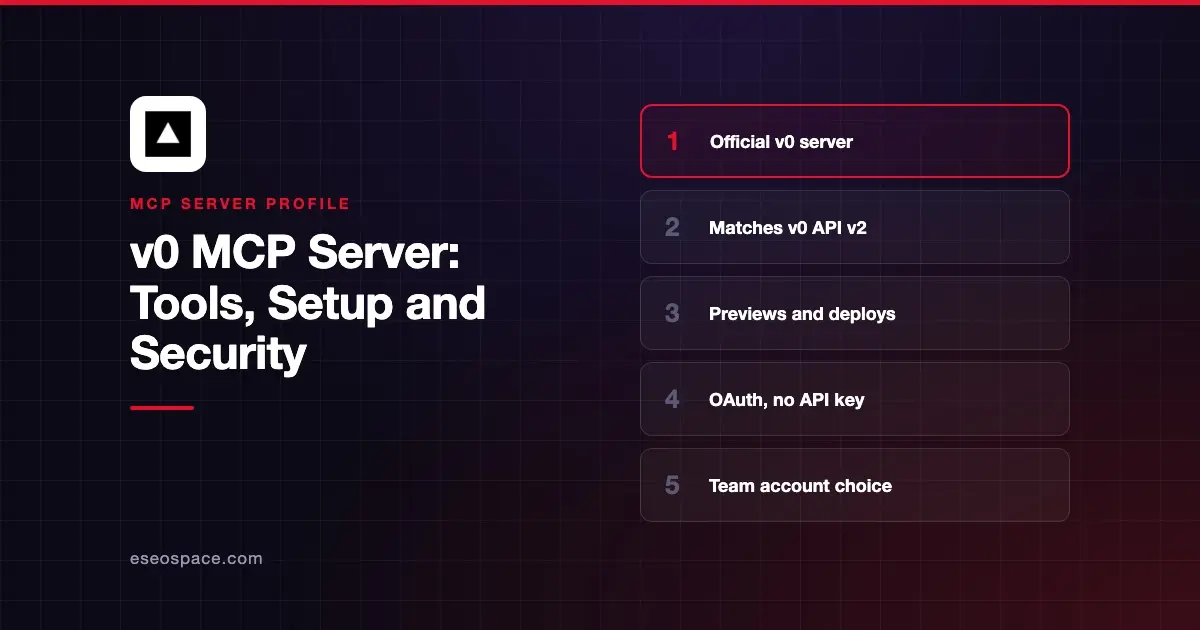
The v0 MCP server lets another agent use v0, Vercel's AI app builder. From Claude, Cursor or another MCP client, you can create v0 chats, import code, edit files, get preview links and deploy to Vercel. Vercel hosts it at https://v0.app/api/mcp.
Checked against: v0's MCP client guide (last updated 2 November 2026) and Claude's v0 listing on 2 November 2026. eSEOspace did not install or test this server.
Key Takeaways
- v0 says the server has "full parity with the public v0 API v2," except streaming operations and ZIP downloads.
- Tool names match API operations, such as
chats.createandmessages.send. - Sign-in is OAuth. v0 says, "Do not put a v0 API key in your MCP client configuration."
- During sign-in you choose which v0 account or team the client uses.
chats.deploycreates a Vercel project if the chat does not have one yet.
At a glance
| Item | Detail |
|---|---|
| Publisher | Vercel |
| Official? | Yes |
| Hosting | Remote URL (hosted by Vercel) |
| Transport | Streamable HTTP; mcp-remote bridge for stdio-only clients |
| Sign-in | OAuth, with account or team selection |
| Read or write | Read-write, including file edits and deploys |
| Price | No separate MCP price listed |
| Source code | Not published |
| Status | Live; added to Claude's directory July 2026 |
What it can do
The v0 guide says the server can create and import chats, edit files, continue app builds, deploy apps, and manage MCP servers, webhooks, usage and preview settings. Because tools mirror the v0 API v2, the API reference documents each tool's parameters.
Common workflows in the guide include:
- Create a chat that builds an app from a prompt.
- Continue a chat, for example asking v0 to add dark mode.
- Resolve a pending task when v0 pauses to approve a plan, answer a question or grant a permission.
- Get a preview URL with
chats.getPreview, or the chat link withchats.getUrl. - Import a GitHub repo, inline files, a ZIP, a Vercel project or a Claude Design HTML export.
- Read and edit source files in a chat.
- Deploy with
chats.deploy. - Review usage and list configured MCP servers and webhooks.
For long jobs, chats.createAsync and messages.sendAsync return IDs right away. You then poll messages.get until the message's finishReason is set.
Claude's listing shows eight tools with camelCase names, such as createChat, sendChatMessage, getPreview and resolveTask. Expect the tool names in your client to differ from the docs depending on how you connect.
How to connect it
If your client supports Streamable HTTP, use the URL directly:
{
  "mcpServers": {
    "v0": {
      "url": "https://v0.app/api/mcp"
    }
  }
}
If your client needs a local stdio bridge, v0 gives:
{
  "mcpServers": {
    "v0": {
      "command": "npx",
      "args": ["mcp-remote", "https://v0.app/api/mcp"]
    }
  }
}
The first connection starts OAuth. Sign in to v0, choose the account or team, and approve. To switch teams later, remove the connection and add it again. In Claude, you can instead add v0 from the connector directory. Our MCP config generator can format the JSON for other clients.
Security notes
The team you pick at sign-in decides what the agent can reach, so choose the narrowest one that works. Other points from the docs:
- Deploys.
chats.deploycan create a new Vercel project and deploy. Keep approval prompts on for it. - Design imports. v0 says an imported Claude Design HTML file "is uploaded to a public Vercel Blob before generation starts." Do not import designs that contain confidential content.
- SSO. If your team requires SSO, a tool response may return a re-authentication link you must complete.
- No API keys in config. OAuth keeps long-lived keys out of config files.
Imported repositories and files are untrusted input for the agent. See prompt injection through tool results. The MCP project's security best practices and our MCP Security Center cover the rest.
Alternatives
- Vercel MCP server for projects, deployments and logs.
- Lovable MCP server for building and deploying Lovable apps.
- Replit MCP server for creating and publishing Replit Apps.
Next step
Connect v0 and ask it to list your recent chats before creating anything new. Pair it with the deploy steps in our deploy checks playbook, or browse the MCP server directory.
More in the MCP Guide
Free tools: MCP Server Risk Checklist · Tool Permission Planner
Latest research: State of MCP: October 2026
Frequently asked questions
Is the v0 MCP server official?
Yes. Vercel documents it on v0's docs site and publishes it in Claude's connector directory.
Can I use a v0 API key with the MCP server?
No. v0's guide says the server uses OAuth for MCP clients and tells you not to put an API key in your config.
What can't the v0 MCP server do?
Streaming operations and ZIP file downloads are not exposed as tools. v0 suggests the async tools and chats.getFiles instead.
How do I switch v0 teams?
Remove the v0 connection in your client and connect again. During sign-in, choose the other team.