This profile is part of our MCP server directory, within The MCP Guide. Profiles are checked against each vendor's own documentation. Need a server built? See MCP development.
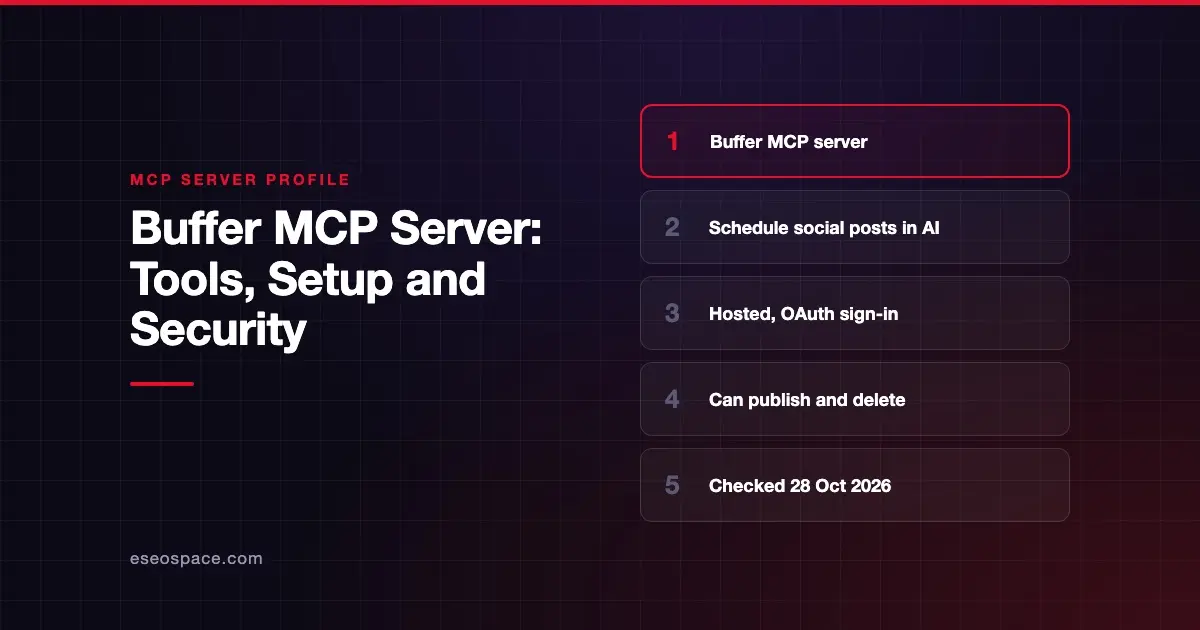
The Buffer MCP server lets an AI app draft, schedule, edit and review your social media posts in Buffer. It also manages ideas and post templates and pulls post metrics. Buffer hosts the server at https://mcp.buffer.com/mcp and connects most AI tools through OAuth, with no API key.
Checked against: Buffer MCP server docs on 28 October 2026. eSEOspace did not install or test this server.
If you are new to MCP, start with what an MCP server is.
Key Takeaways
- Buffer calls
https://mcp.buffer.com/mcp"the only Buffer MCP endpoint." - Tools cover your account, channels, posts, ideas and post templates, plus one prompt,
review_weekly_posts. create_postcan publish immediately, anddelete_postcannot be undone.- "The connection covers your whole account," with no per-organization scoping.
- MCP requests share the same rate limits as your API keys, across 15-minute, 24-hour and 30-day windows.
At a glance
| Item | Detail |
|---|---|
| Publisher | Buffer |
| Official? | Yes |
| Hosting | Remote URL: https://mcp.buffer.com/mcp |
| Transport | HTTP (Claude Code command uses --transport http) |
| Sign-in | OAuth for most tools; API key for tools without OAuth support |
| Read or write | Read and write, including delete |
| Price | No separate MCP price listed; rate-limit quotas depend on your plan |
| Source code | Closed |
| Status | Not stated |
What it can do
Buffer's docs list these tools:
- Account:
get_account, which also returns plan limits for each organization. - Channels:
list_channels,get_channel. - Posts:
list_posts,get_post,create_post,edit_post,delete_post,get_aggregated_post_metrics. - Ideas:
list_ideas,list_idea_groups,create_idea. - Post templates:
list_post_templates,get_post_template,create_post_template,update_post_template,delete_post_template.
Buffer also mentions two generic tools that reach the rest of its GraphQL API, without naming them. The one documented prompt is review_weekly_posts. Post statuses you can filter on include draft, needs_approval, scheduled, sending, sent and error.
How to connect it
Buffer's Claude setup guide covers two routes.
Claude on the web or desktop: open the Customize menu, click Connectors, search for Buffer, click Connect and approve access.
Claude Code:
claude mcp add --transport http buffer https://mcp.buffer.com/mcpThen start a session, run /mcp, select the Buffer server, sign in and approve access.
Buffer's integrations page lists guides for ChatGPT and Codex, Cursor, Notion custom agents, Manus, Grok, Antigravity, Perplexity, n8n, Raycast and Zapier. For tools Buffer does not list, an "Other AI tools" guide explains connecting with an API key.
Rate limits
Buffer says MCP requests count against the same limits as API keys, measured over "a 15-minute, 24-hour and 30-day window." Quotas depend on your plan. Successful responses include the remaining quota. When you hit a limit, you get a 429 Too Many Requests error with a Retry-After value in seconds.
Security notes
- "Leave the approval prompts on." That is Buffer's own advice, because
create_postcan publish right away anddelete_postcannot be undone. - Whole-account access. Buffer says the connection covers your whole account. If you manage several brands, everything is in reach.
- Check the URL. Buffer warns you to check the server URL before trusting any one-click install from a third-party list. Only
mcp.buffer.com/mcpis official. - Public posts are public mistakes. A wrong post goes out under your brand. Use
draftorneeds_approvalworkflows where you can. Our MCP approval fatigue guide explains how to keep reviews meaningful. - Untrusted inputs. If the AI drafts posts from web pages or comments, hidden instructions can slip in. See MCP prompt injection.
The MCP security hub covers more.
Alternatives
- Hootsuite MCP servers: publishing, inbox, listening and employee advocacy.
- Meta Ads MCP server: paid Facebook and Instagram campaigns.
Next step
Social scheduling is a good place to pair AI drafting with human sign-off. See MCP for marketing teams for workflow ideas, or browse more MCP server profiles.
Frequently asked questions
Can the Buffer MCP server publish posts on its own?
Yes. Buffer says create_post can publish immediately. Keep your AI app's approval prompts on so a person confirms each post.
Do I need a Buffer API key?
Not for most tools. Buffer says most AI tools connect over OAuth with no API key. For unlisted tools, Buffer's "Other AI tools" guide covers API key setup.
Can I limit the connection to one organization?
No. Buffer says the connection covers your whole account, with no per-organization scoping.
What happens if I hit Buffer's rate limits?
You get a 429 Too Many Requests error with a Retry-After value in seconds. MCP calls share the same plan-based quotas as your API keys.